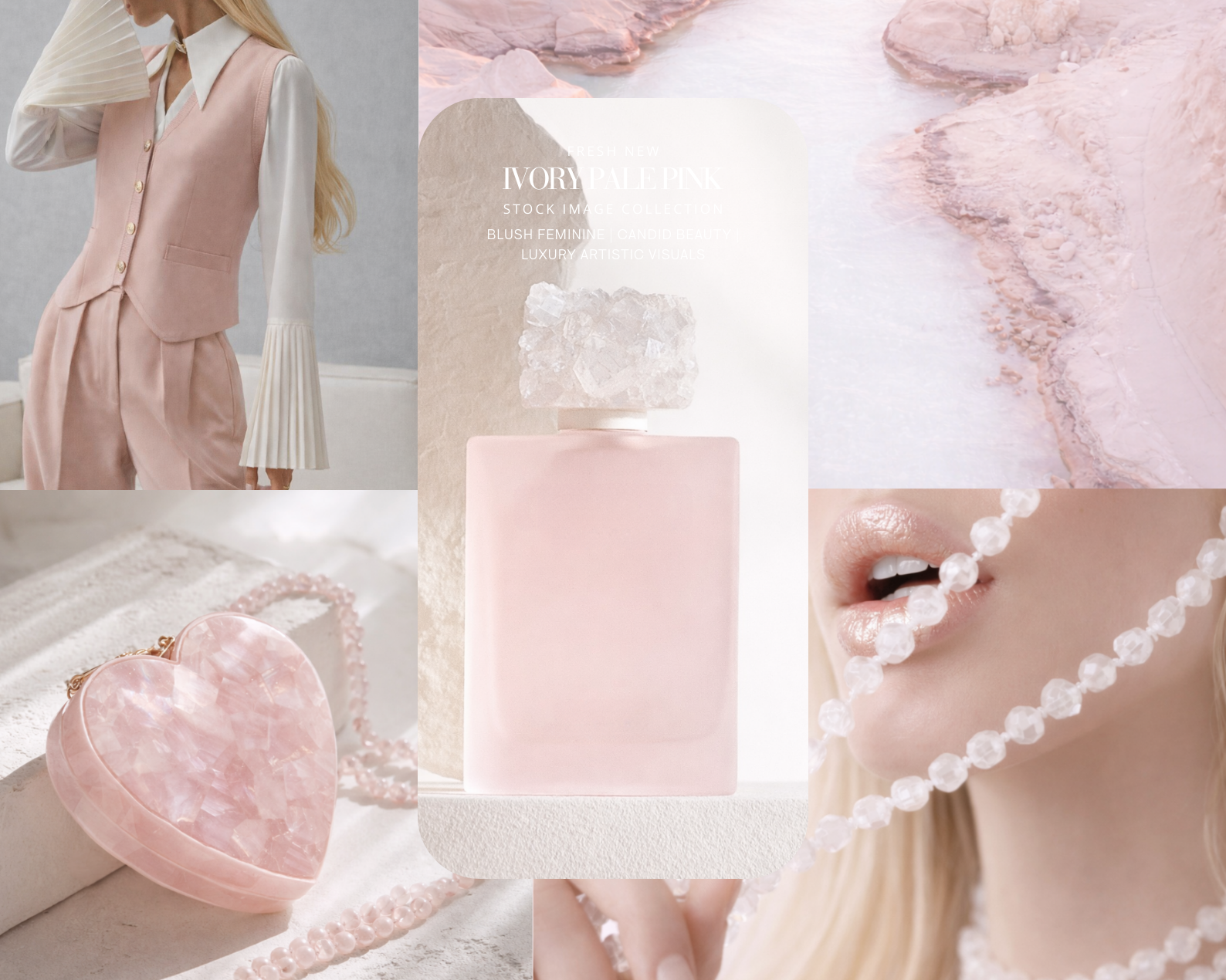
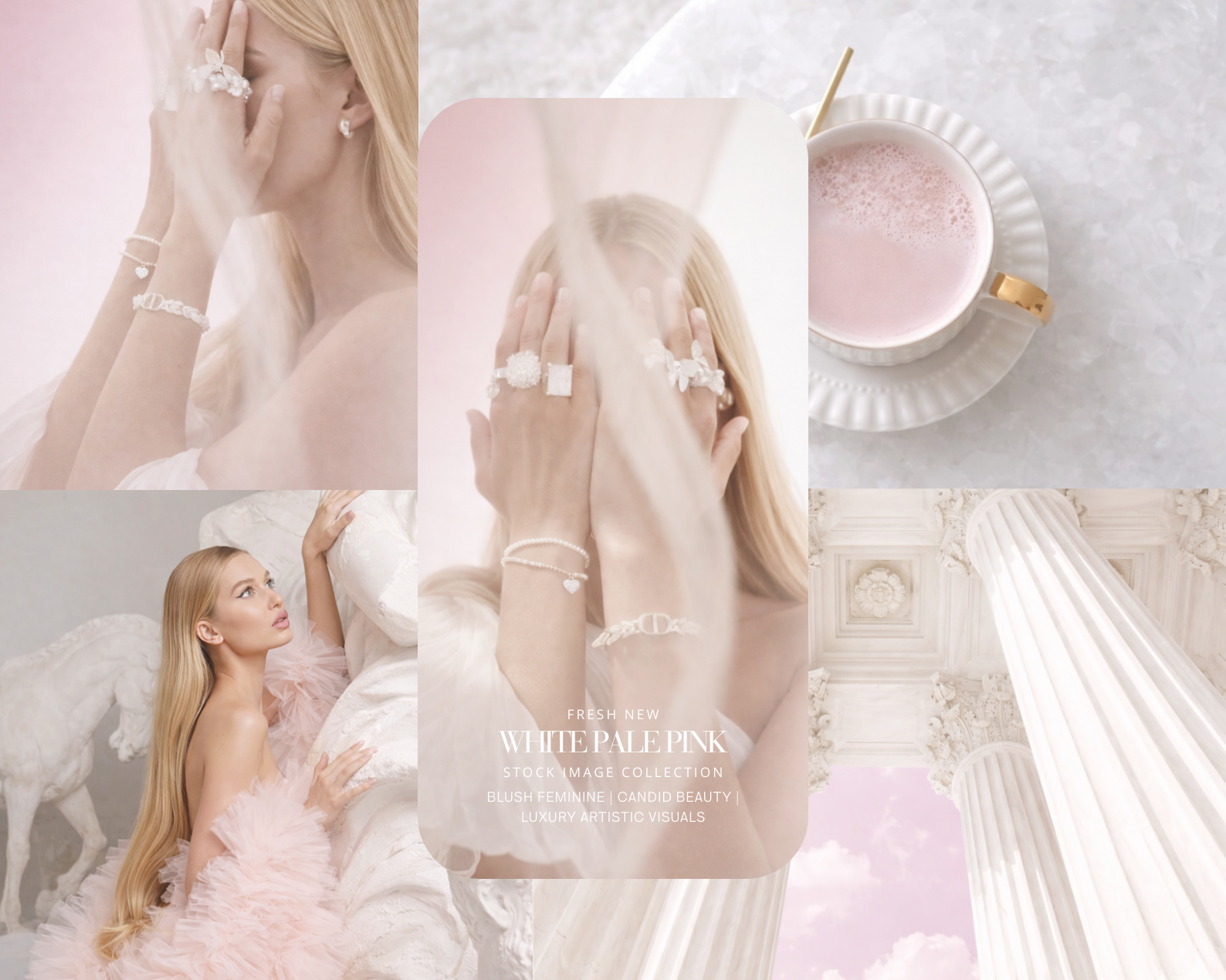
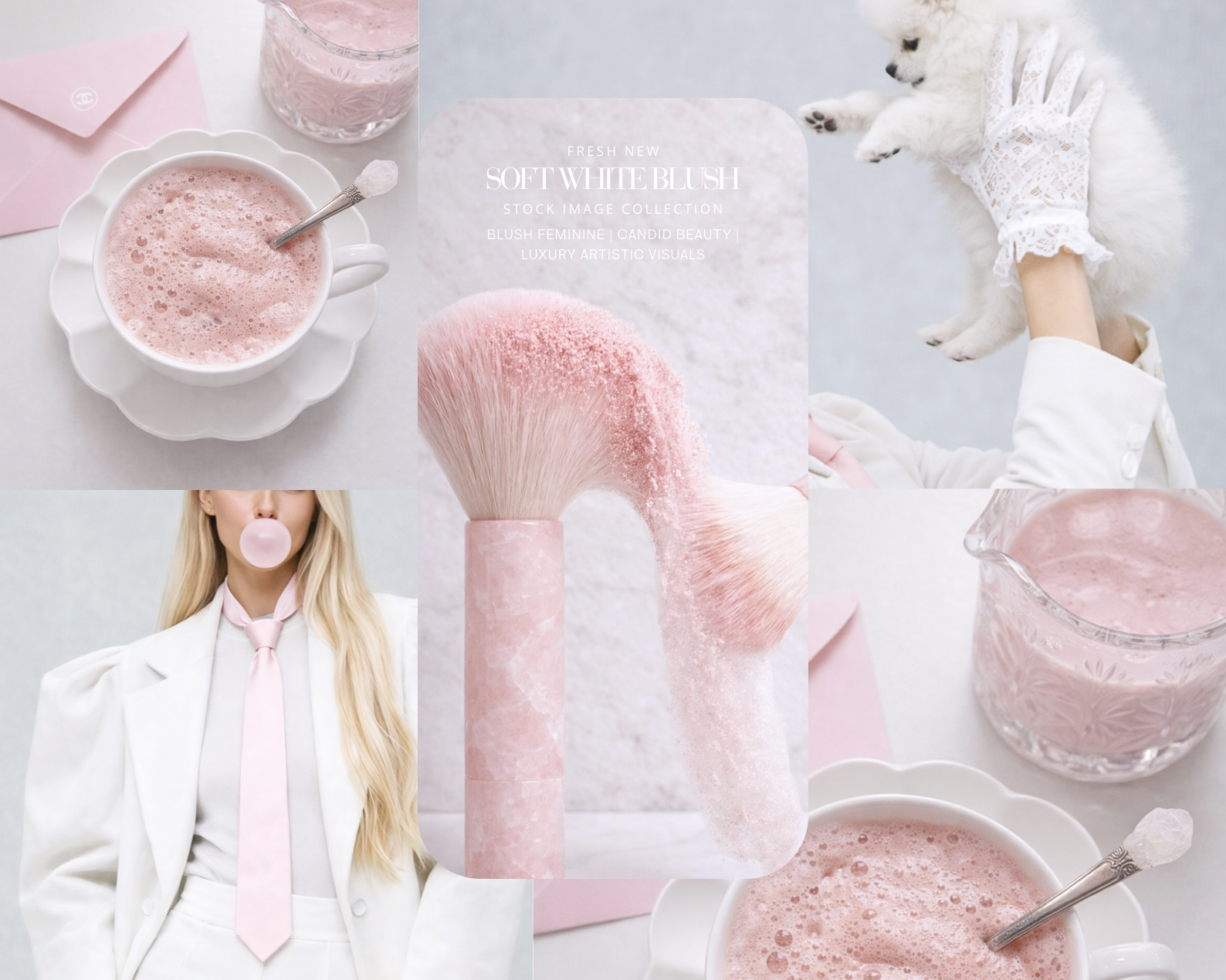
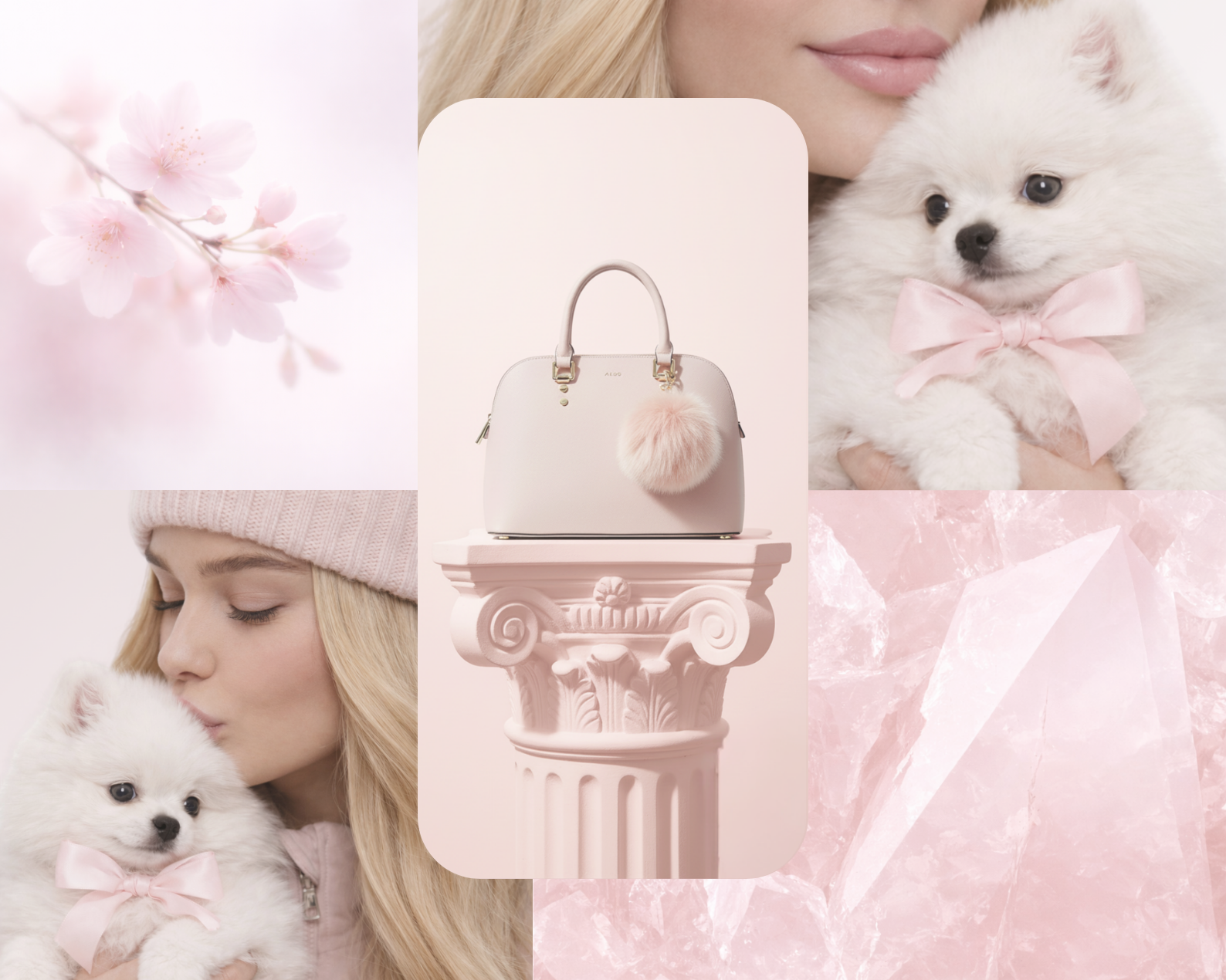
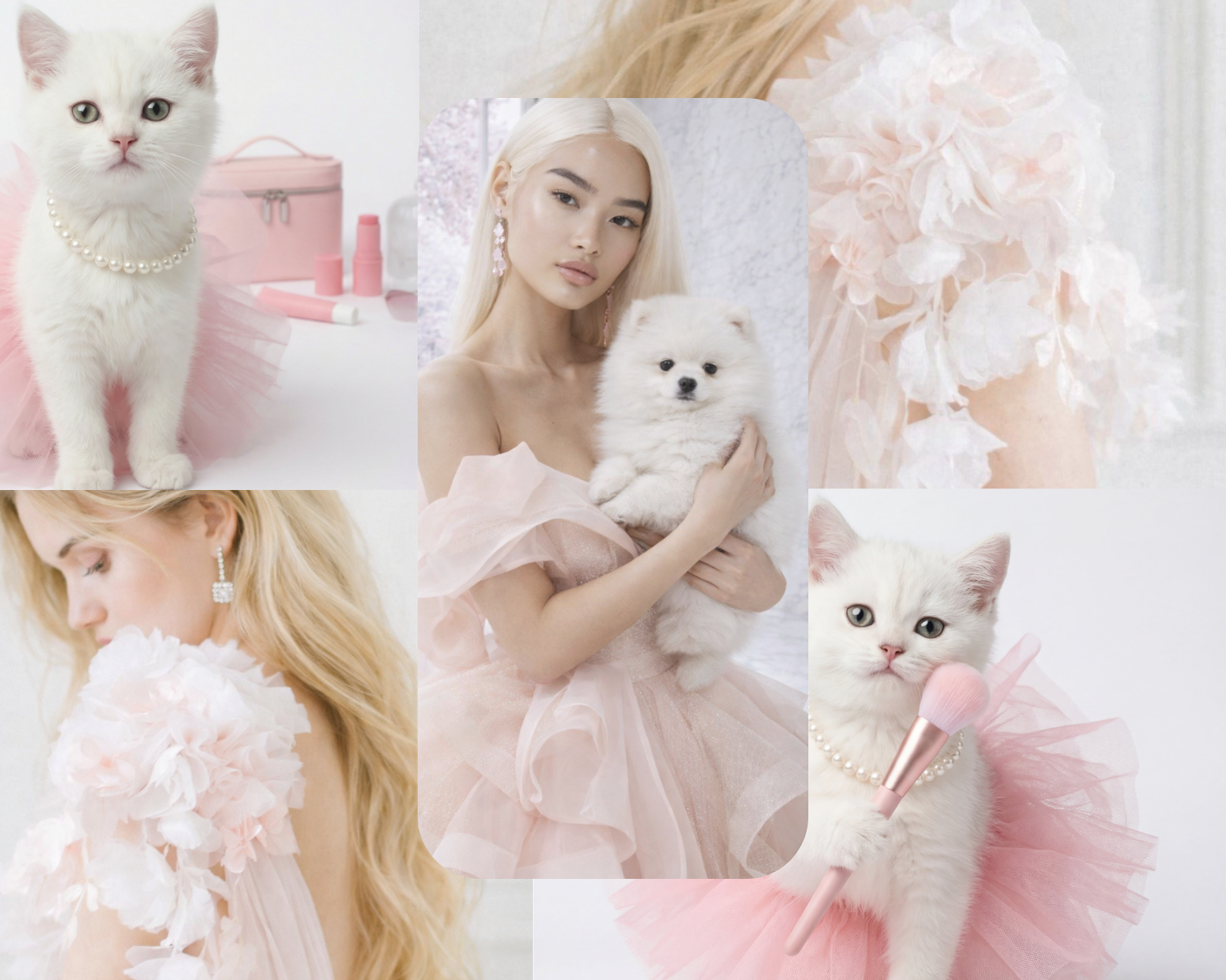
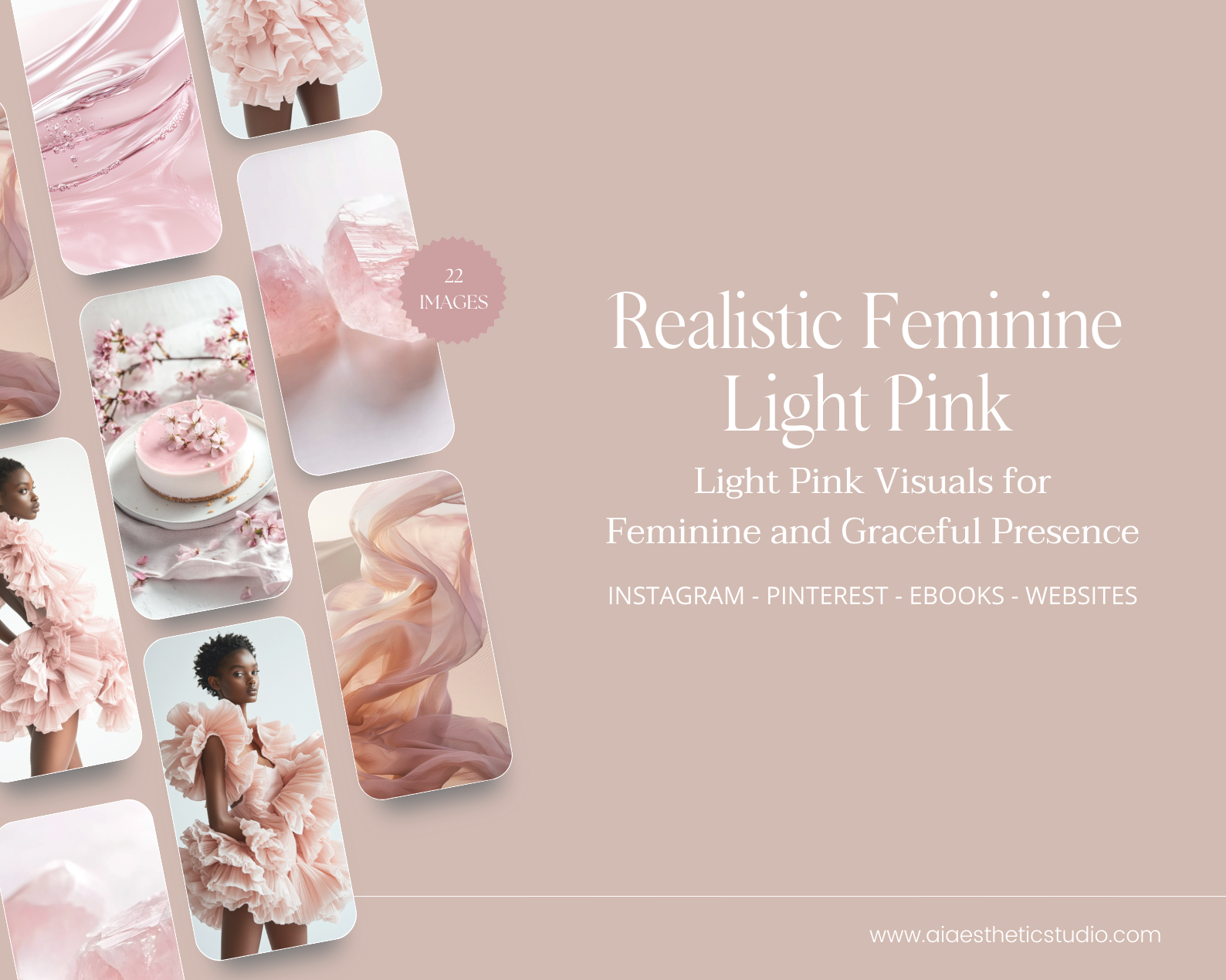
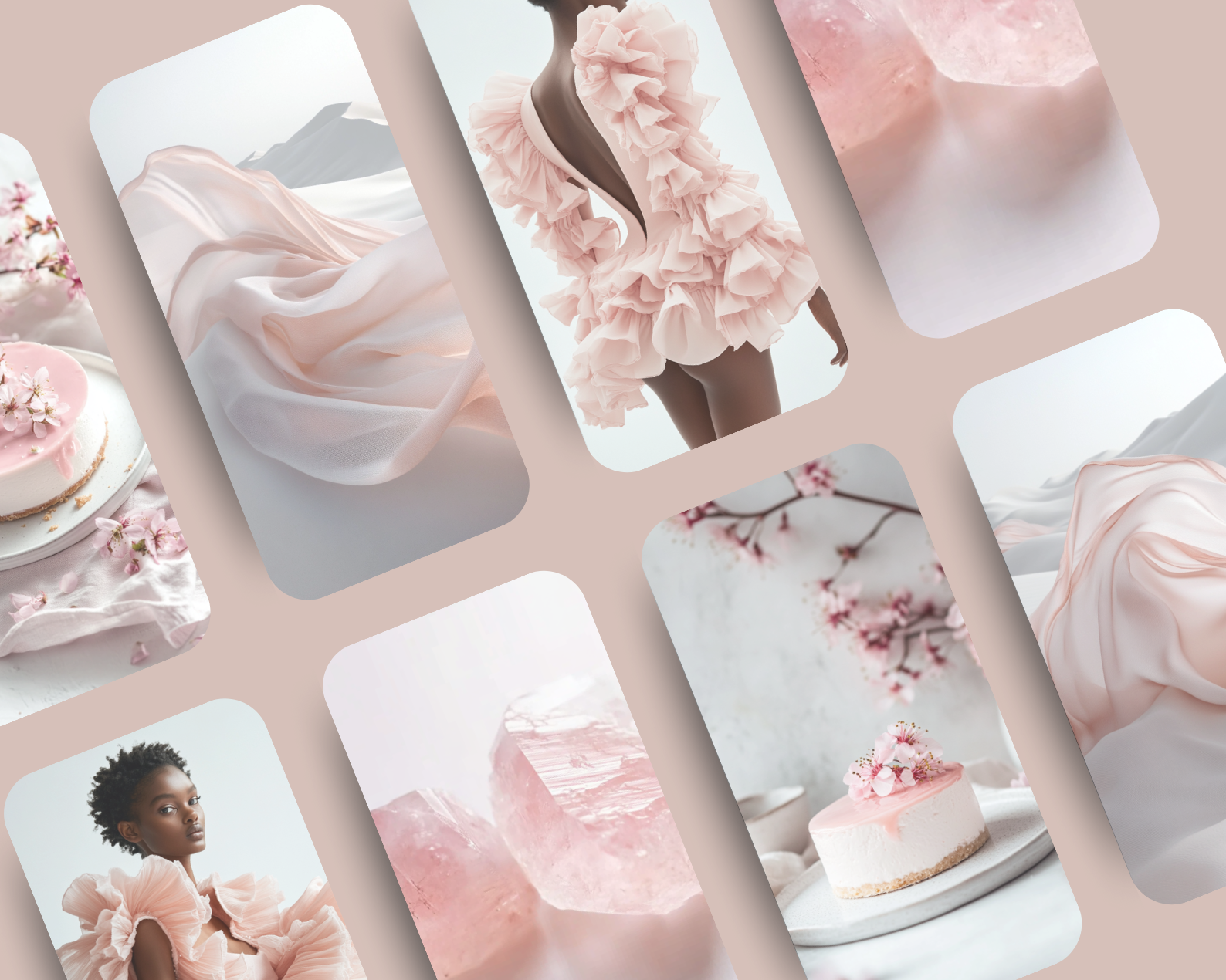
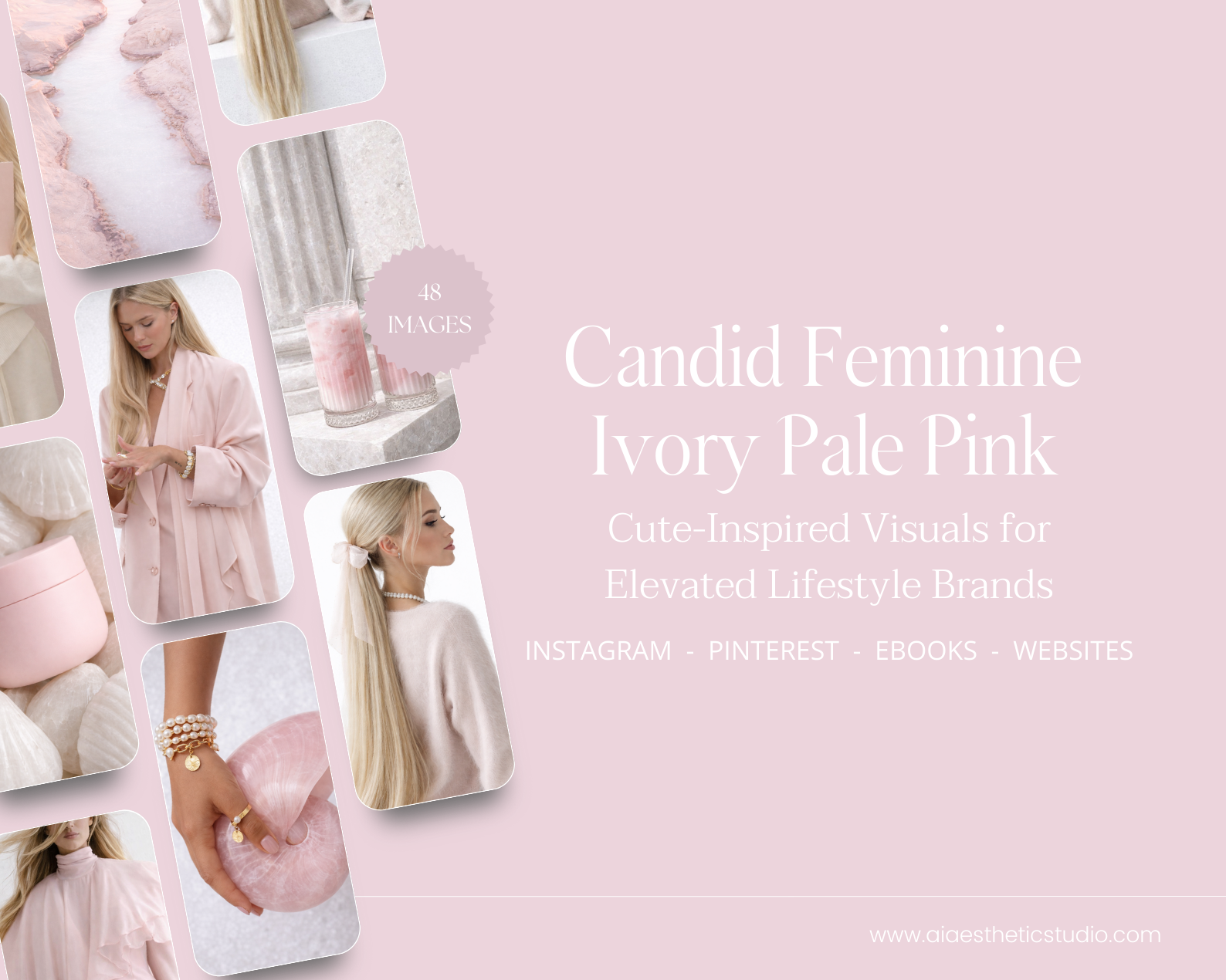
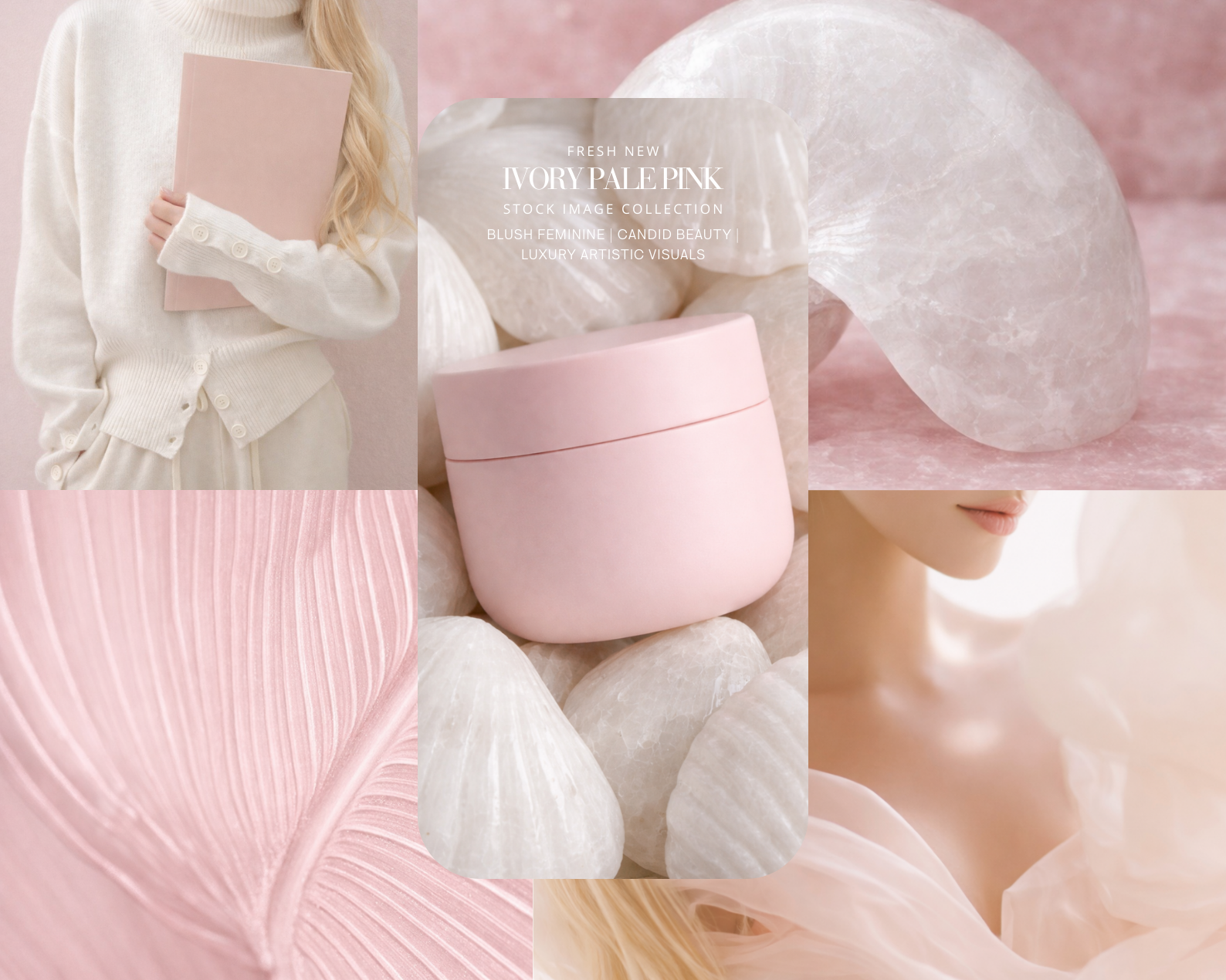
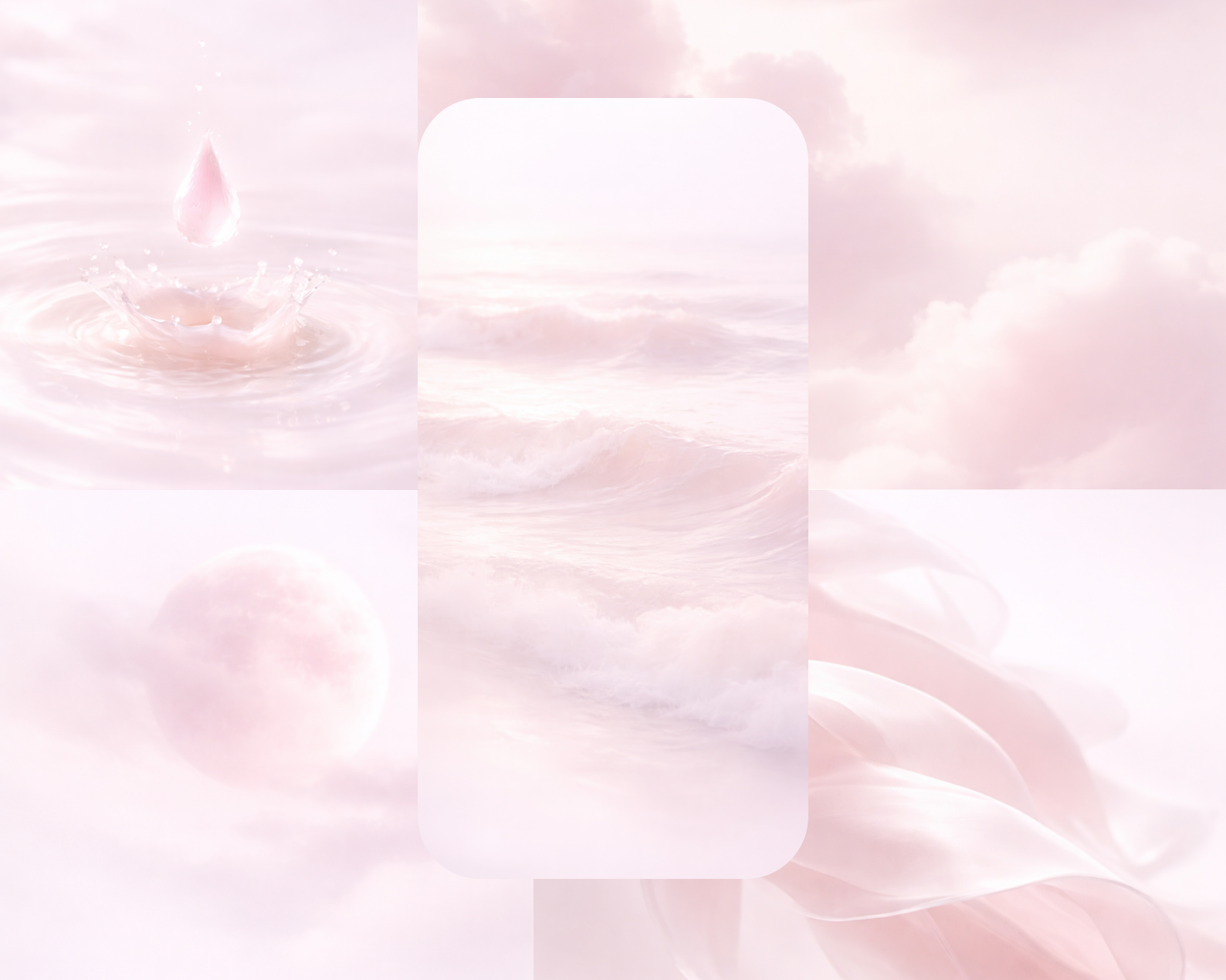
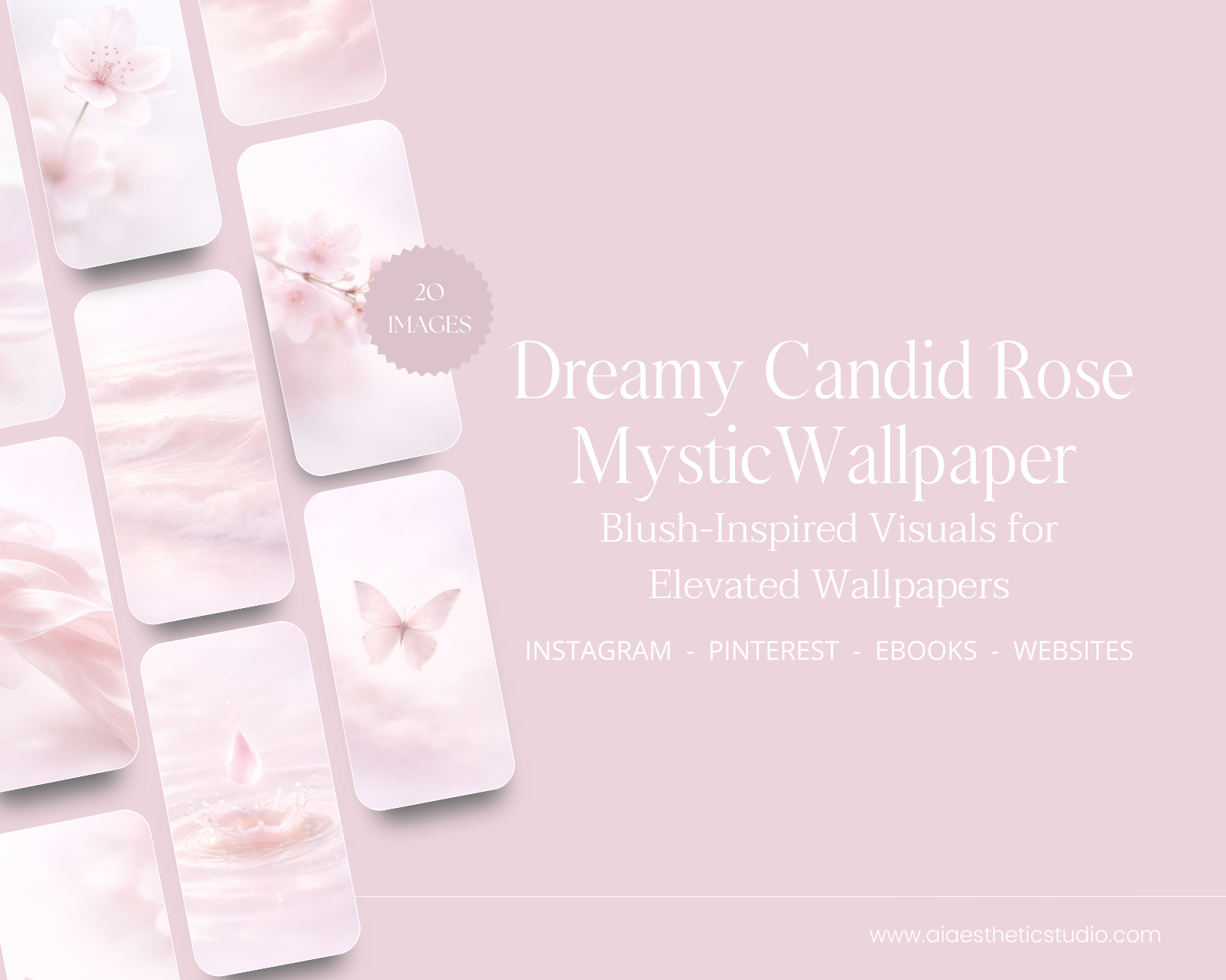
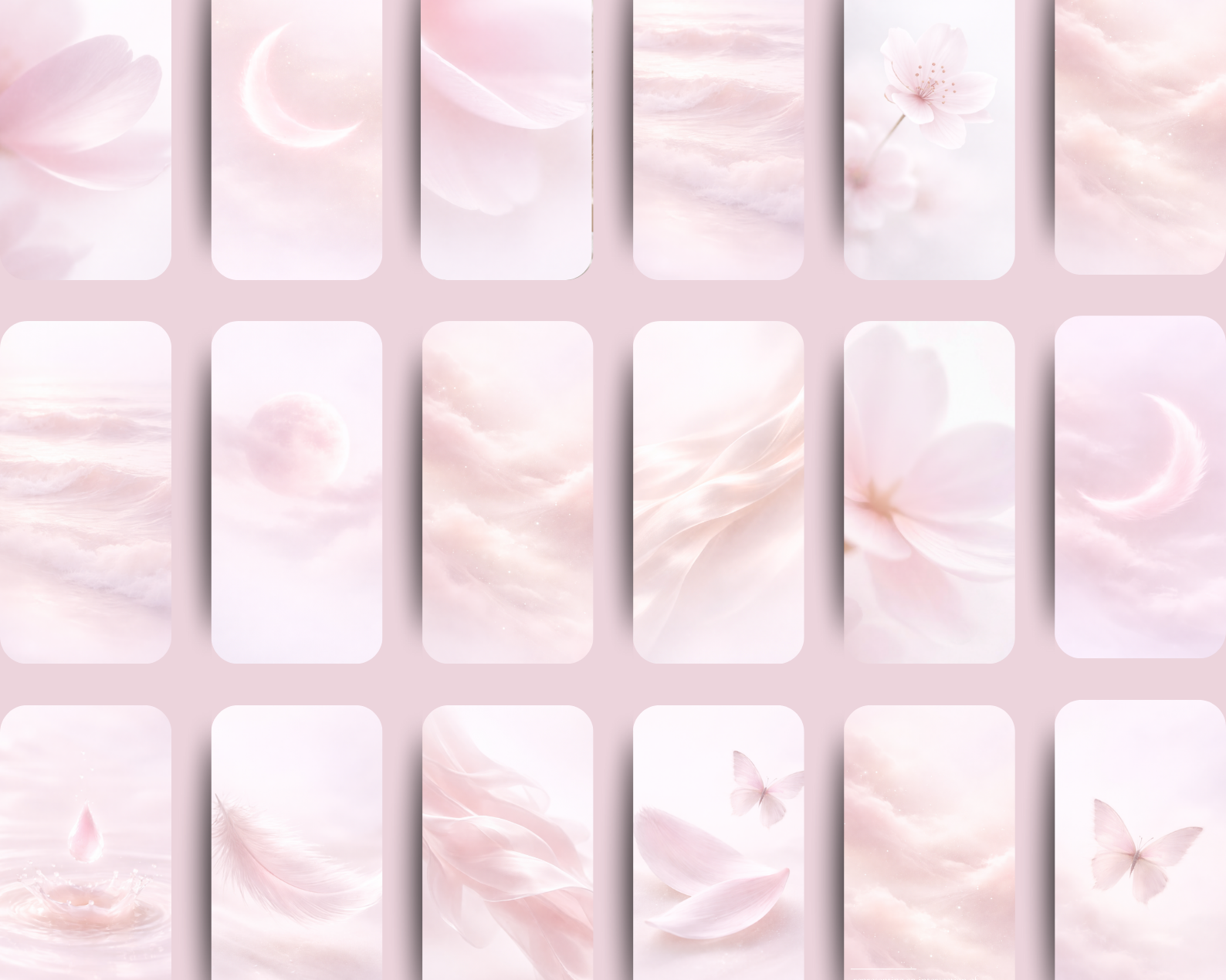
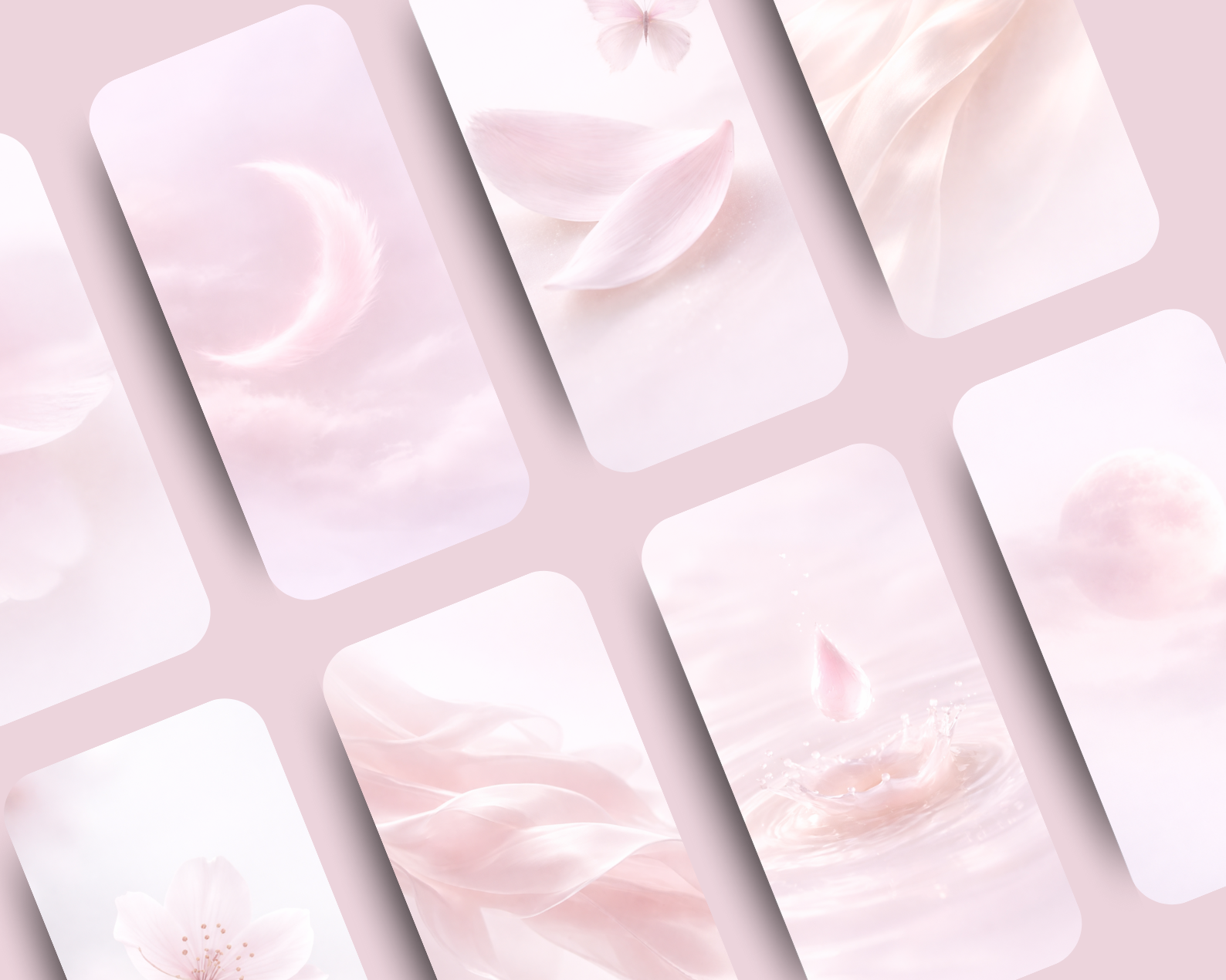
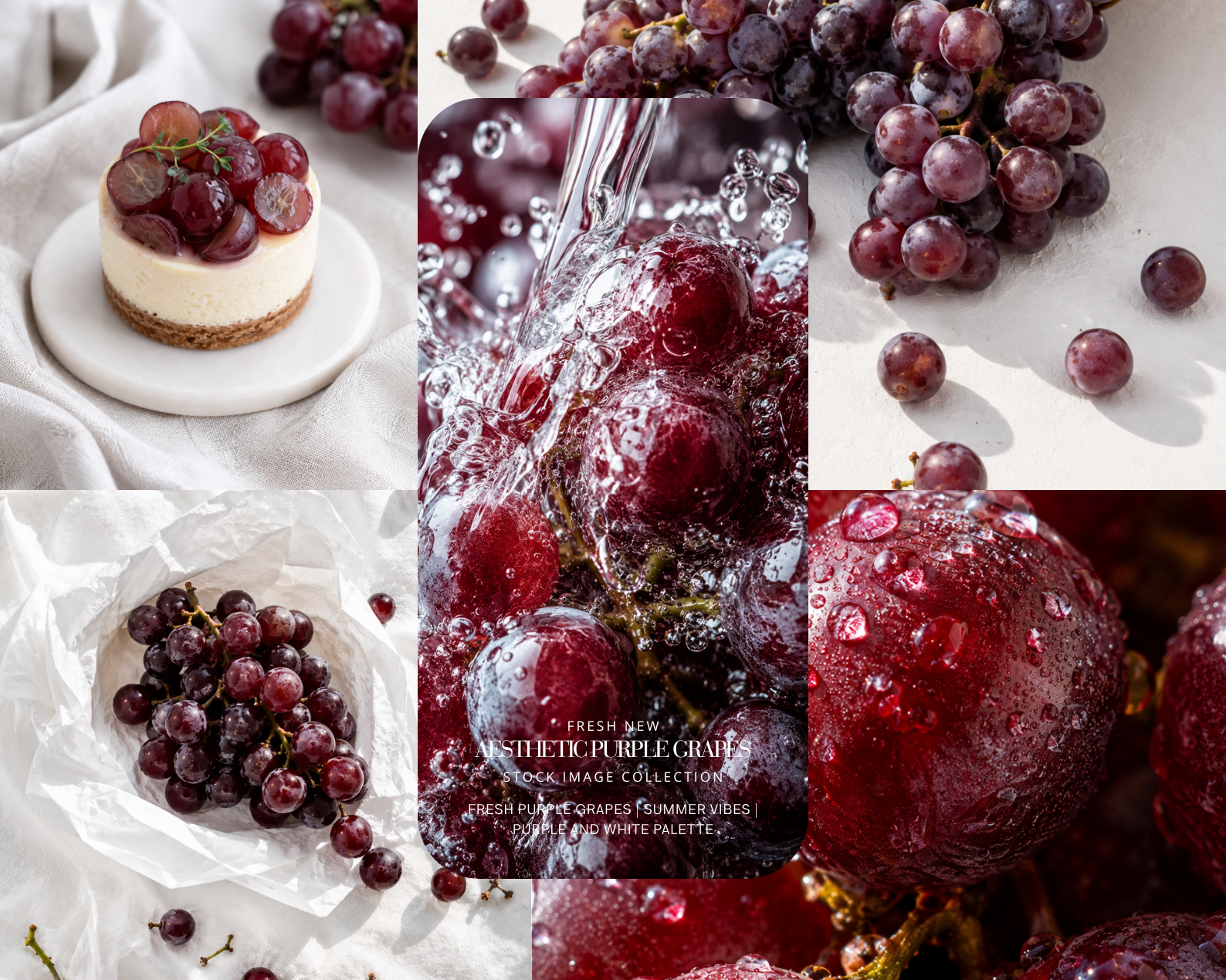
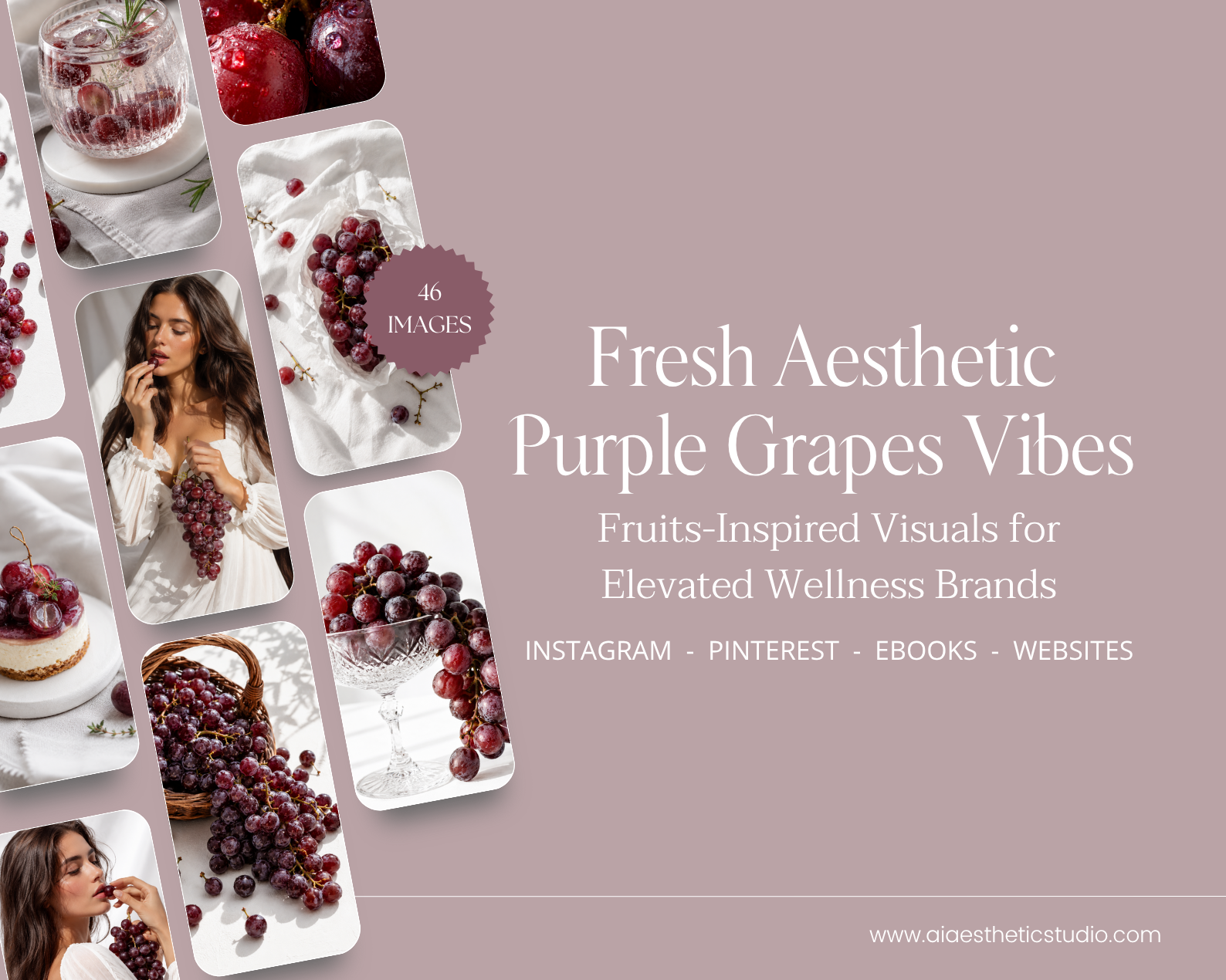
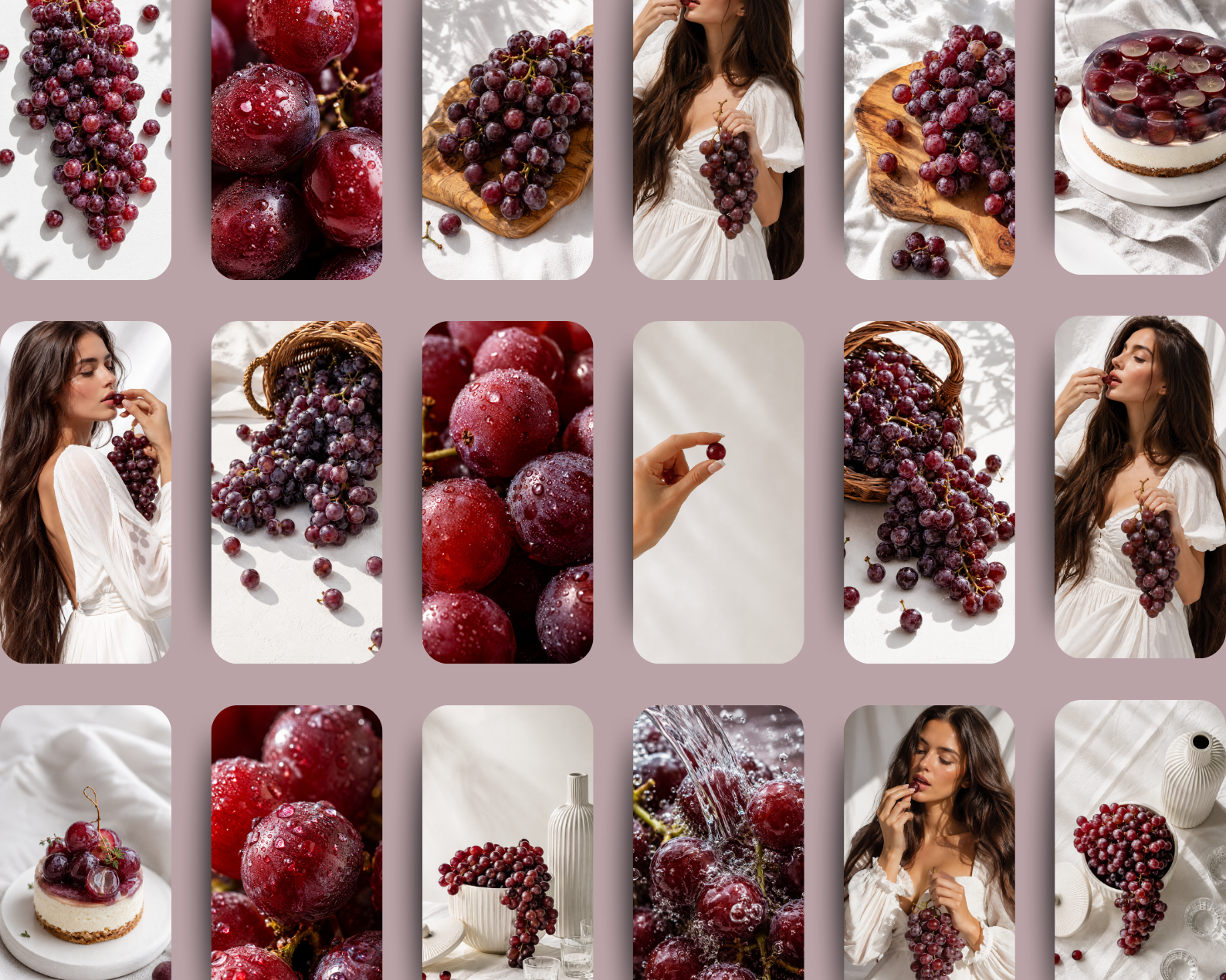
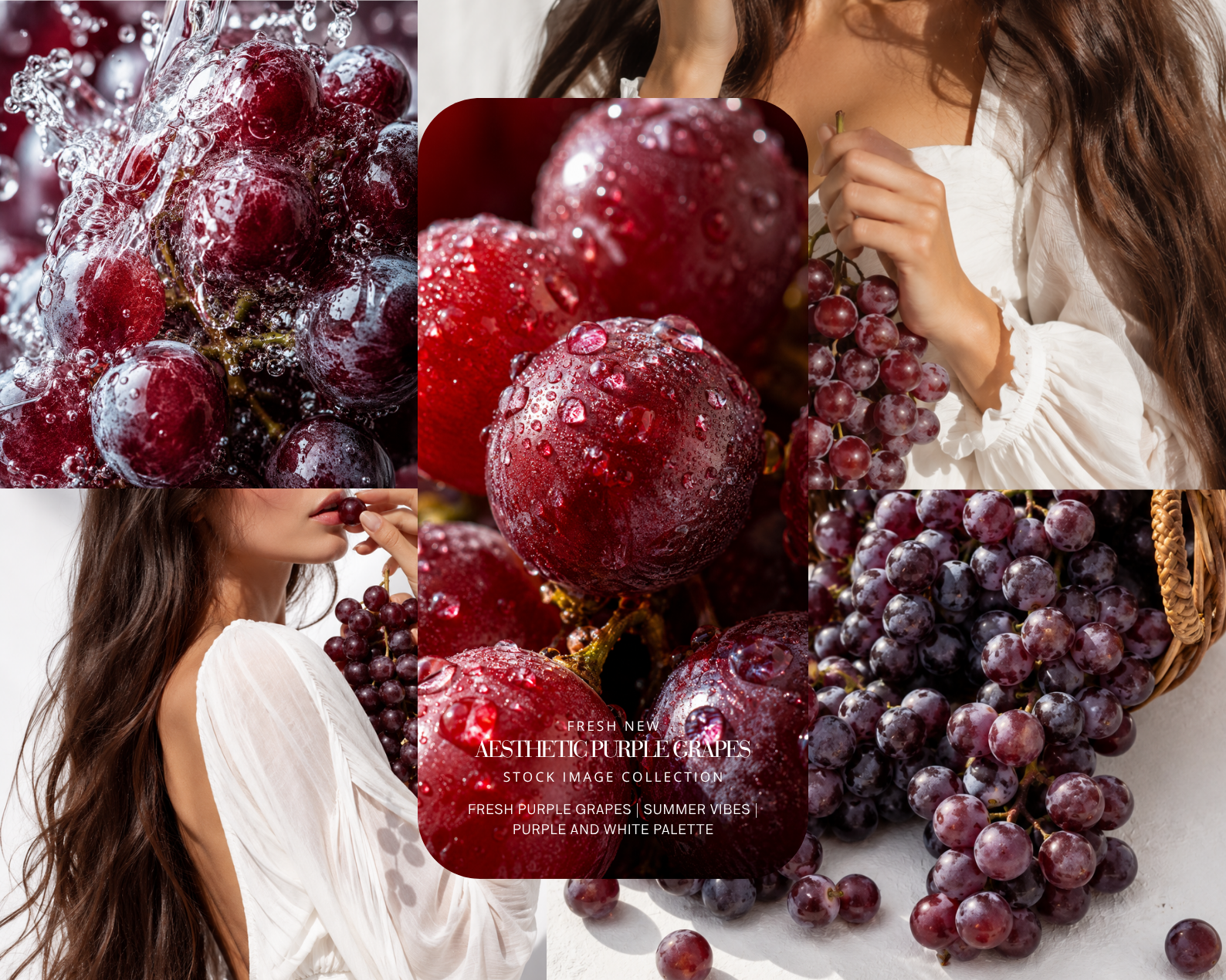
A romantic interplay of softness, elegance, and modern femininity, Rose White Feminine Realistic is an editorial stock collection created for brands that seek beauty through light, texture, and quiet sophistication.
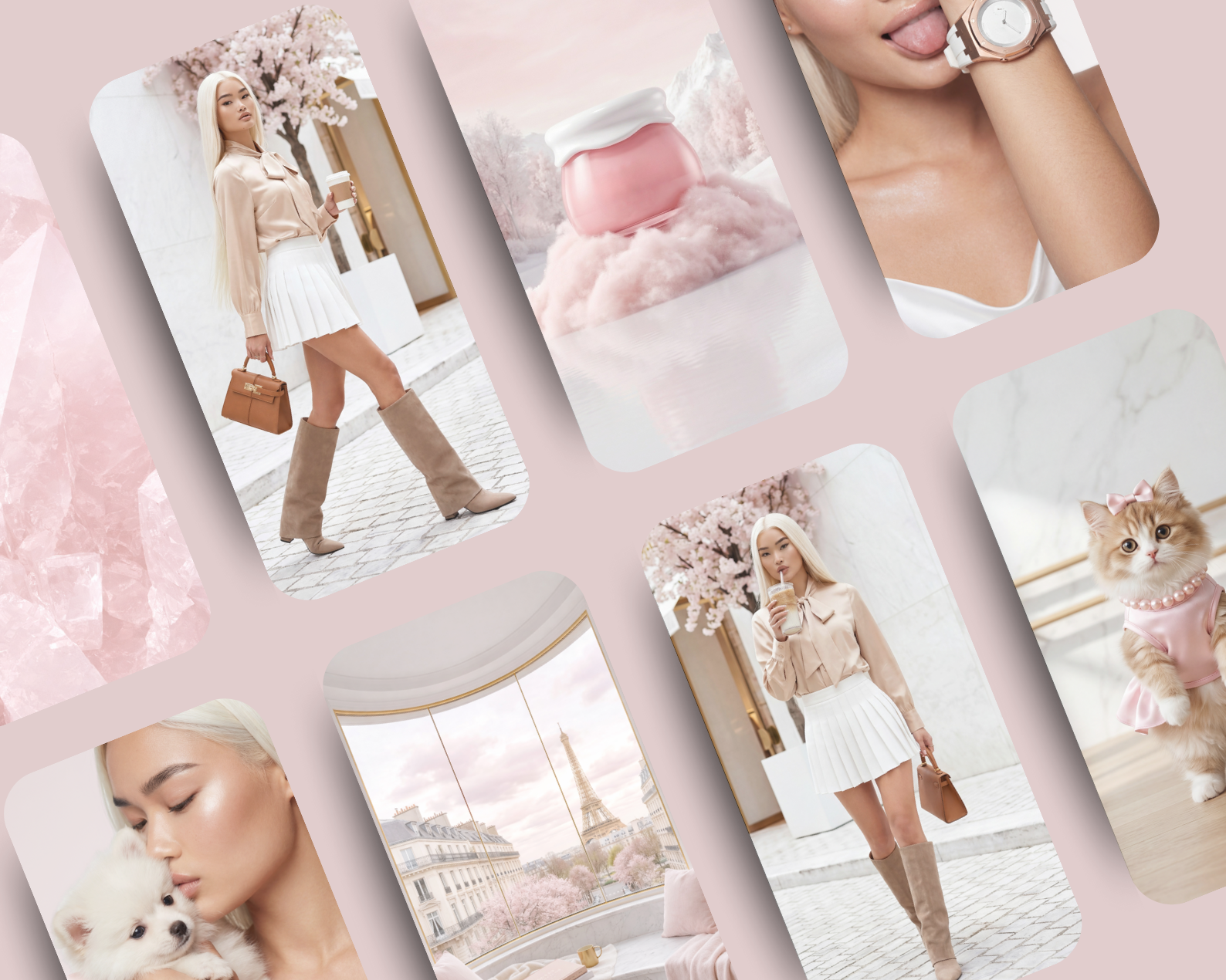
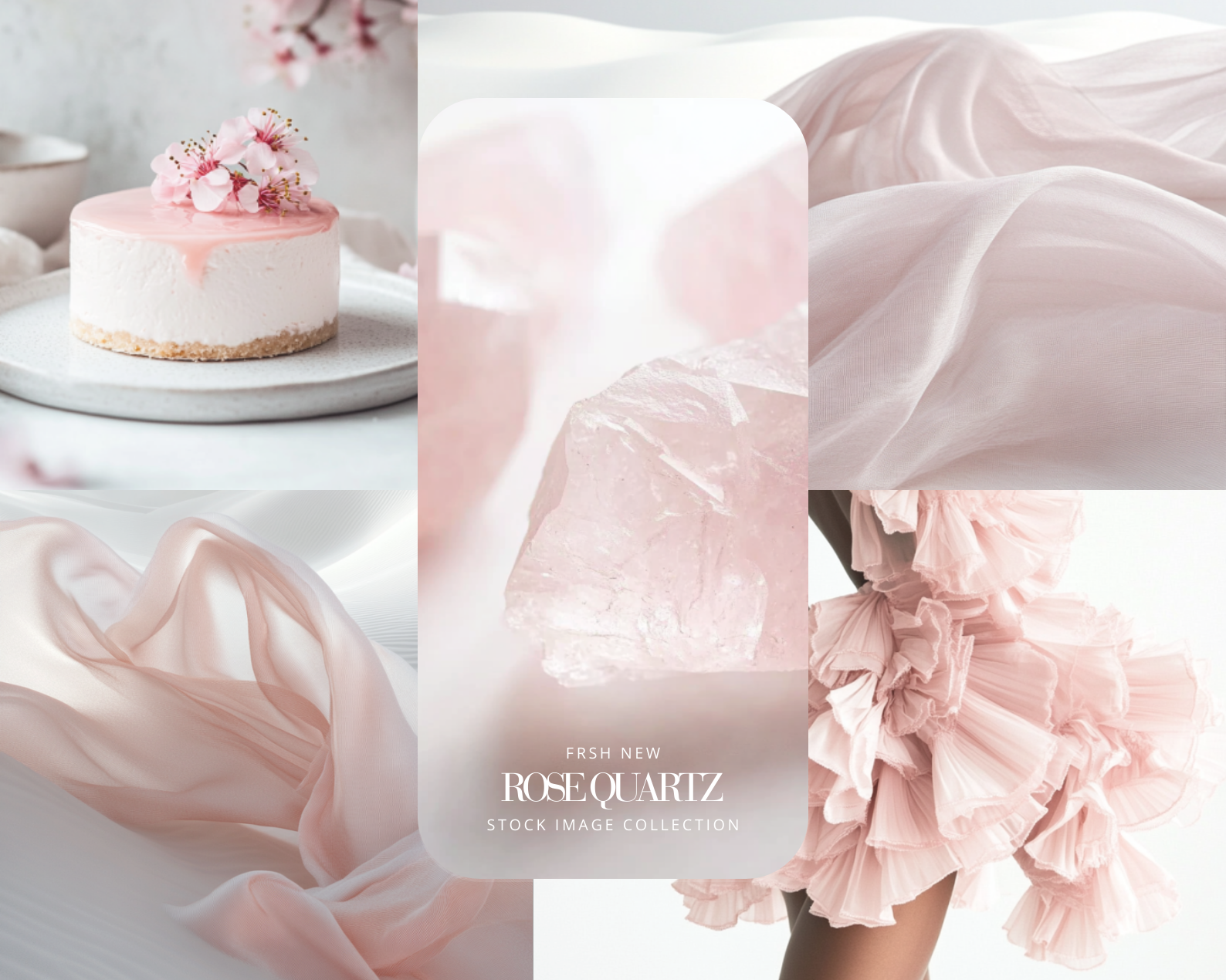
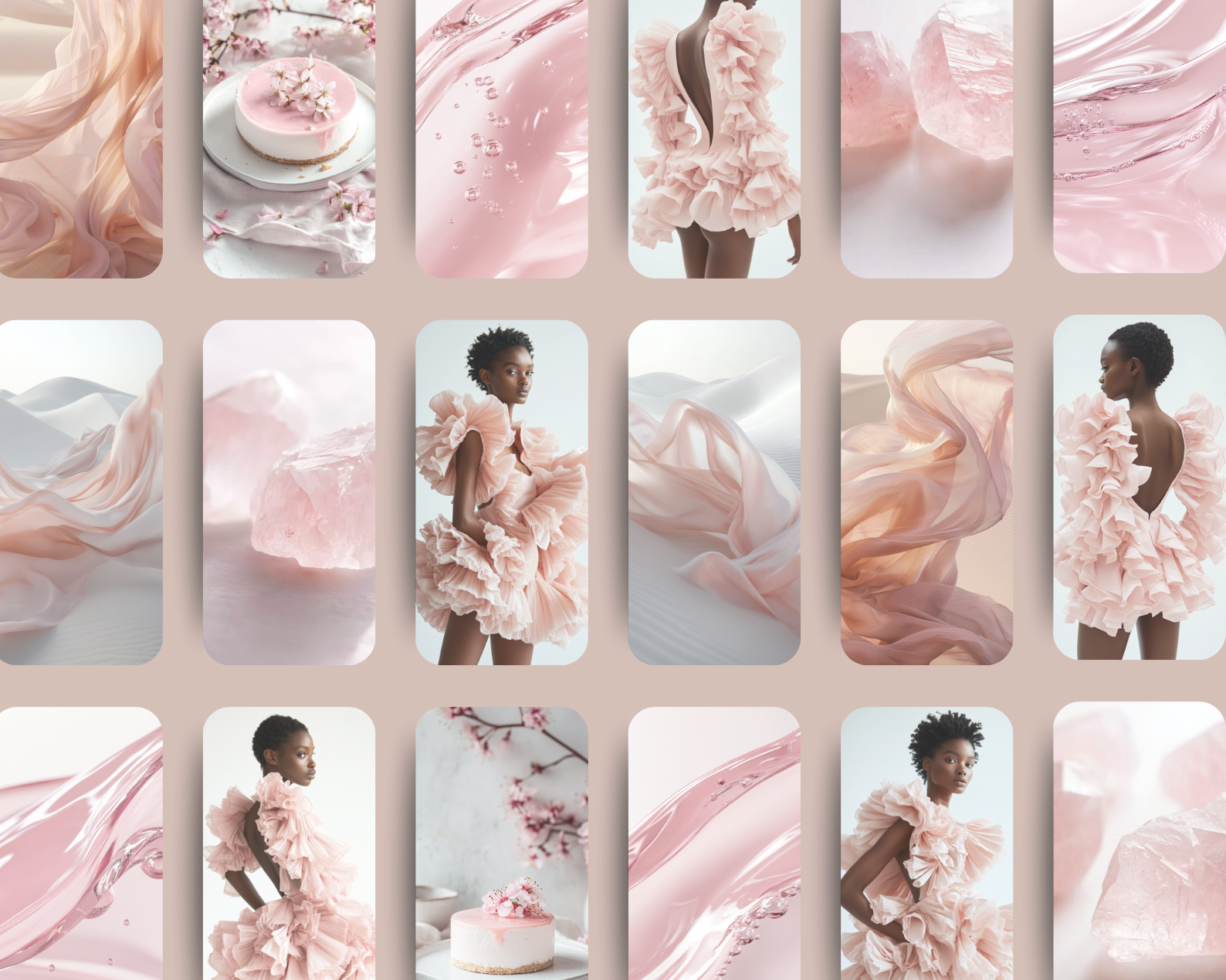
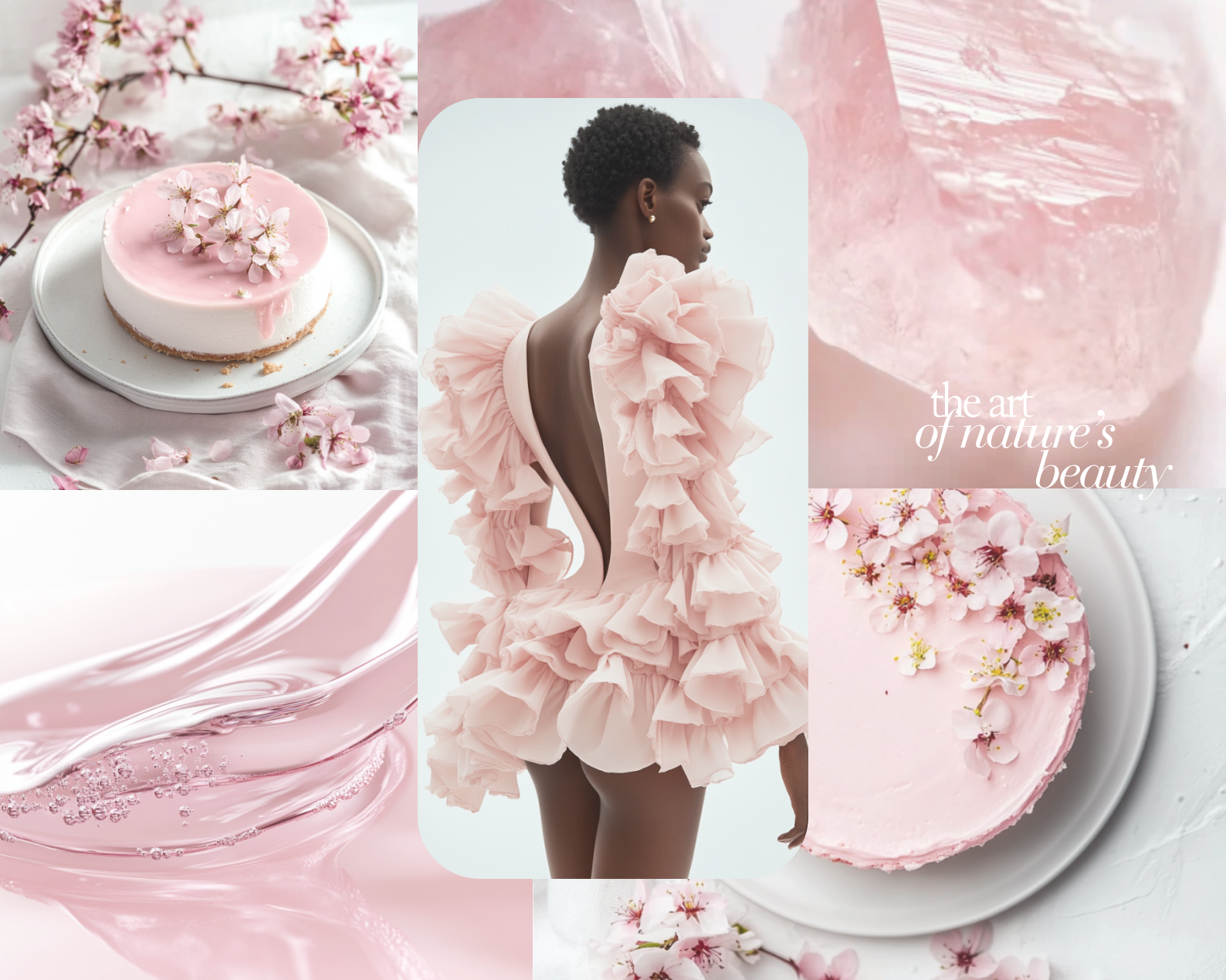
Featuring 64 high-end images, this collection blends rose-tinted highlights, milky whites, and airy compositions to create visuals that feel graceful, luminous, and delicately refined. From flowing tulle gowns and hydrated beauty close-ups to silky textures and pastel-inspired still lifes, each image evokes softness without fragility - femininity expressed through clarity, calm, and contemporary realism.
Romantic without cliché. Refined without rigidity. Softness, rendered in light.
✨ What You’ll Get:
64 high-quality AI-generated images in rose white and blush tones
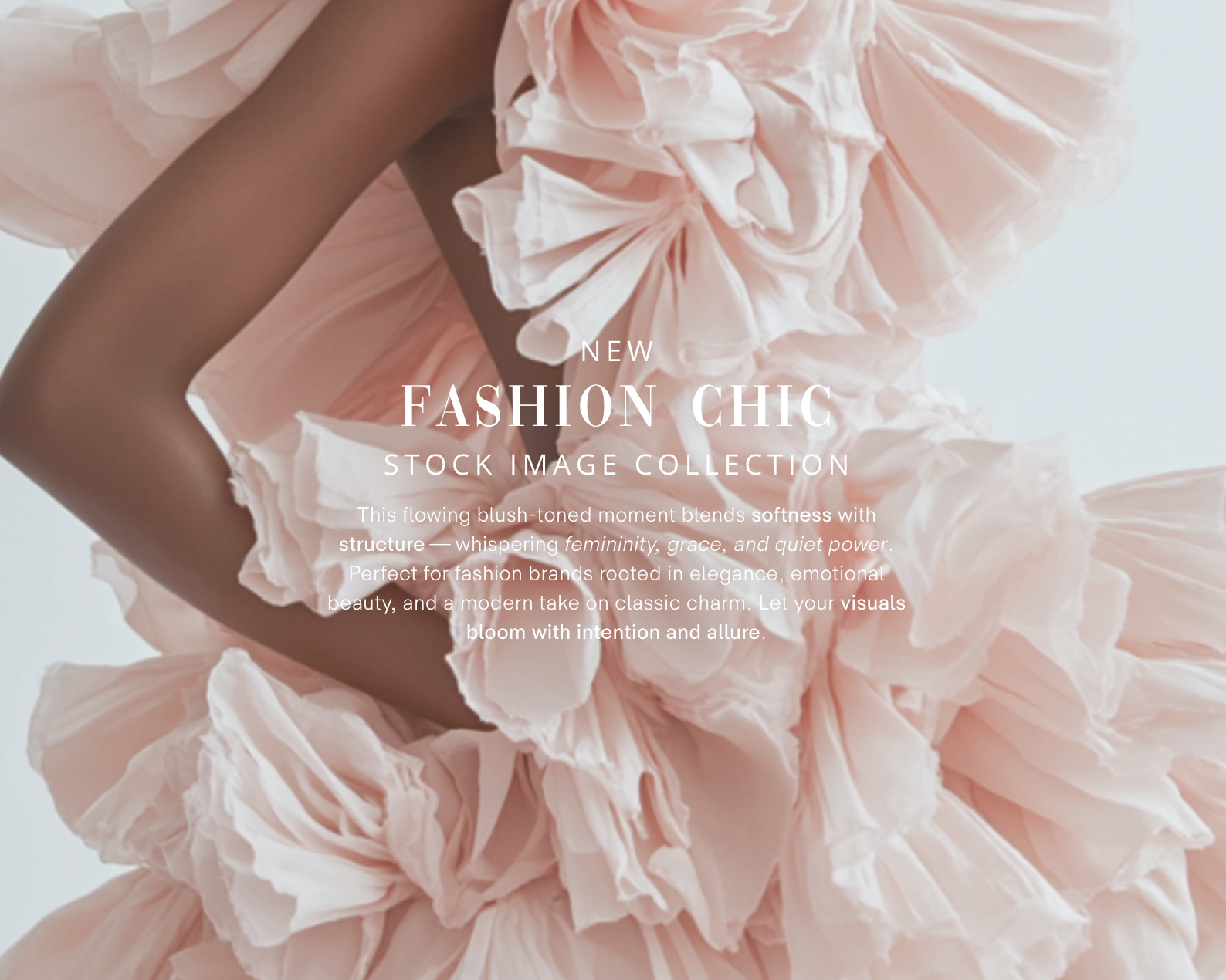
Feminine fashion moments with flowing silhouettes and soft styling
Beauty close-ups with luminous, dewy skin tones
Lifestyle vignettes: skincare rituals, floral textures, pastel still lifes
Silk fabrics, pearl accents, airy compositions, and soft reflections
A cohesive palette of rose white, blush pink, soft ivory, and light champagne
Ideal for:
Instagram · Pinterest · Fashion & Beauty Brands · Lookbooks · Product Pages · Editorials · Moodboards · Email Campaigns · Ebooks · Lifestyle Websites · Pinterest Ads
Format & Resolution:
Images: PNG files — 4000 × 6000 px
How to Download the ZIP File from Google Drive
Click the Link
Once you click the link in this PDF, you'll be redirected to a Google Drive page.
Locate the Download Button
If you're using a computer: Look for the download icon (a downward arrow) at the top-right corner of the Google Drive page.
If you're on a mobile device: Tap the three-dot menu icon and select Download.
Download the File
Click the download icon to start downloading the ZIP file.
If prompted, choose where you'd like to save the file on your device.
Unzip the File
On a computer: Right-click the downloaded ZIP file and select Extract All or use a ZIP extraction program like WinRAR or 7-Zip.
On a mobile device: Use a file manager or an app like WinZip or RAR to unzip the file.
High-resolution, ready for social media, websites, Pinterest pins, and elevated brand storytelling.
🕊️ Where softness meets realism.
Made by AI Aesthetic Studio
www.aiaestheticstudio.com
A romantic interplay of softness, elegance, and modern femininity, Rose White Feminine Realistic is an editorial stock collection created for brands that seek beauty through light, texture, and quiet sophistication.
Featuring 64 high-end images, this collection blends rose-tinted highlights, milky whites, and airy compositions to create visuals that feel graceful, luminous, and delicately refined. From flowing tulle gowns and hydrated beauty close-ups to silky textures and pastel-inspired still lifes, each image evokes softness without fragility - femininity expressed through clarity, calm, and contemporary realism.
Romantic without cliché. Refined without rigidity. Softness, rendered in light.
✨ What You’ll Get:
64 high-quality AI-generated images in rose white and blush tones
Feminine fashion moments with flowing silhouettes and soft styling
Beauty close-ups with luminous, dewy skin tones
Lifestyle vignettes: skincare rituals, floral textures, pastel still lifes
Silk fabrics, pearl accents, airy compositions, and soft reflections
A cohesive palette of rose white, blush pink, soft ivory, and light champagne
Ideal for:
Instagram · Pinterest · Fashion & Beauty Brands · Lookbooks · Product Pages · Editorials · Moodboards · Email Campaigns · Ebooks · Lifestyle Websites · Pinterest Ads
Format & Resolution:
Images: PNG files — 4000 × 6000 px
How to Download the ZIP File from Google Drive
Click the Link
Once you click the link in this PDF, you'll be redirected to a Google Drive page.
Locate the Download Button
If you're using a computer: Look for the download icon (a downward arrow) at the top-right corner of the Google Drive page.
If you're on a mobile device: Tap the three-dot menu icon and select Download.
Download the File
Click the download icon to start downloading the ZIP file.
If prompted, choose where you'd like to save the file on your device.
Unzip the File
On a computer: Right-click the downloaded ZIP file and select Extract All or use a ZIP extraction program like WinRAR or 7-Zip.
On a mobile device: Use a file manager or an app like WinZip or RAR to unzip the file.
High-resolution, ready for social media, websites, Pinterest pins, and elevated brand storytelling.
🕊️ Where softness meets realism.
Made by AI Aesthetic Studio
www.aiaestheticstudio.com
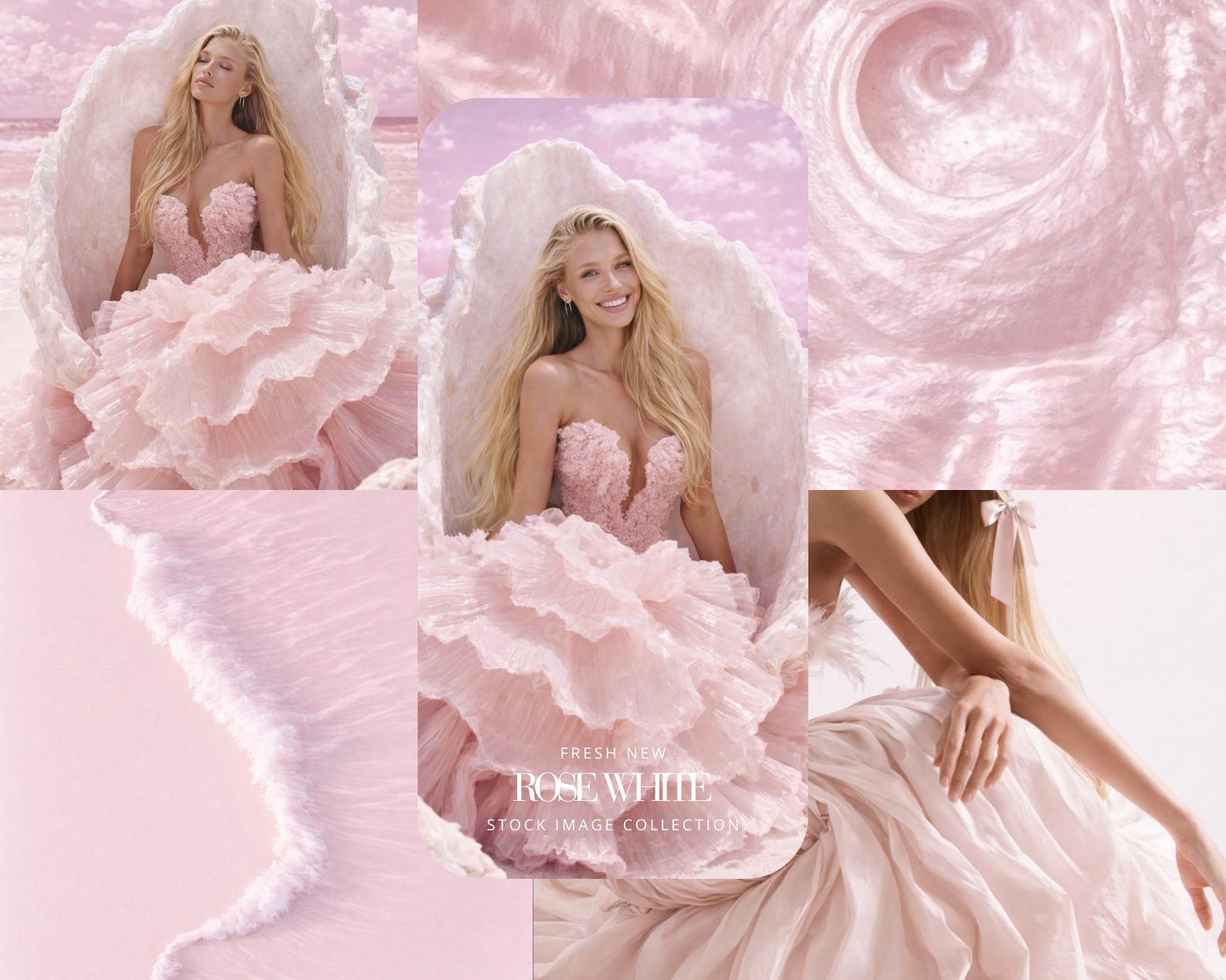 Image 1 of 6
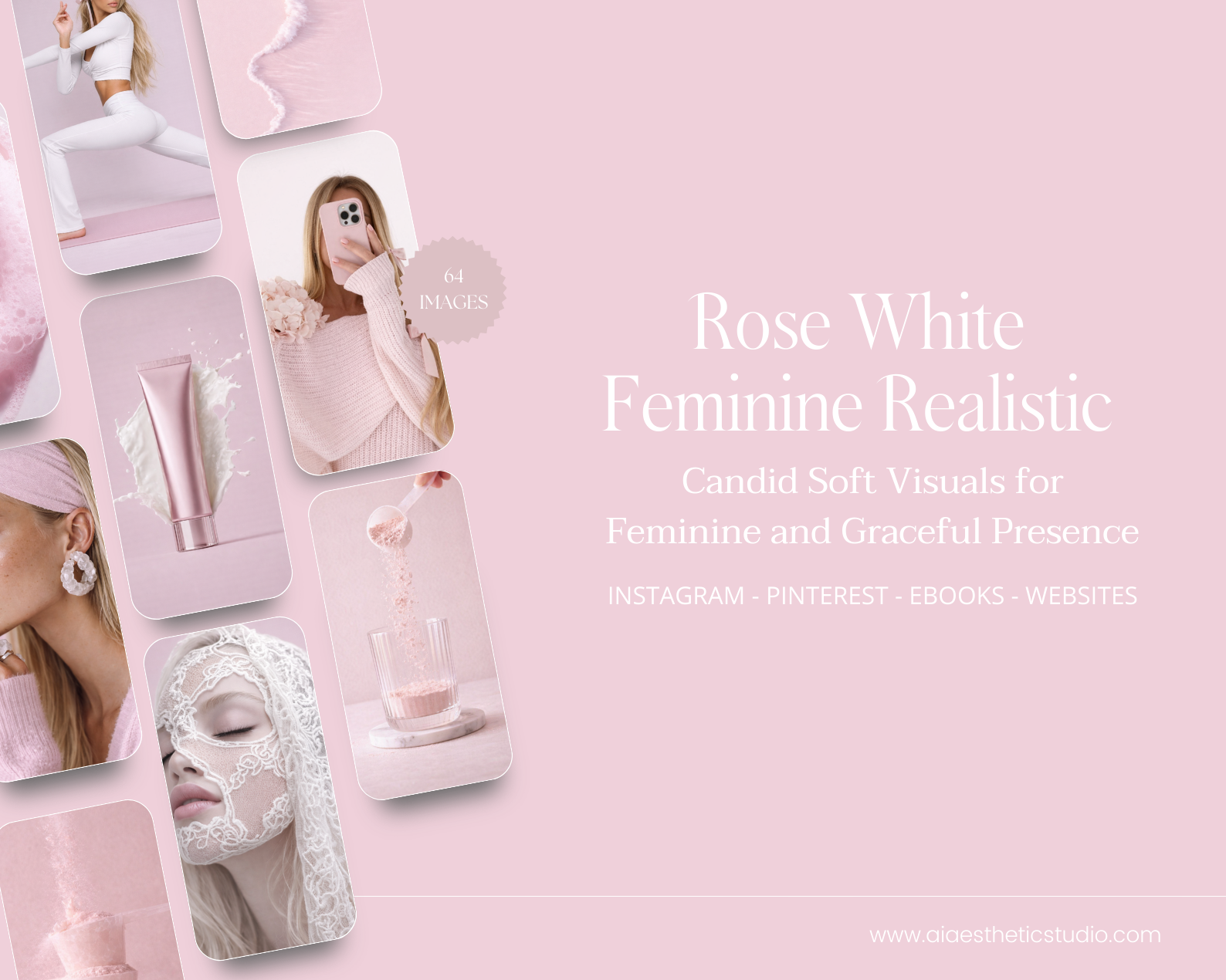 Image 2 of 6
 Image 3 of 6
 Image 4 of 6
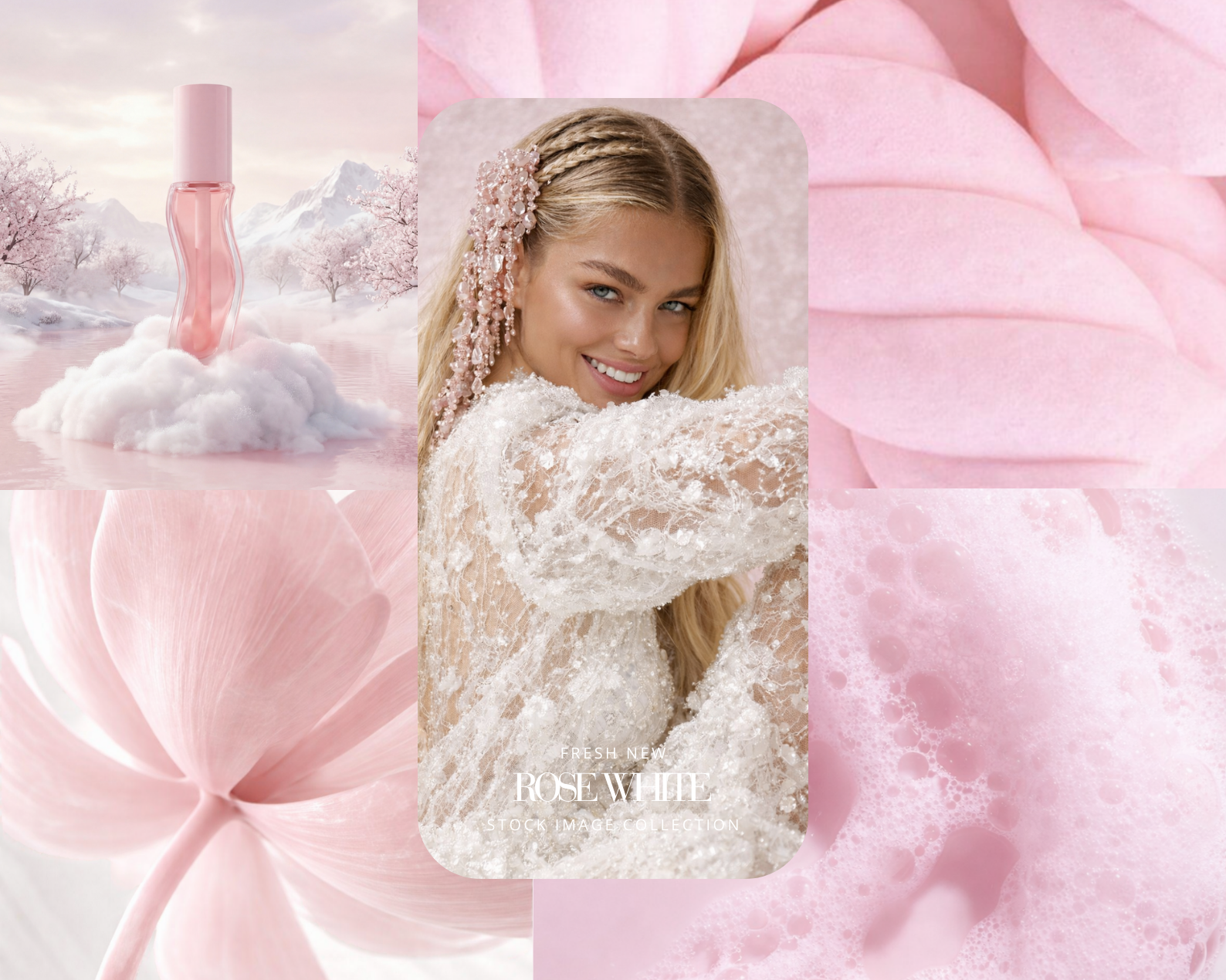 Image 5 of 6
 Image 6 of 6