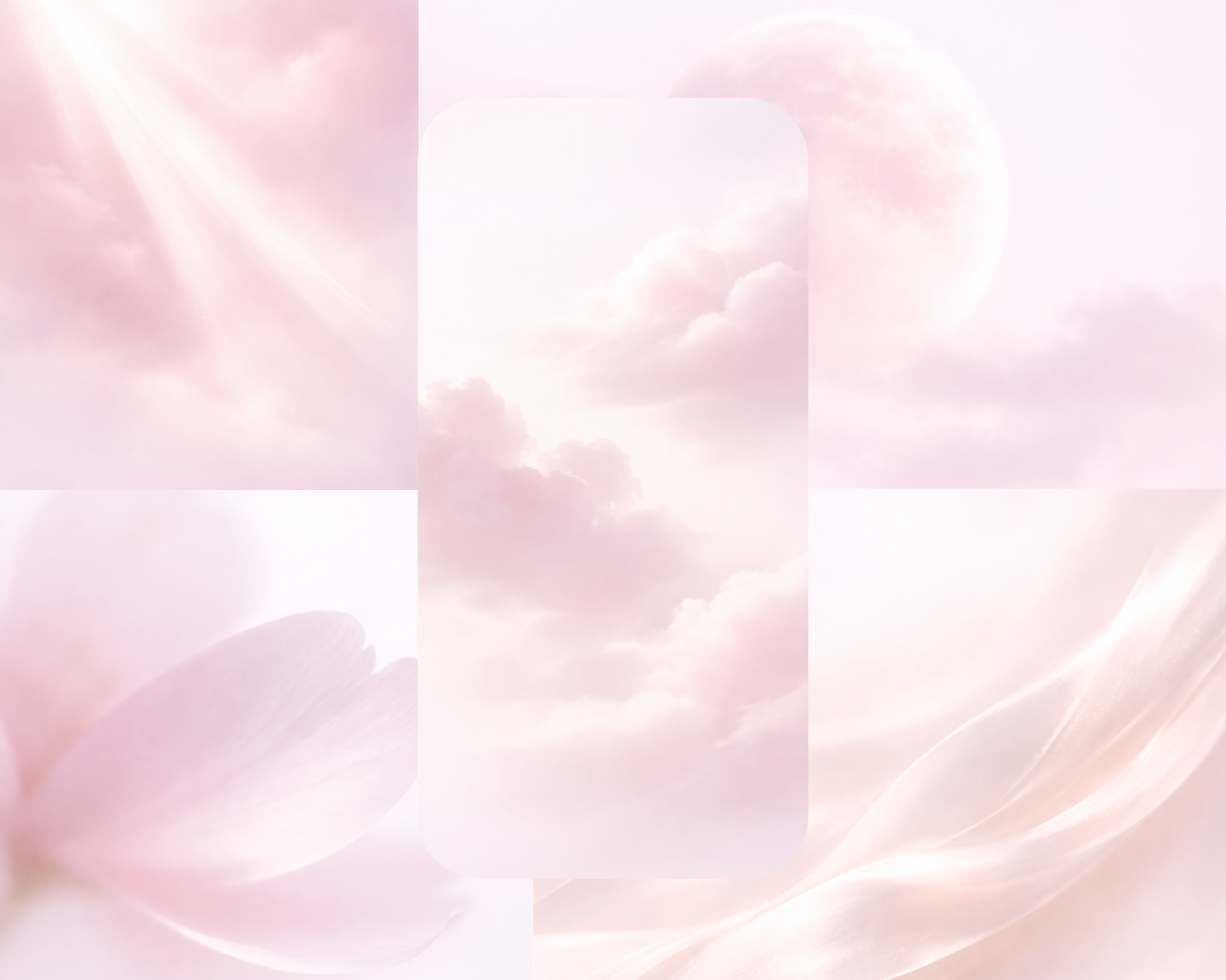
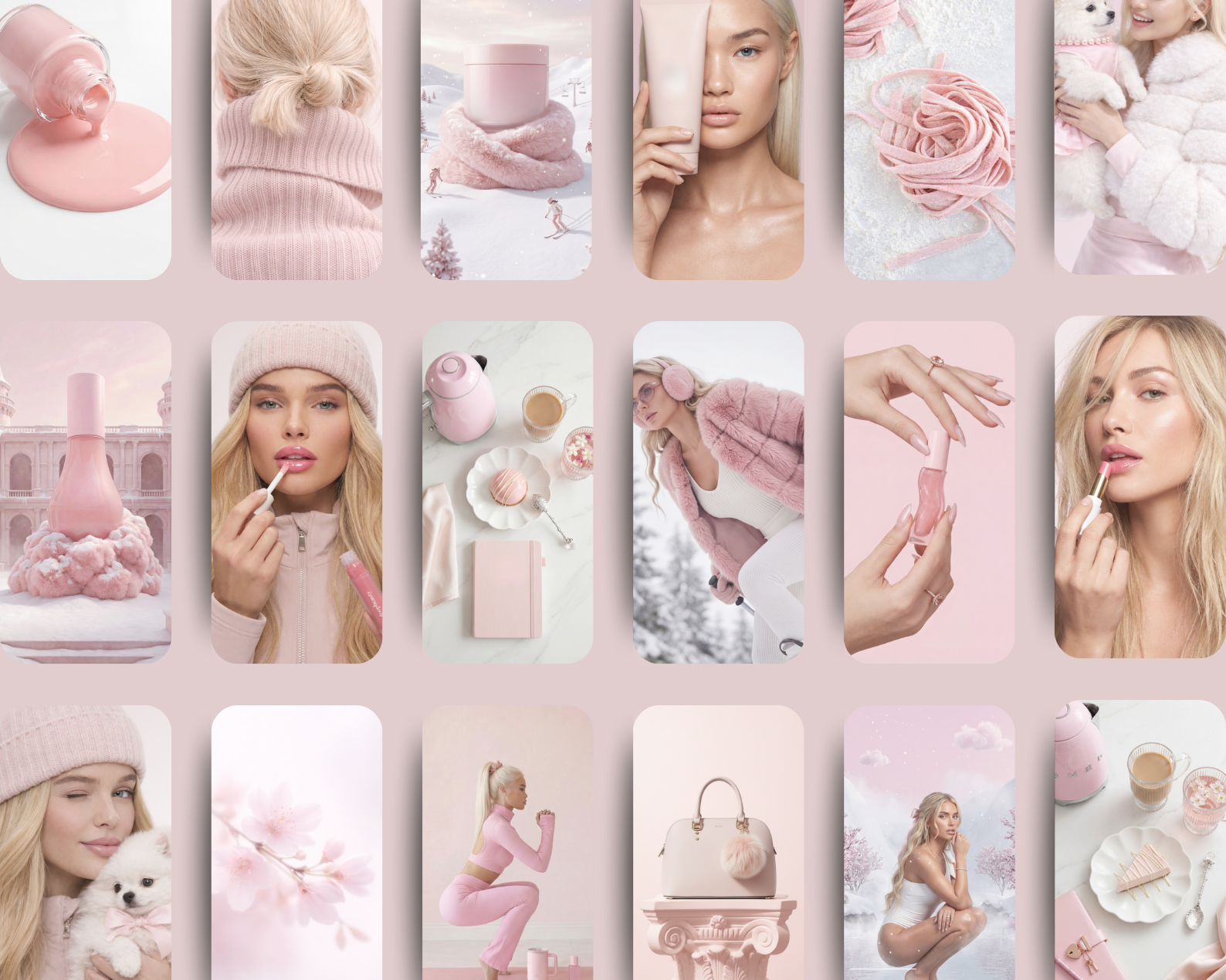
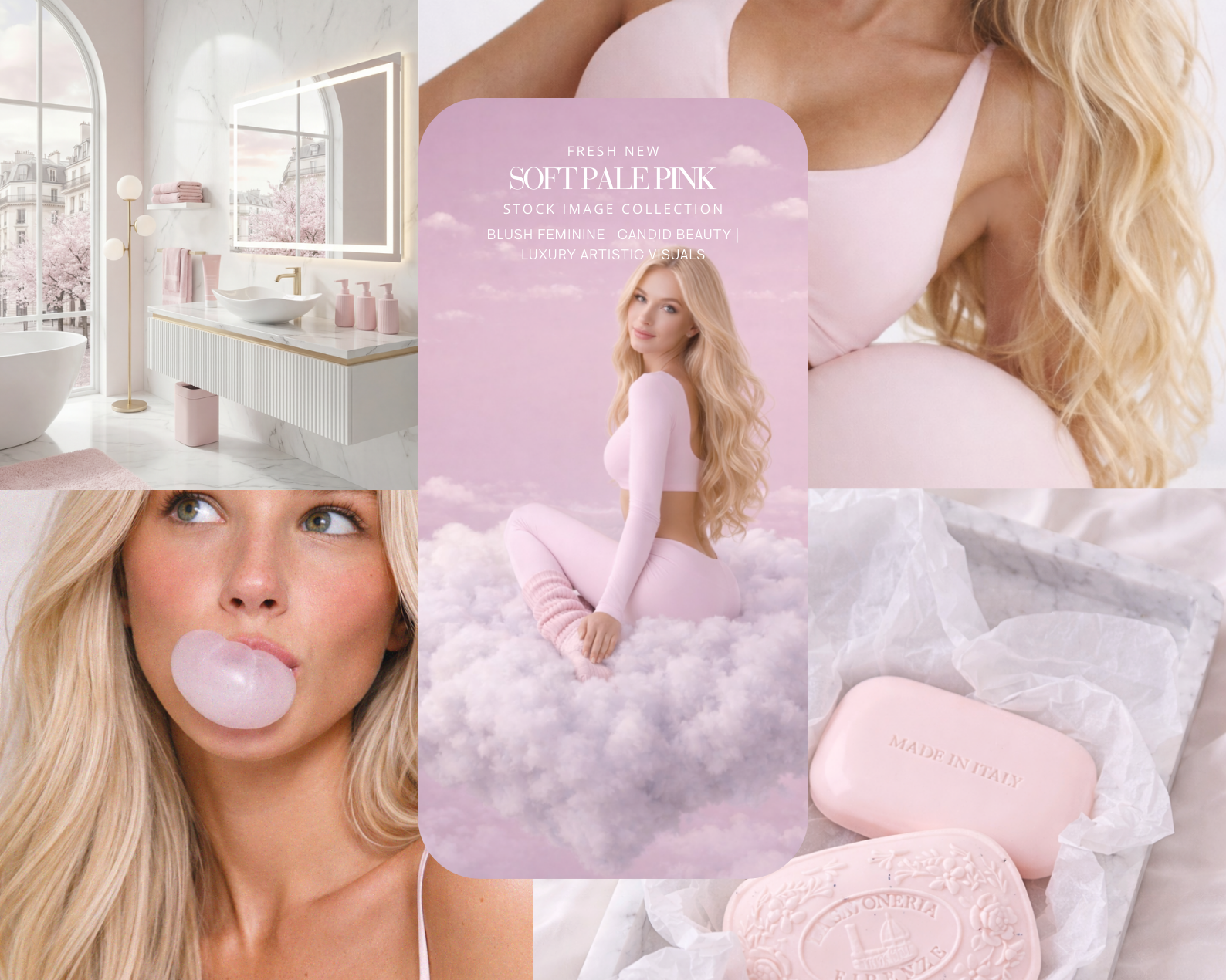
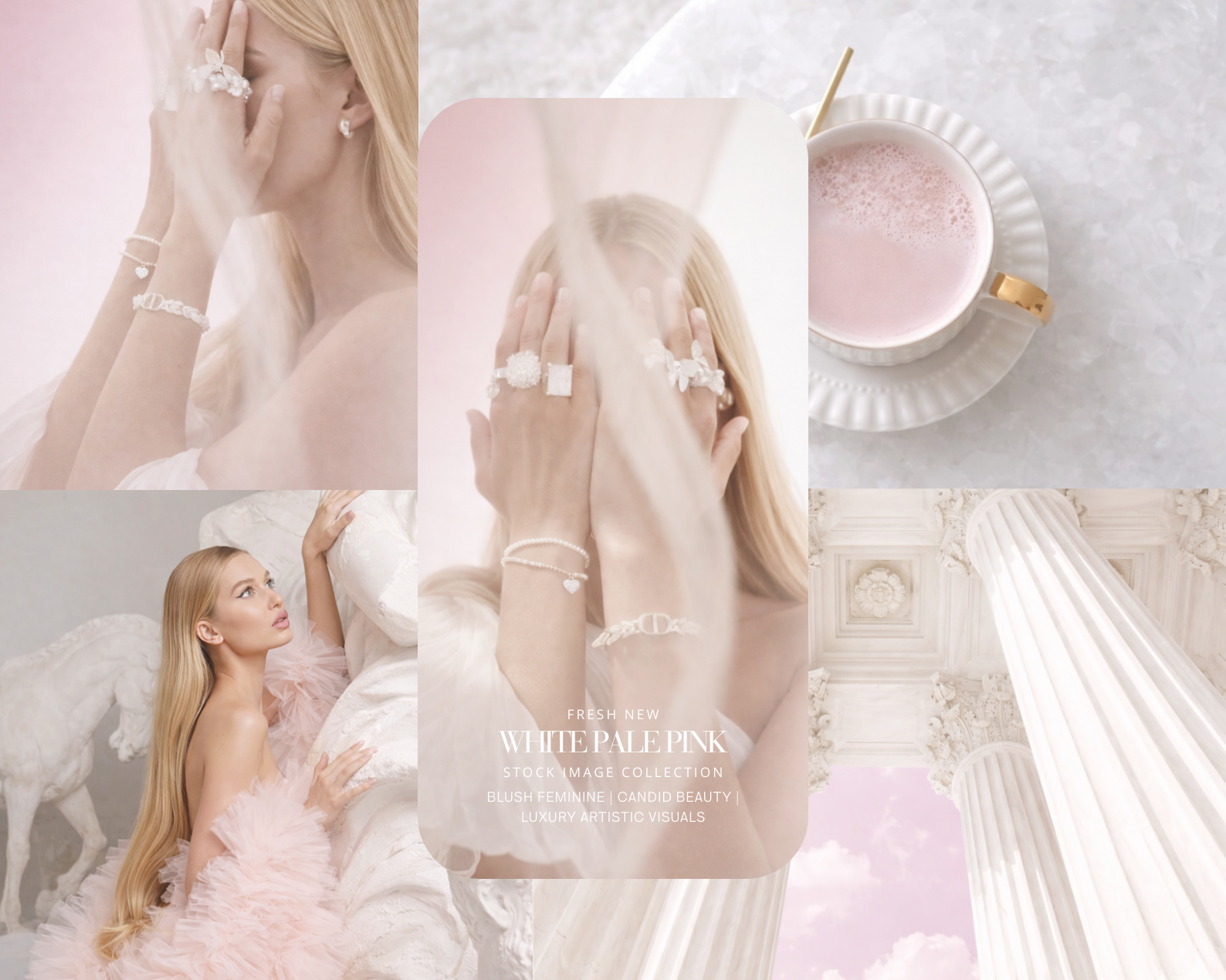
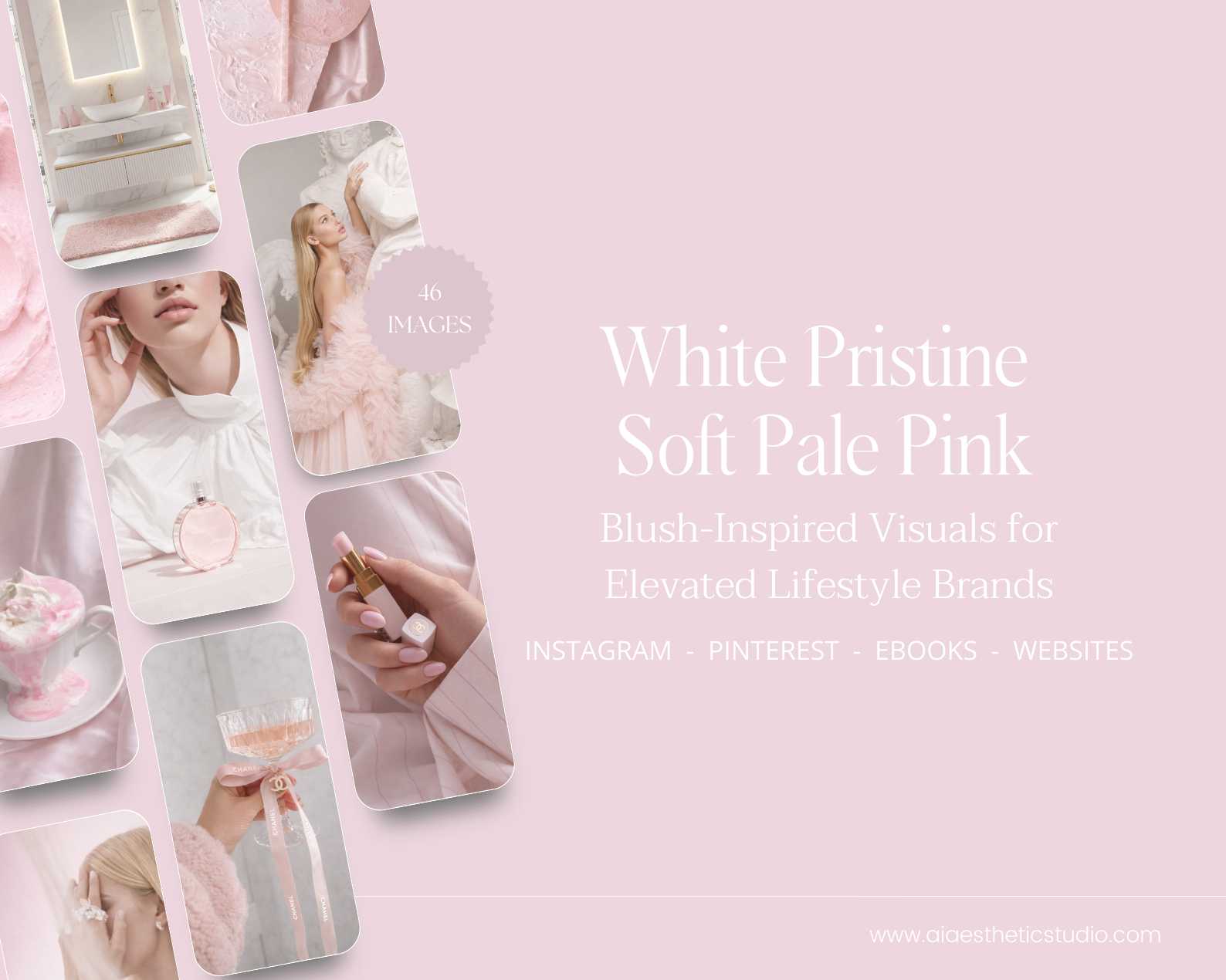
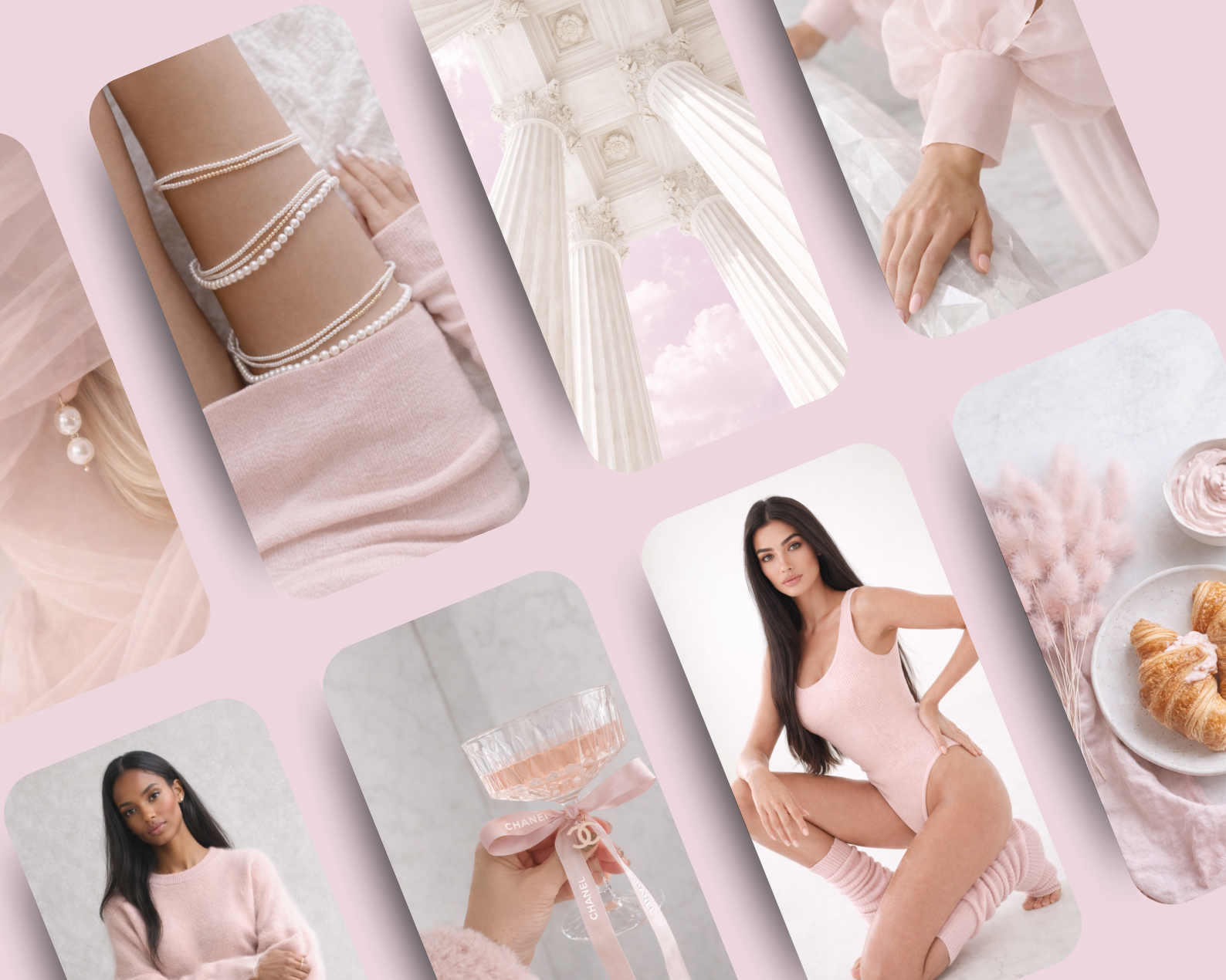
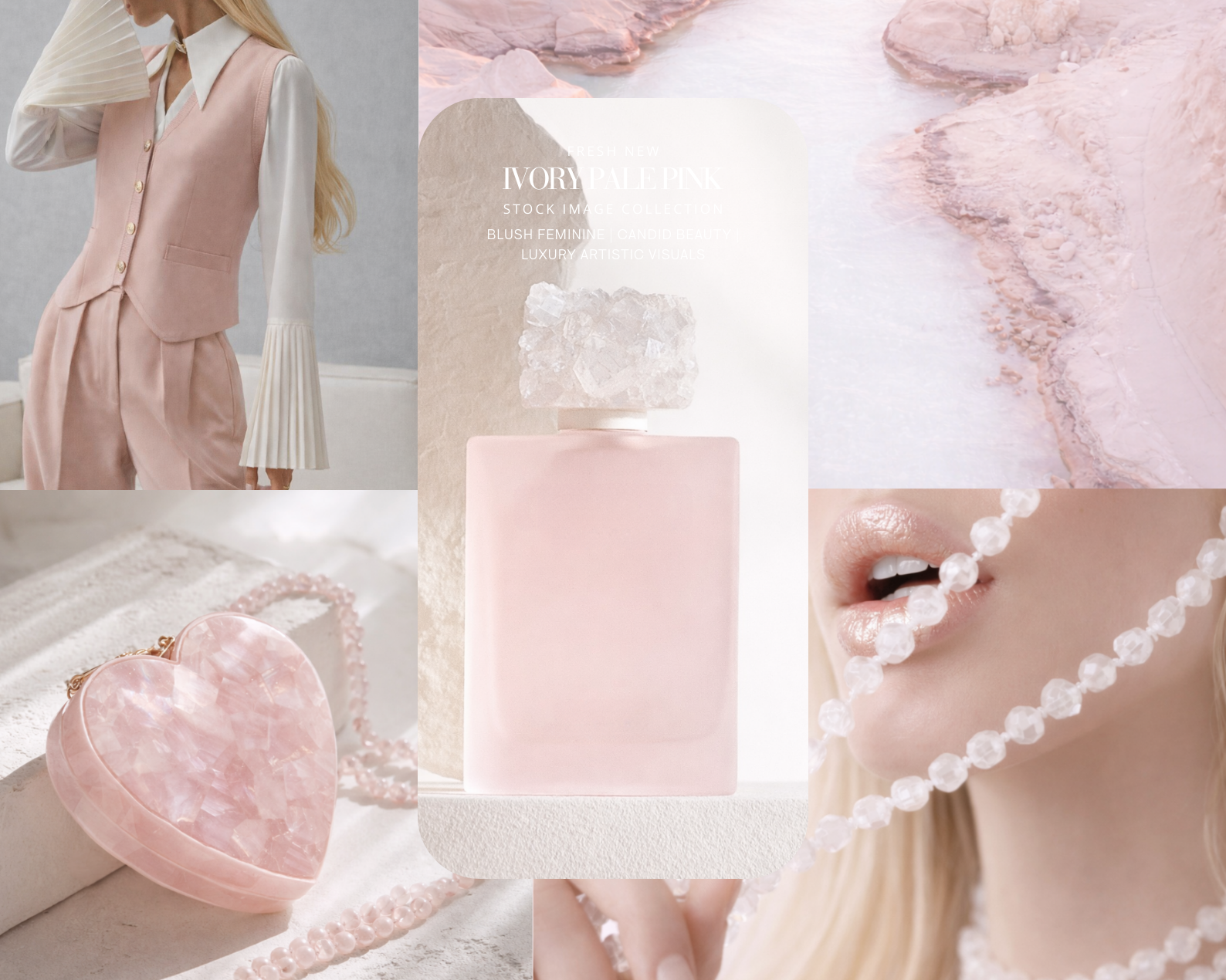
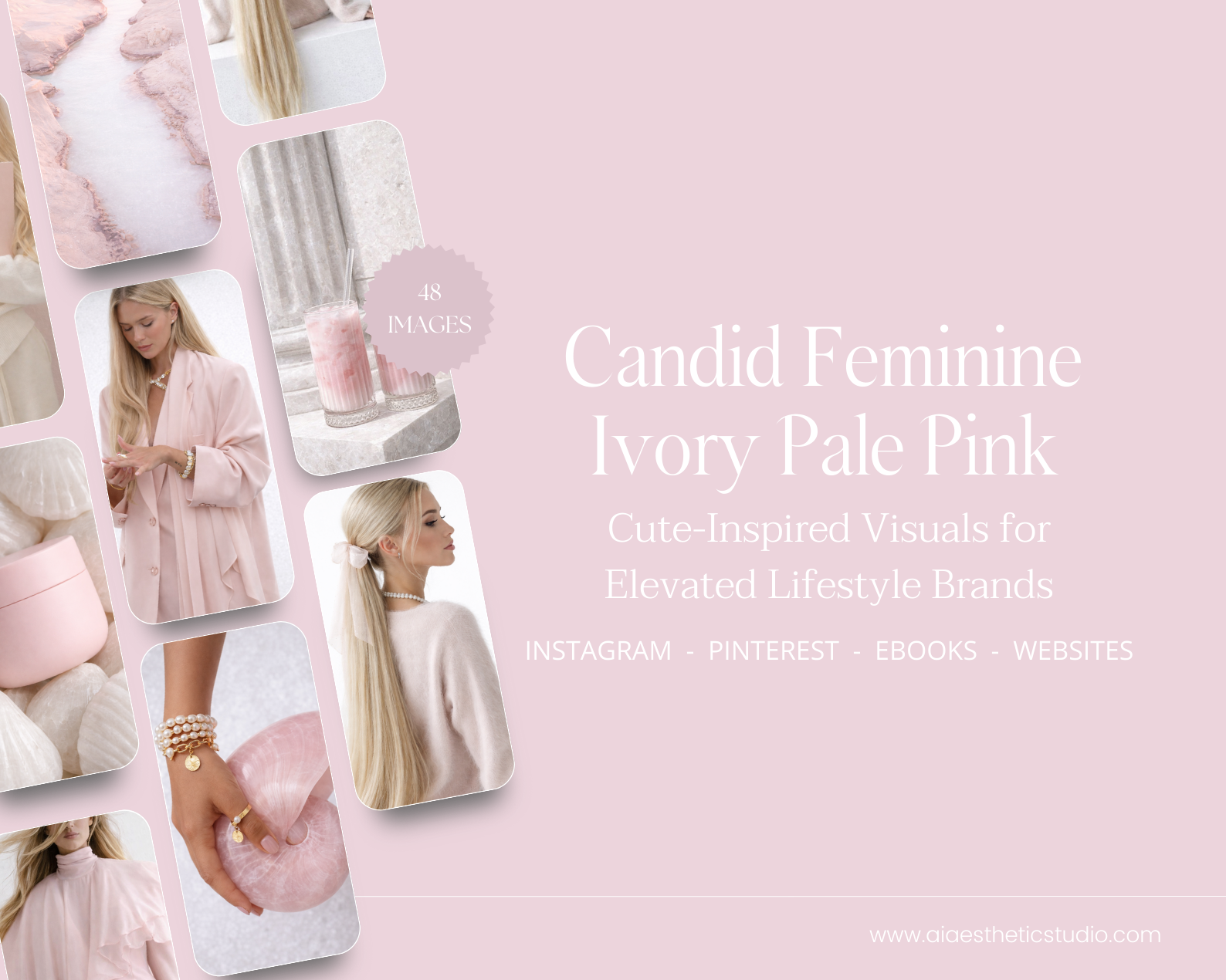
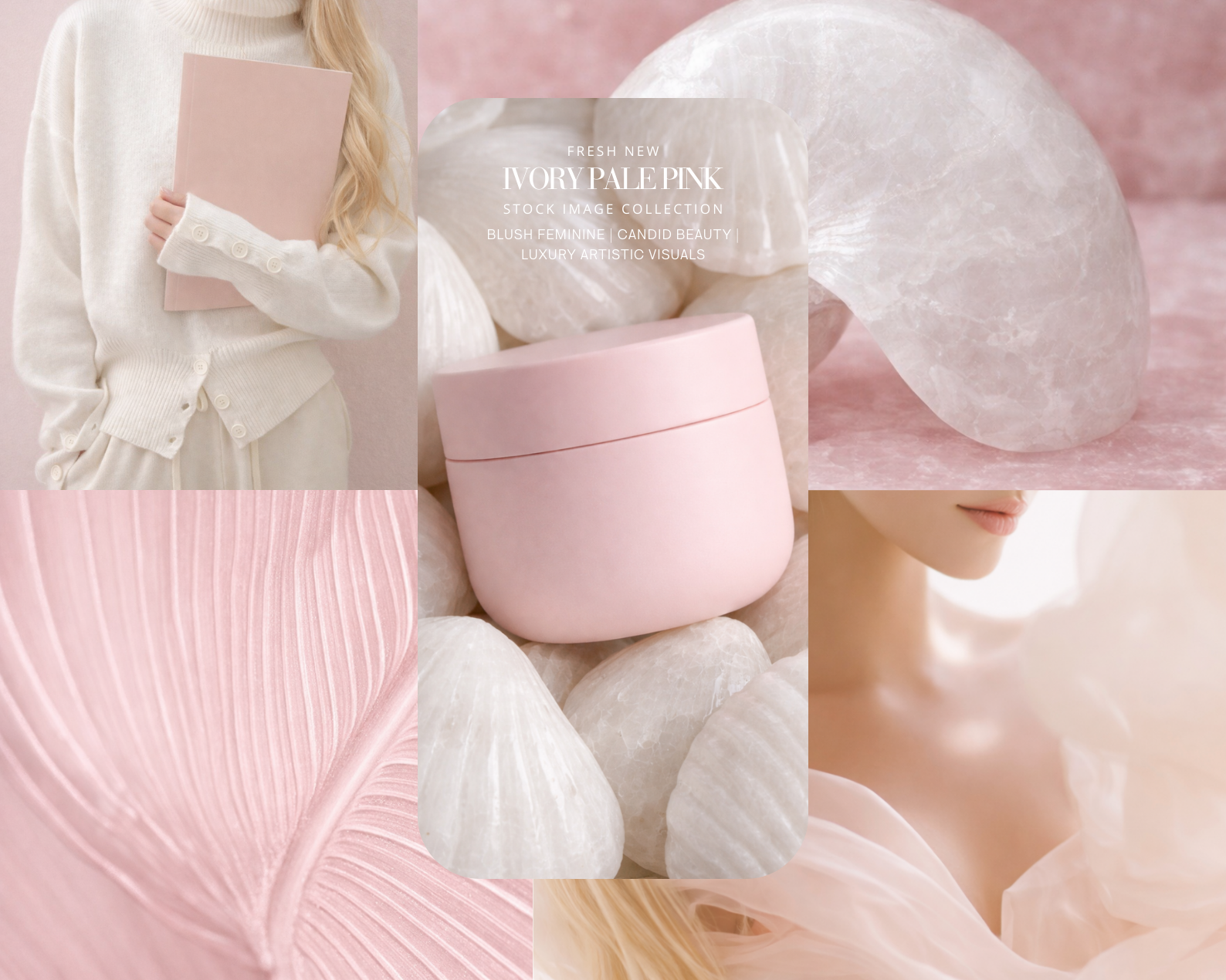
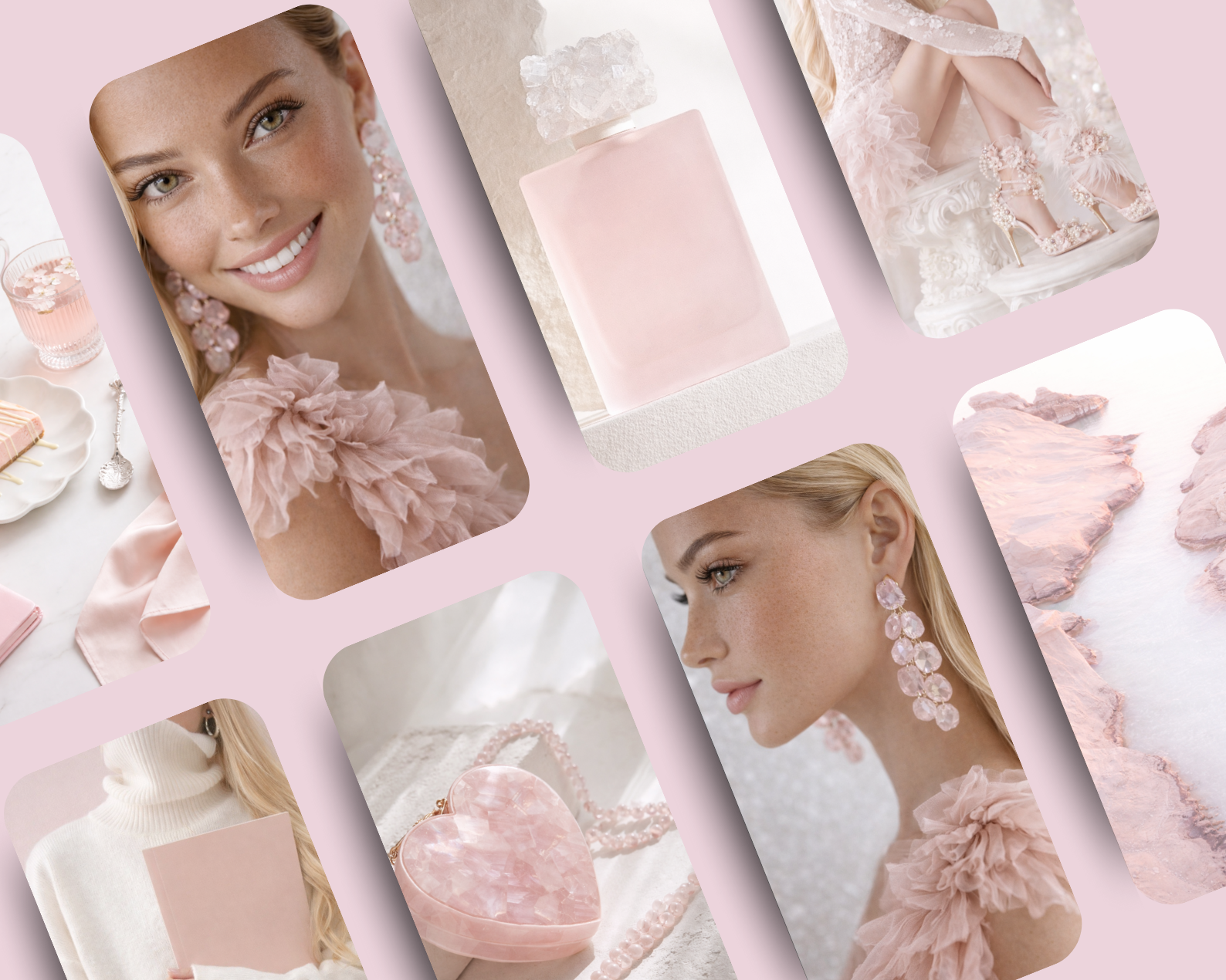
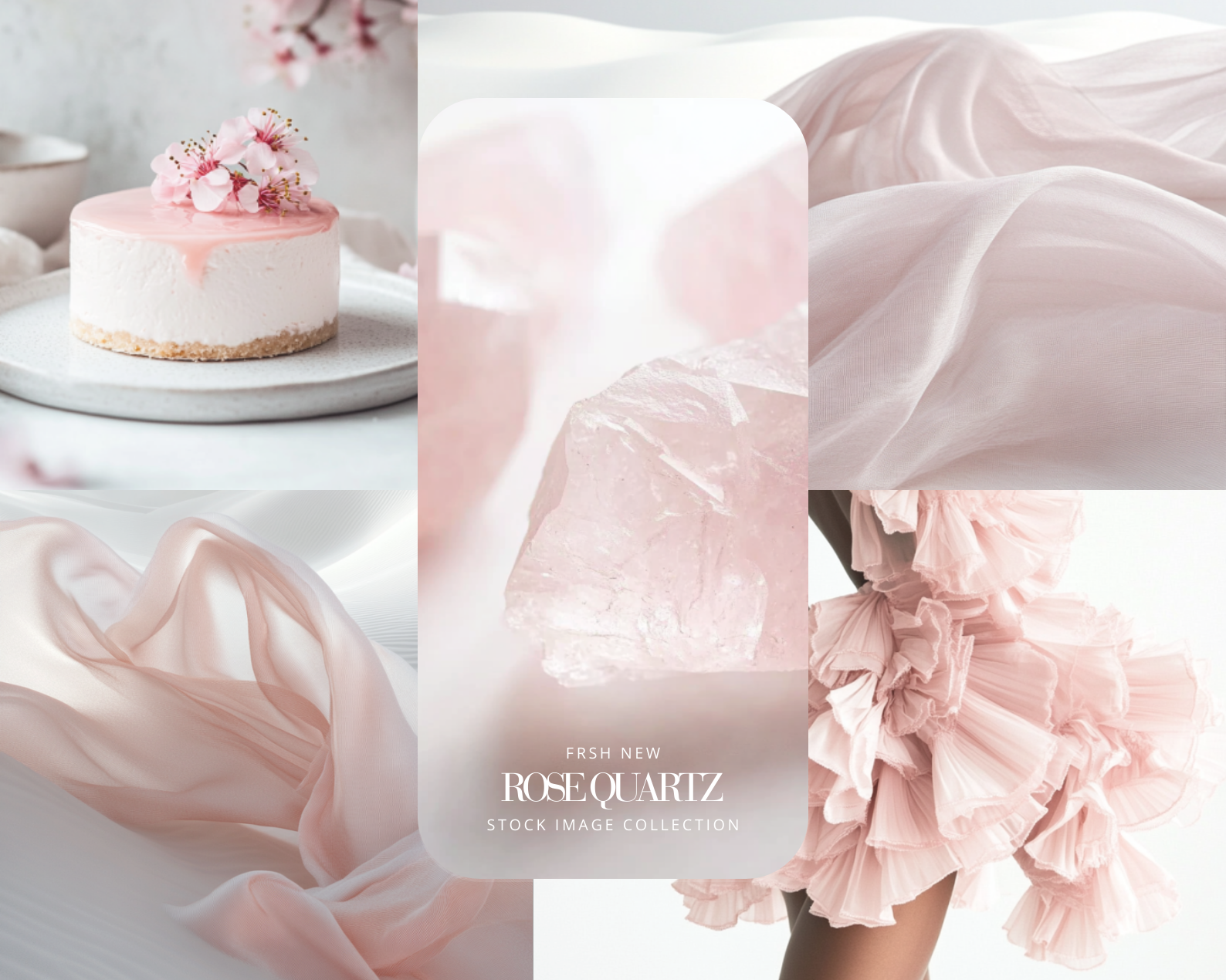
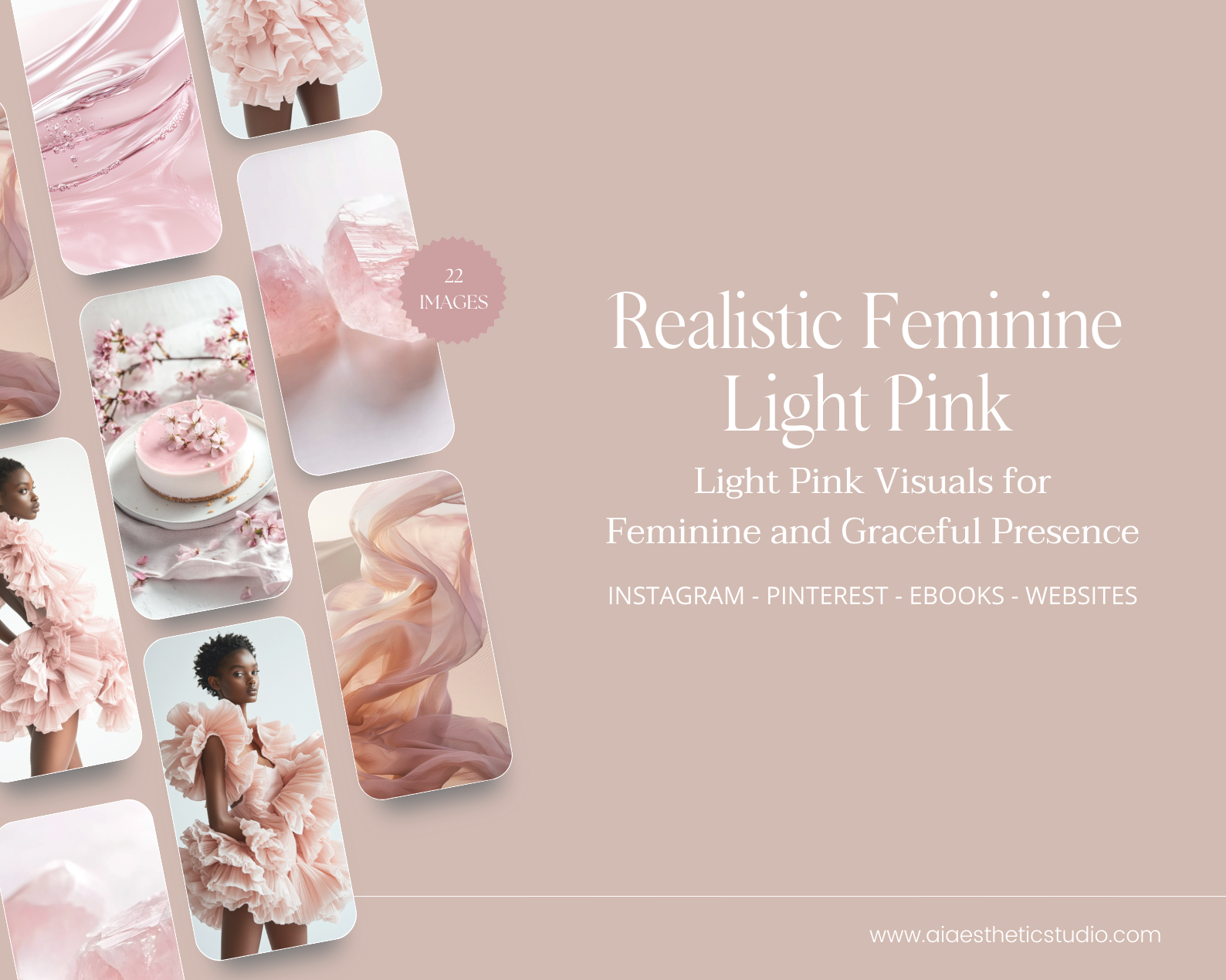
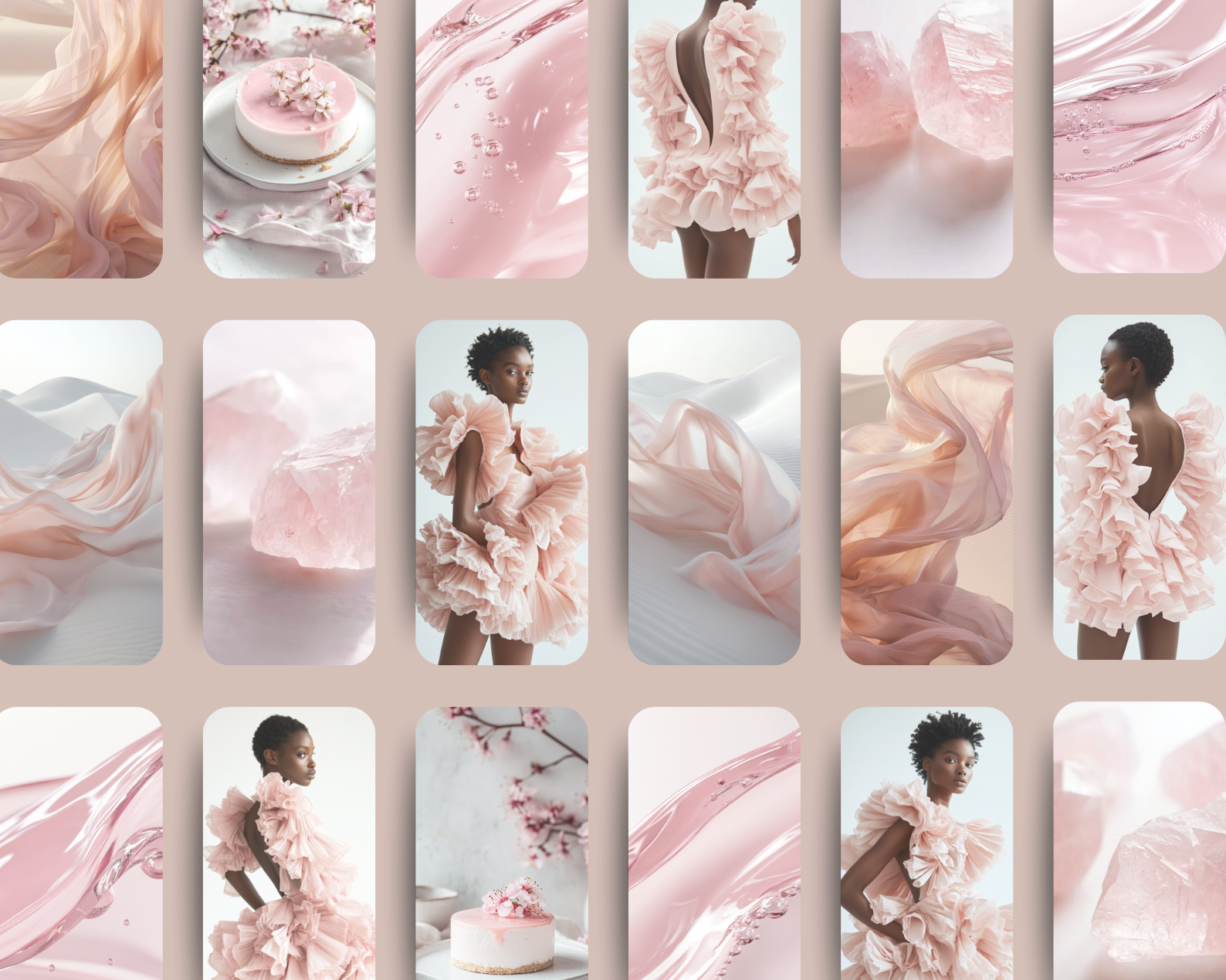
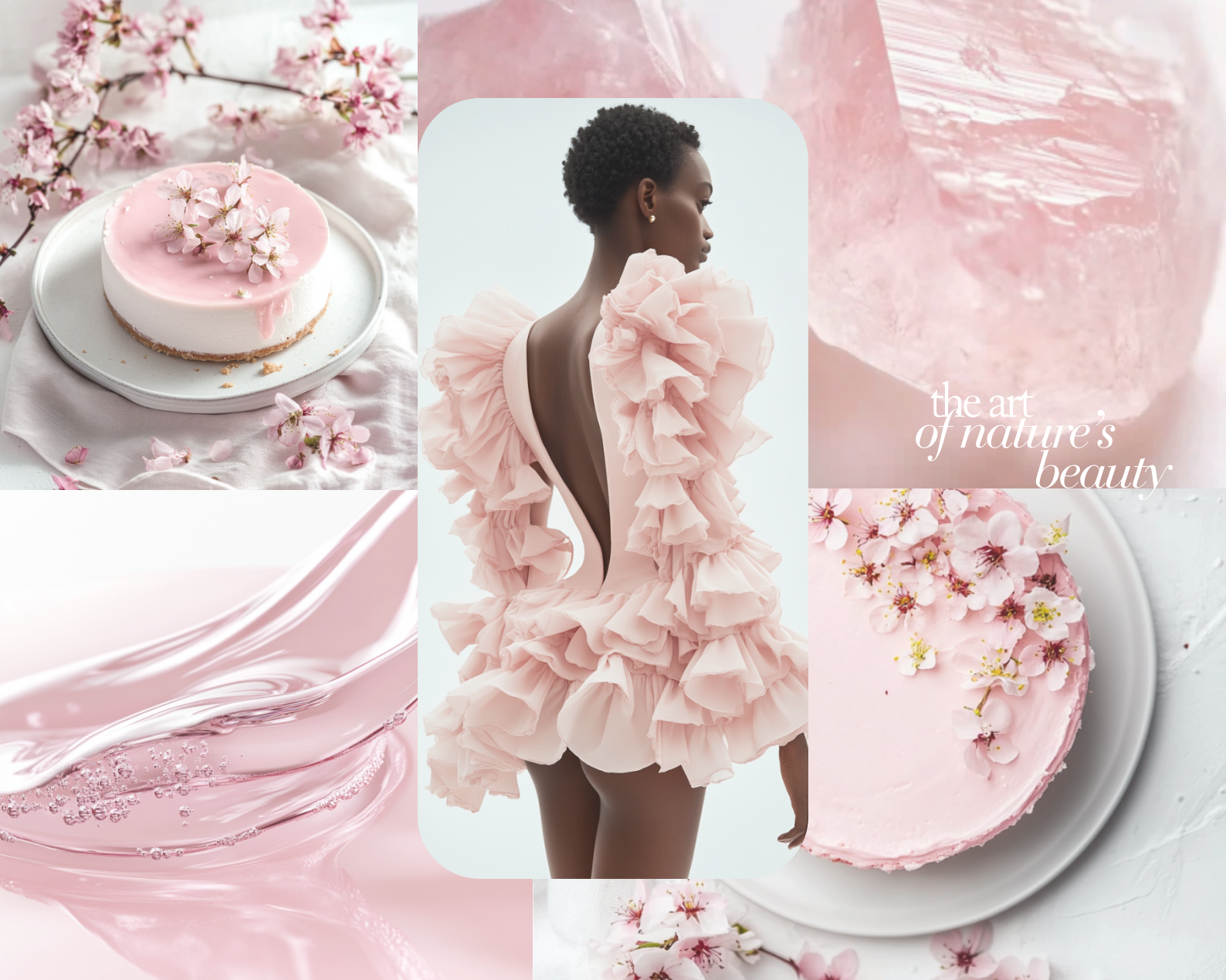
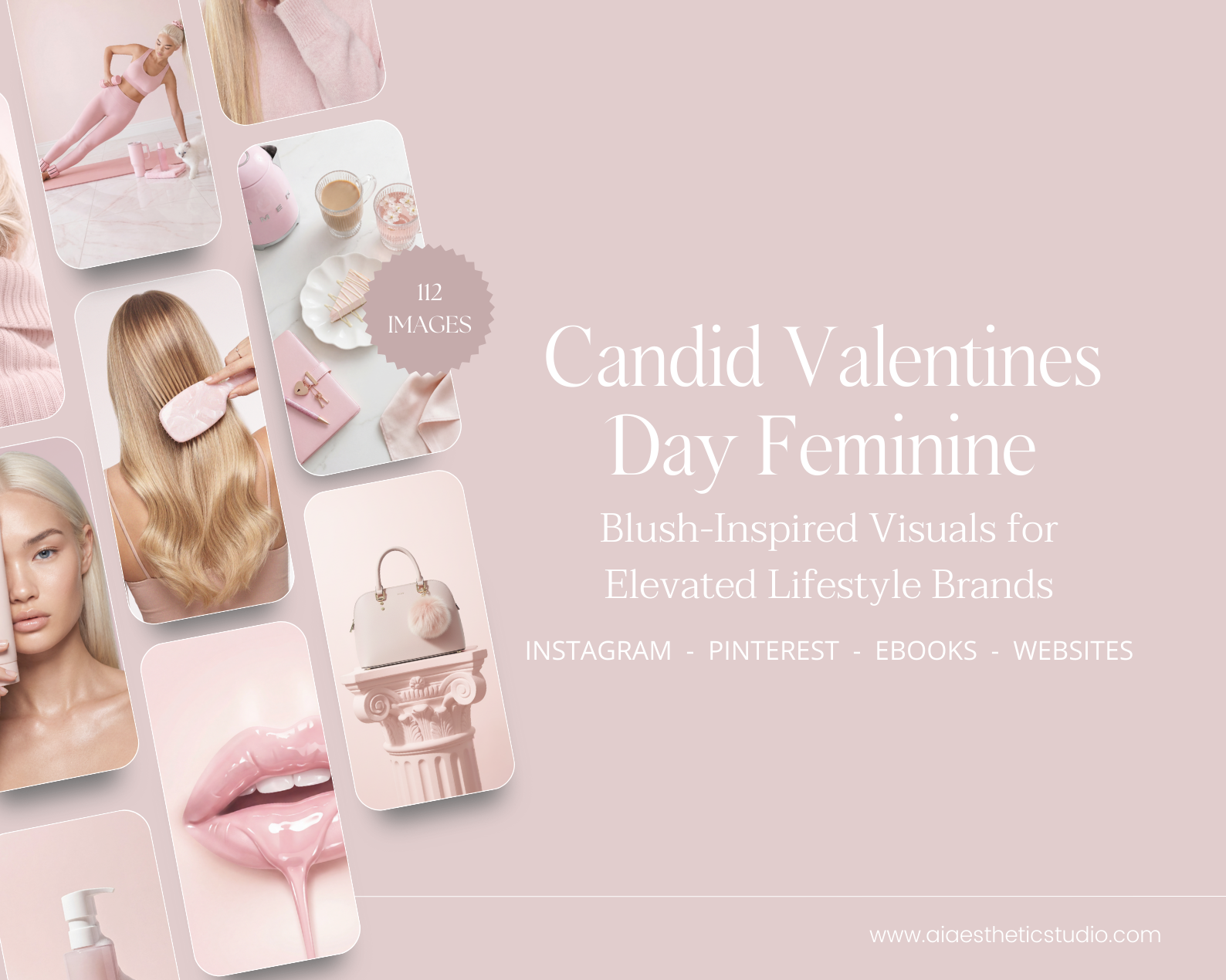
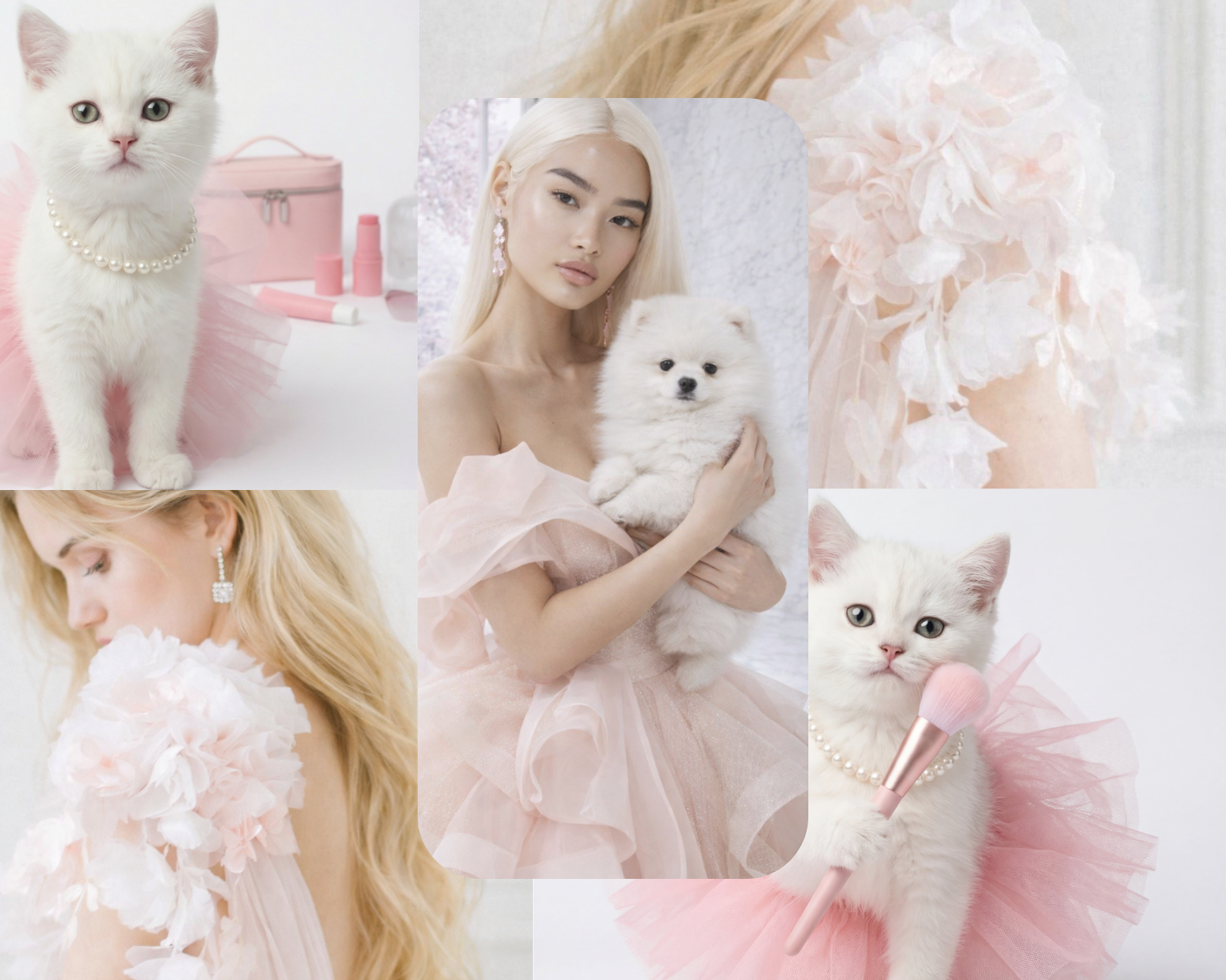
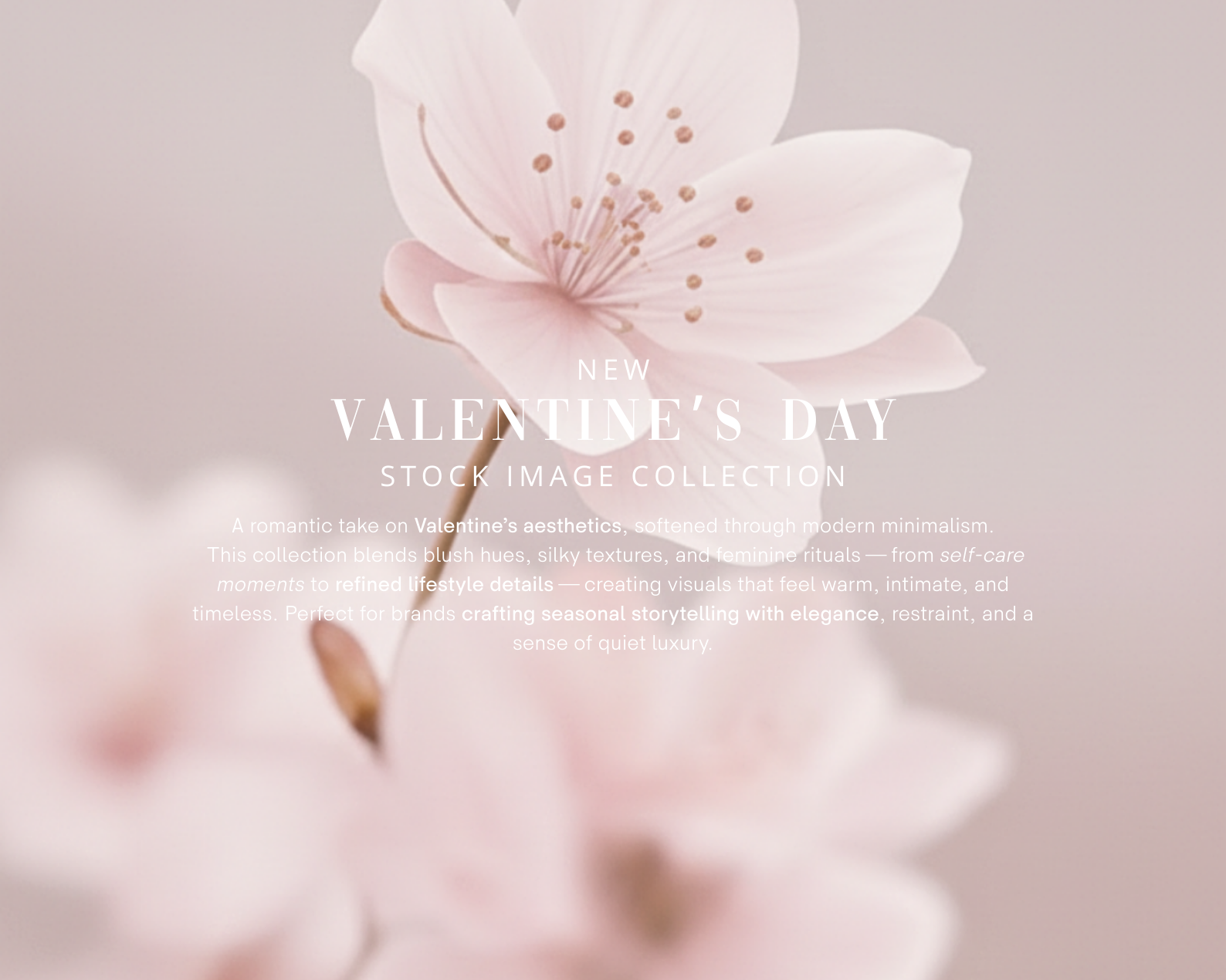
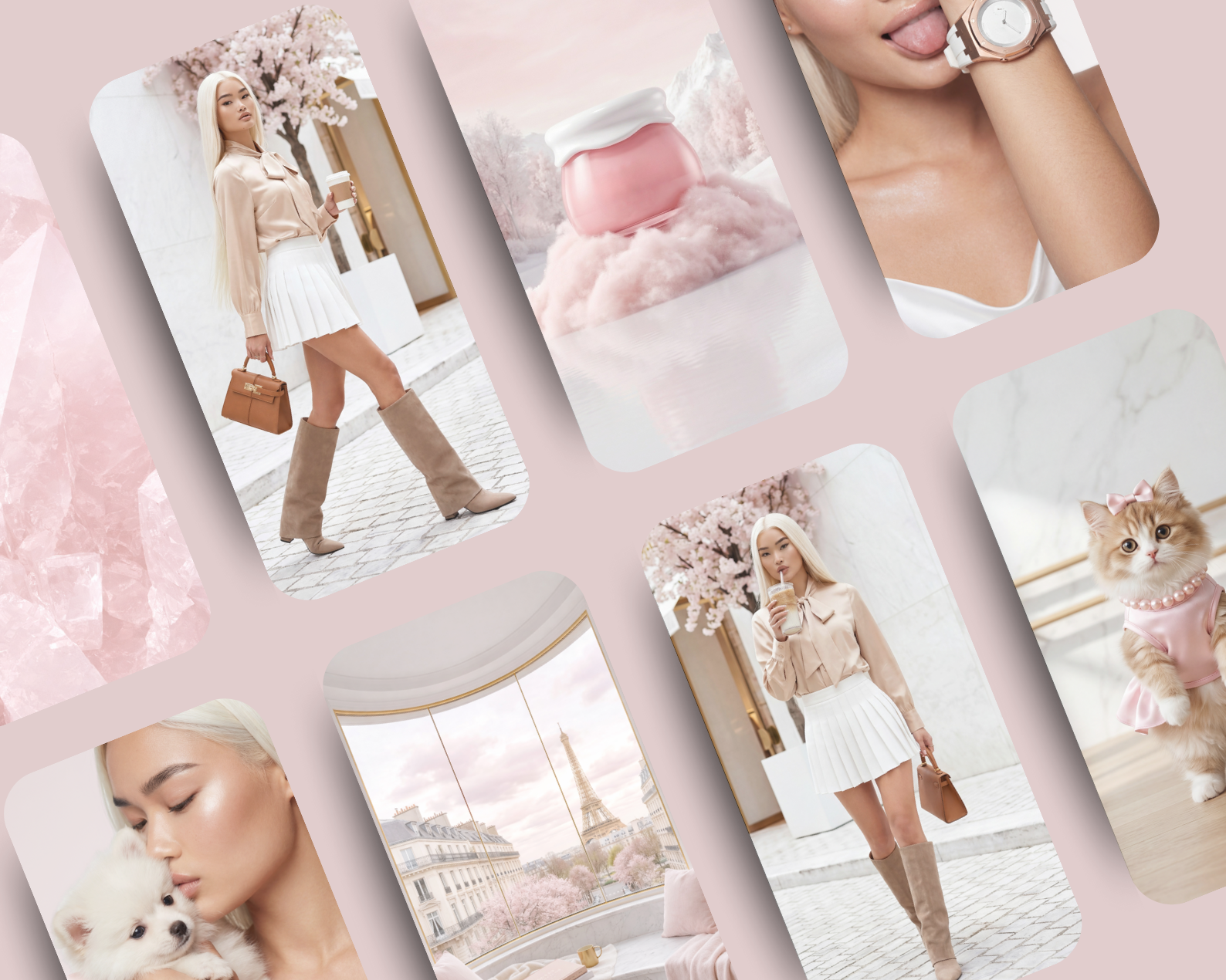
A playful yet refined exploration of blush tones, softness, and modern femininity, this Soft White Blush Editorial Collection is designed for brands that embrace charm with elegance.
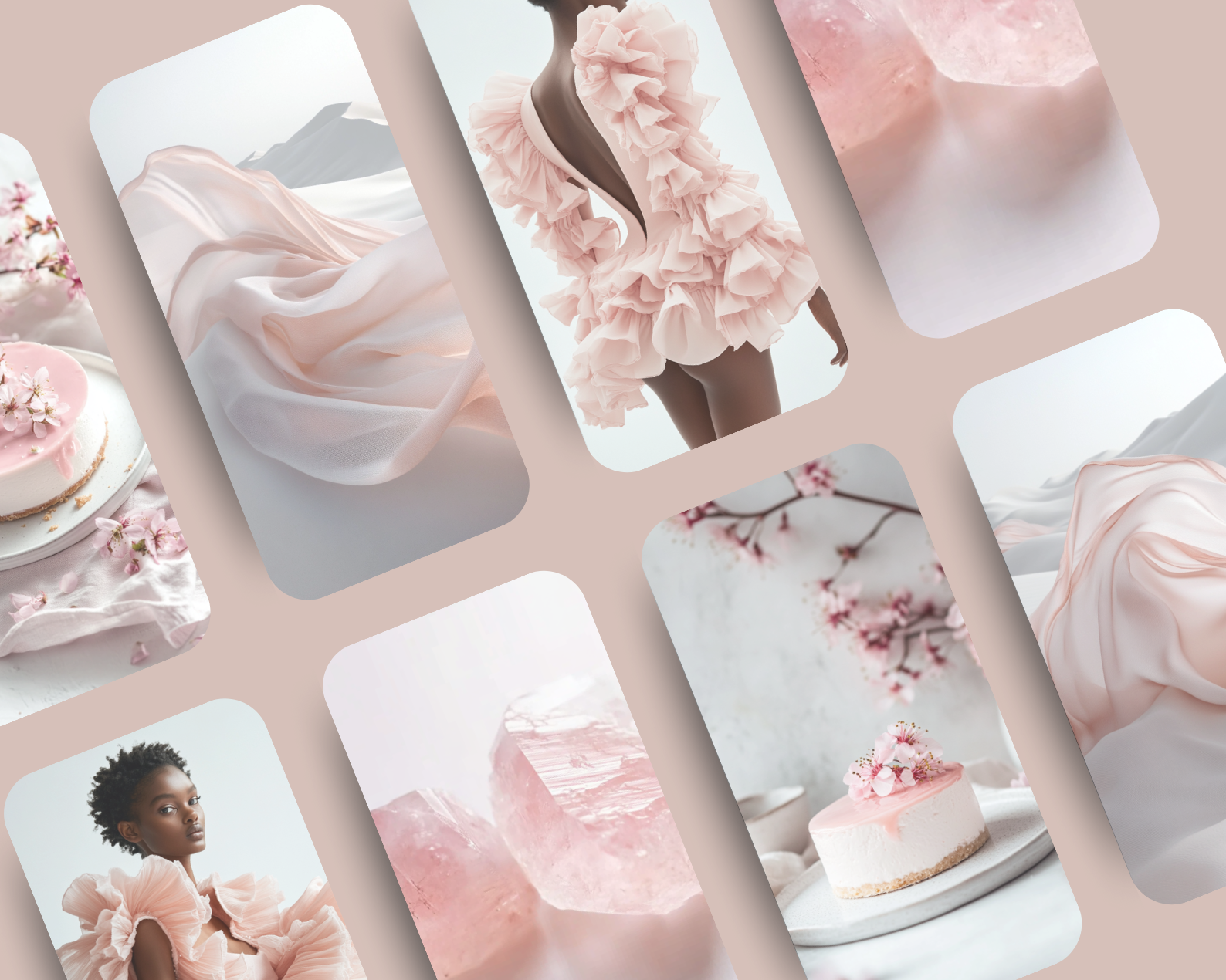
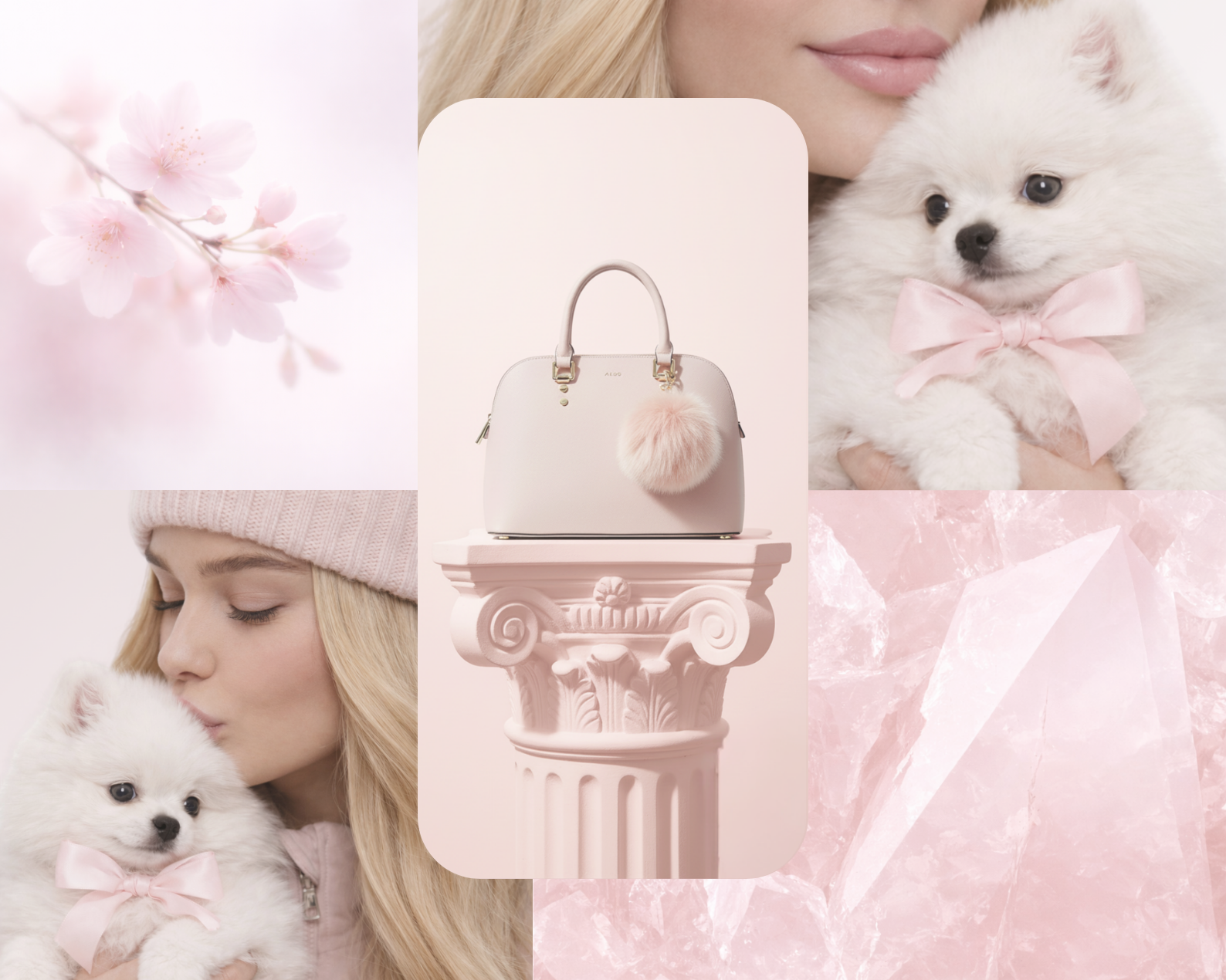
Featuring 14 high-end images, this collection captures feminine expression through airy whites, delicate pink accents, and lighthearted lifestyle moments.
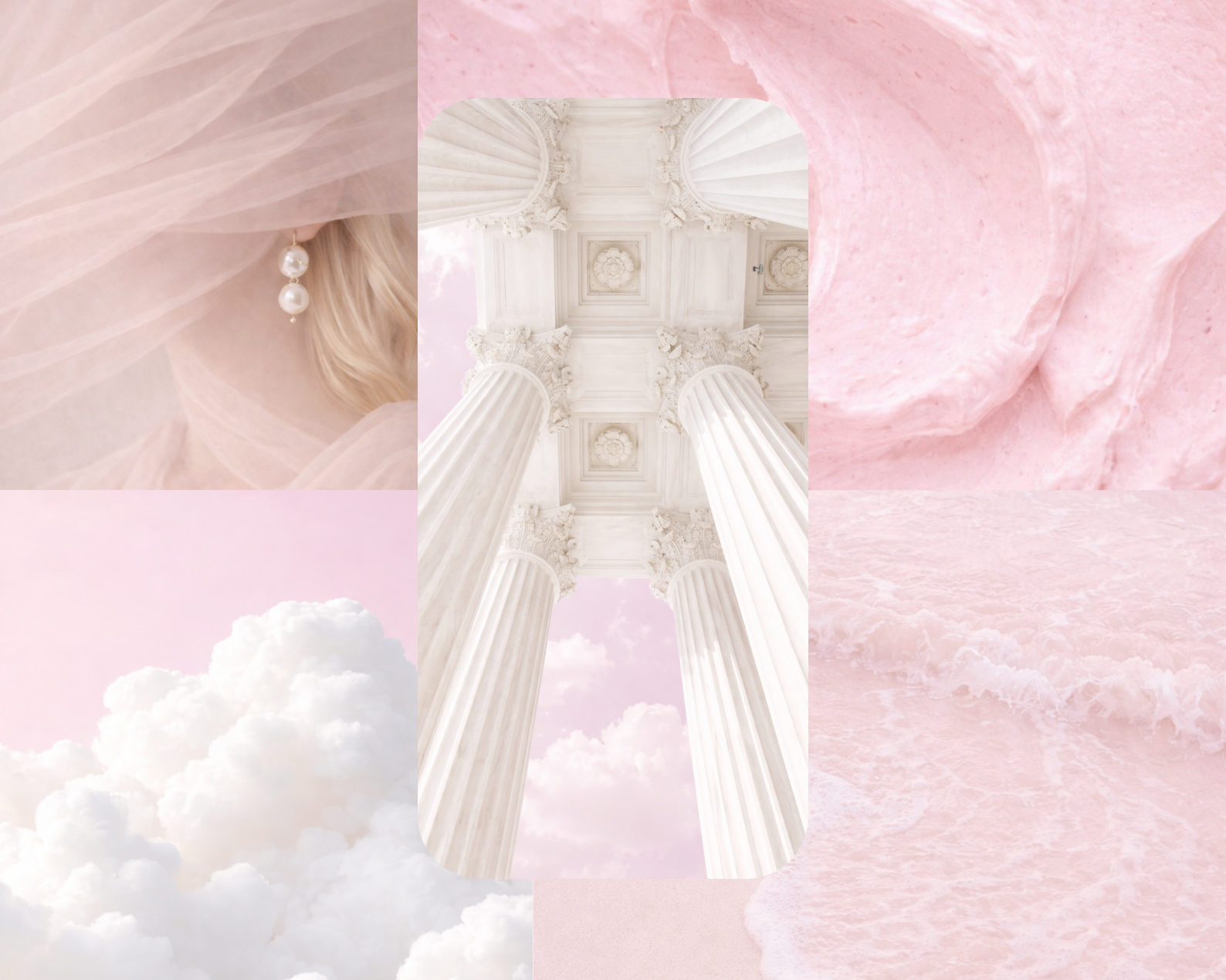
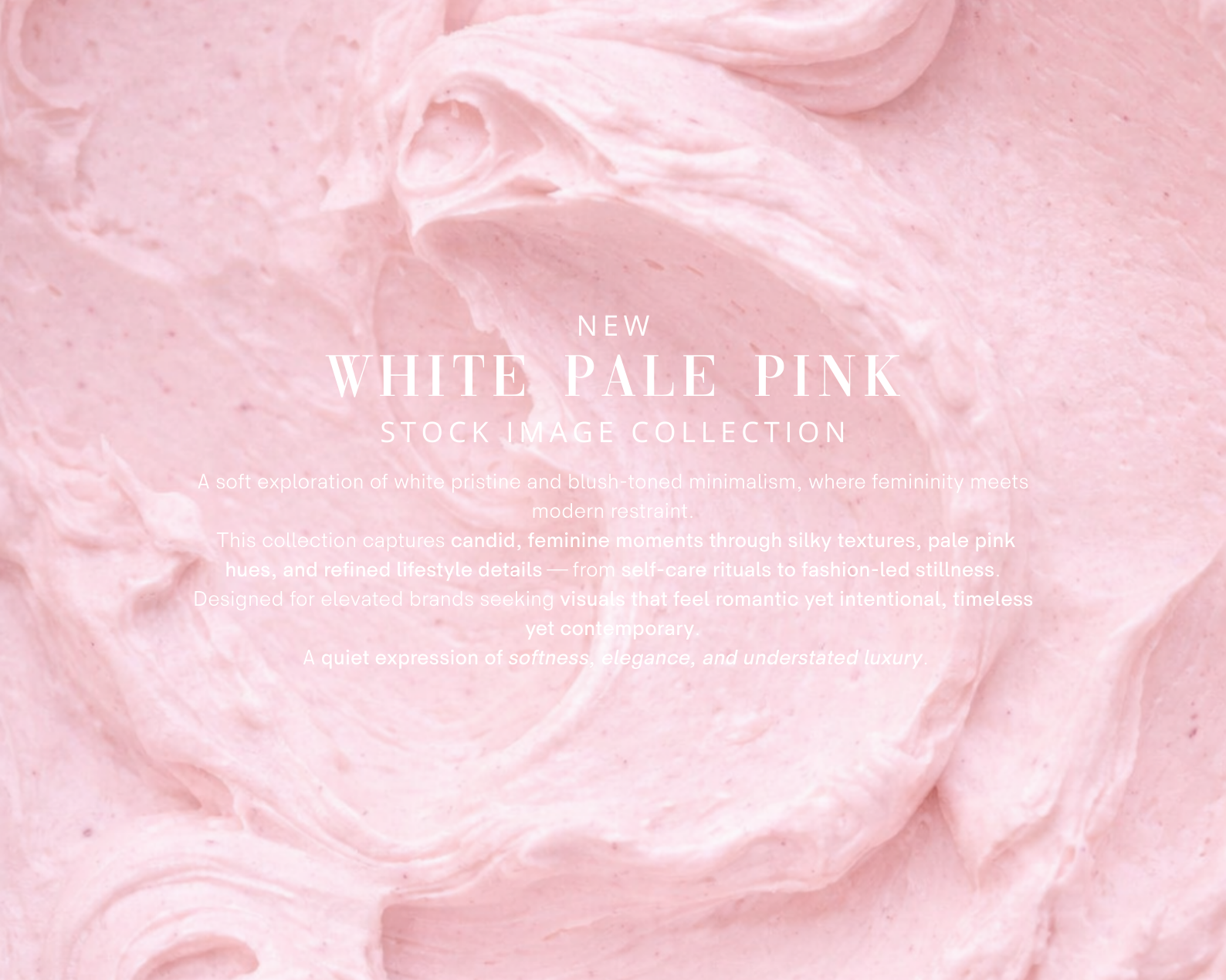
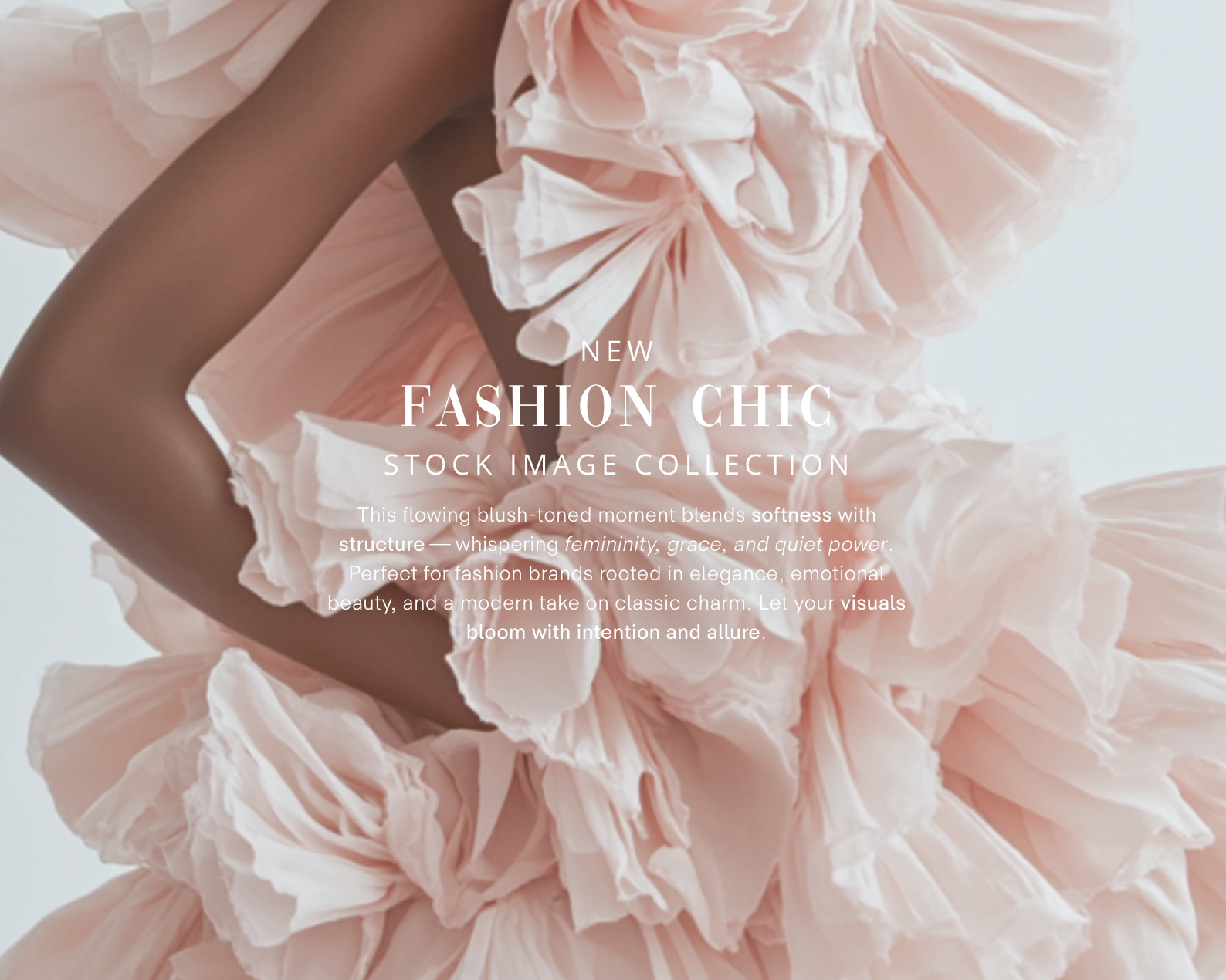
Soft blush highlights, creamy whites, and polished details create visuals that feel cute, fresh, and quietly luxurious.
Sweet femininity, elevated through design.
What You’ll Get:
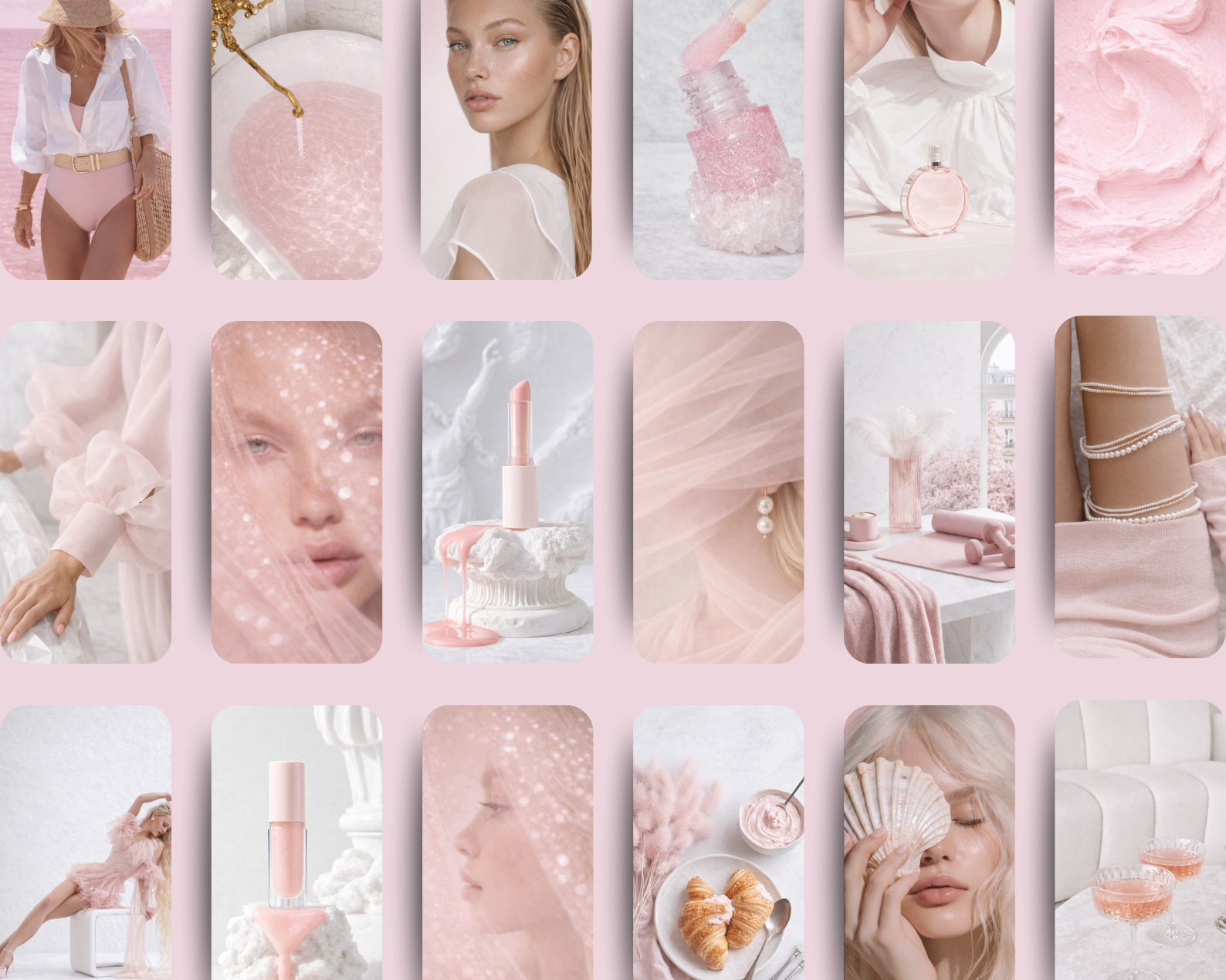
14 high-quality AI-generated images in soft white and blush tones
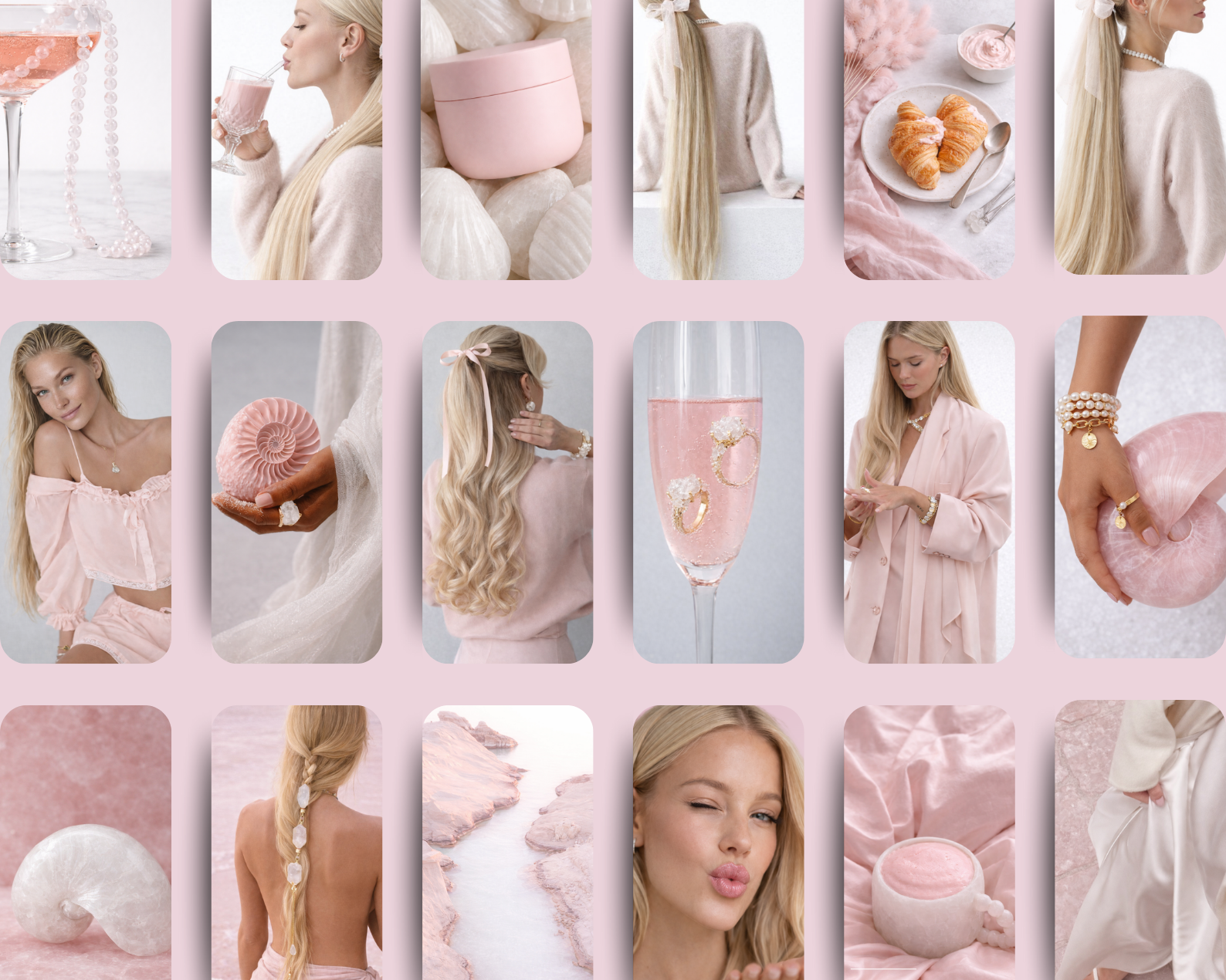
Feminine fashion moments with tailored silhouettes and playful styling
Powdery textures, soft foams, glossy details, and sculptural beauty elements
Lifestyle vignettes: pink lattes, self-care rituals, delicate accessories
Candid beauty portraits with fresh, luminous skin tones
A cohesive palette: soft white, blush pink, baby rose, pearl, pale nude
Ideal for:
Instagram · Pinterest · Beauty & Lifestyle Brands · Lookbooks · Product Pages · Editorials · Moodboards · Email Campaigns · Ebooks · Lifestyle Websites · Pinterest Ads
Format & Resolution:
Images: PNG files — 4000 × 6000 px
High-resolution, ready for social media, websites, Pinterest pins, and premium brand storytelling.
How to Download the ZIP File from Google Drive
Click the Link
Once you click the link in this PDF, you'll be redirected to a Google Drive page.
Locate the Download Button
If you're using a computer: Look for the download icon (a downward arrow) at the top-right corner of the Google Drive page.
If you're on a mobile device: Tap the three-dot menu icon and select Download.
Download the File
Click the download icon to start downloading the ZIP file.
If prompted, choose where you'd like to save the file on your device.
Unzip the File
On a computer: Right-click the downloaded ZIP file and select Extract All or use a ZIP extraction program like WinRAR or 7-Zip.
On a mobile device: Use a file manager or an app like WinZip or RAR to unzip the file.
🕊️ Where softness becomes the statement.
Made by AI Aesthetic Studio
A playful yet refined exploration of blush tones, softness, and modern femininity, this Soft White Blush Editorial Collection is designed for brands that embrace charm with elegance.
Featuring 14 high-end images, this collection captures feminine expression through airy whites, delicate pink accents, and lighthearted lifestyle moments.
Soft blush highlights, creamy whites, and polished details create visuals that feel cute, fresh, and quietly luxurious.
Sweet femininity, elevated through design.
What You’ll Get:
14 high-quality AI-generated images in soft white and blush tones
Feminine fashion moments with tailored silhouettes and playful styling
Powdery textures, soft foams, glossy details, and sculptural beauty elements
Lifestyle vignettes: pink lattes, self-care rituals, delicate accessories
Candid beauty portraits with fresh, luminous skin tones
A cohesive palette: soft white, blush pink, baby rose, pearl, pale nude
Ideal for:
Instagram · Pinterest · Beauty & Lifestyle Brands · Lookbooks · Product Pages · Editorials · Moodboards · Email Campaigns · Ebooks · Lifestyle Websites · Pinterest Ads
Format & Resolution:
Images: PNG files — 4000 × 6000 px
High-resolution, ready for social media, websites, Pinterest pins, and premium brand storytelling.
How to Download the ZIP File from Google Drive
Click the Link
Once you click the link in this PDF, you'll be redirected to a Google Drive page.
Locate the Download Button
If you're using a computer: Look for the download icon (a downward arrow) at the top-right corner of the Google Drive page.
If you're on a mobile device: Tap the three-dot menu icon and select Download.
Download the File
Click the download icon to start downloading the ZIP file.
If prompted, choose where you'd like to save the file on your device.
Unzip the File
On a computer: Right-click the downloaded ZIP file and select Extract All or use a ZIP extraction program like WinRAR or 7-Zip.
On a mobile device: Use a file manager or an app like WinZip or RAR to unzip the file.
🕊️ Where softness becomes the statement.
Made by AI Aesthetic Studio
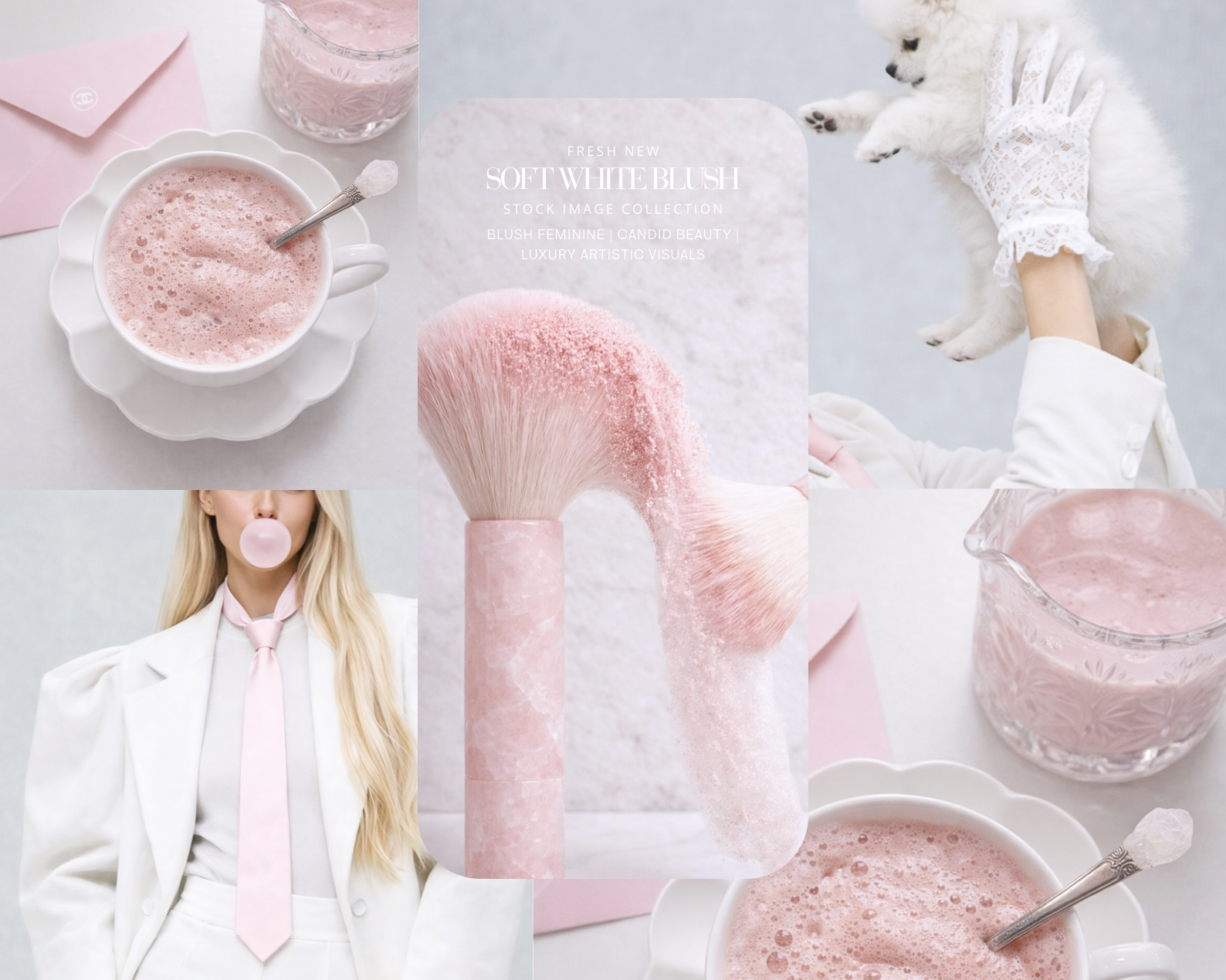 Image 1 of 6
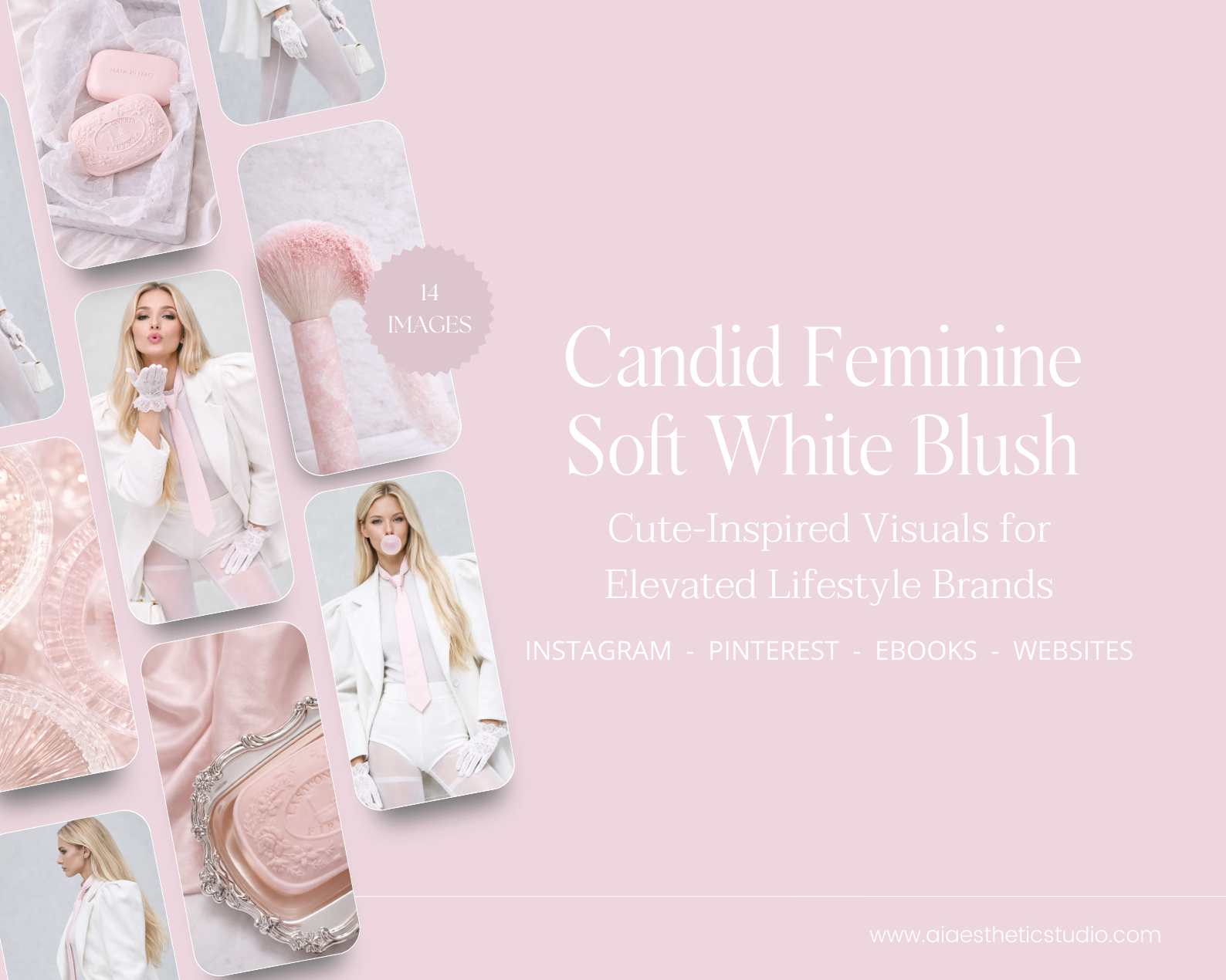 Image 2 of 6
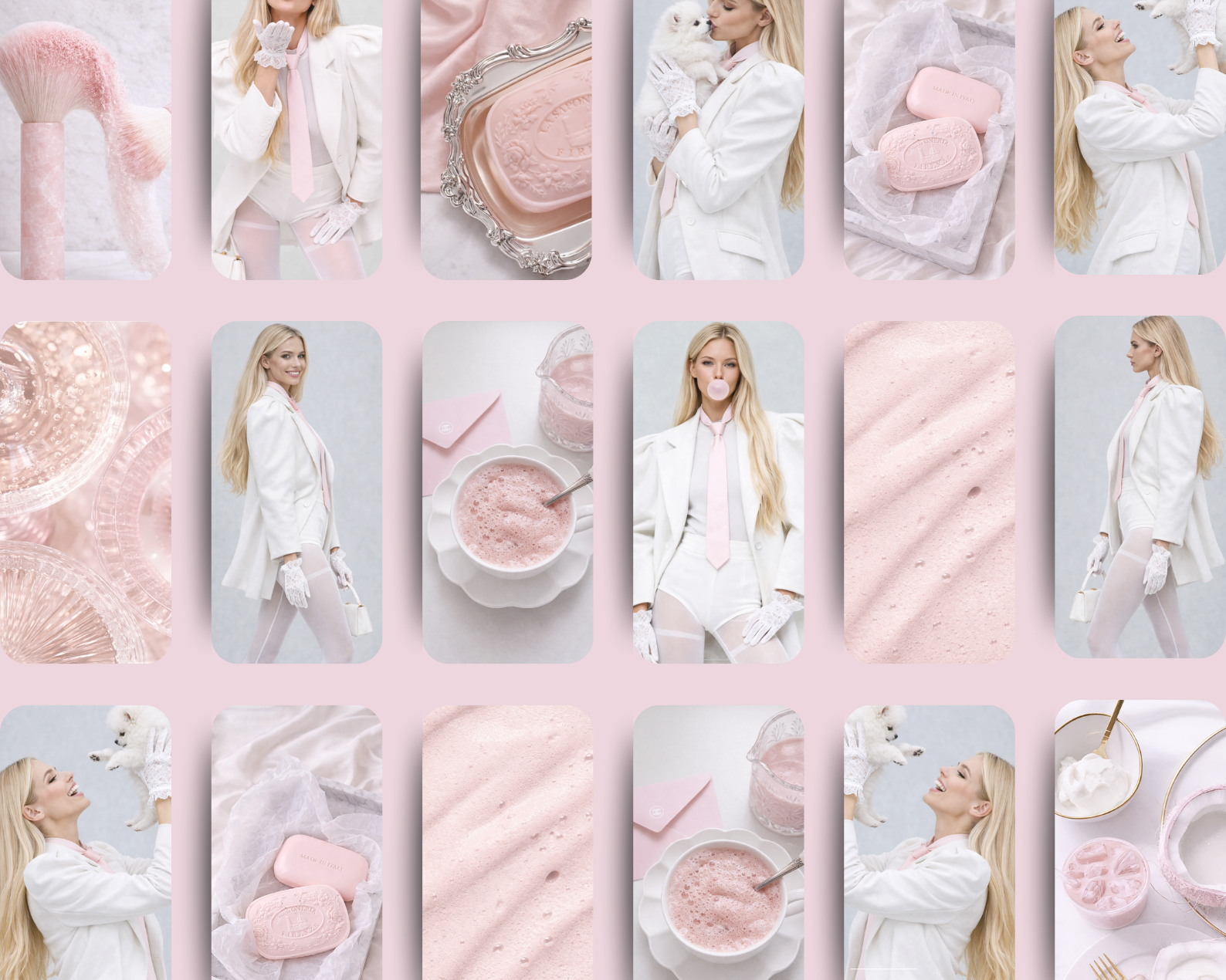 Image 3 of 6
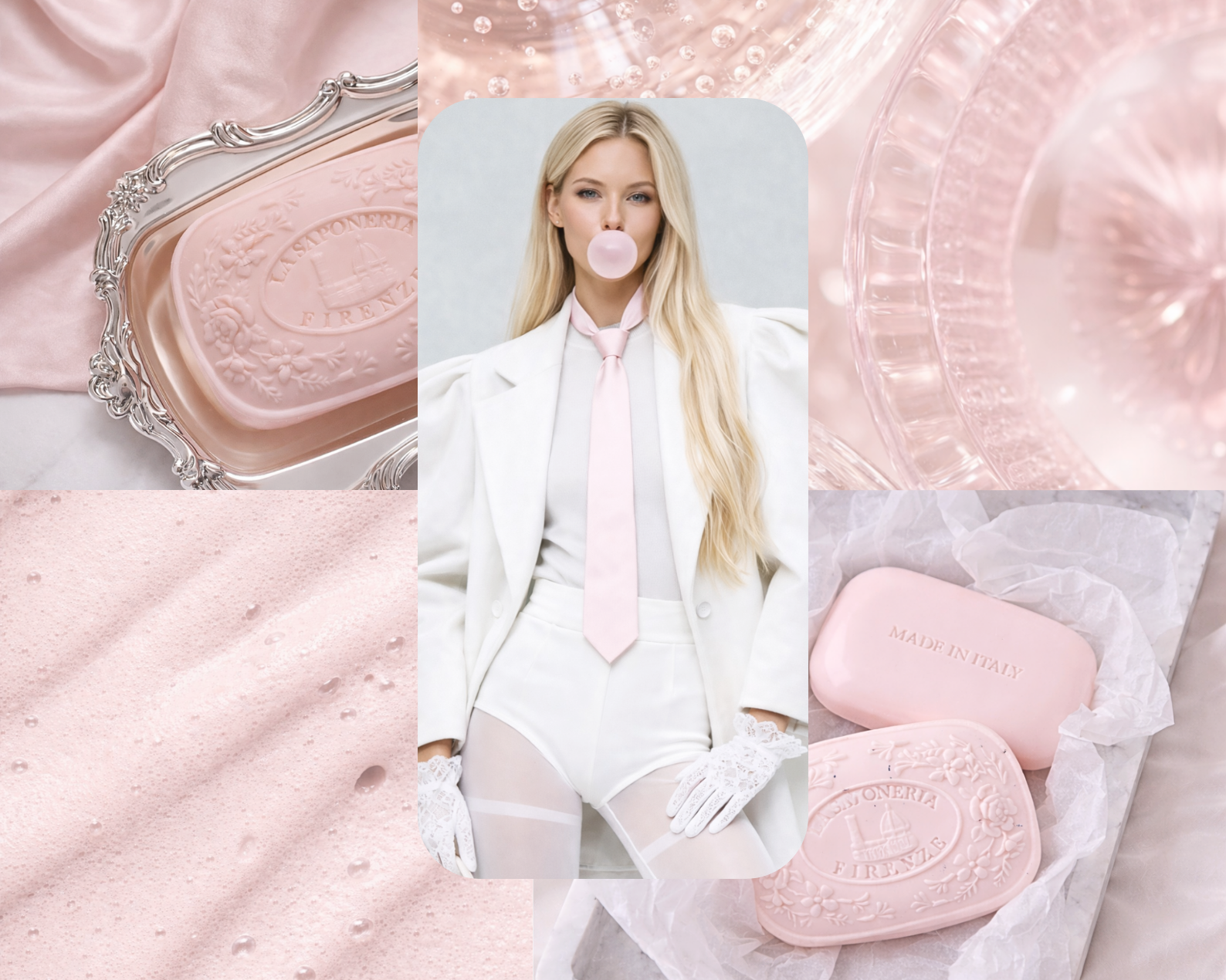 Image 4 of 6
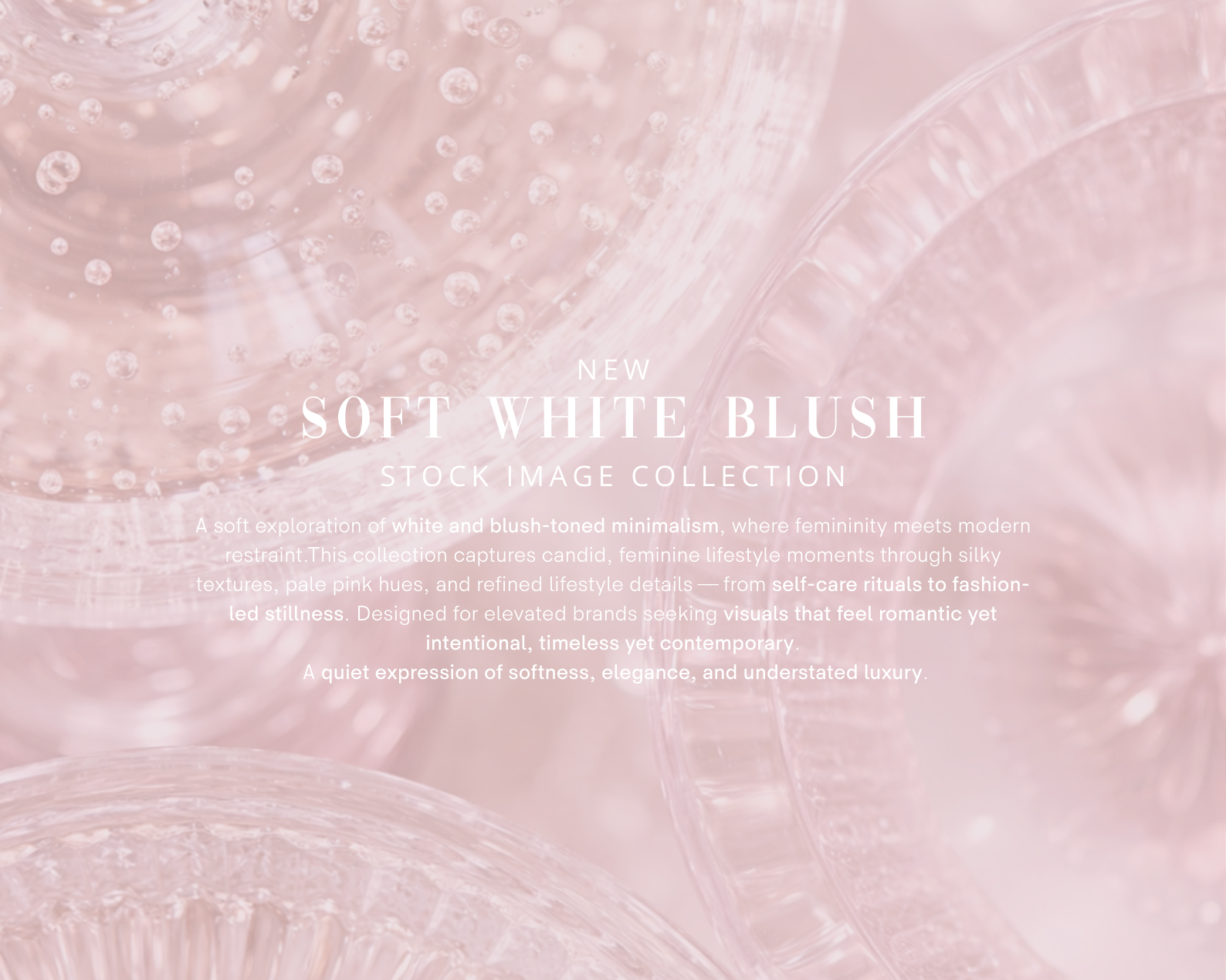 Image 5 of 6
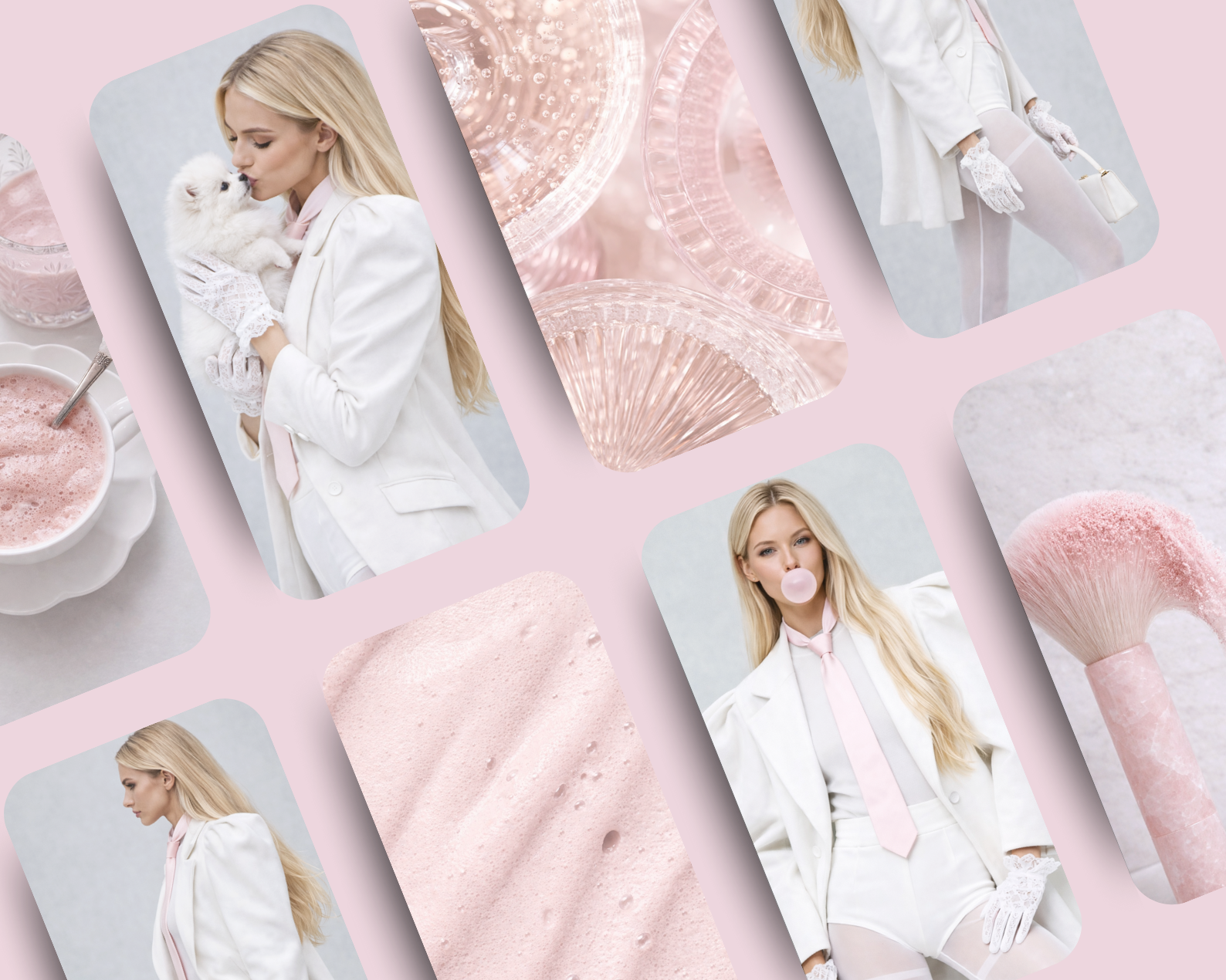 Image 6 of 6