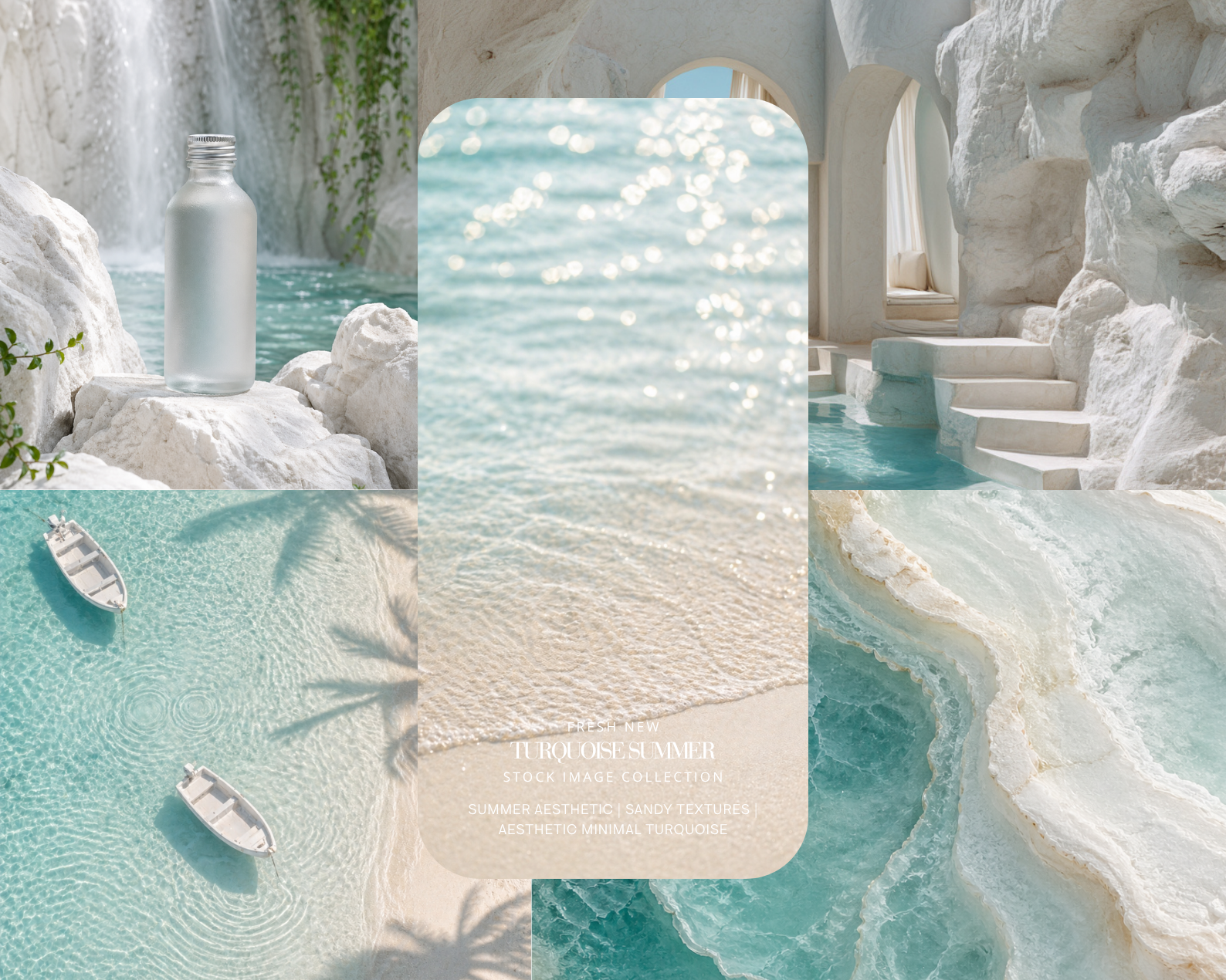
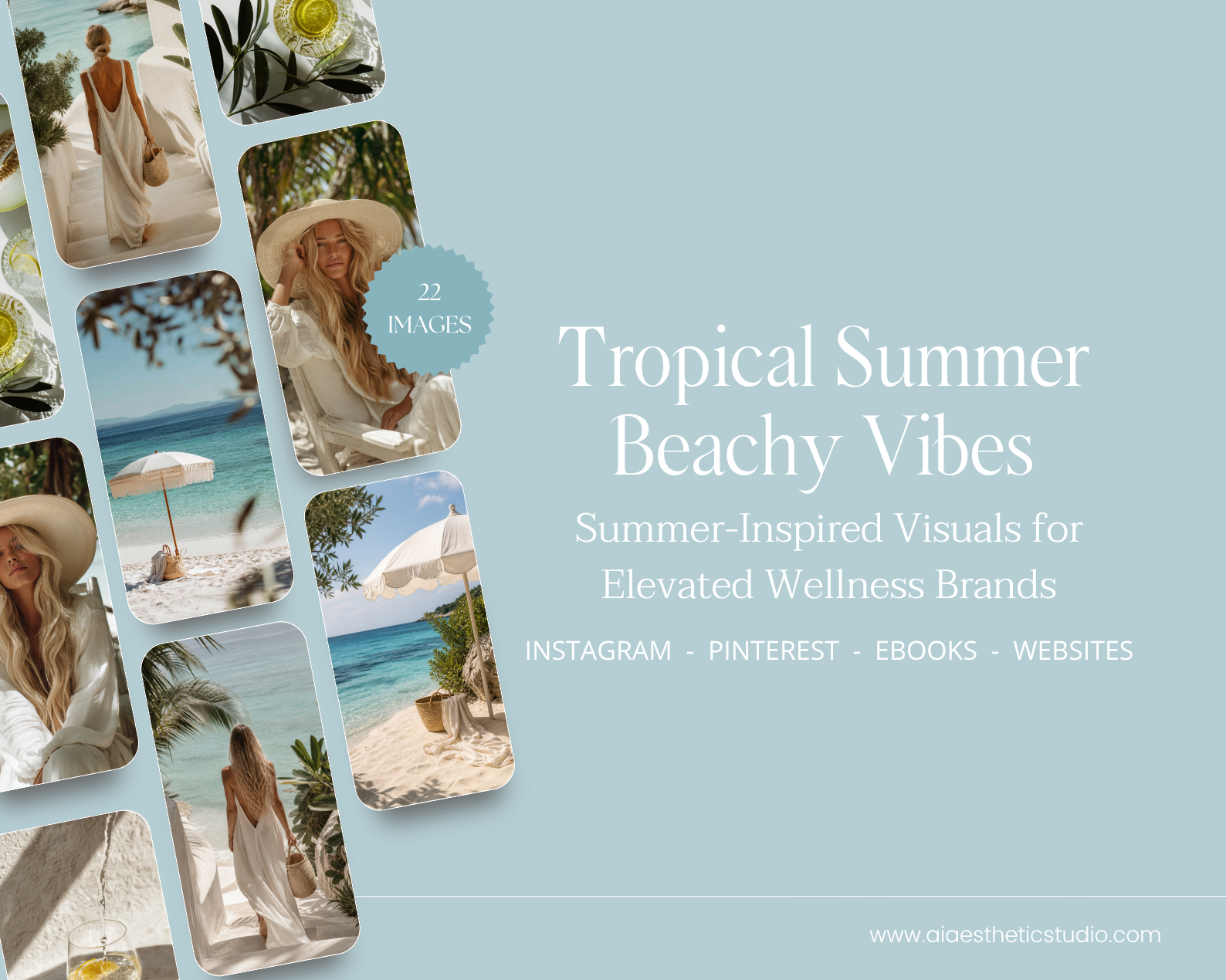
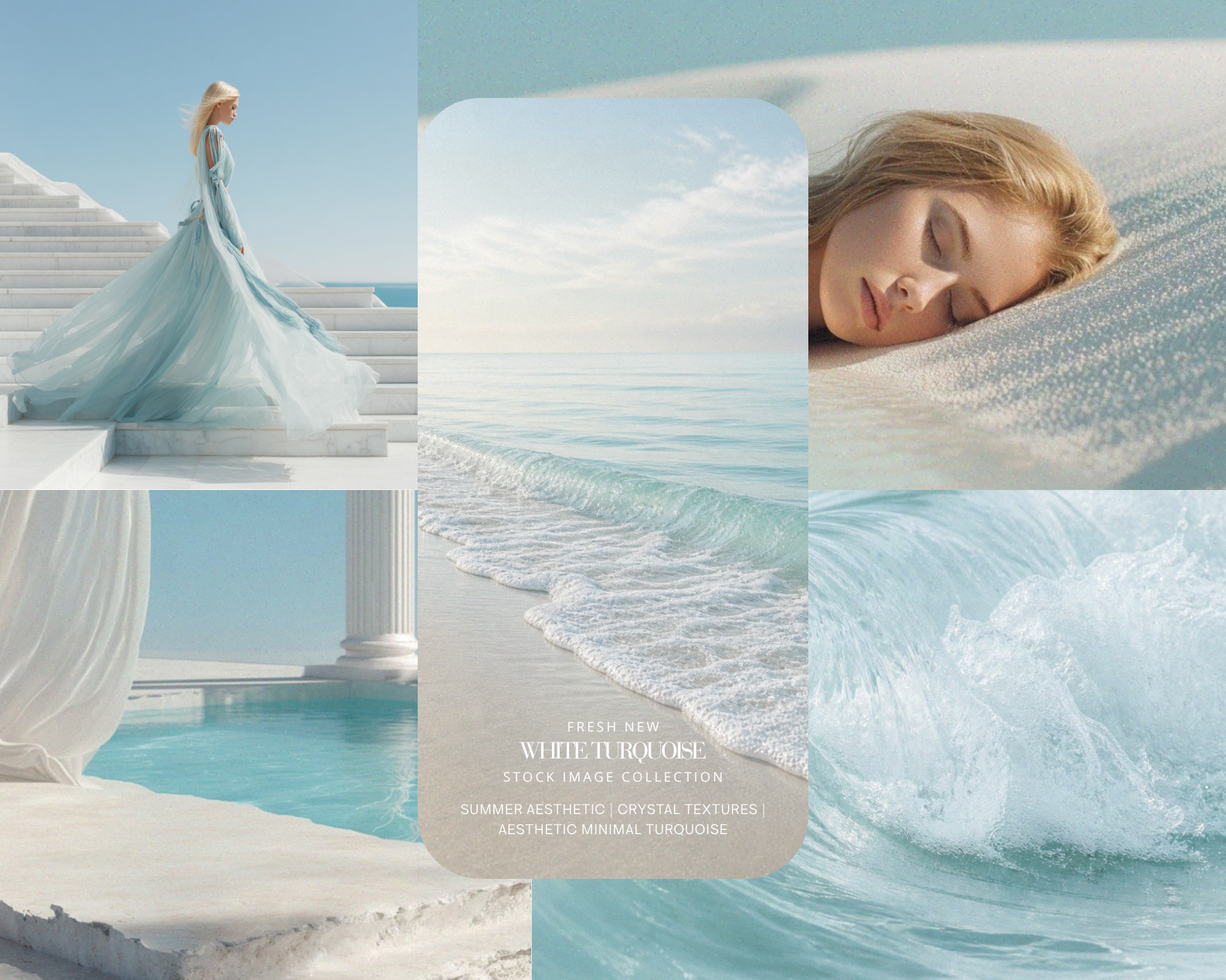
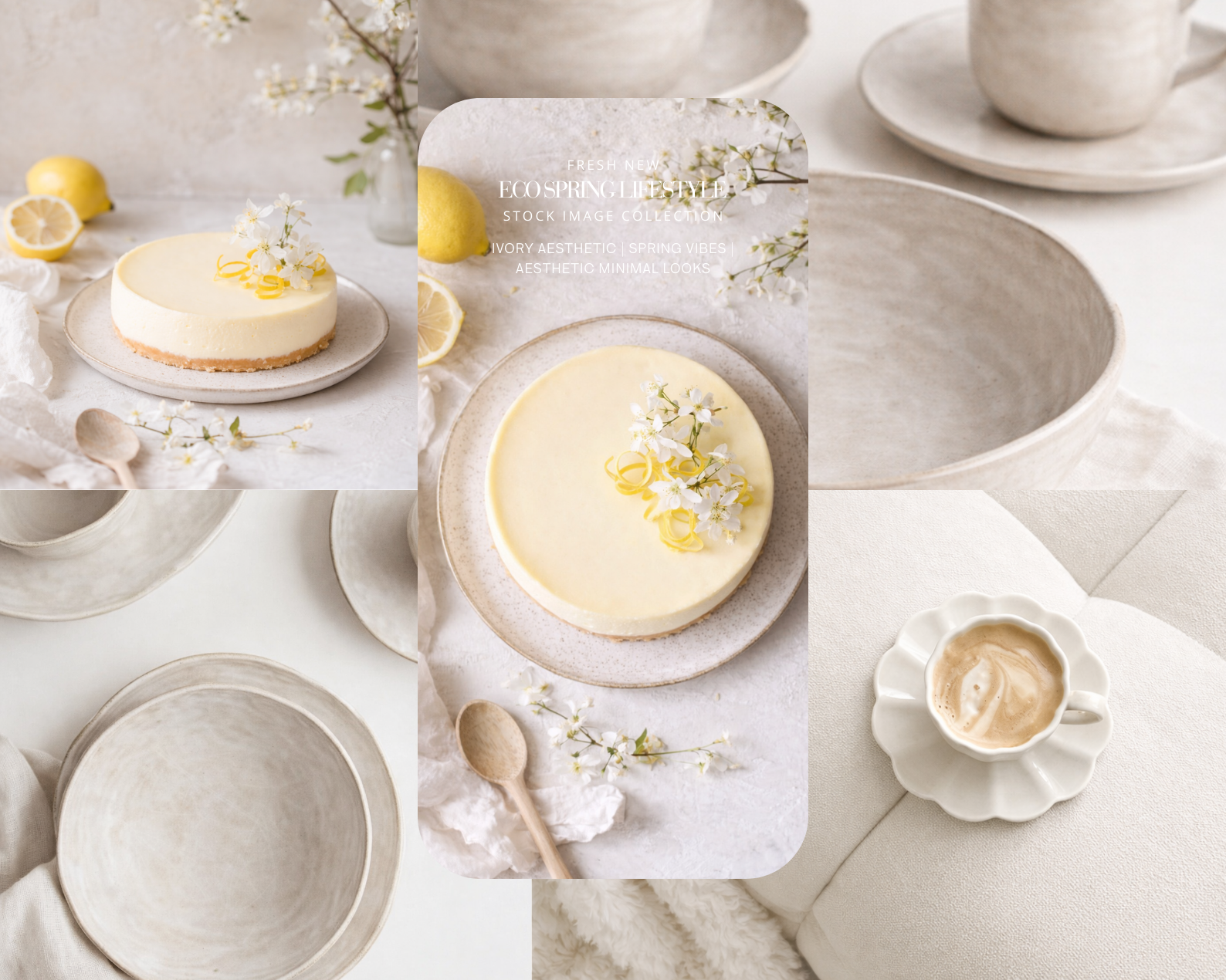
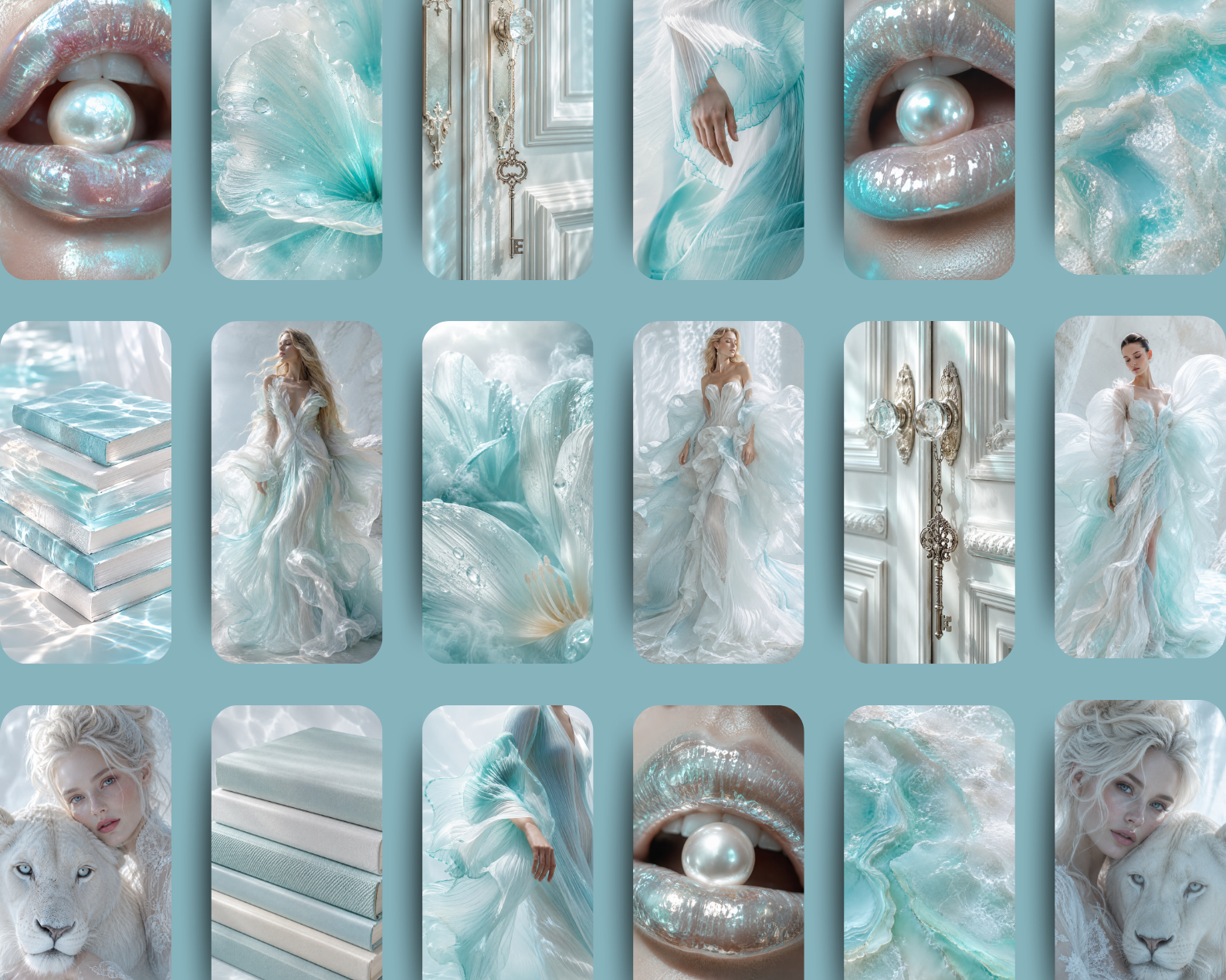
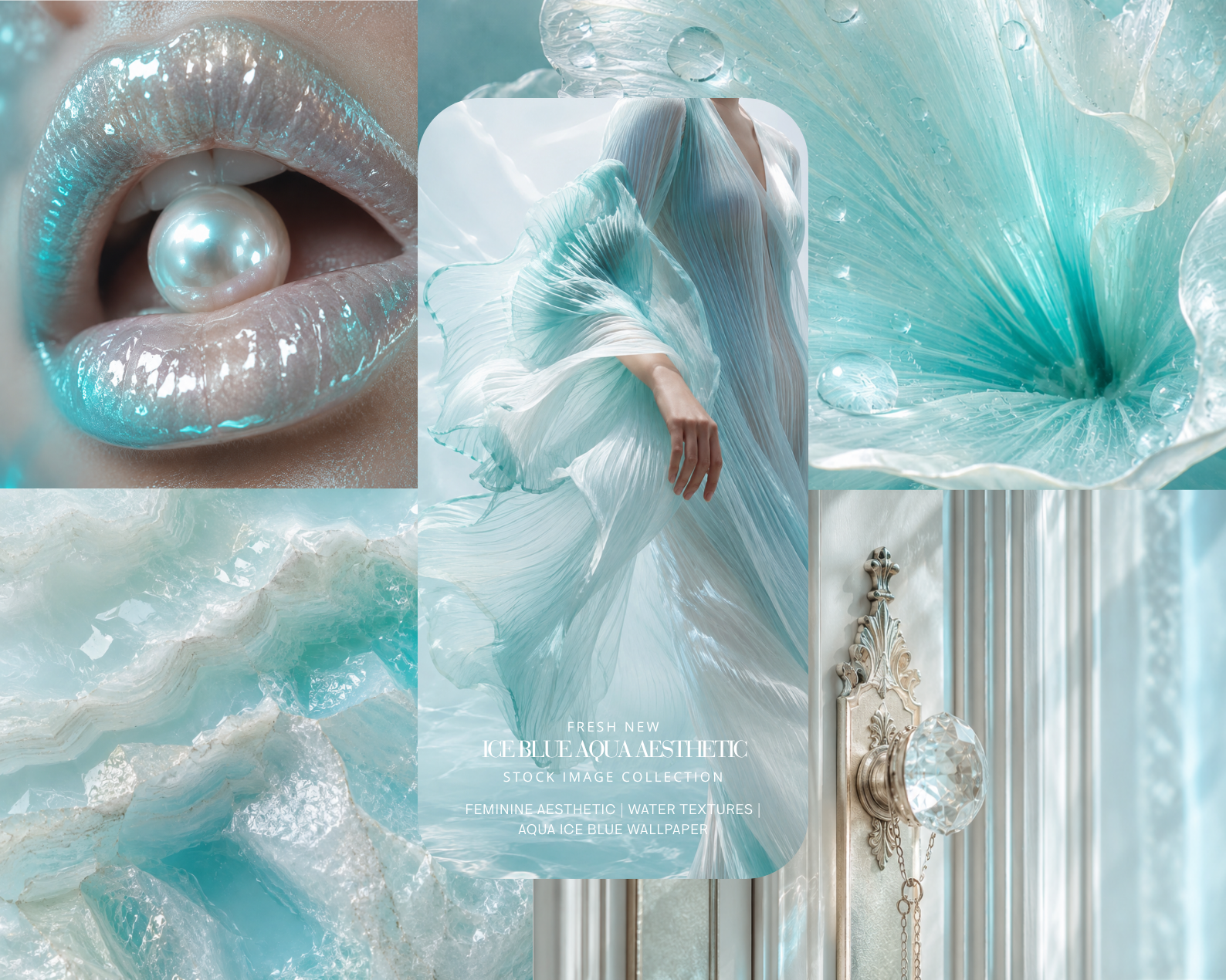
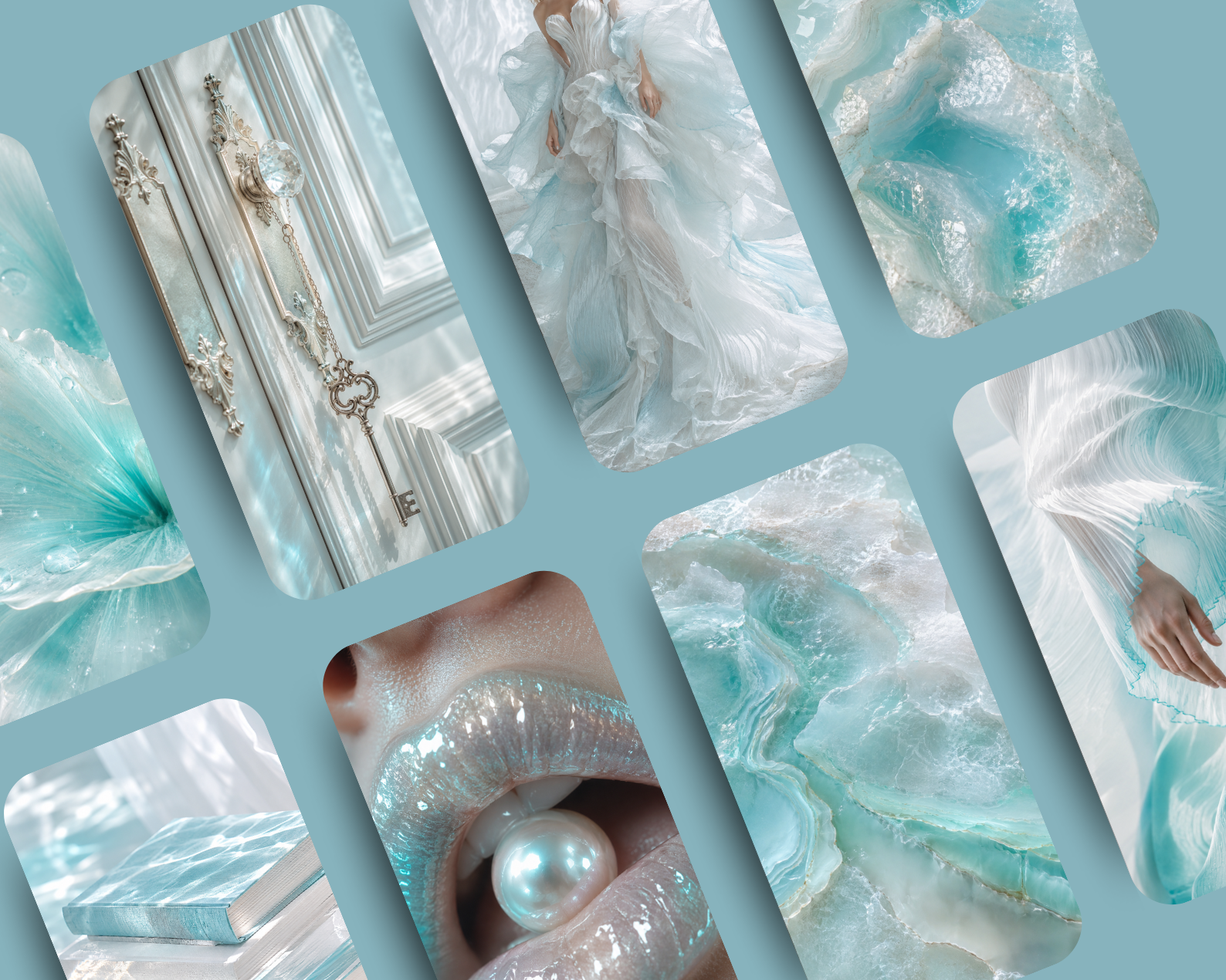
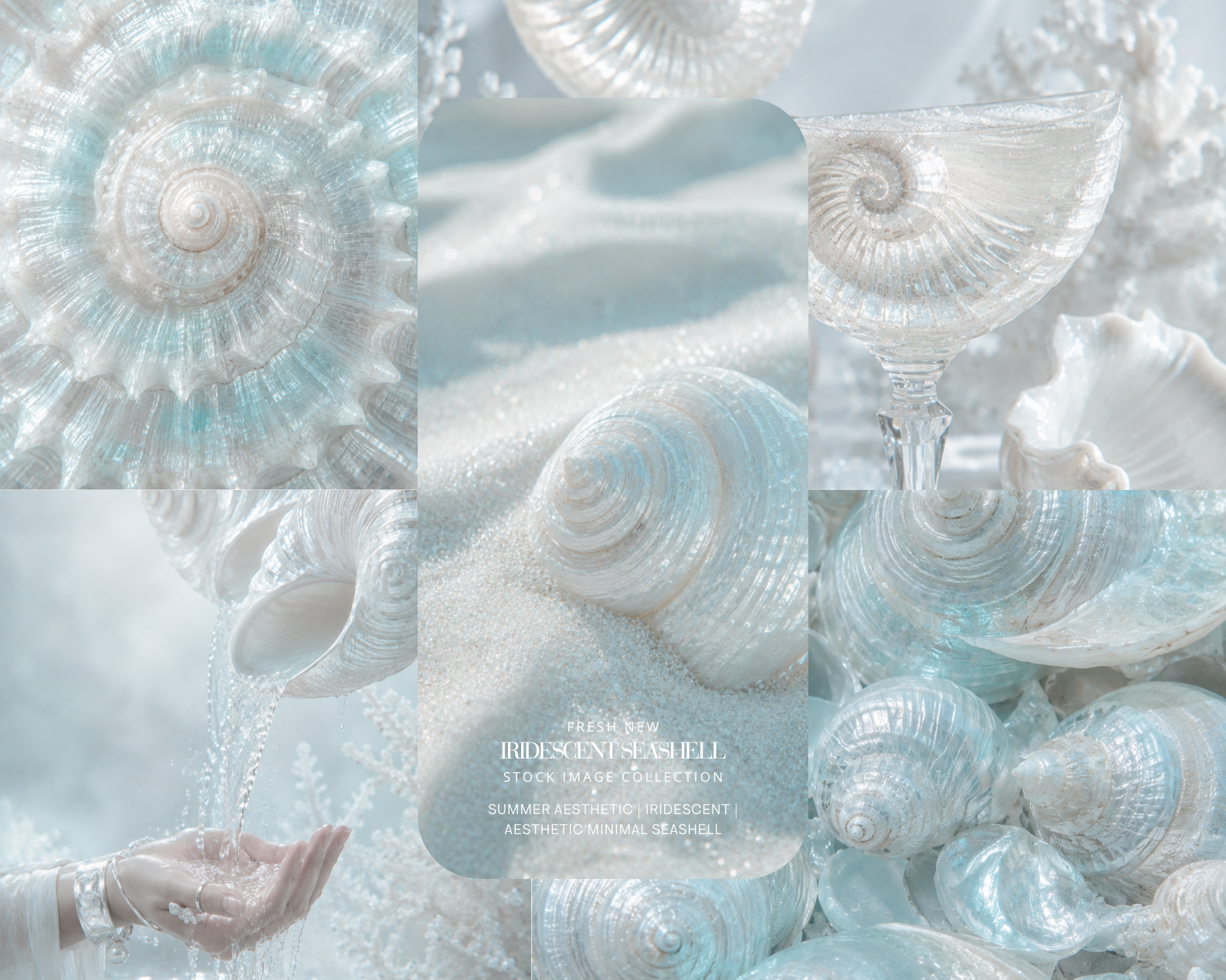
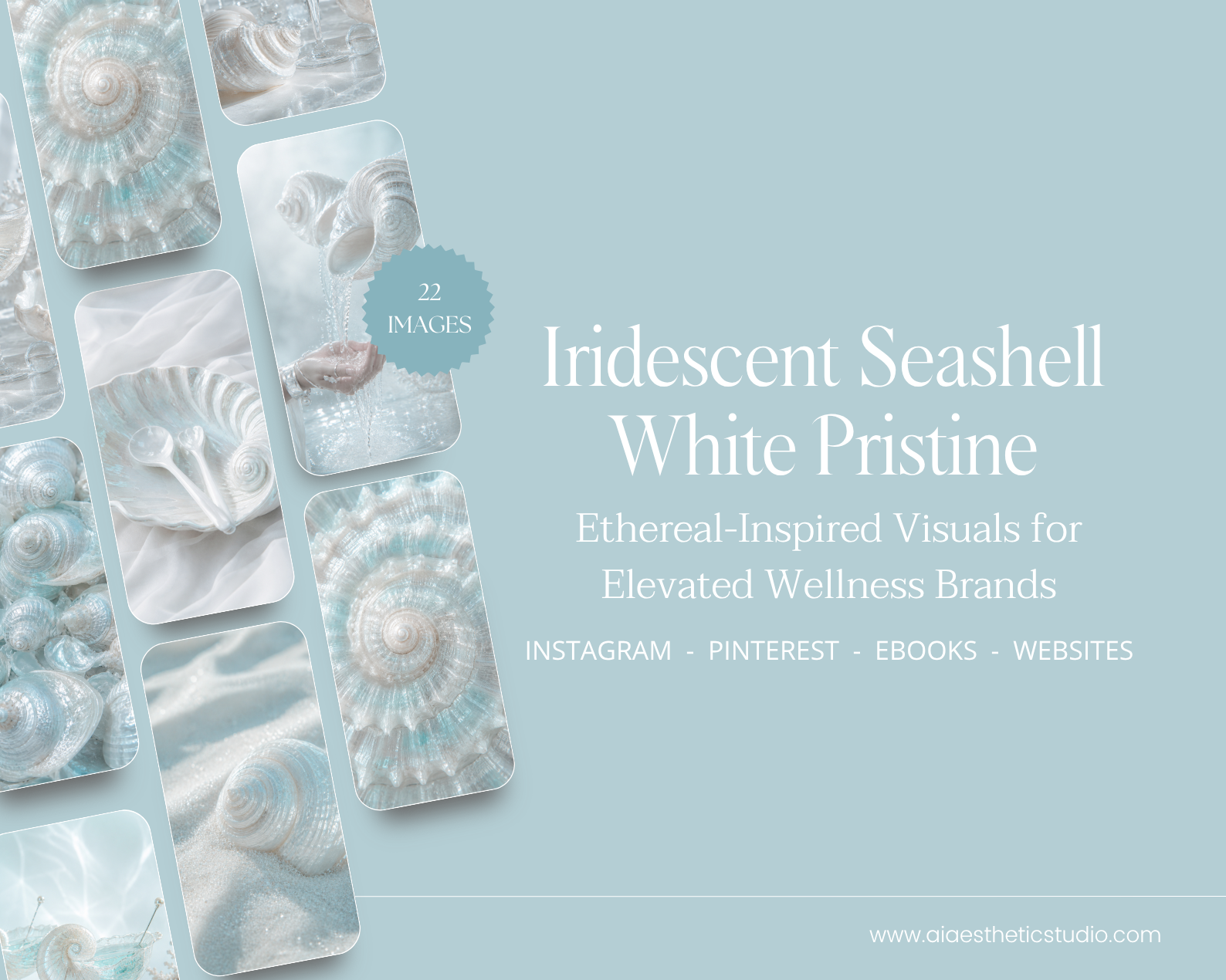
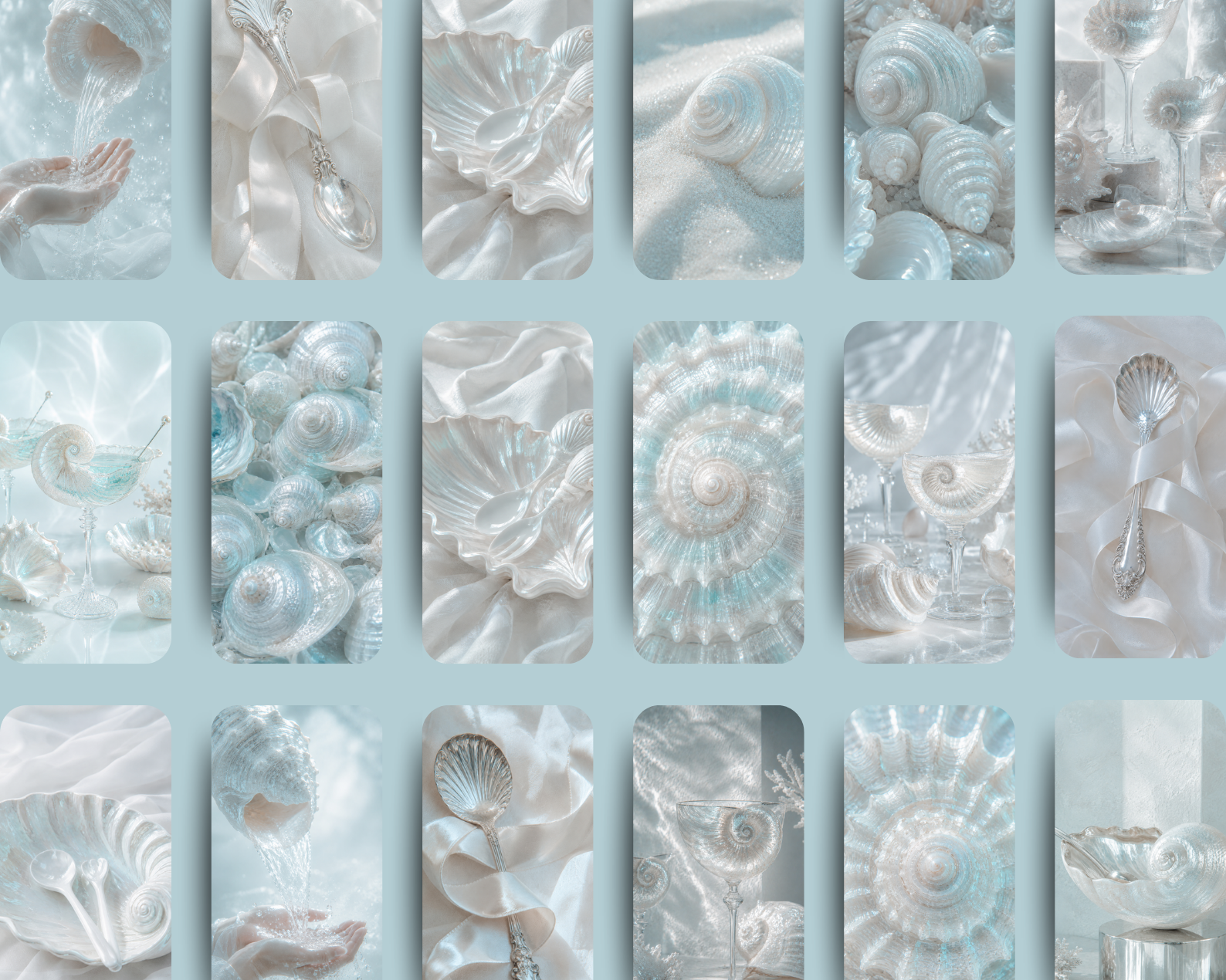
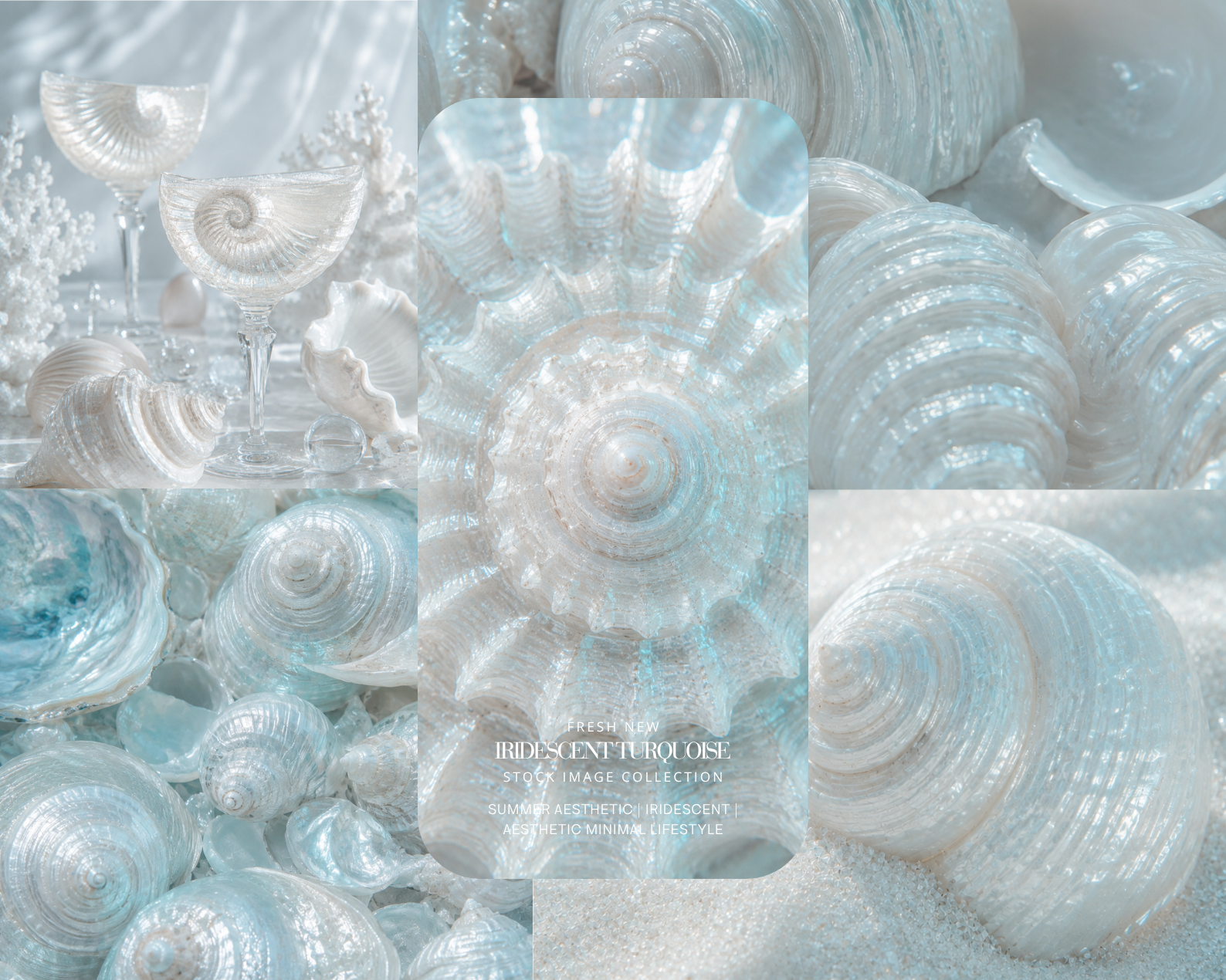
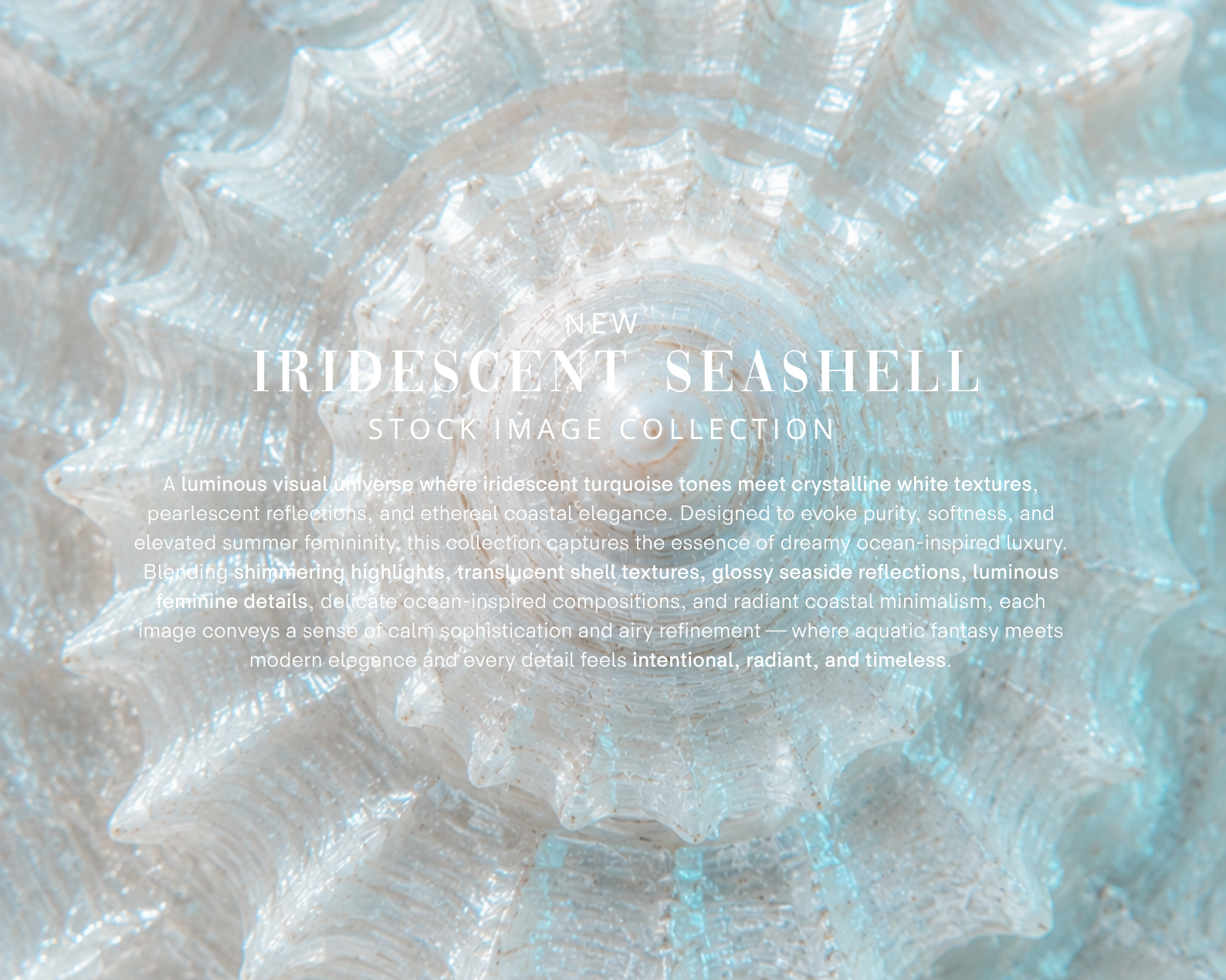
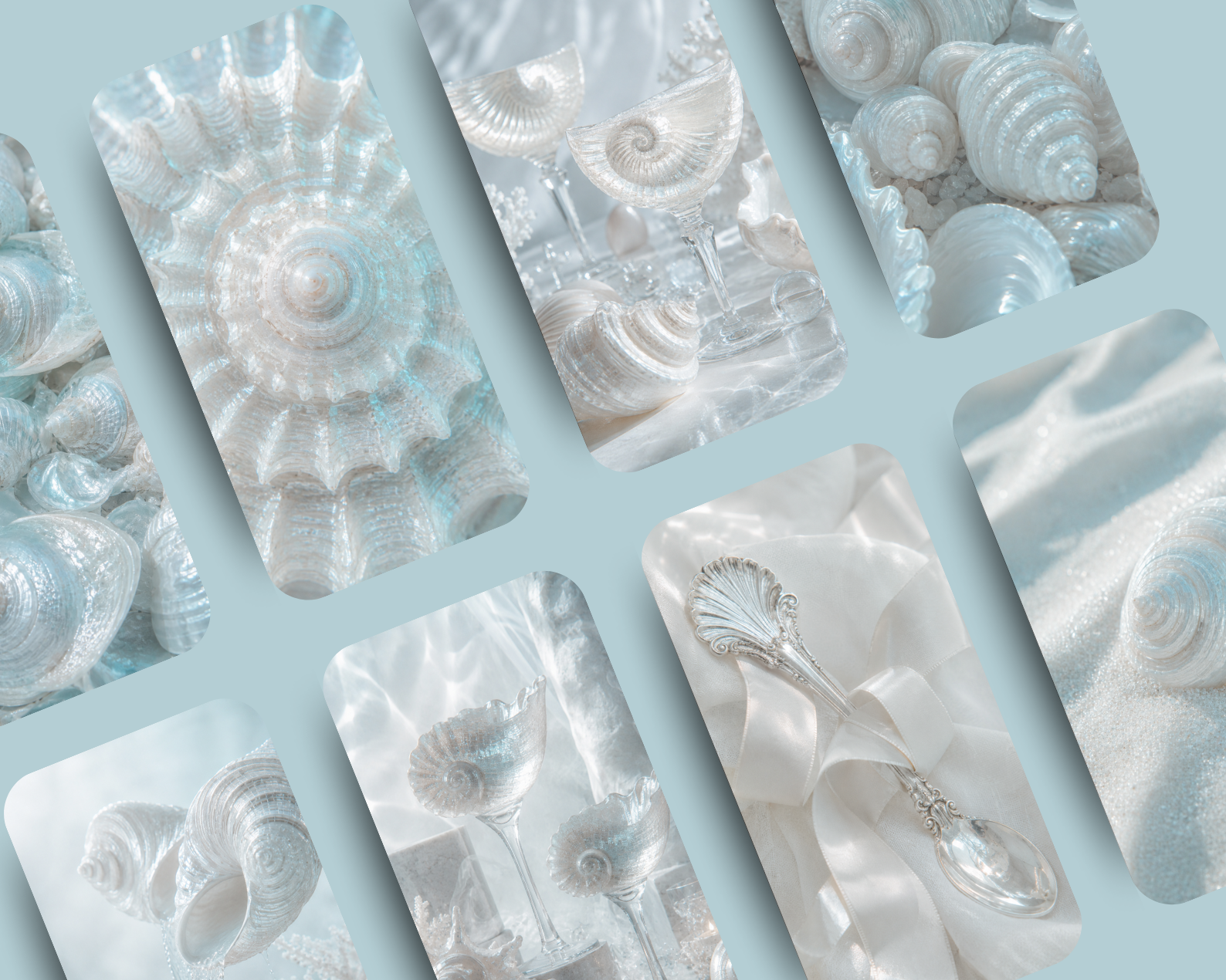
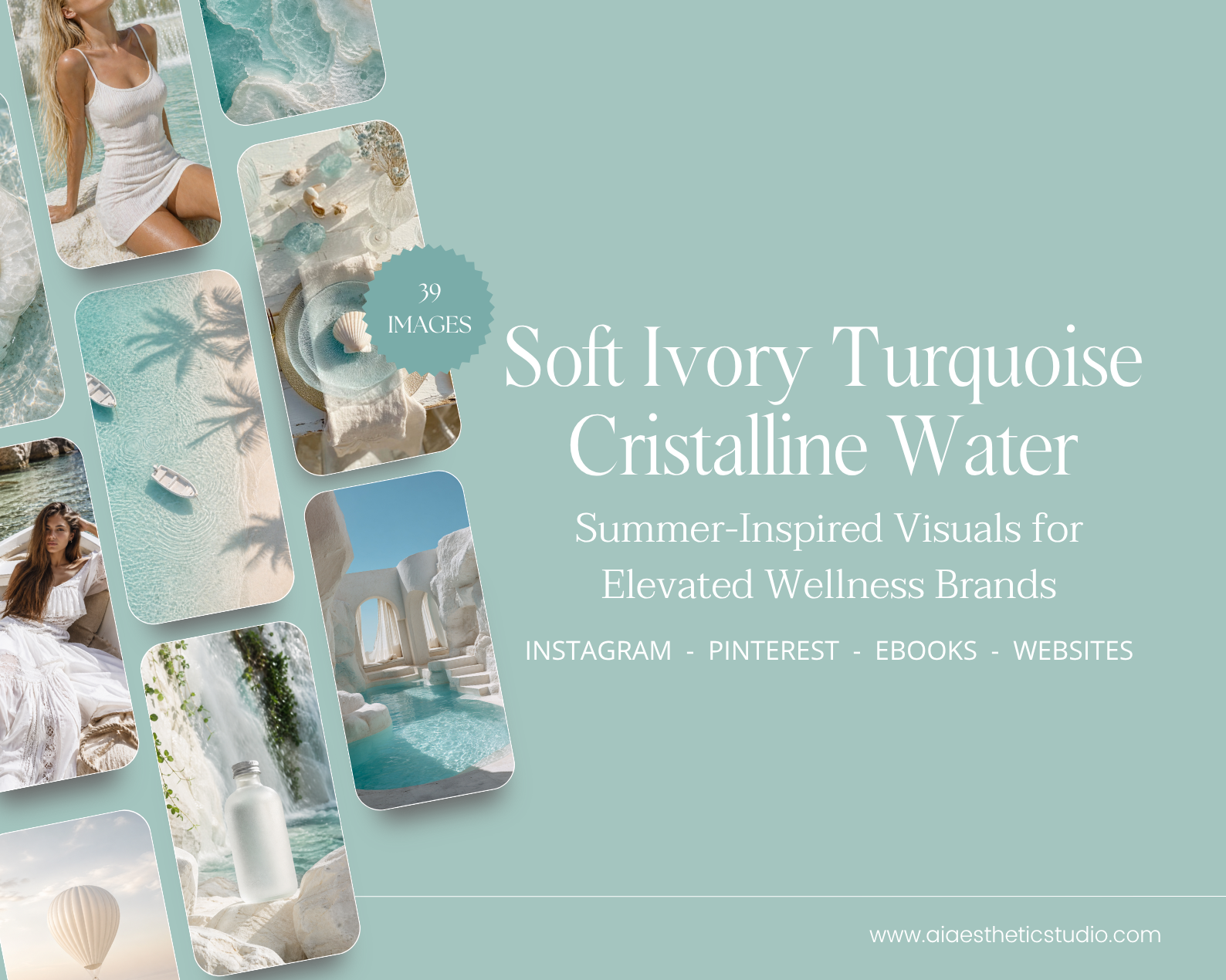
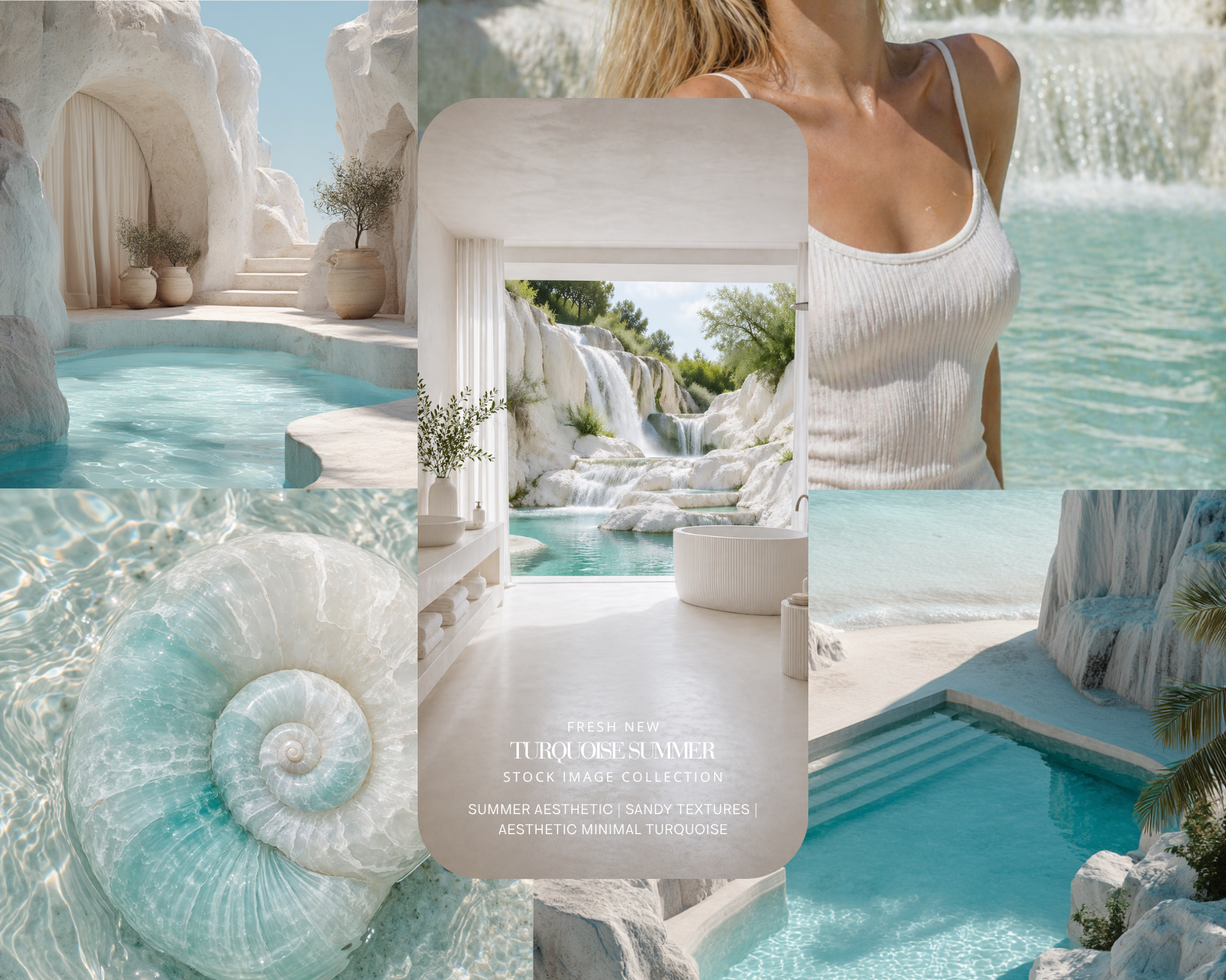
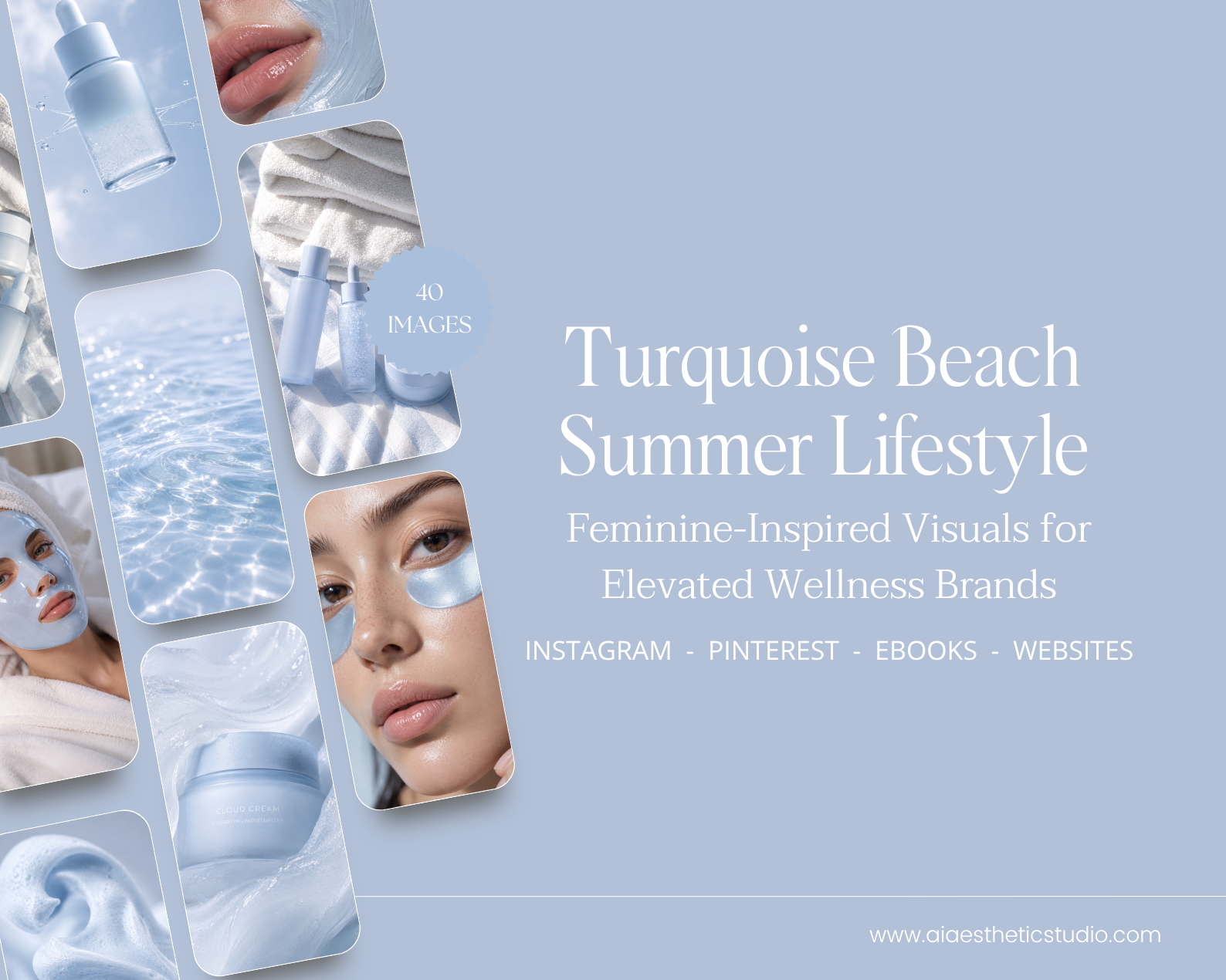
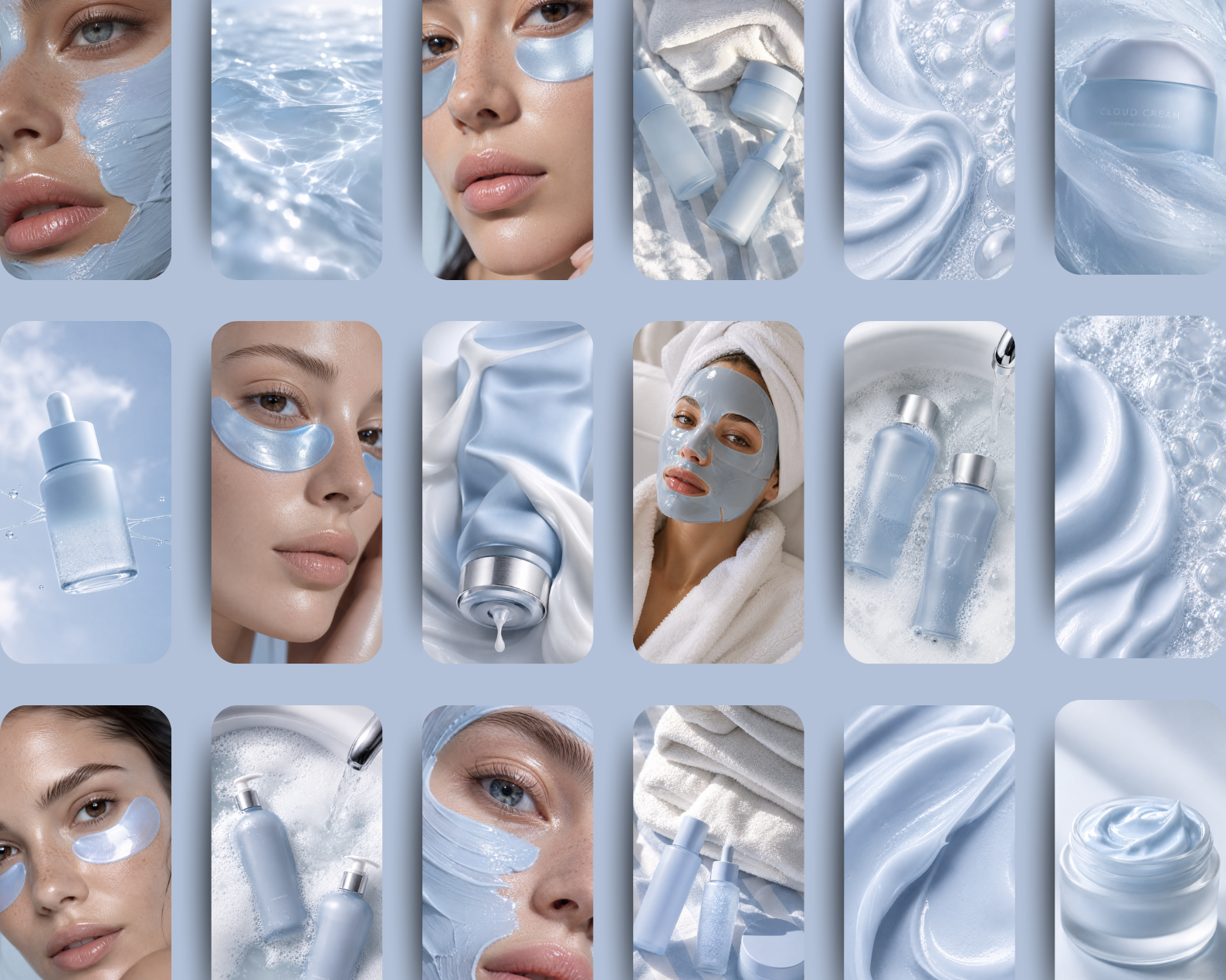
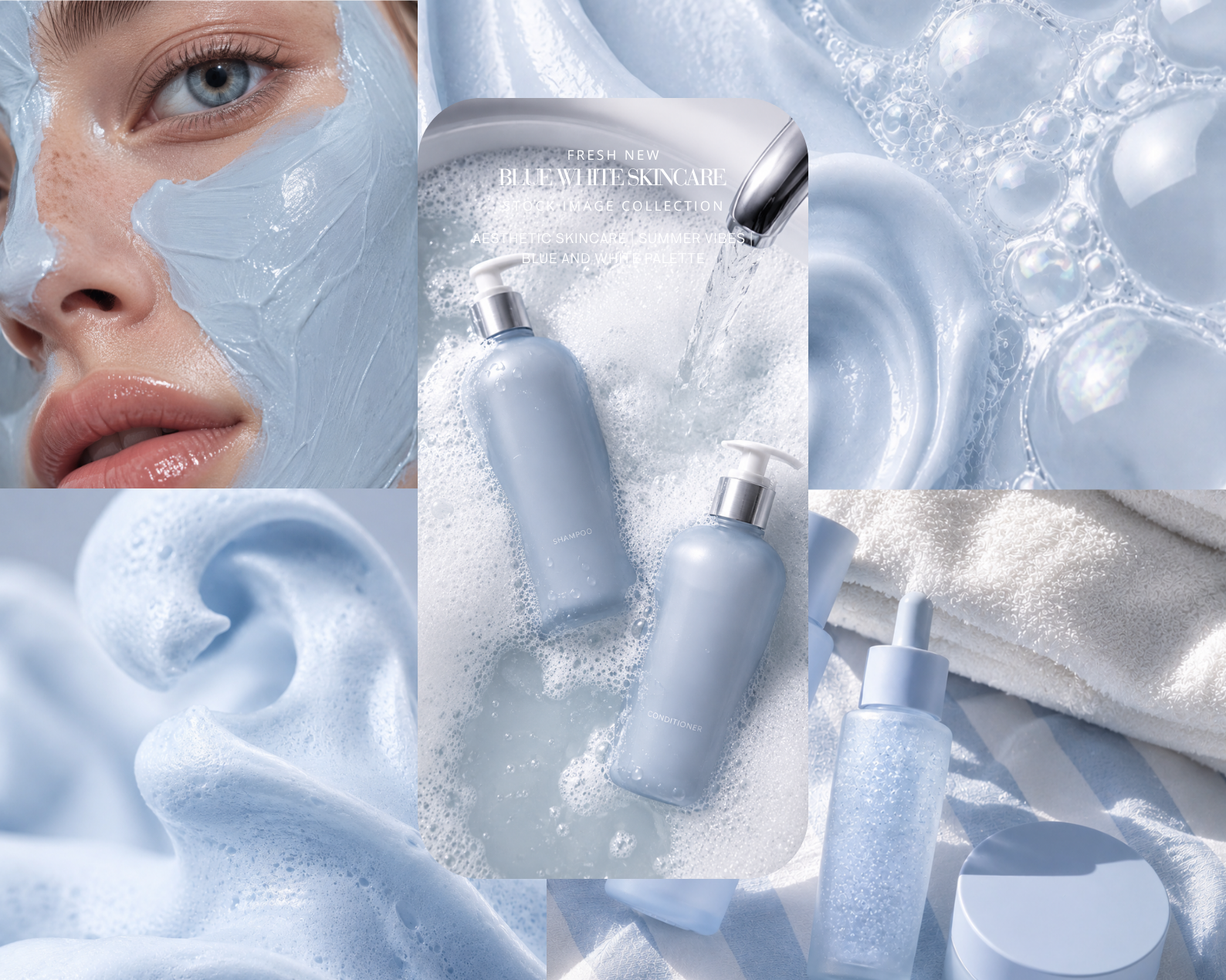
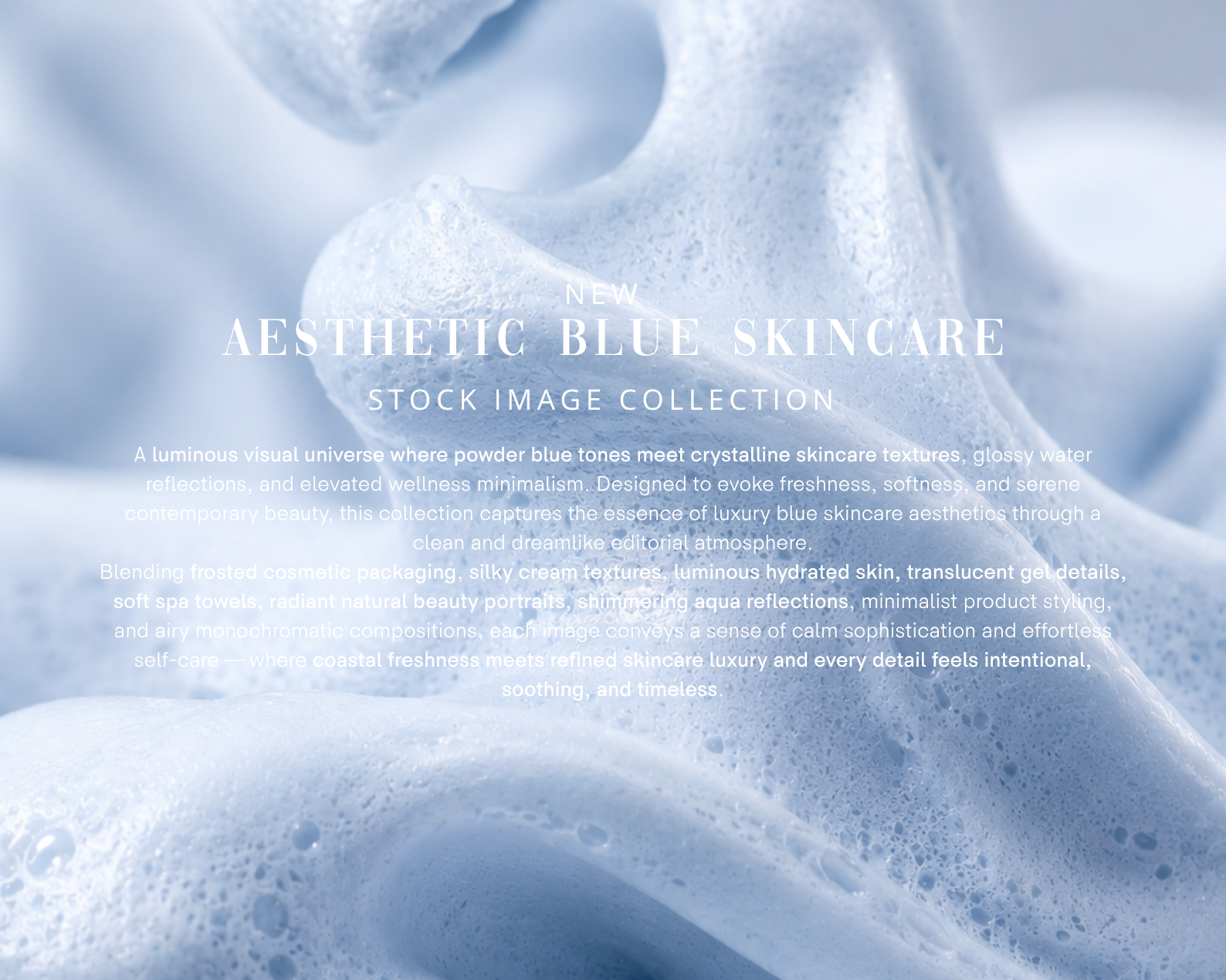
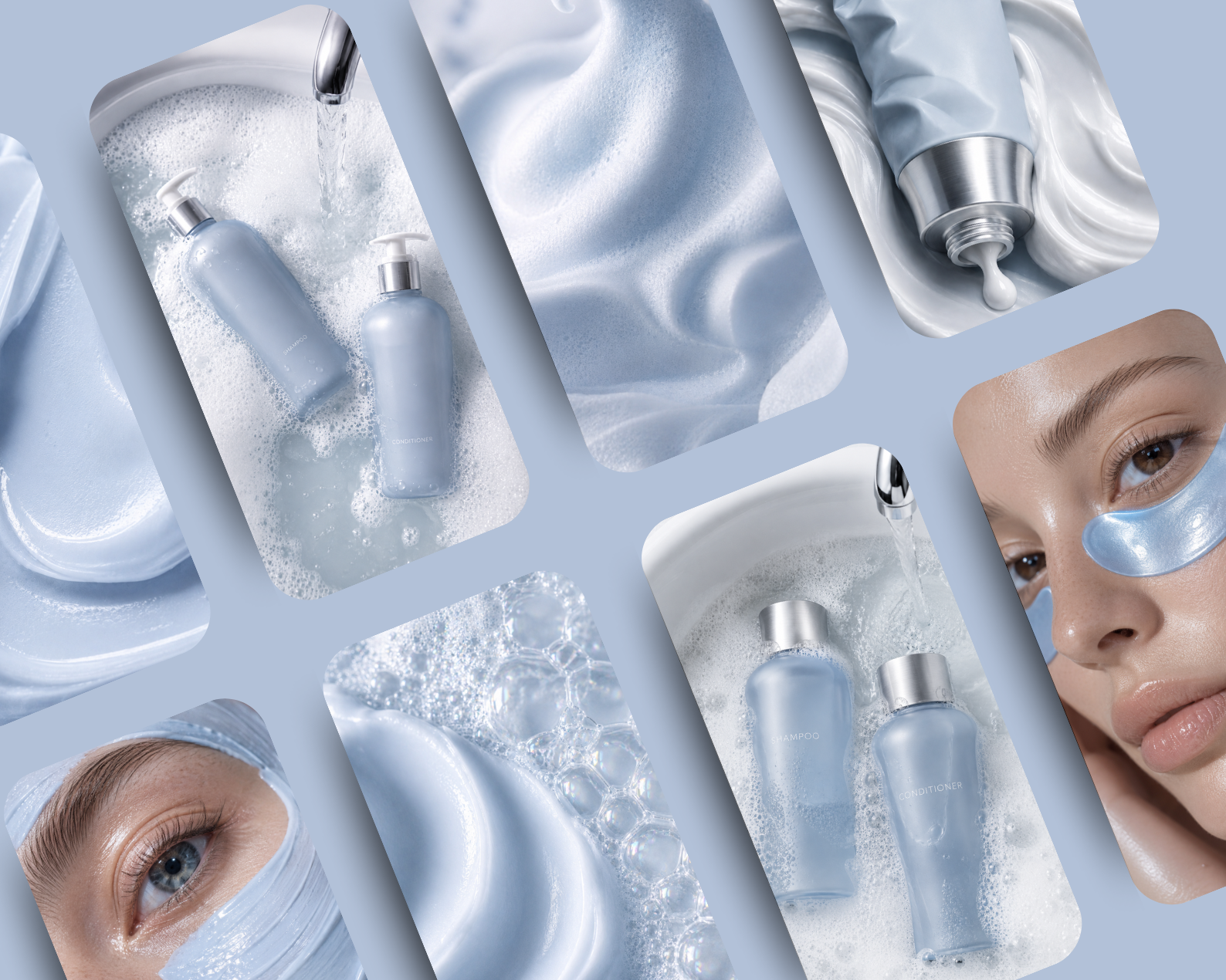
This is the full-scale version of pure coastal luxury. If you've been searching for high-end white and turquoise aesthetic stock photos that feel editorial, architectural, and emotionally elevated — this 52-image pack is the most comprehensive answer.
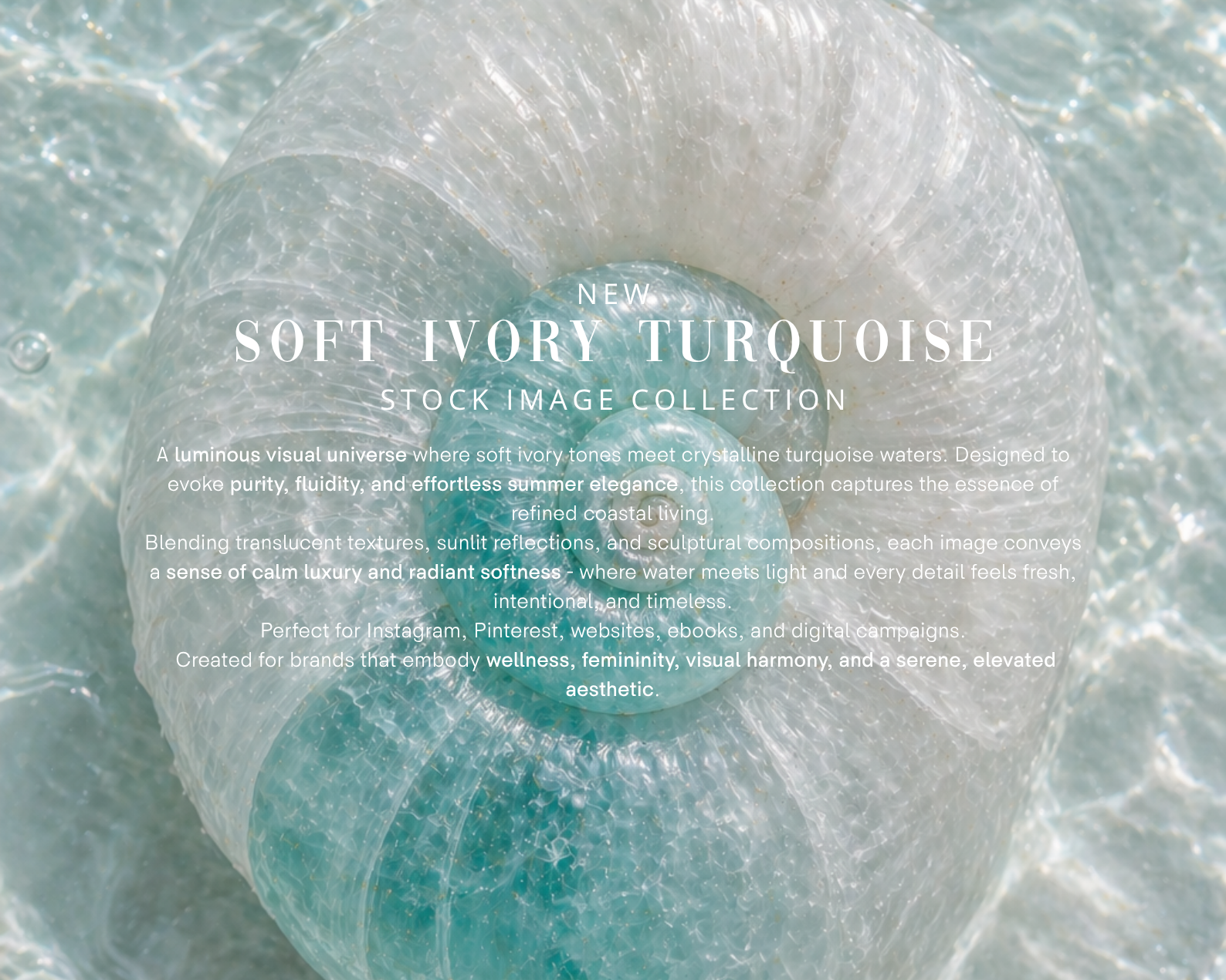
Built around a refined dialogue between white sculptural environments and luminous turquoise water, these luxury coastal stock images deliver sunlit softness, fluid reflections, and a mood of quiet sophistication that works across every premium visual touchpoint.
This isn't just coastal content. It's visual breath, purity, and high-end escape — at scale.
What's Inside This Stock Image Pack:
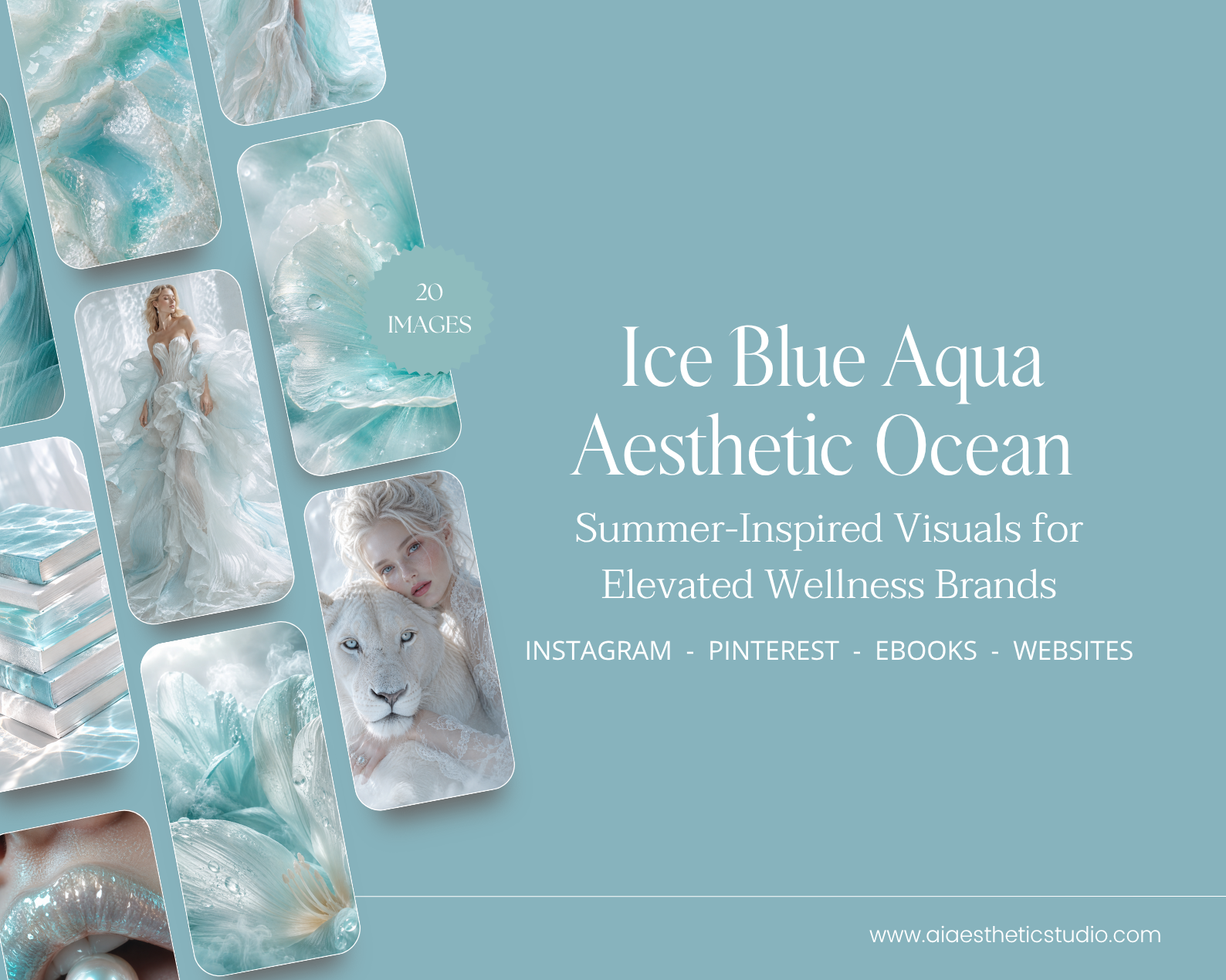
52 premium AI-generated images in white & turquoise tones — PNG, 4000×6000 px (ultra high-res, print & digital ready)
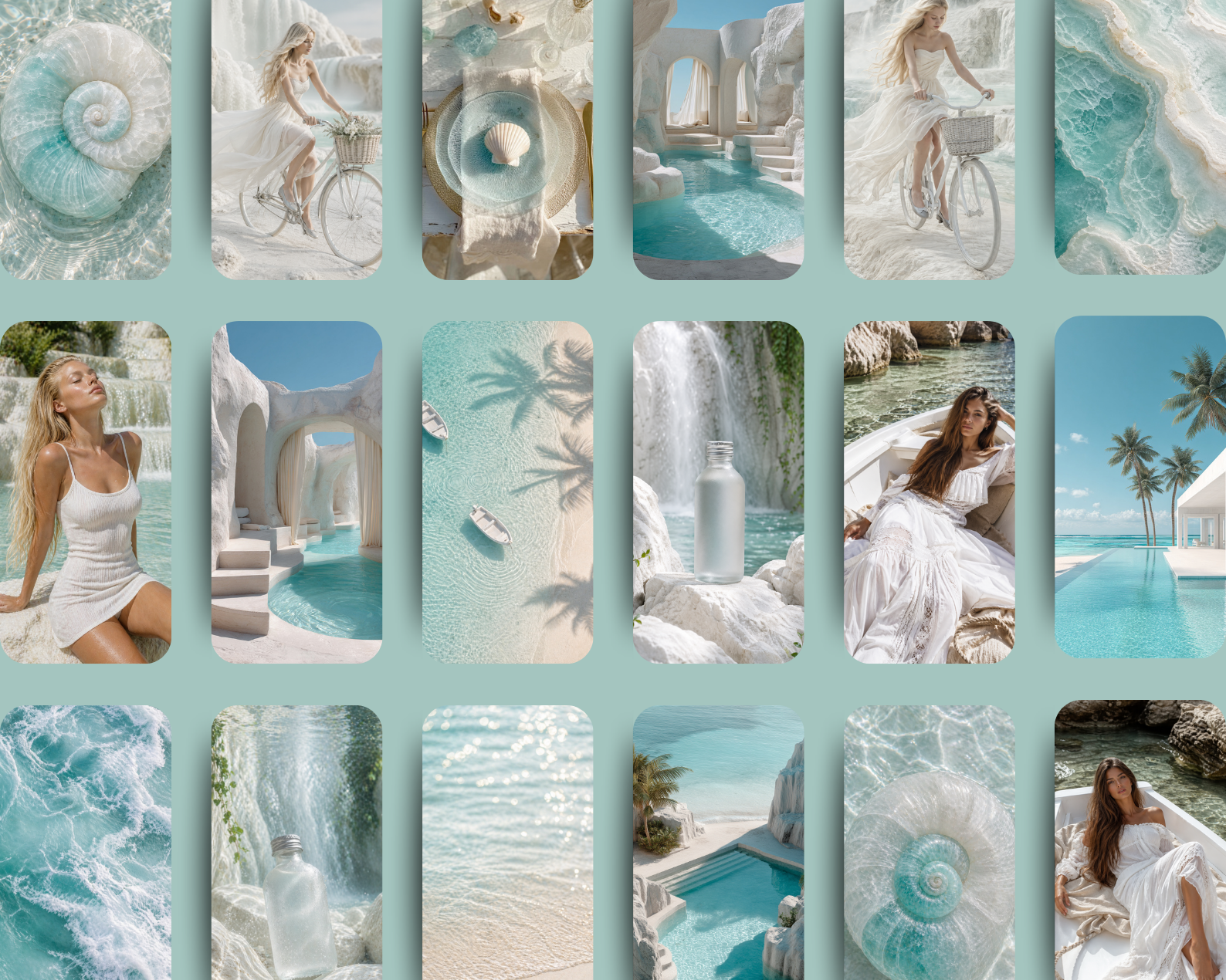
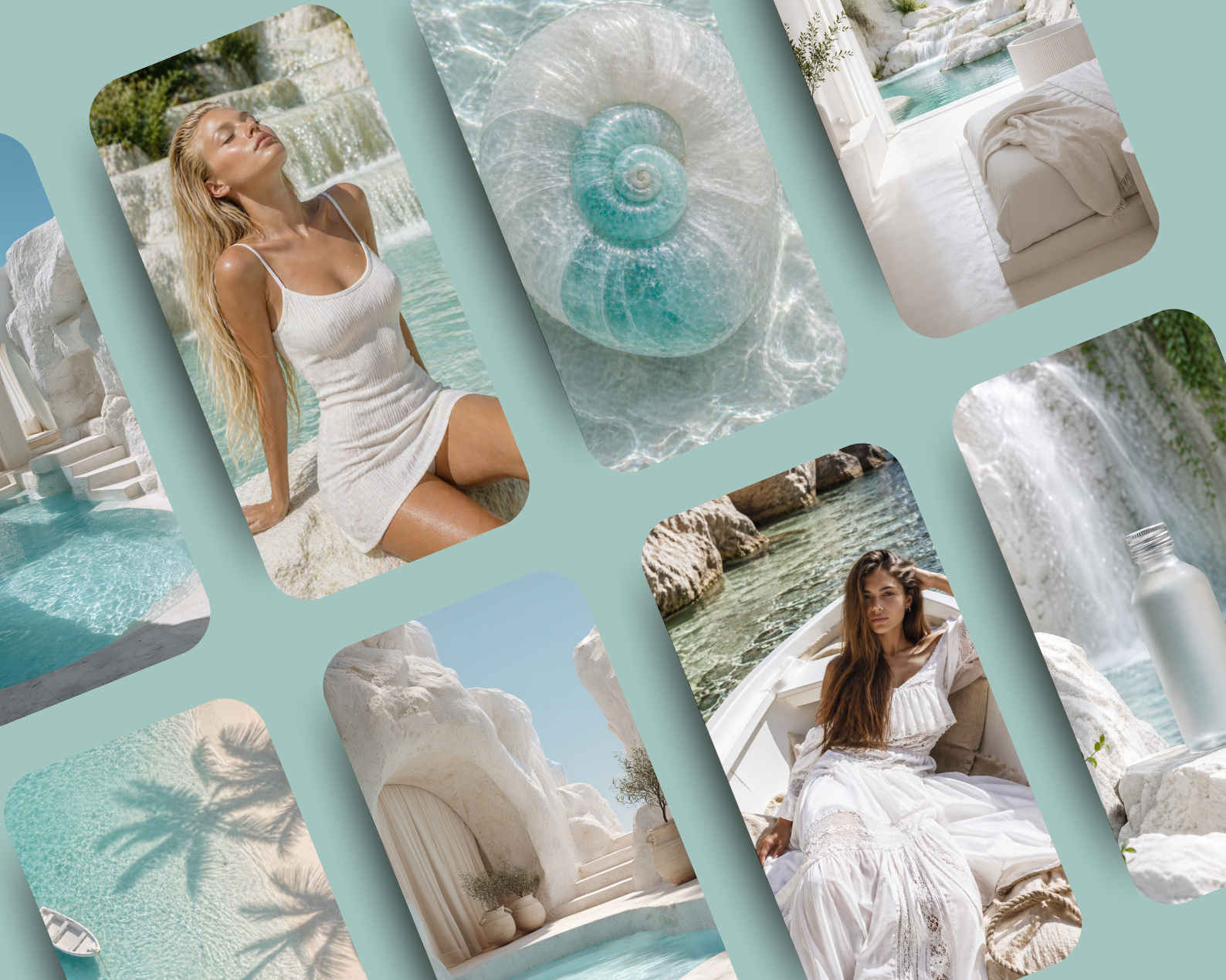
Coastal luxury scenes — crystal water, soft shorelines, reflective pool surfaces
Architectural spaces — white arches, sculptural stone, minimal Mediterranean villas
Feminine lifestyle visuals — sunlit skin, flowing fabrics, relaxed elegance
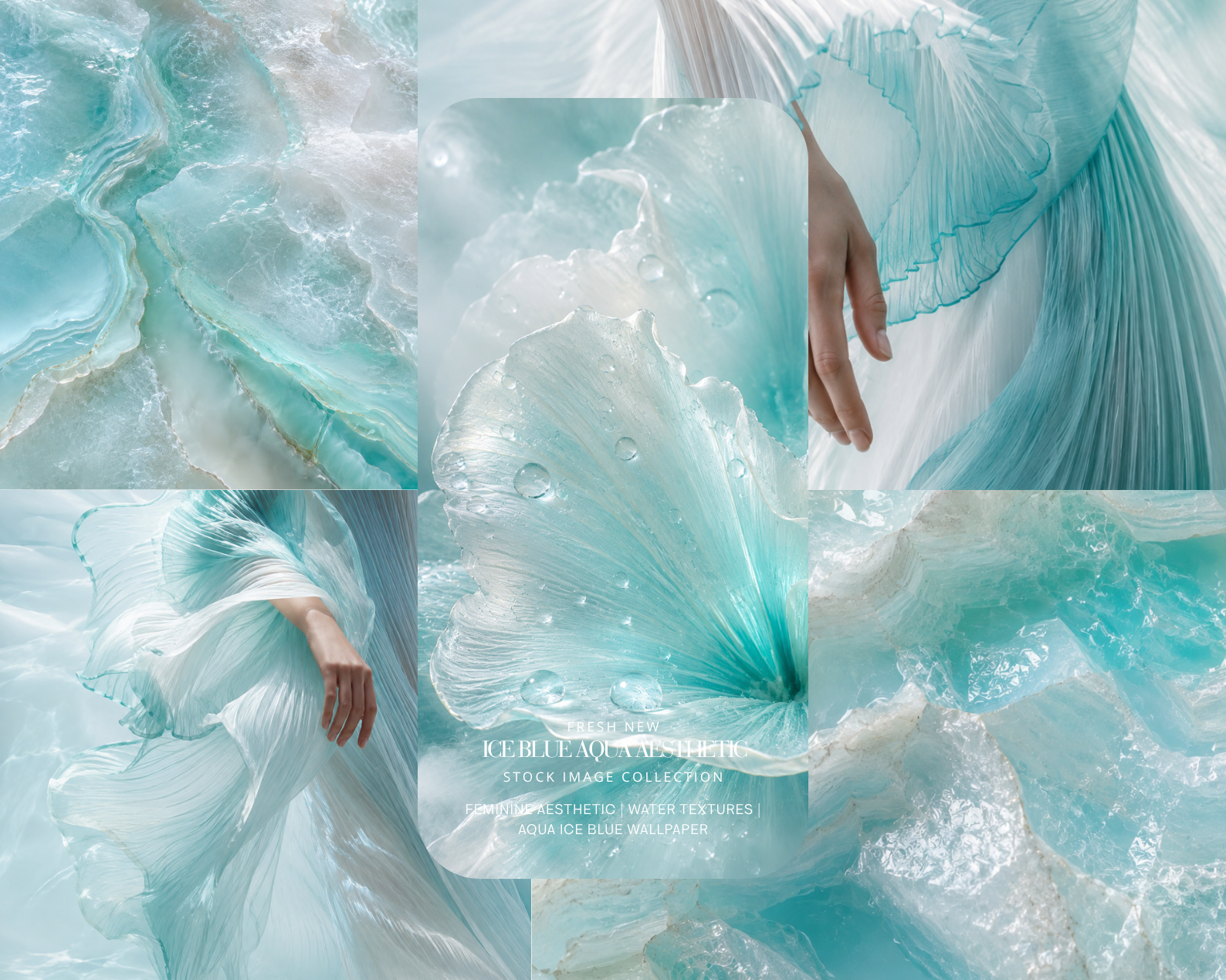
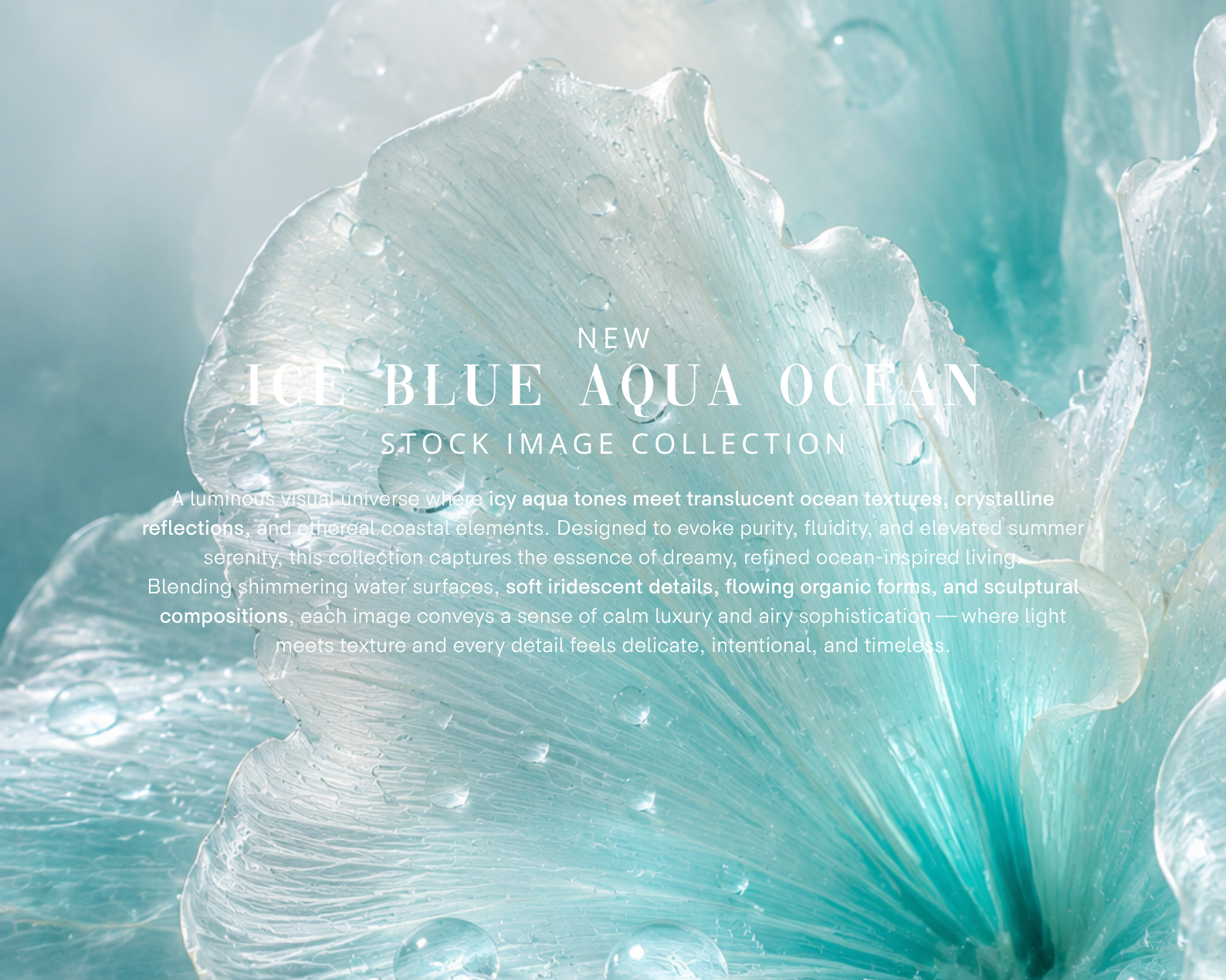
Artistic compositions — water textures, translucent florals, marine-inspired elements
Signature aesthetic — pristine white textures, glassy turquoise water, soft sunlight, subtle bokeh, fluid reflections
Perfect For:
Luxury Resorts & Travel Brands needing aspirational, high-end destination imagery
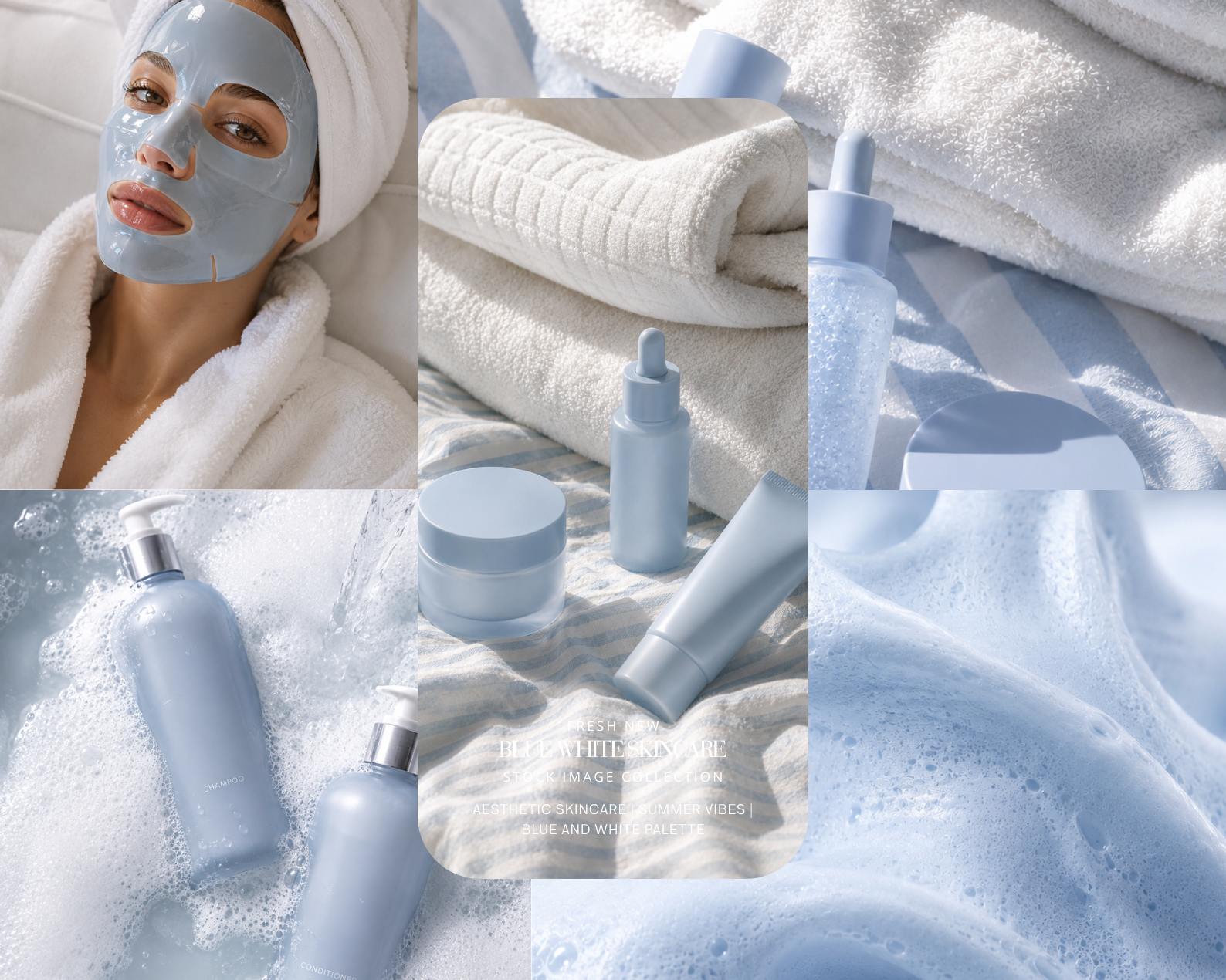
Skincare & Beauty Brands looking for clean, luminous, skin-toned aesthetic photos
Wellness & Mindfulness Brands needing calm, breathable, editorial visual content
Interior Design & Architecture accounts showcasing white, minimal, Mediterranean-inspired spaces
Jewelry Brands — water textures and translucent compositions elevate product storytelling
Pinterest & Instagram feeds built around a white, turquoise, or coastal color palette
Bloggers & Content Creators using Canva, Squarespace, Showit, or Webflow
Ebooks, Websites, Email Newsletters, Media Kits & Brand Presentations
Why Choose the 52-Image Pack?
More images means more creative flexibility — mix and match scenes across your website, social media, newsletters, and campaigns without repeating visuals. One cohesive aesthetic palette, endless layout possibilities.
File Details:
Format: PNG
Resolution: 4000 × 6000 px (ultra high-res — ideal for print and digital)
Delivery: Instant digital download via Google Drive ZIP file
License: For personal and commercial use (check full license terms)
How to Download:
Complete your purchase — you'll receive a PDF with your Google Drive link.
Click the link → find the download arrow icon (top-right on desktop, or three-dot menu on mobile).
Save the ZIP file → right-click to Extract All (Windows) or double-click (Mac).
Open your 52 images and start creating.
Pure light. Effortless luxury. Made by AI Aesthetic Studio — www.aiaestheticstudio.com
This is the full-scale version of pure coastal luxury. If you've been searching for high-end white and turquoise aesthetic stock photos that feel editorial, architectural, and emotionally elevated — this 52-image pack is the most comprehensive answer.
Built around a refined dialogue between white sculptural environments and luminous turquoise water, these luxury coastal stock images deliver sunlit softness, fluid reflections, and a mood of quiet sophistication that works across every premium visual touchpoint.
This isn't just coastal content. It's visual breath, purity, and high-end escape — at scale.
What's Inside This Stock Image Pack:
52 premium AI-generated images in white & turquoise tones — PNG, 4000×6000 px (ultra high-res, print & digital ready)
Coastal luxury scenes — crystal water, soft shorelines, reflective pool surfaces
Architectural spaces — white arches, sculptural stone, minimal Mediterranean villas
Feminine lifestyle visuals — sunlit skin, flowing fabrics, relaxed elegance
Artistic compositions — water textures, translucent florals, marine-inspired elements
Signature aesthetic — pristine white textures, glassy turquoise water, soft sunlight, subtle bokeh, fluid reflections
Perfect For:
Luxury Resorts & Travel Brands needing aspirational, high-end destination imagery
Skincare & Beauty Brands looking for clean, luminous, skin-toned aesthetic photos
Wellness & Mindfulness Brands needing calm, breathable, editorial visual content
Interior Design & Architecture accounts showcasing white, minimal, Mediterranean-inspired spaces
Jewelry Brands — water textures and translucent compositions elevate product storytelling
Pinterest & Instagram feeds built around a white, turquoise, or coastal color palette
Bloggers & Content Creators using Canva, Squarespace, Showit, or Webflow
Ebooks, Websites, Email Newsletters, Media Kits & Brand Presentations
Why Choose the 52-Image Pack?
More images means more creative flexibility — mix and match scenes across your website, social media, newsletters, and campaigns without repeating visuals. One cohesive aesthetic palette, endless layout possibilities.
File Details:
Format: PNG
Resolution: 4000 × 6000 px (ultra high-res — ideal for print and digital)
Delivery: Instant digital download via Google Drive ZIP file
License: For personal and commercial use (check full license terms)
How to Download:
Complete your purchase — you'll receive a PDF with your Google Drive link.
Click the link → find the download arrow icon (top-right on desktop, or three-dot menu on mobile).
Save the ZIP file → right-click to Extract All (Windows) or double-click (Mac).
Open your 52 images and start creating.
Pure light. Effortless luxury. Made by AI Aesthetic Studio — www.aiaestheticstudio.com
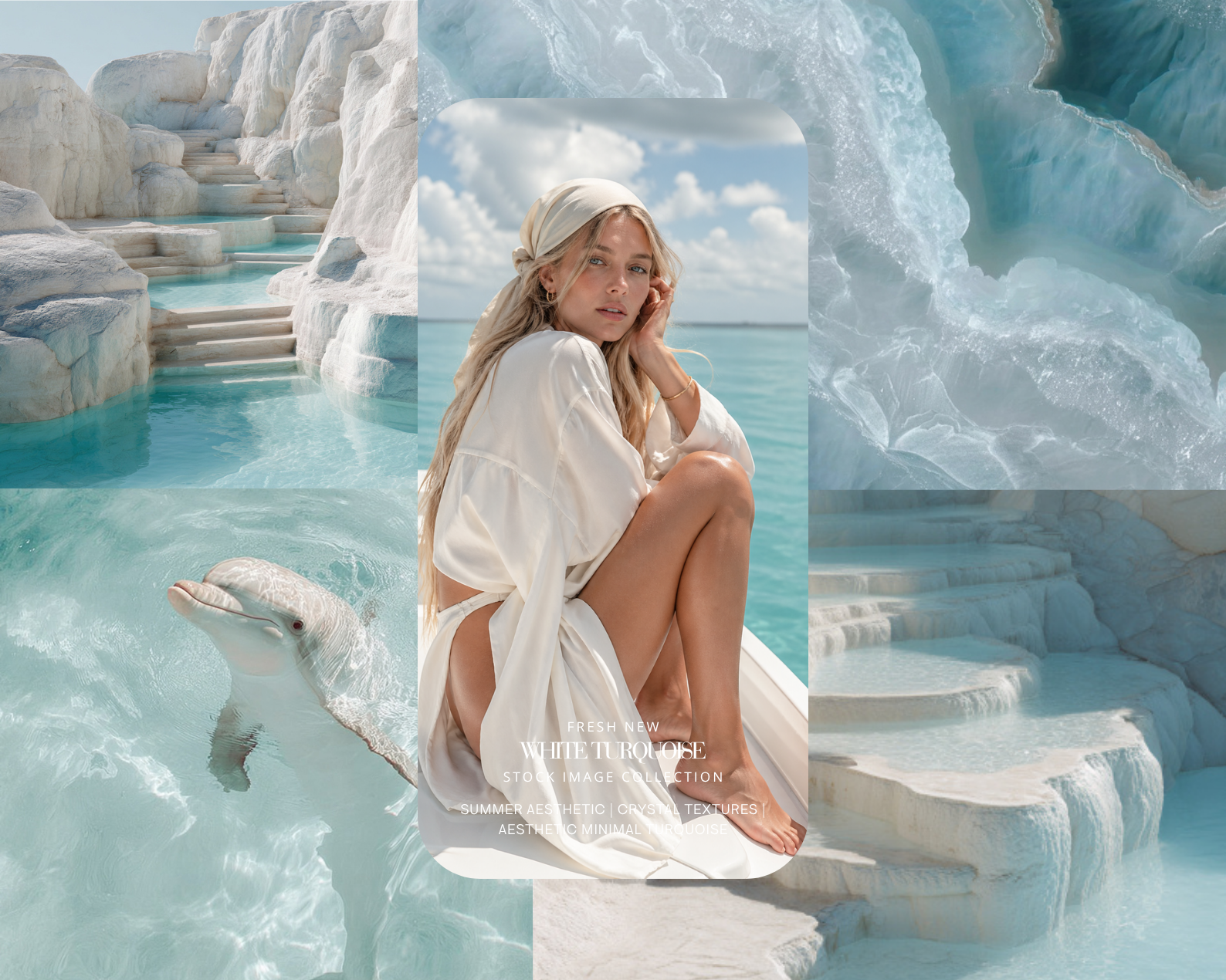 Image 1 of 6
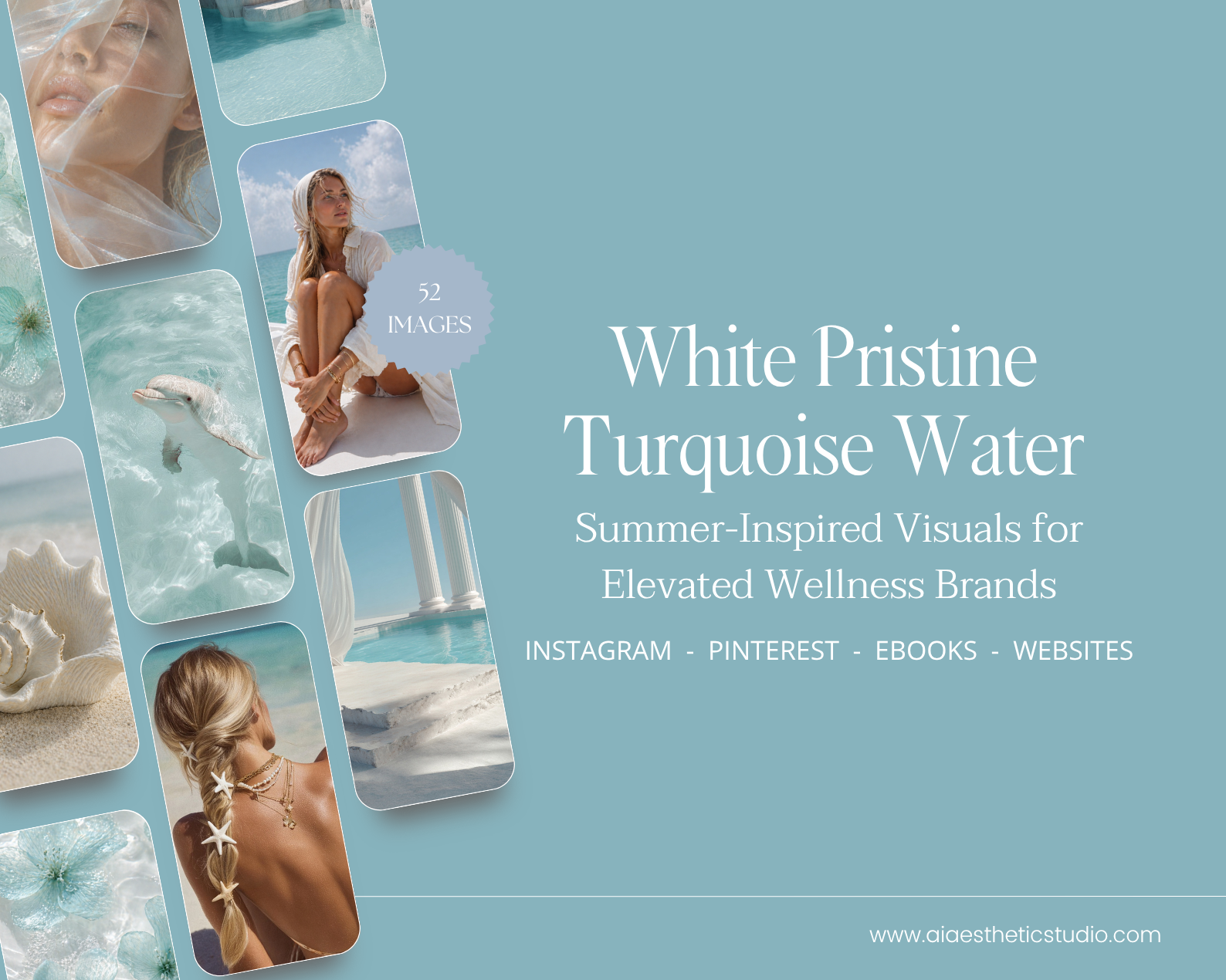 Image 2 of 6
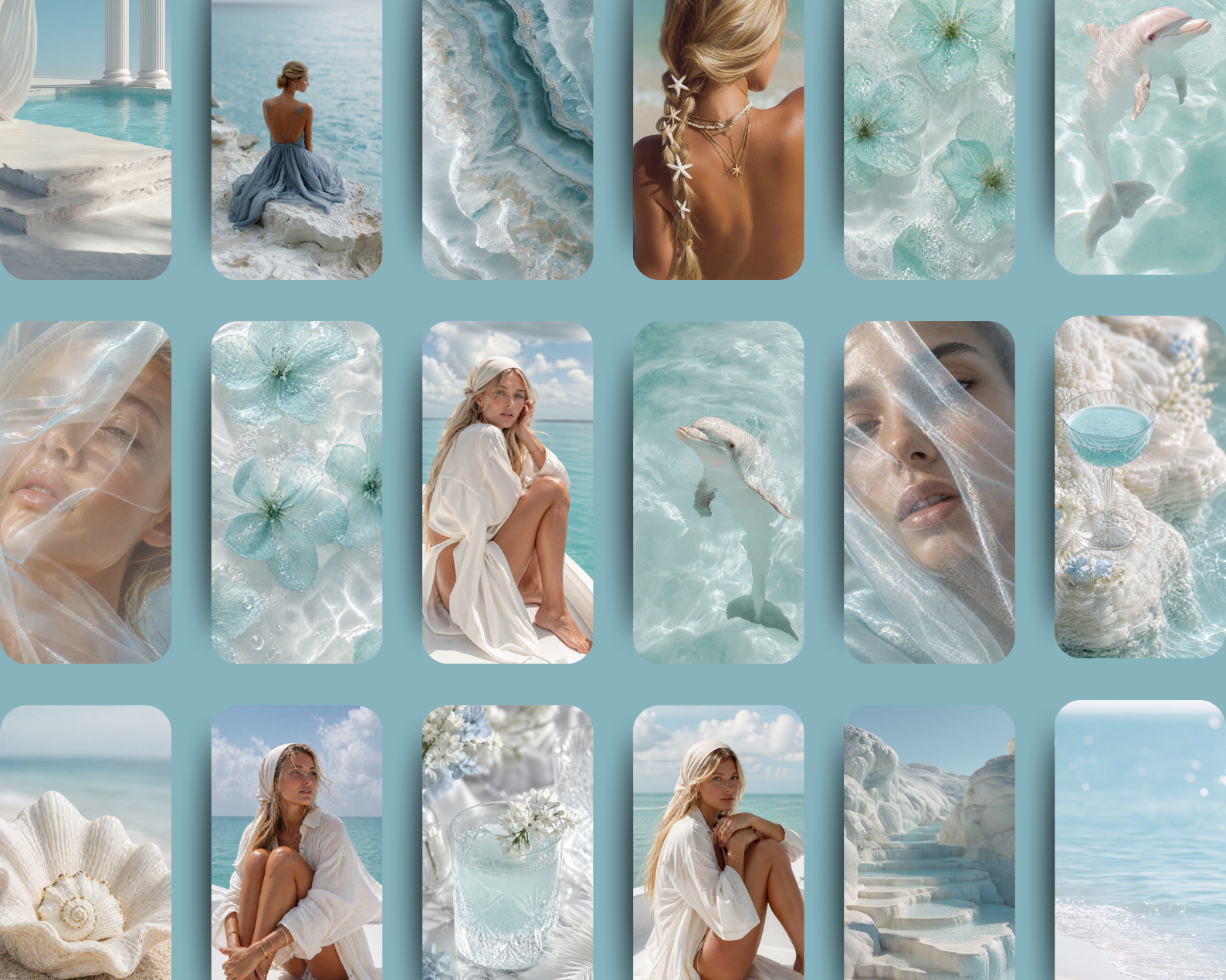 Image 3 of 6
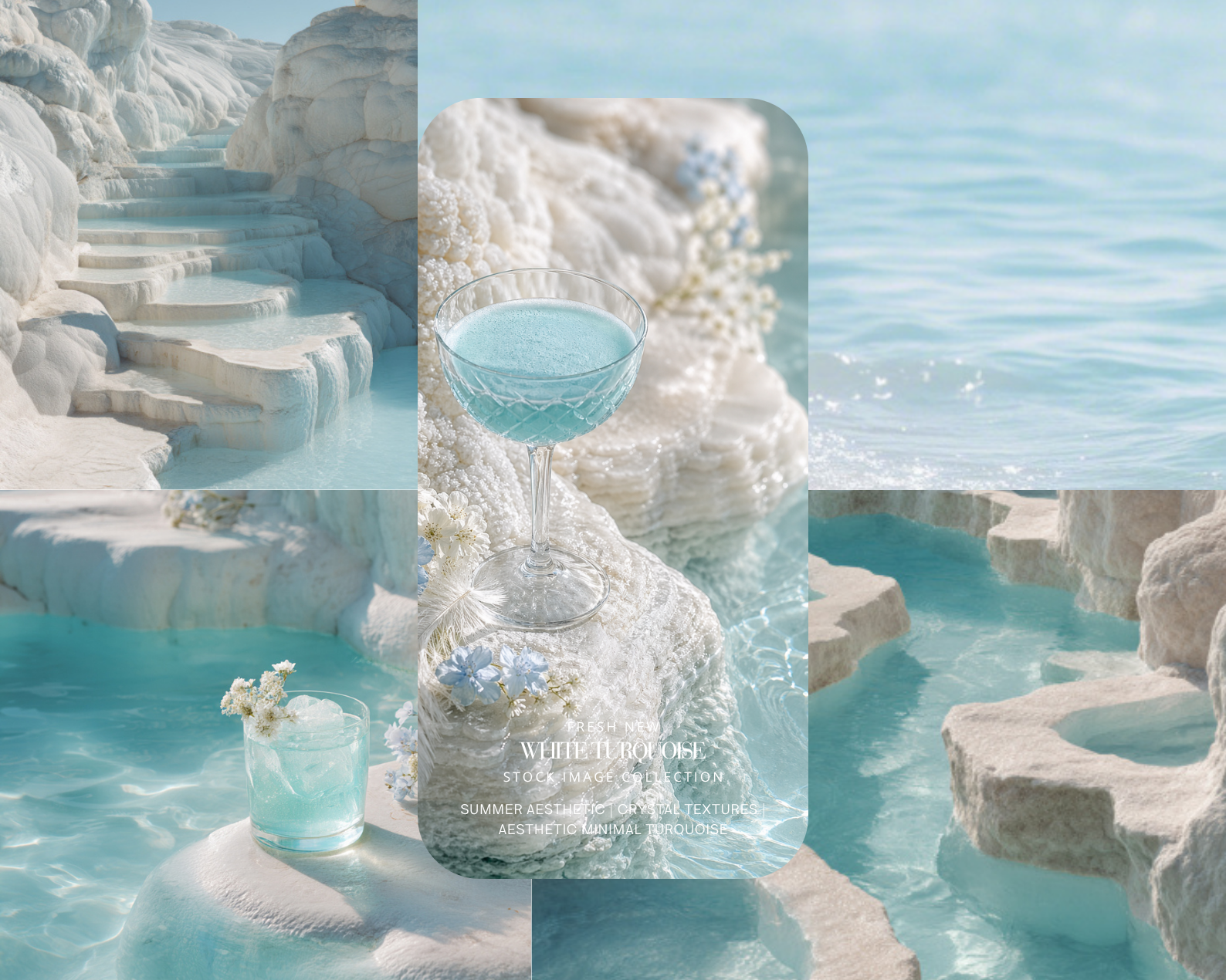 Image 4 of 6
 Image 5 of 6
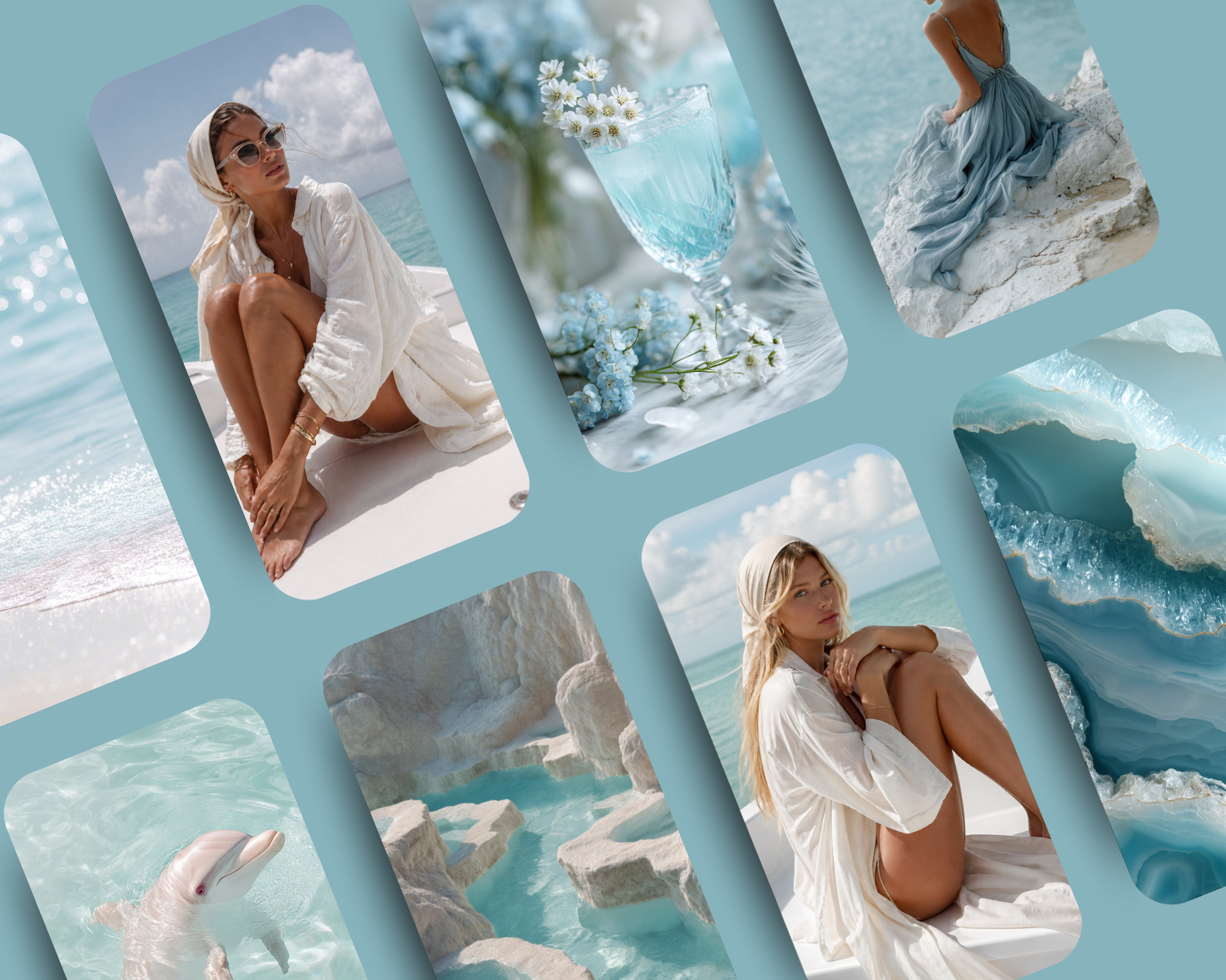 Image 6 of 6