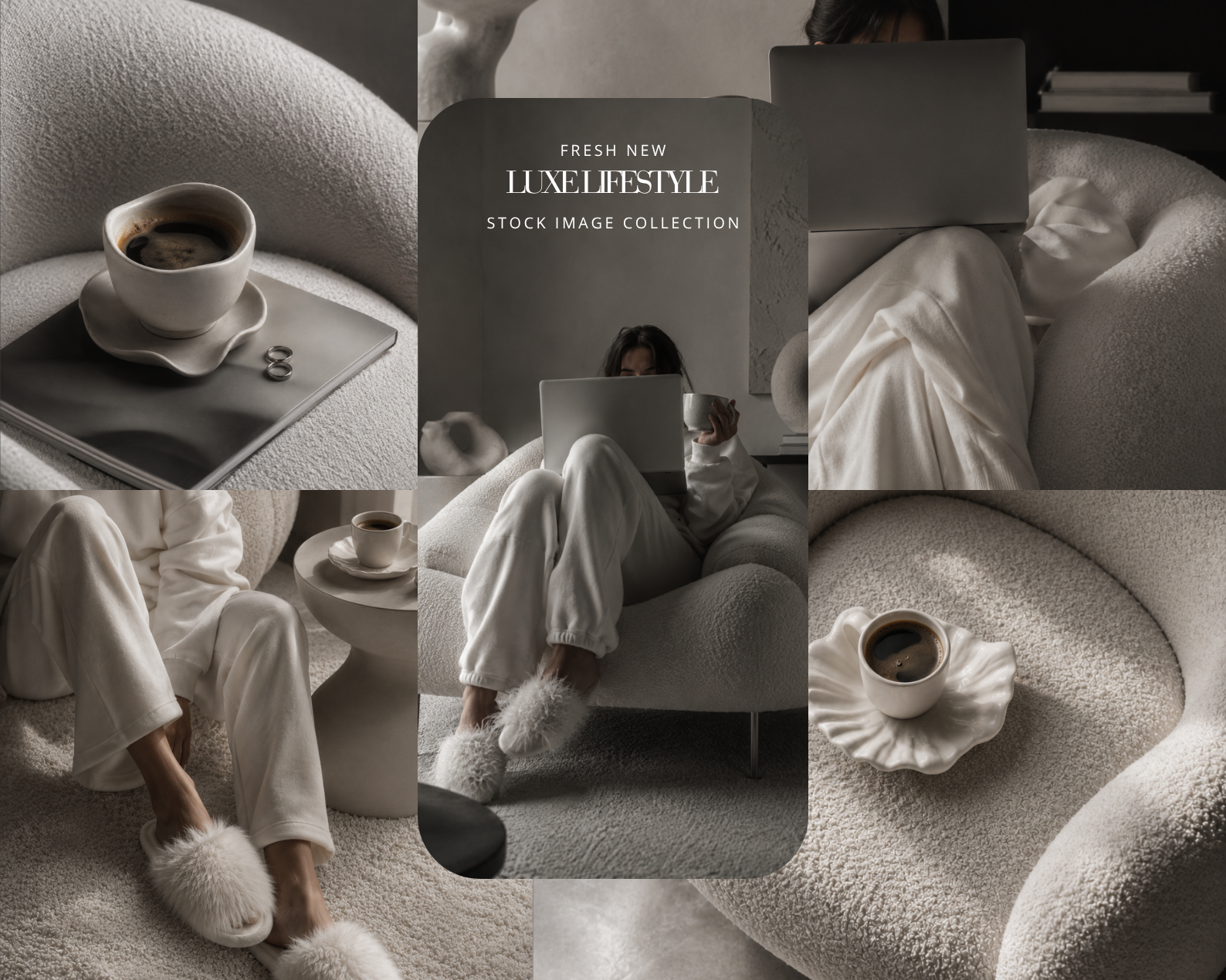
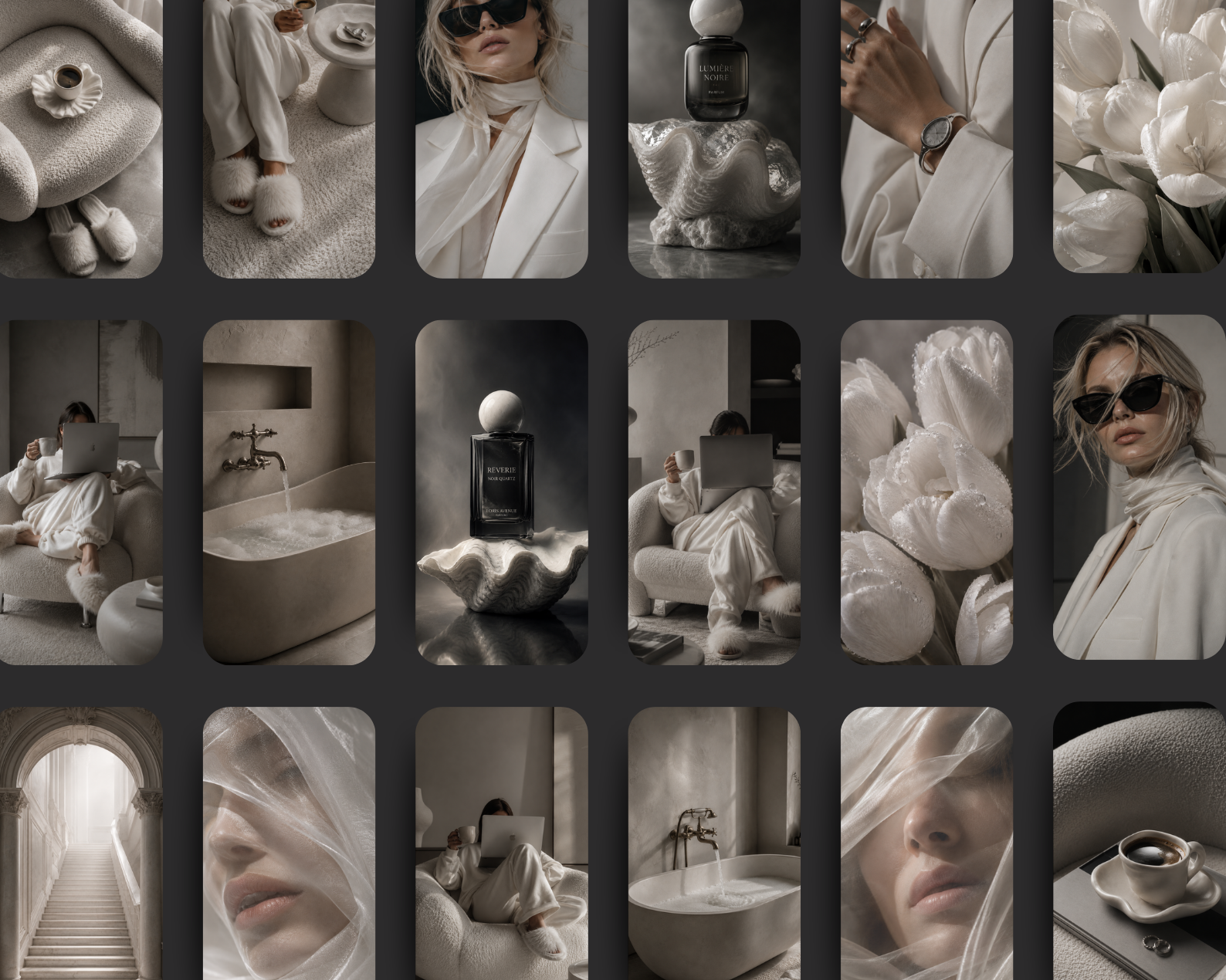
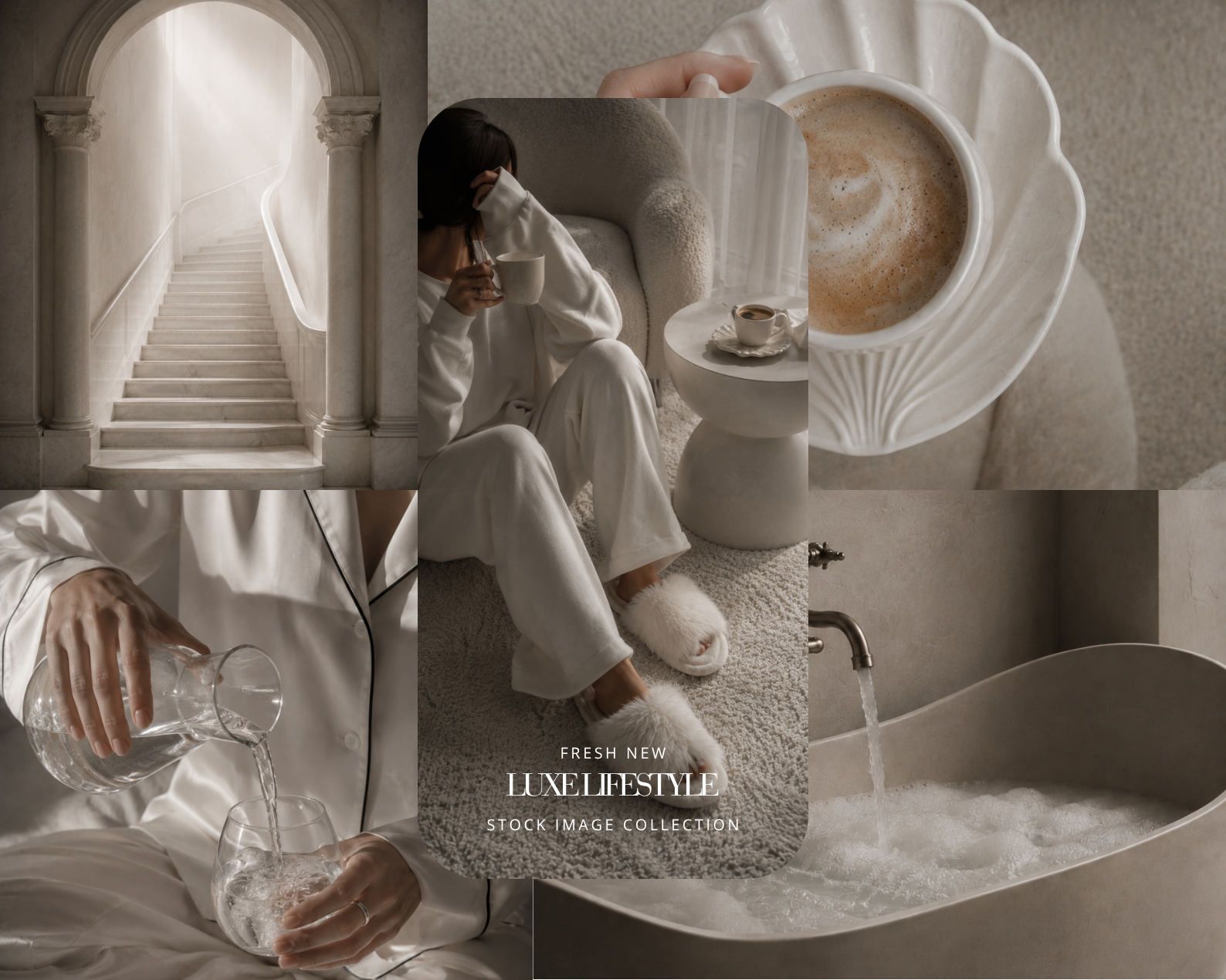
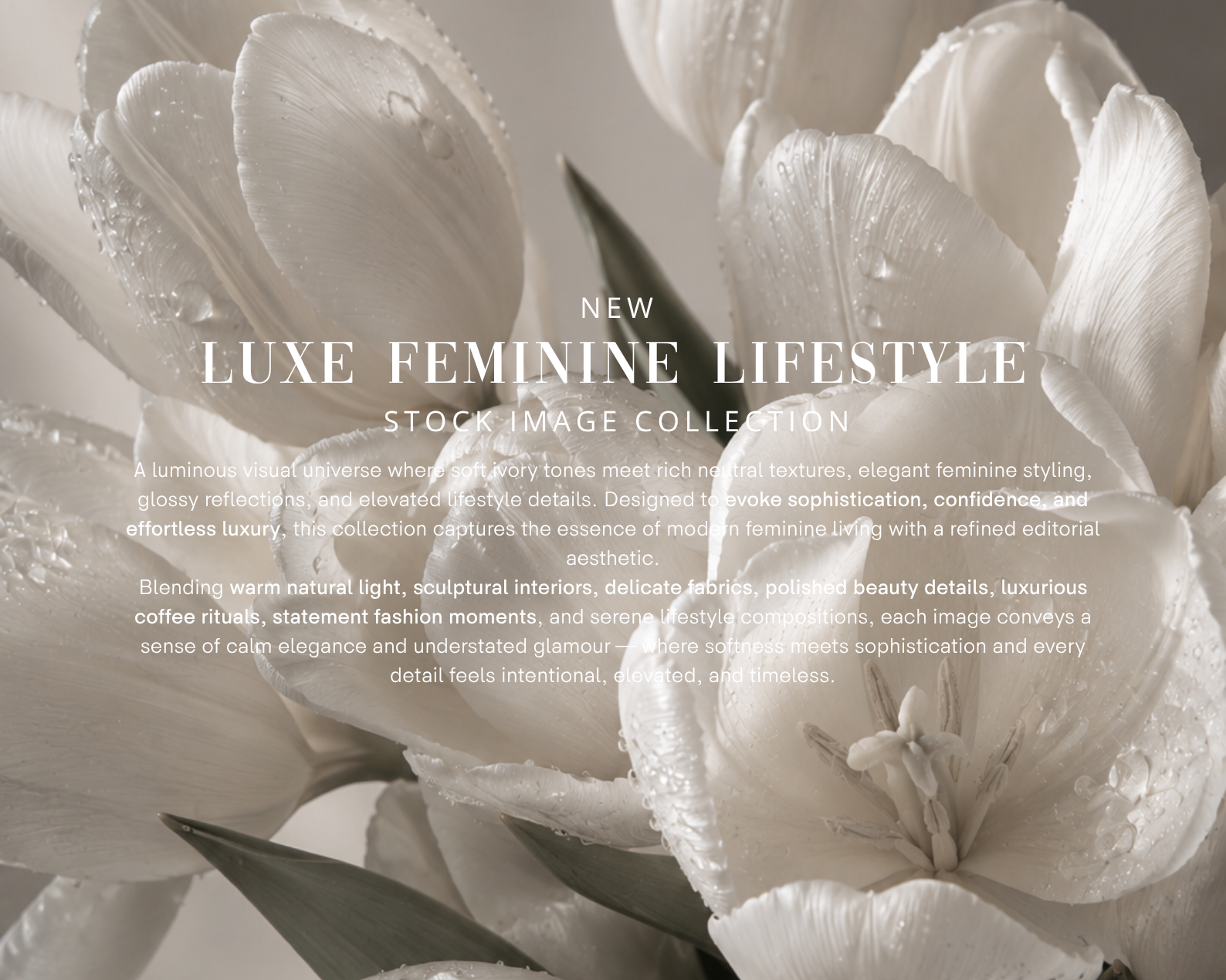
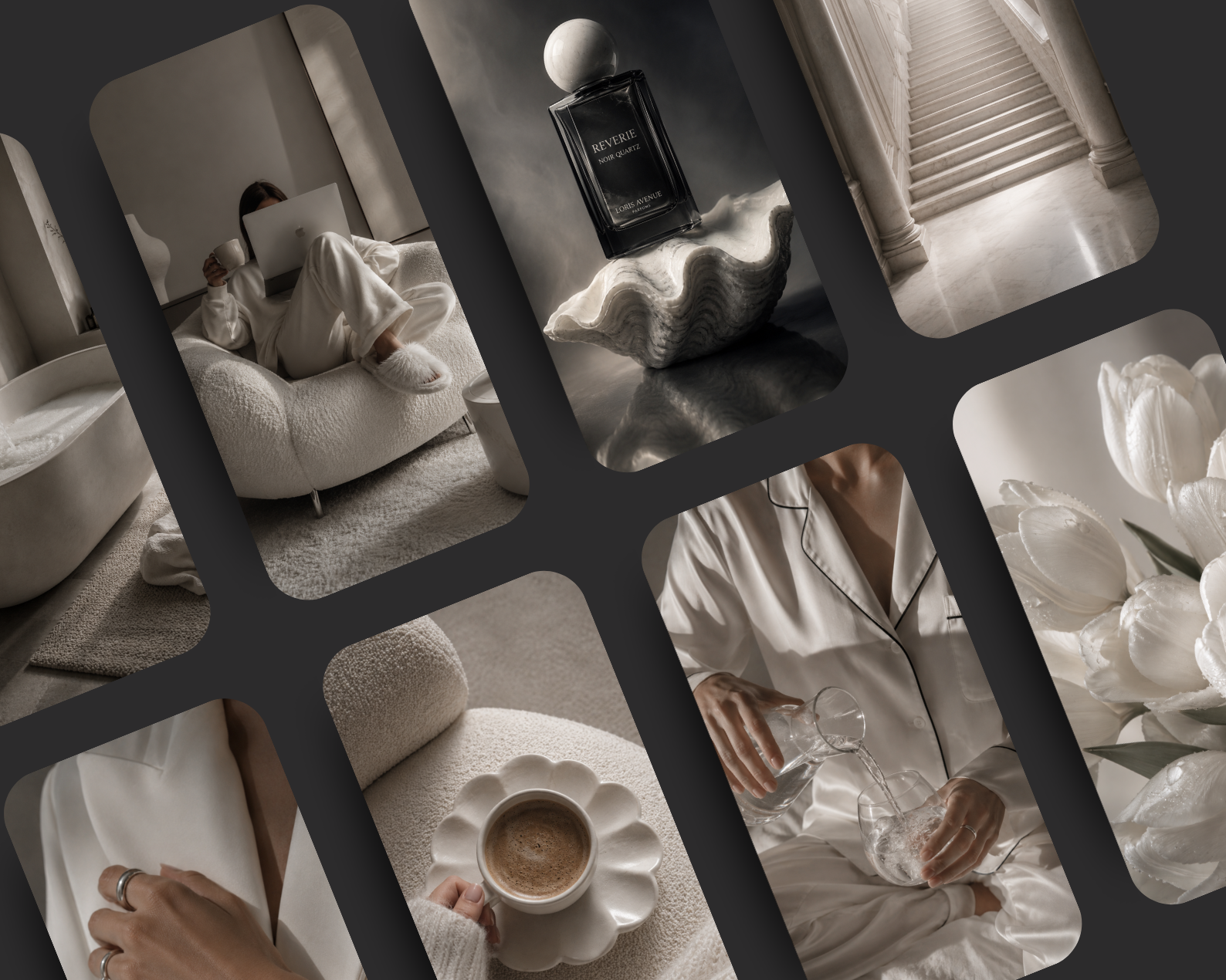
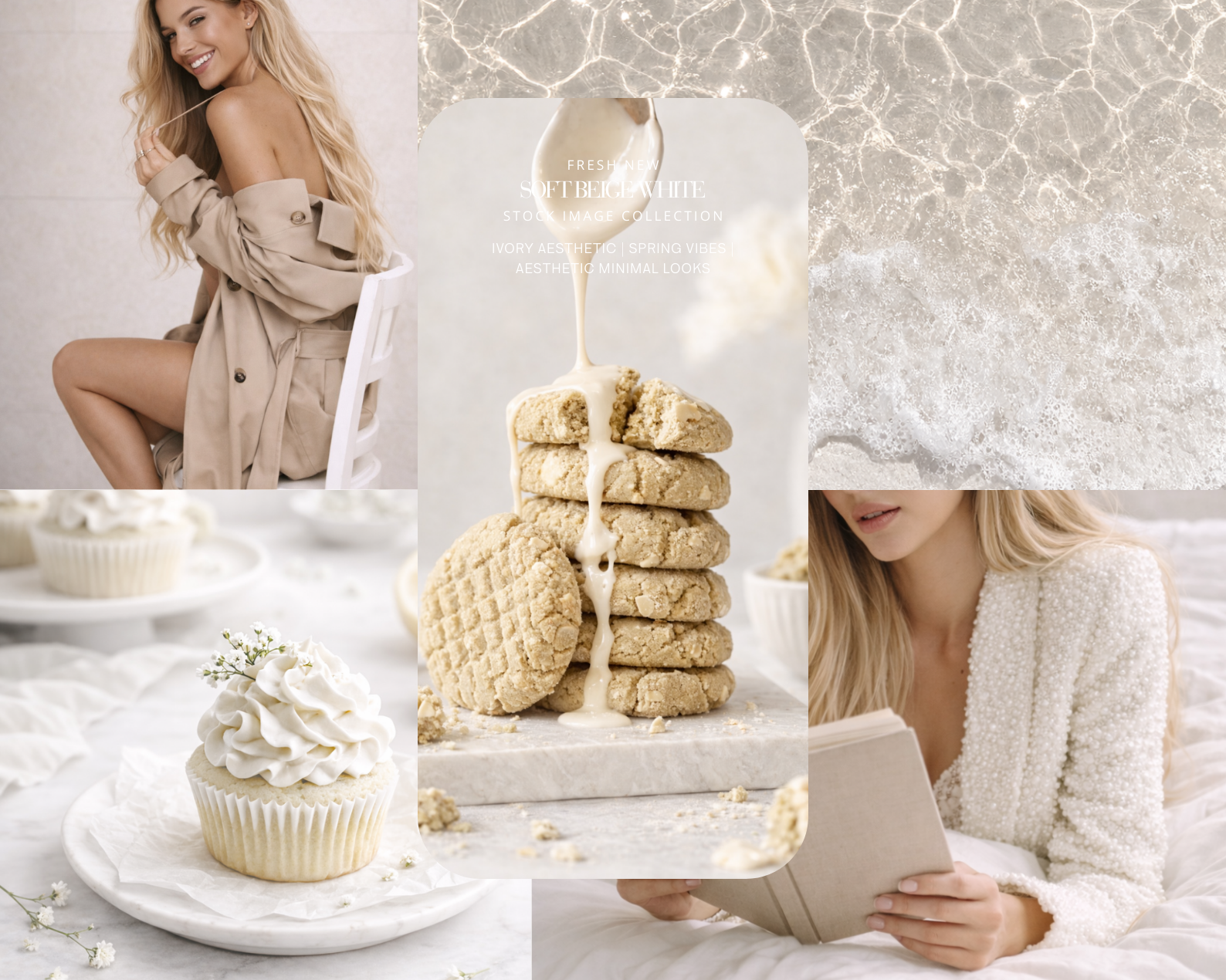
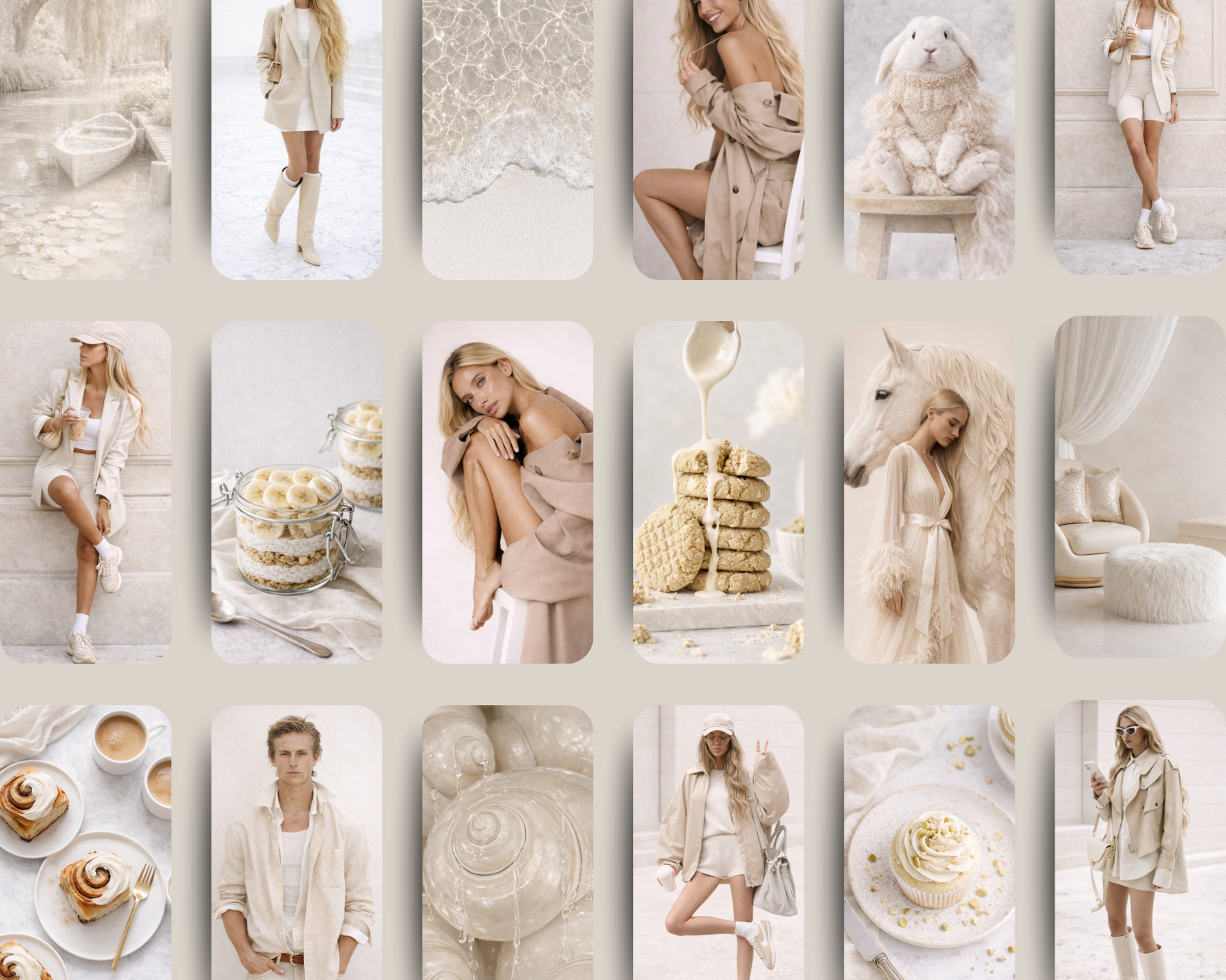
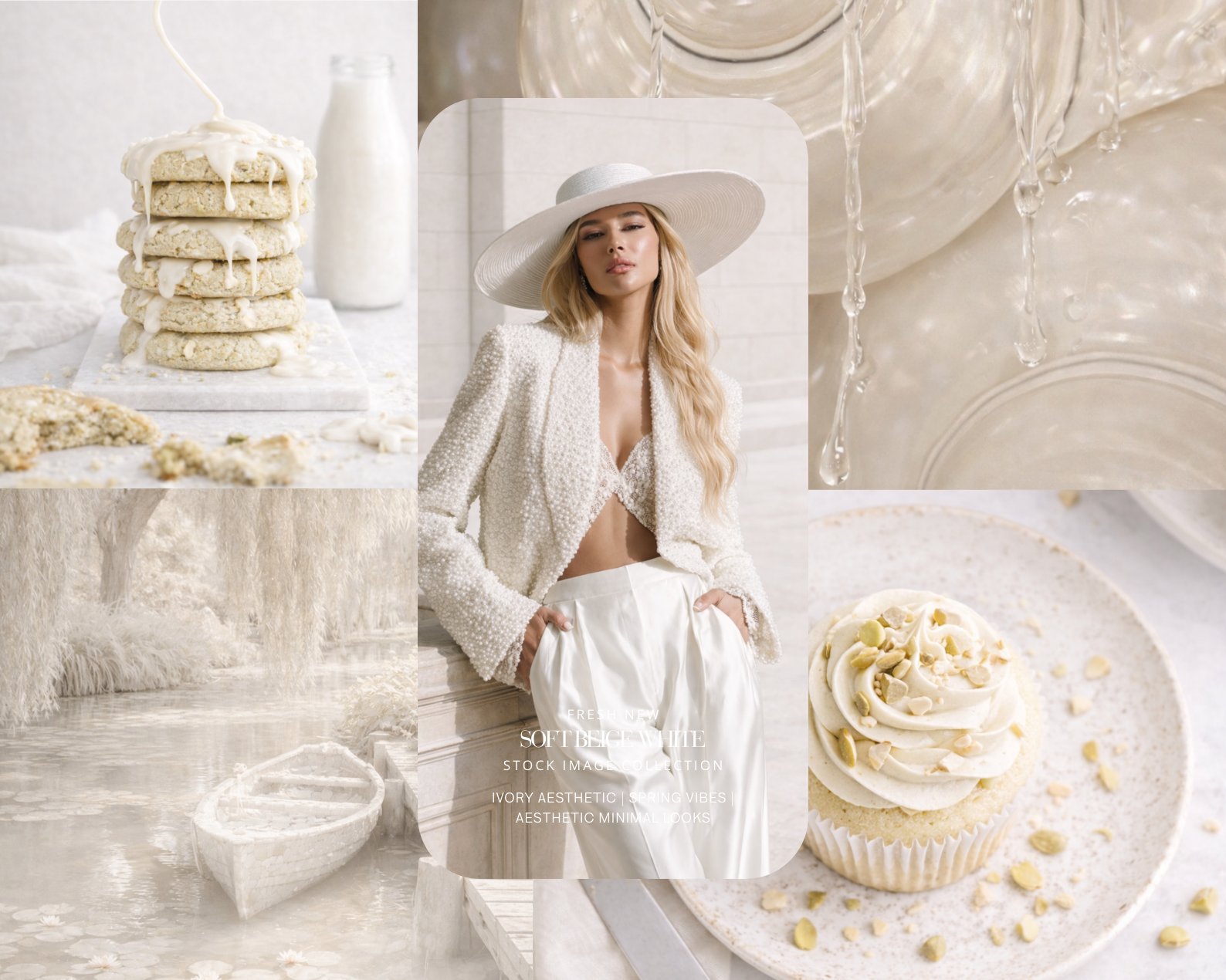
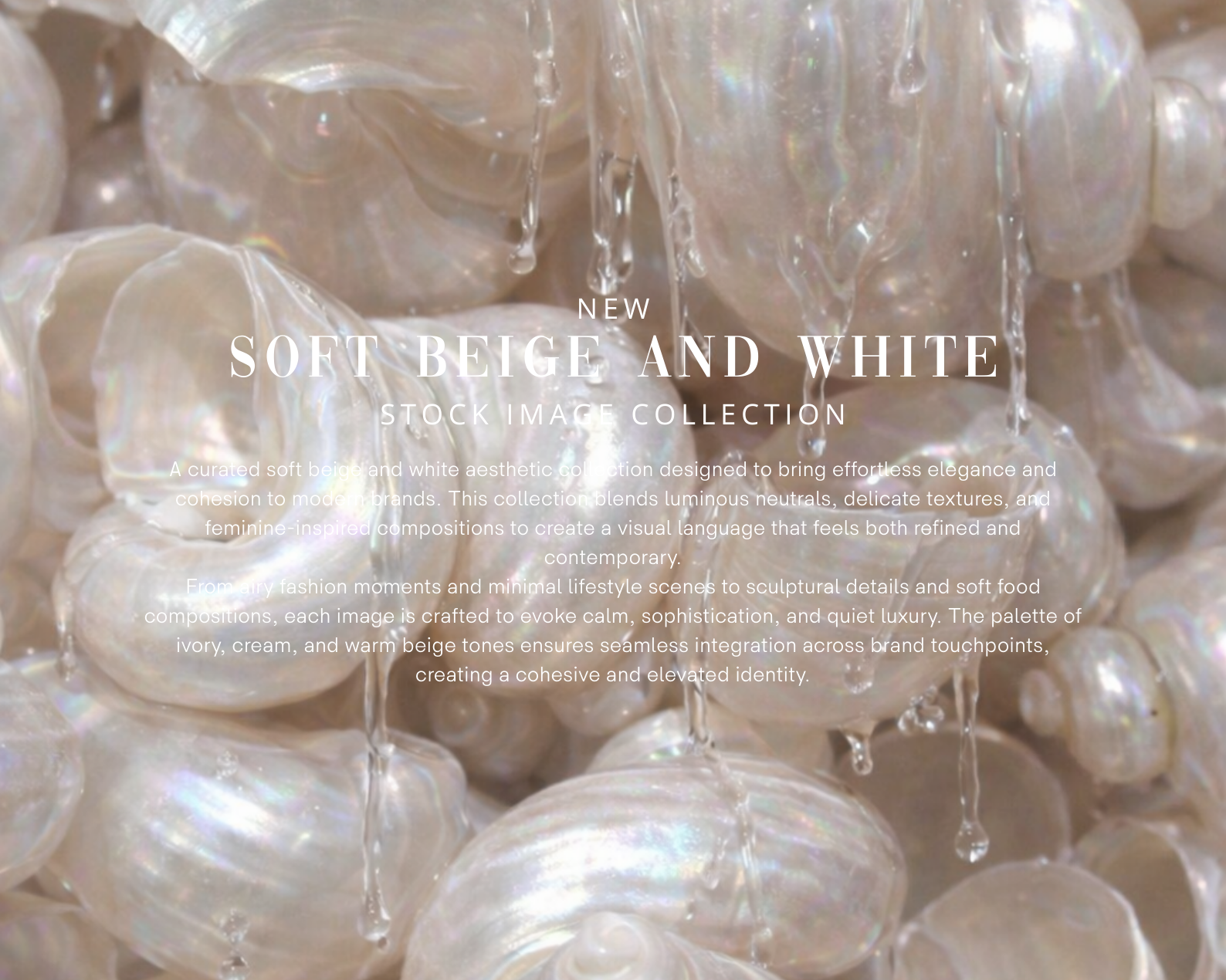
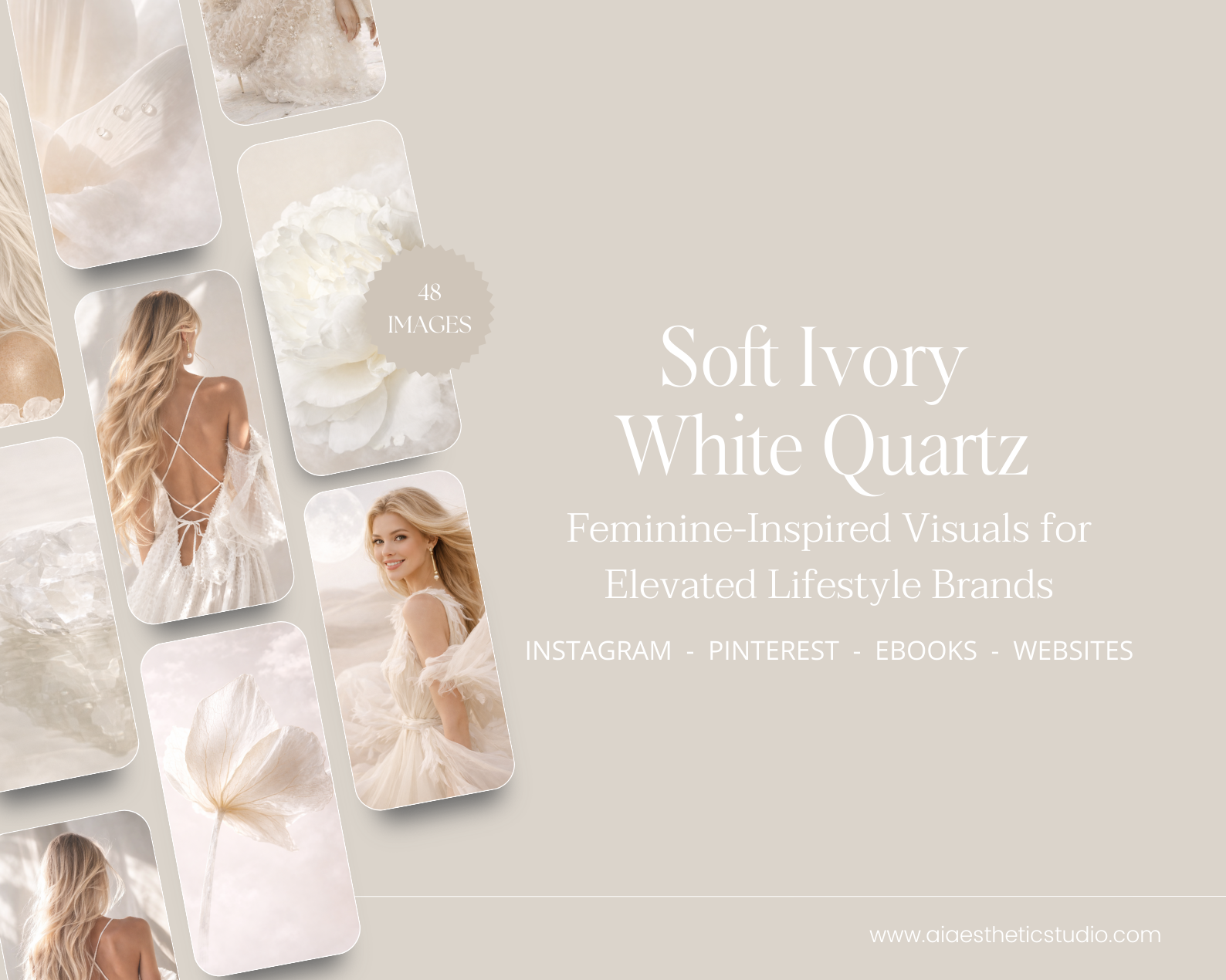
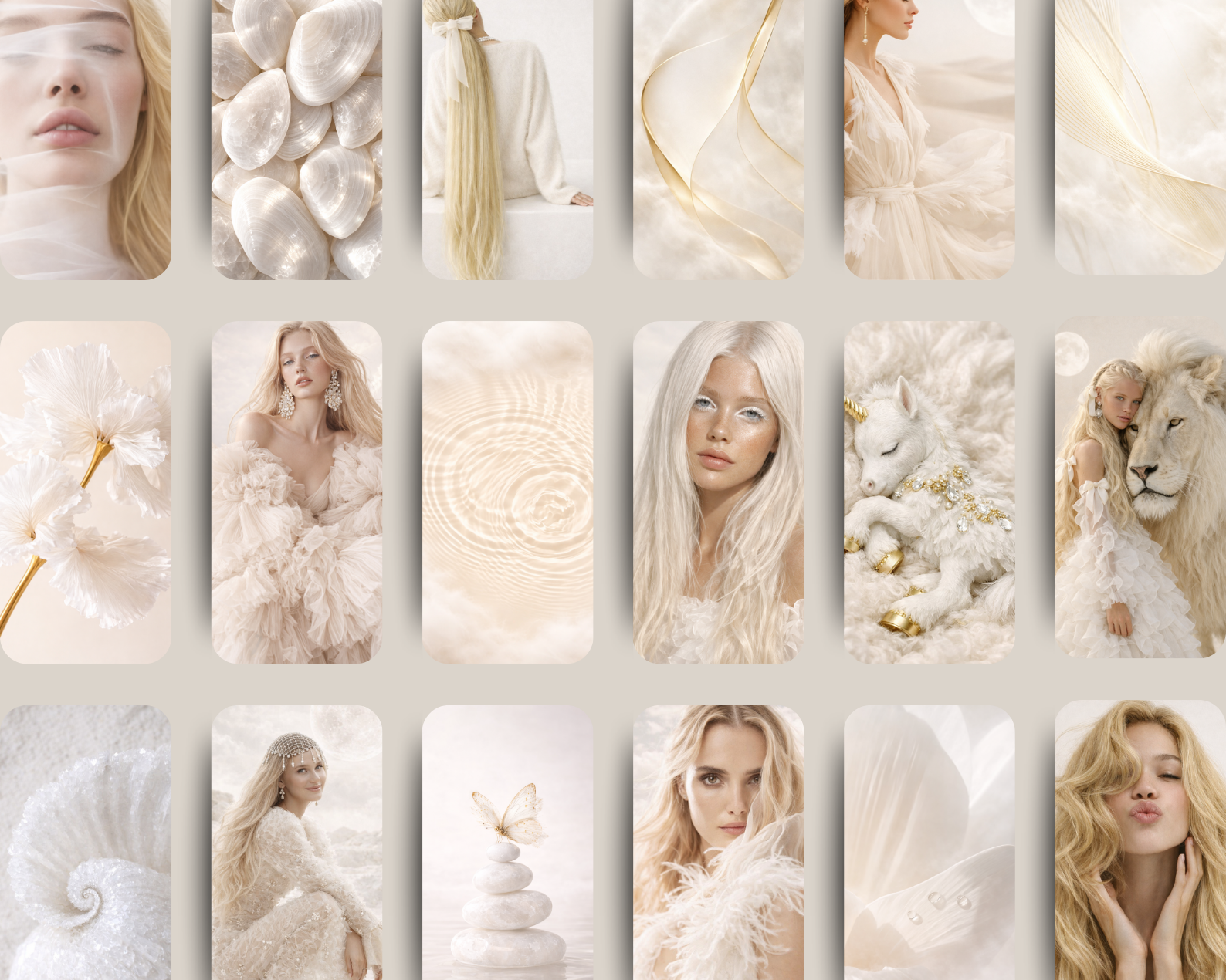
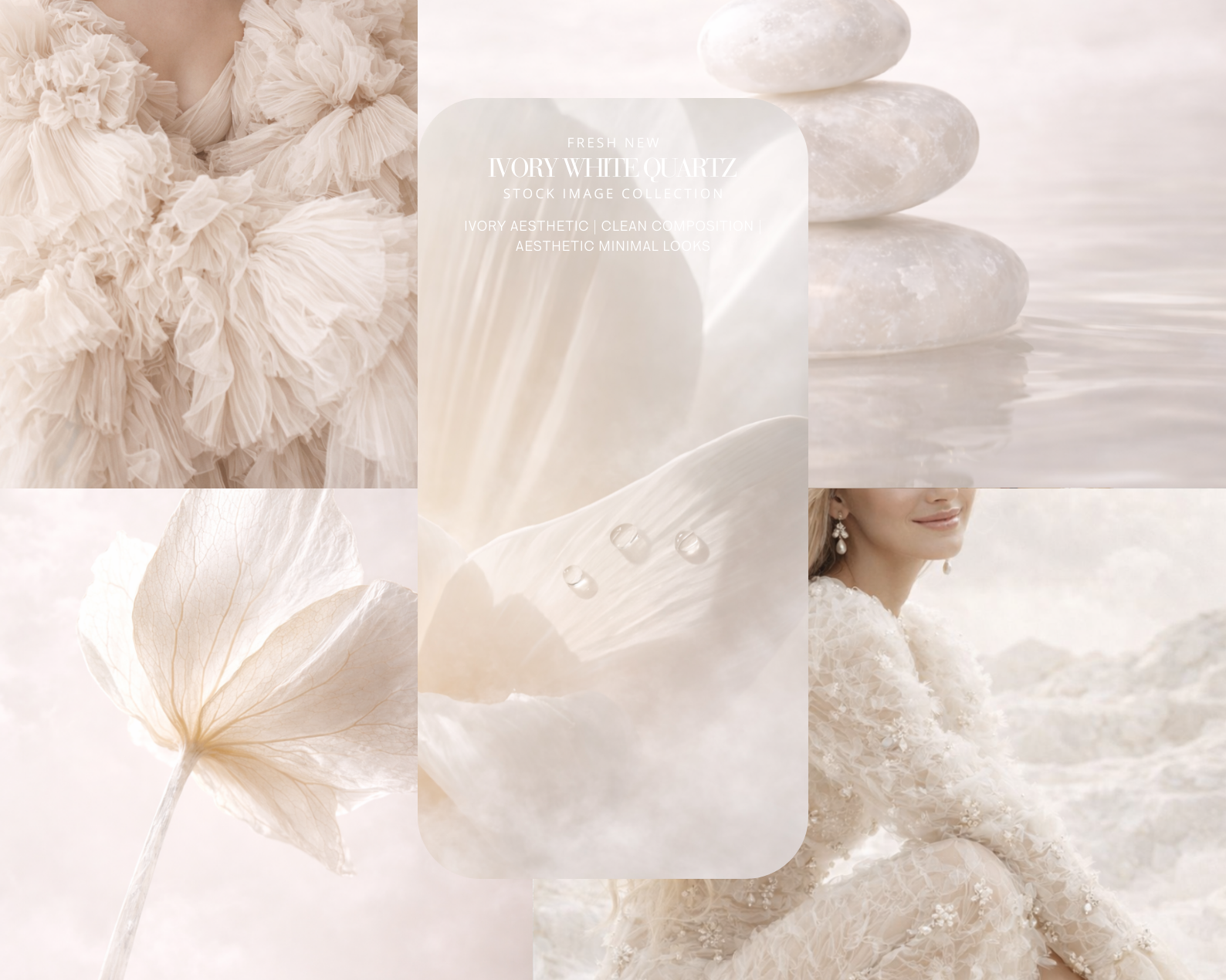
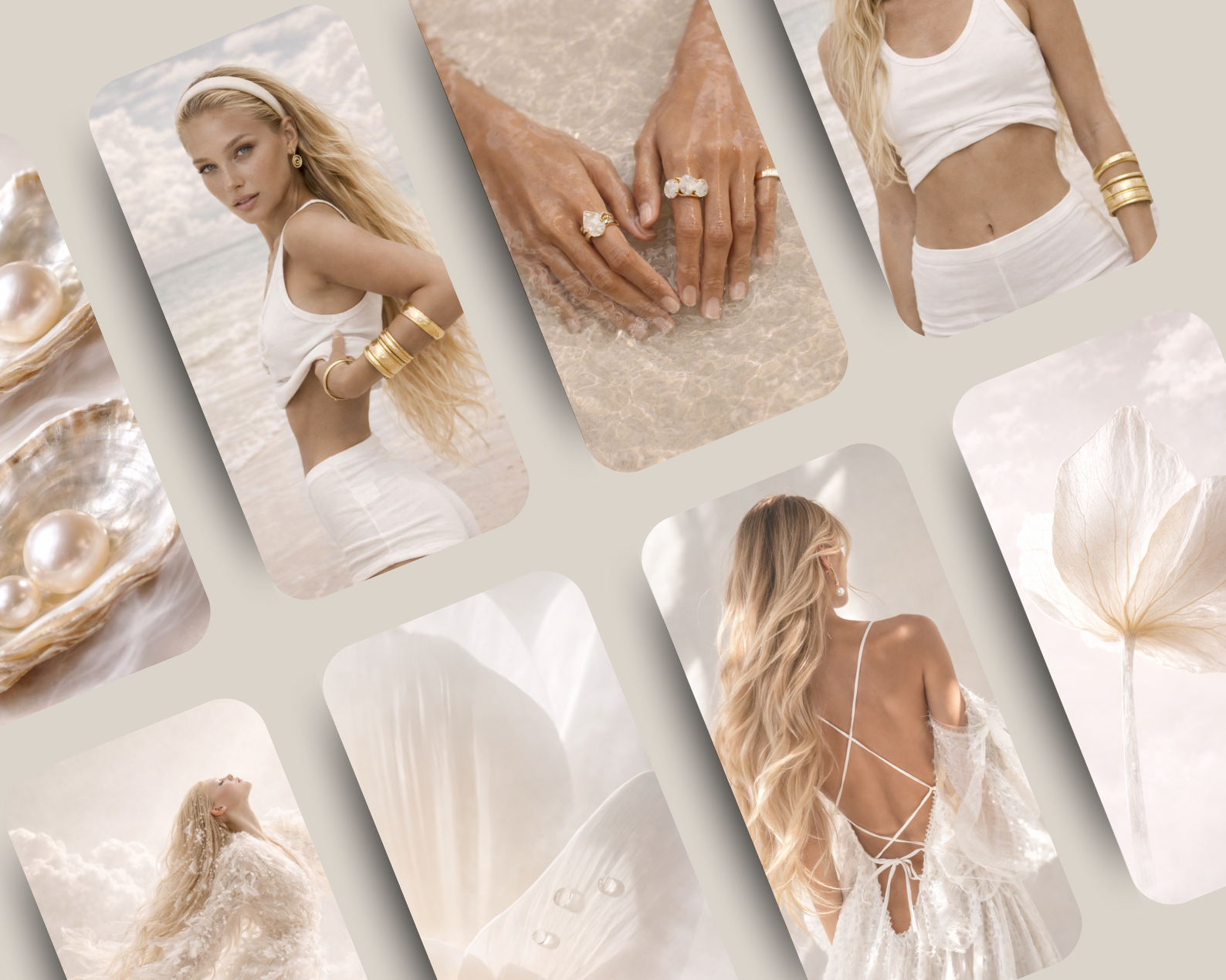
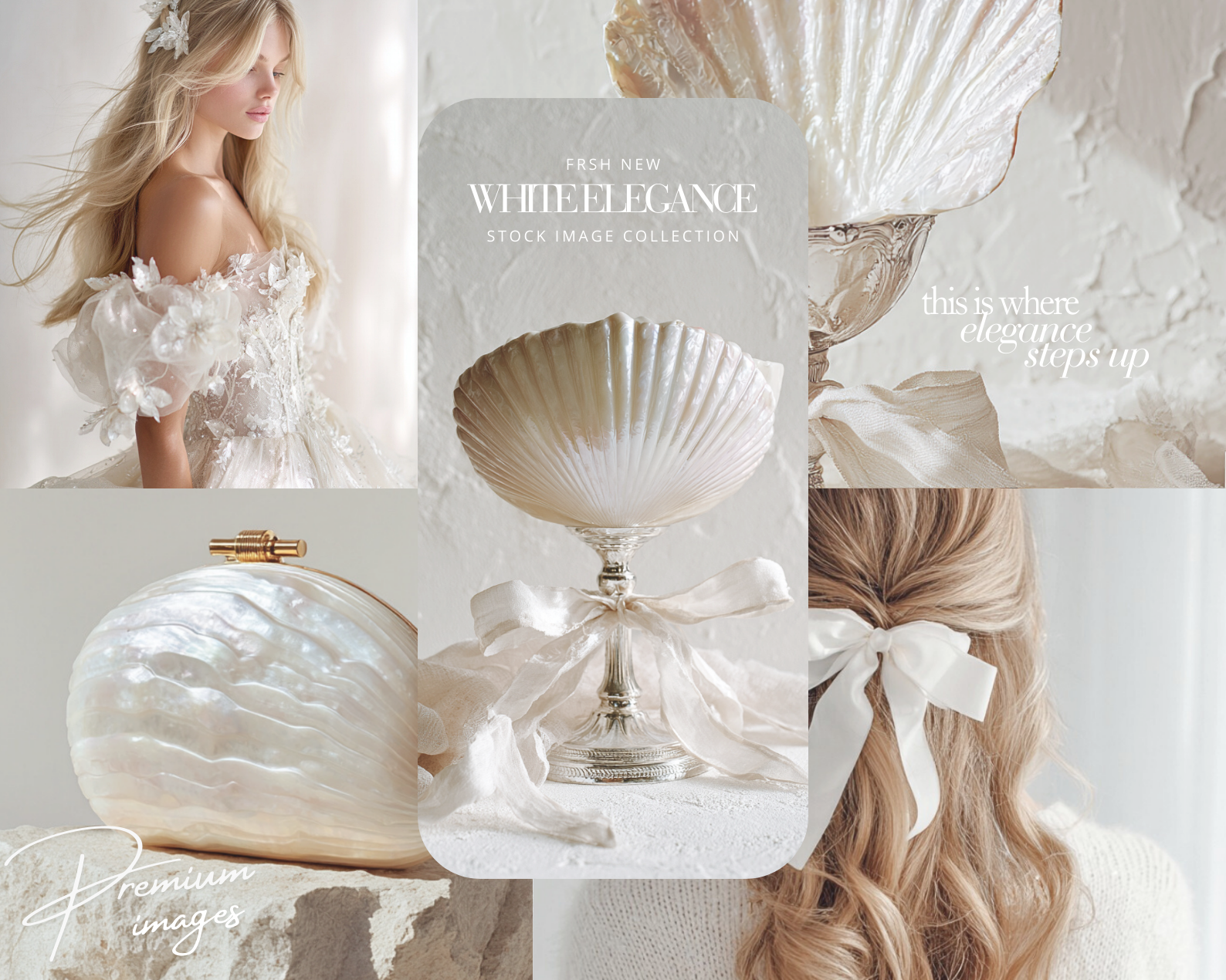
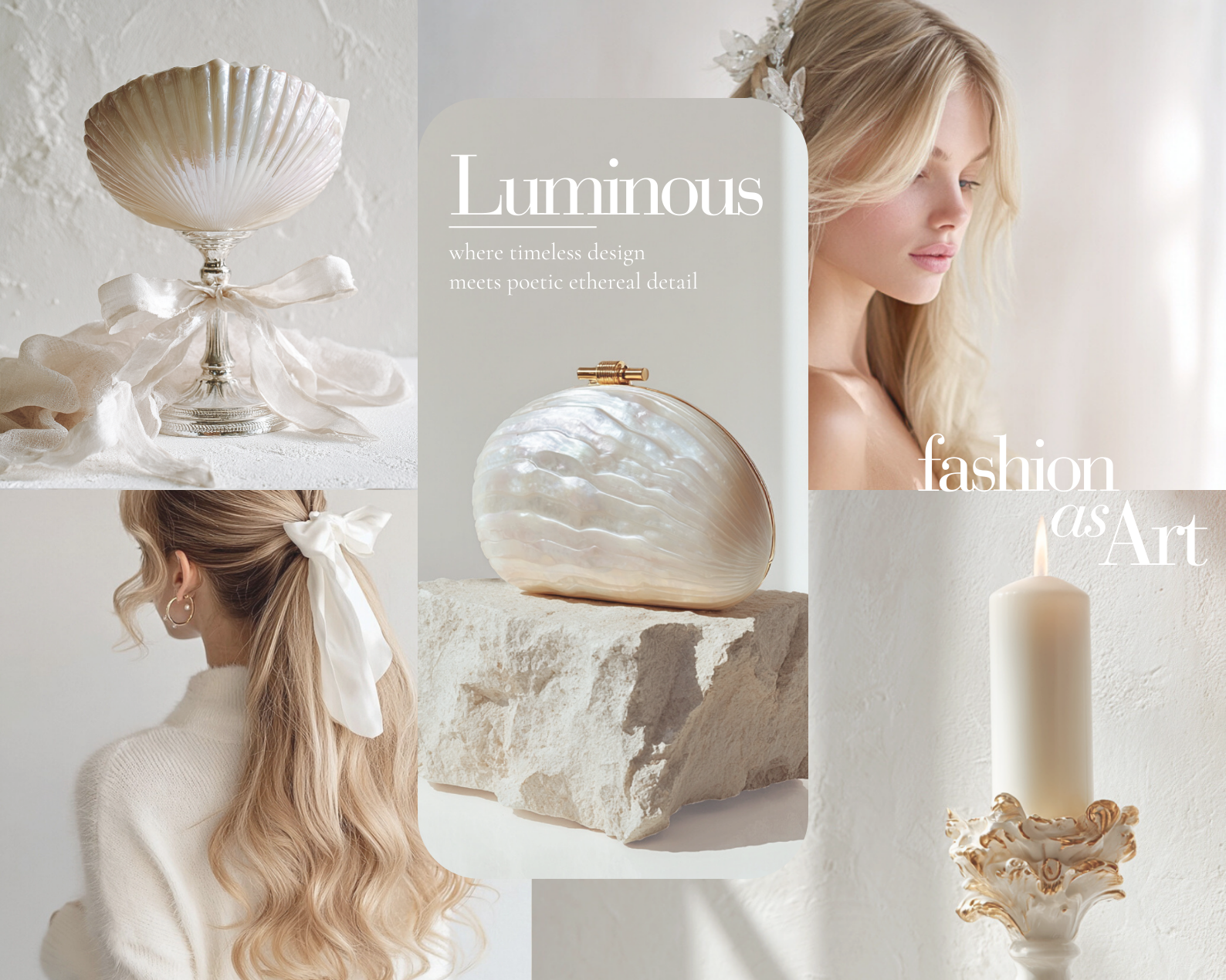
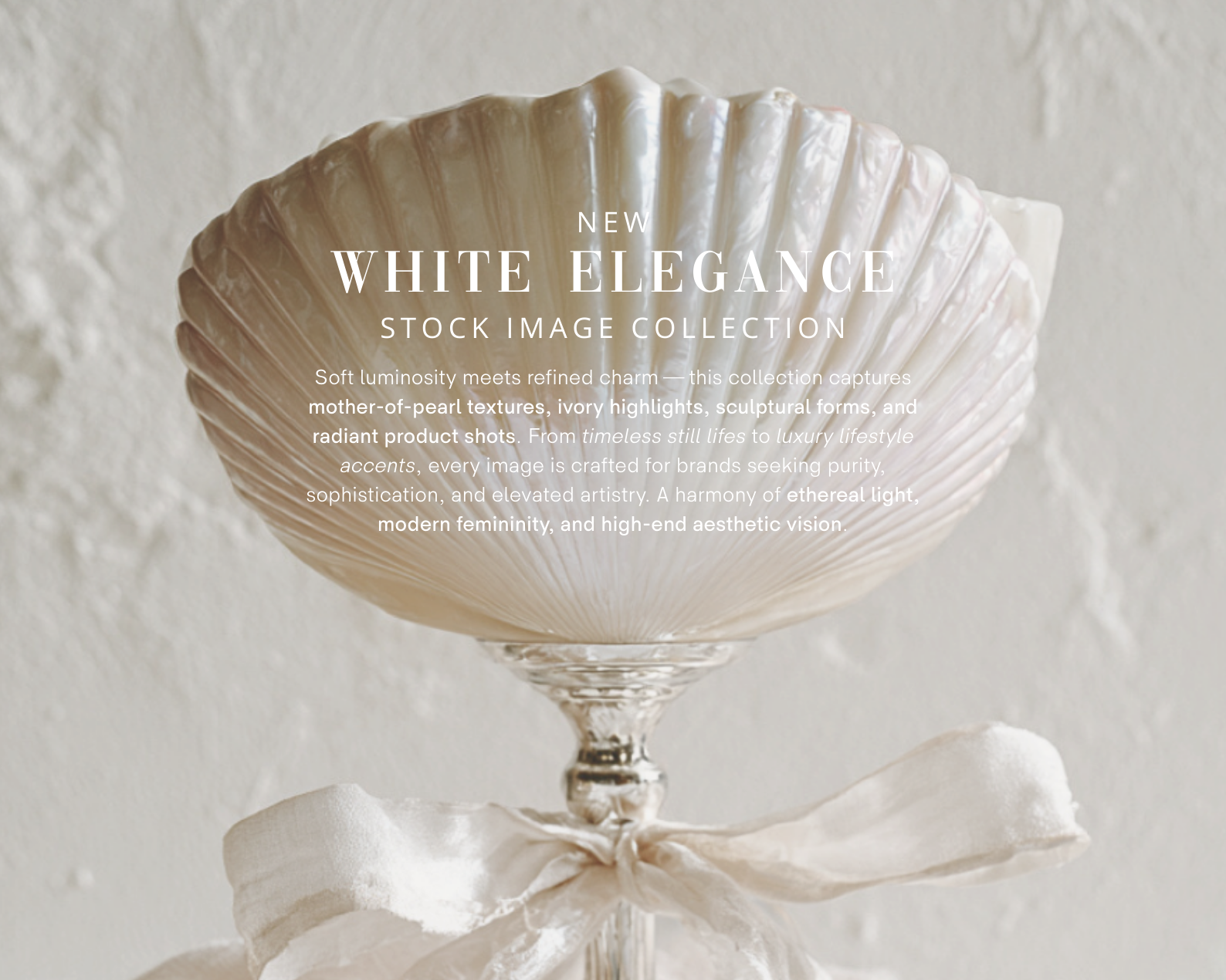
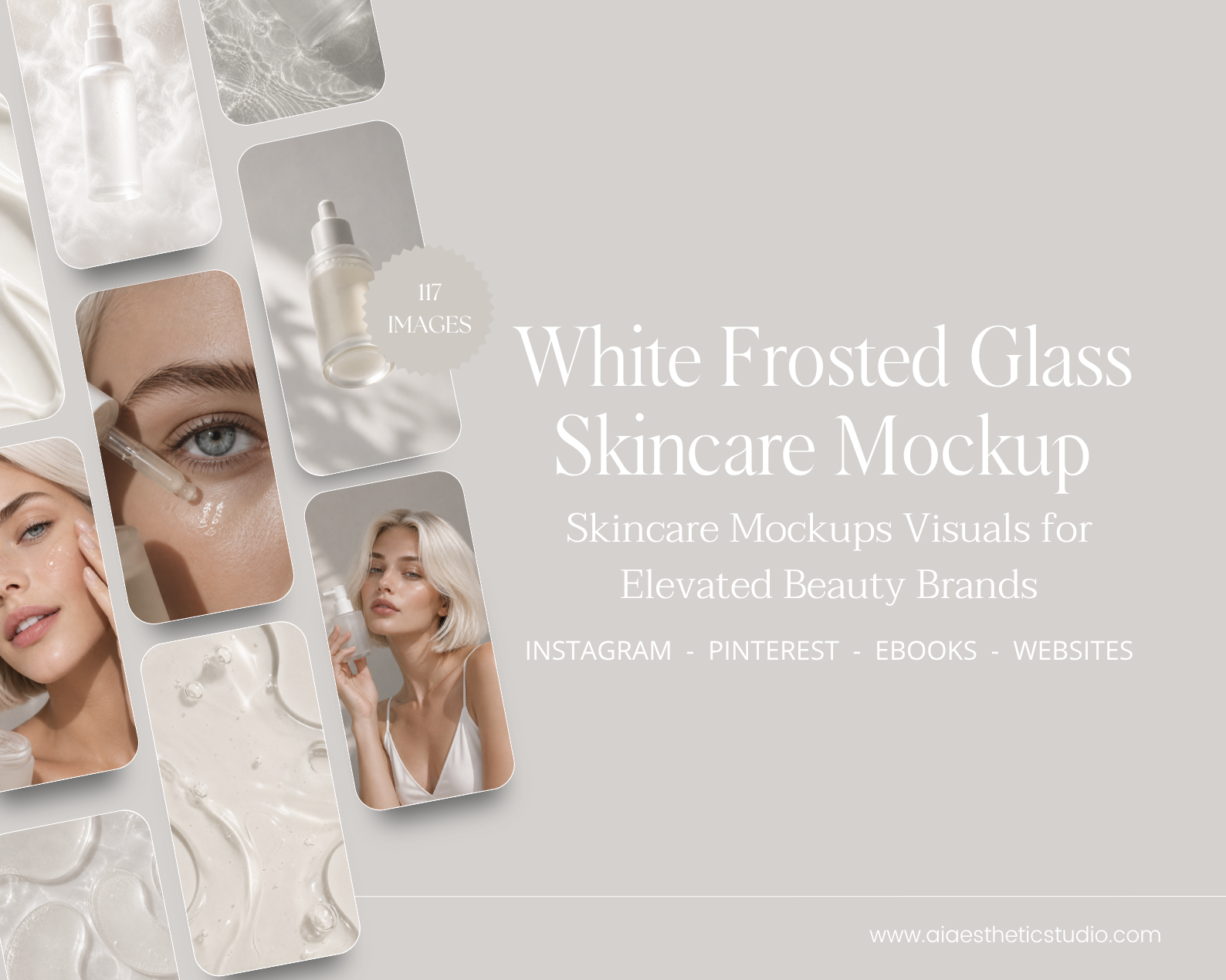
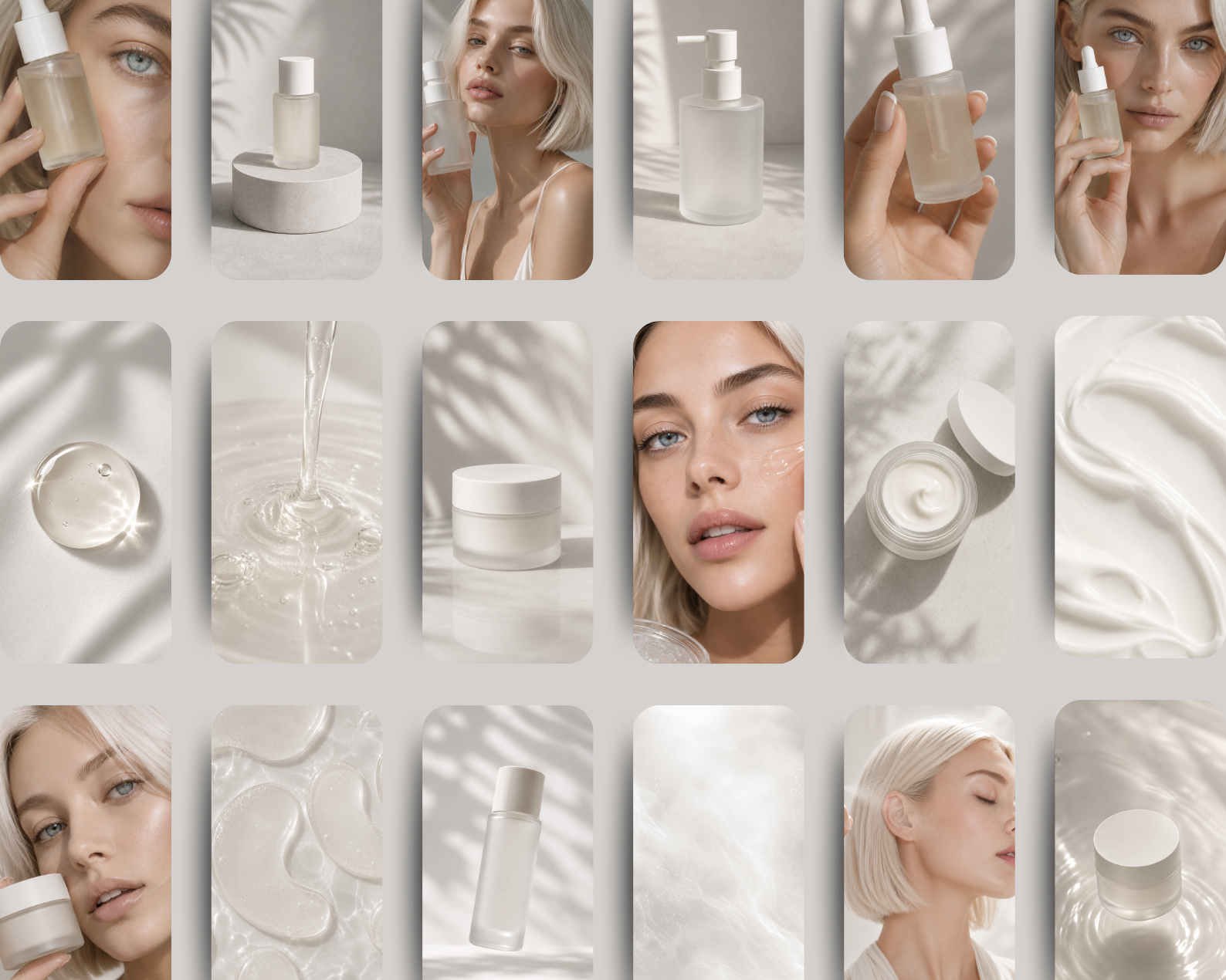
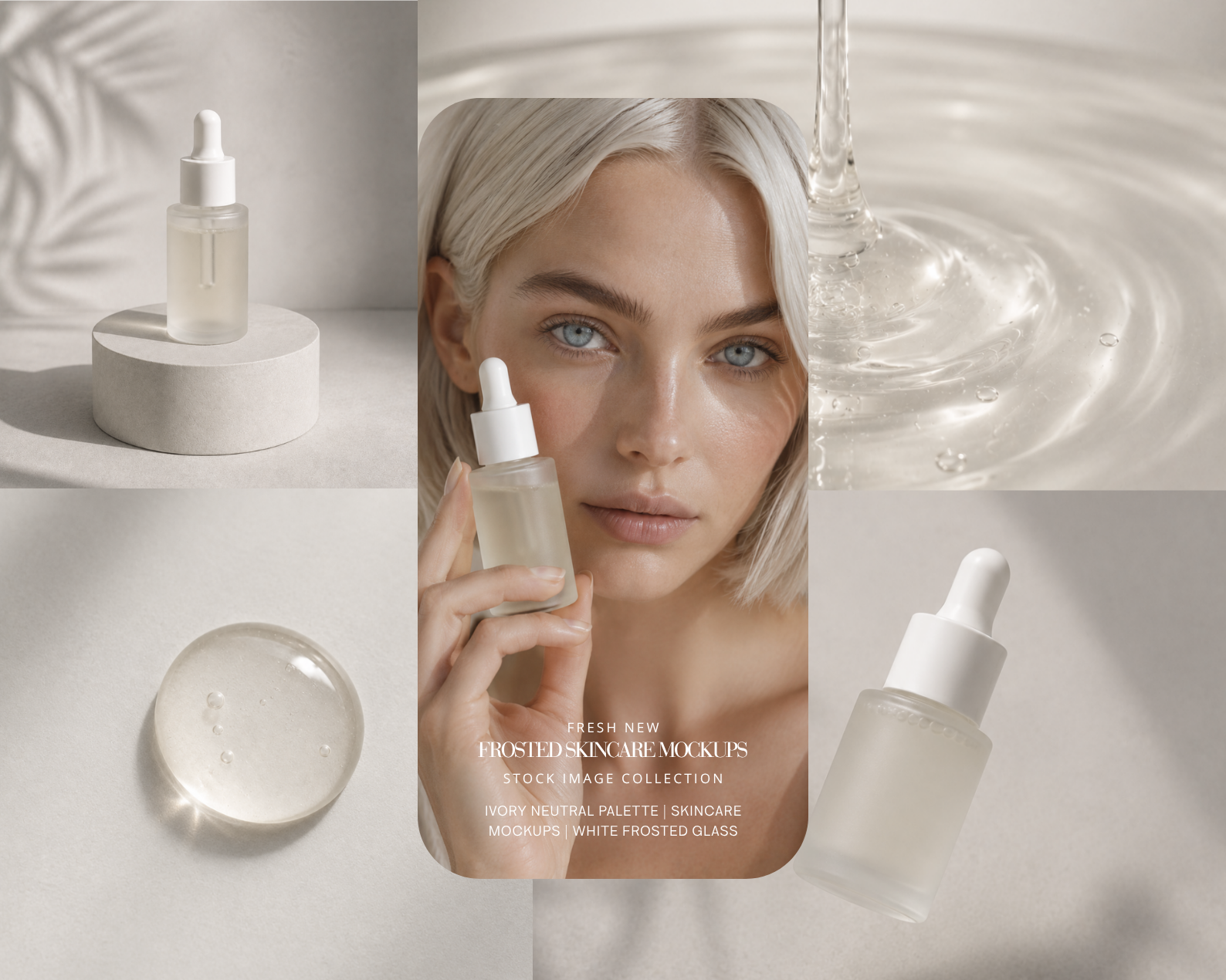
A refined exploration of warmth, softness, and modern femininity, this Soft Neutral Tones editorial collection is designed for brands that value comfort, elegance, and effortless beauty.
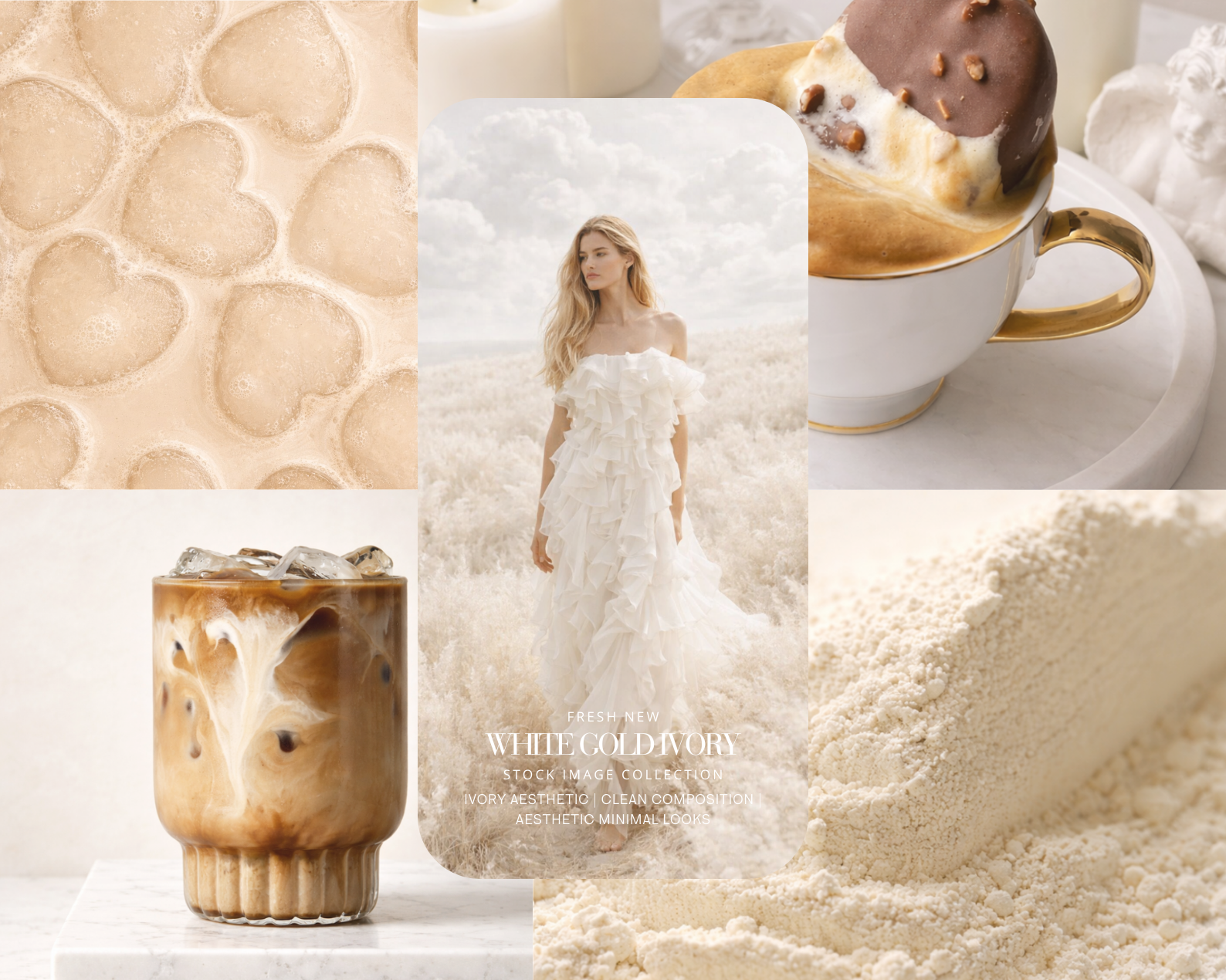
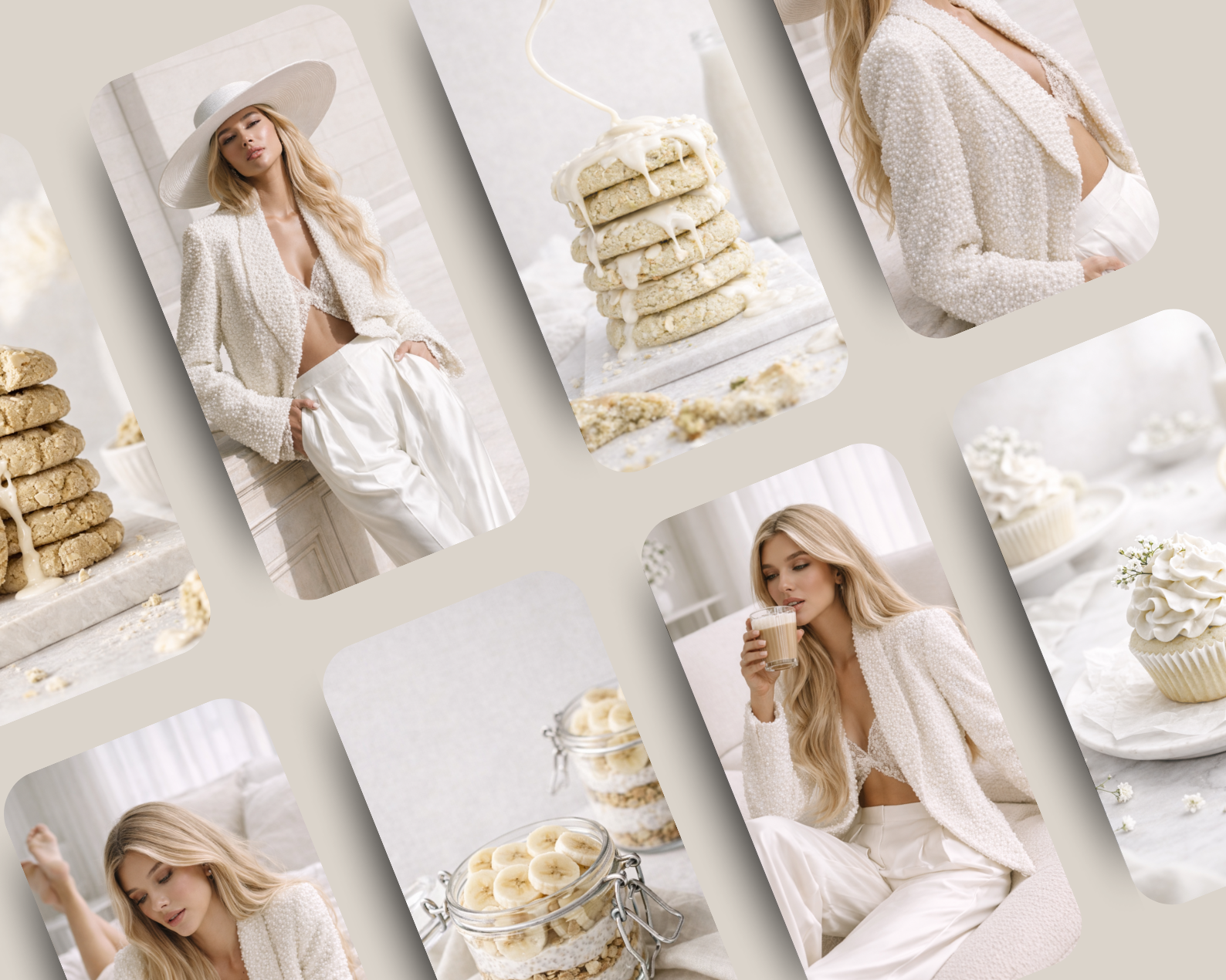
Featuring 36 high-end images, this collection captures cozy luxury through creamy textures, fluffy knits, luminous skin, minimal food moments, and intimate lifestyle scenes.
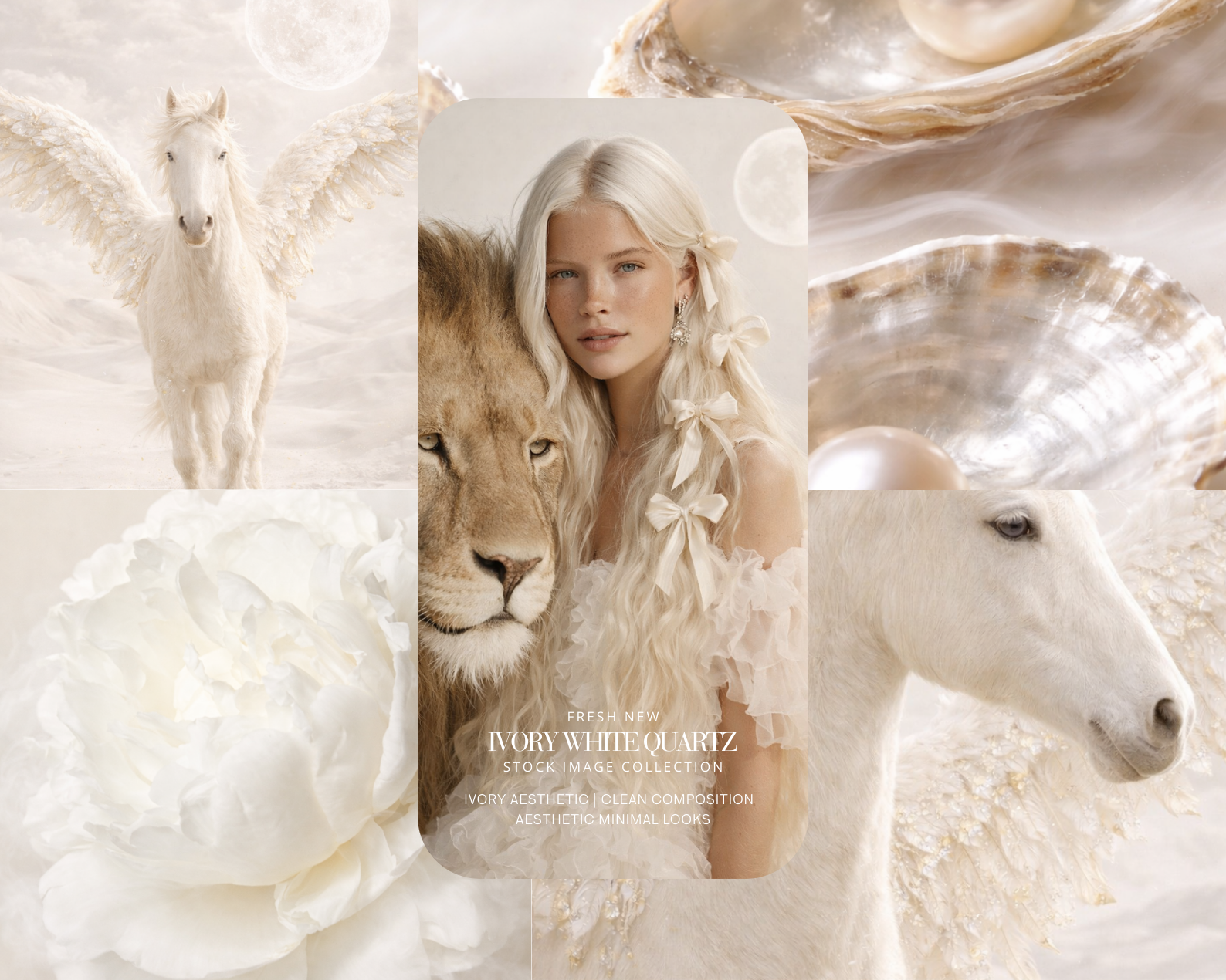
Ivory, beige, oat, and soft stone tones create visuals that feel inviting, elevated, and timeless. Soft living, curated with intention.
What You’ll Get:
36 high-quality AI-generated images in soft neutral and ivory tones
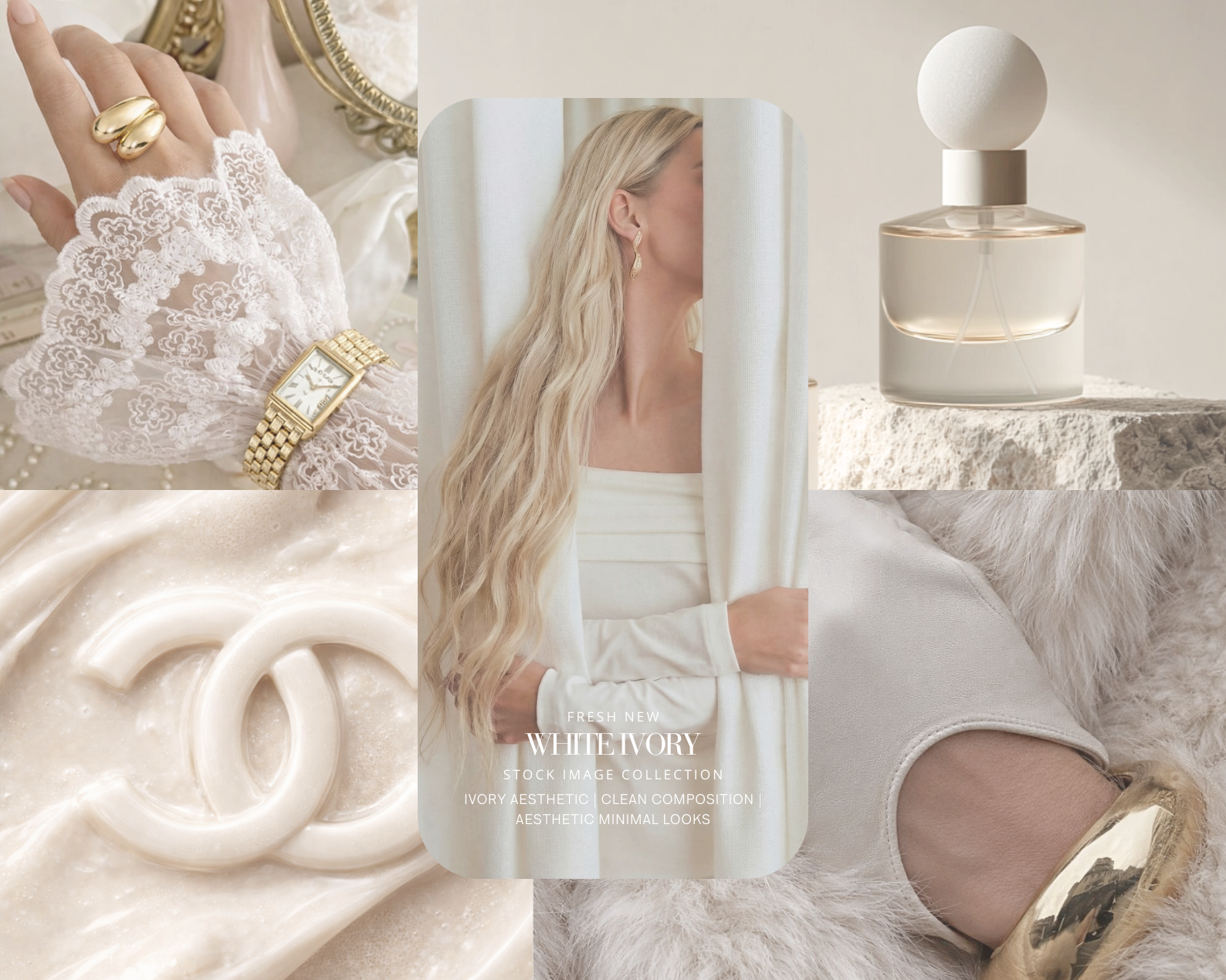
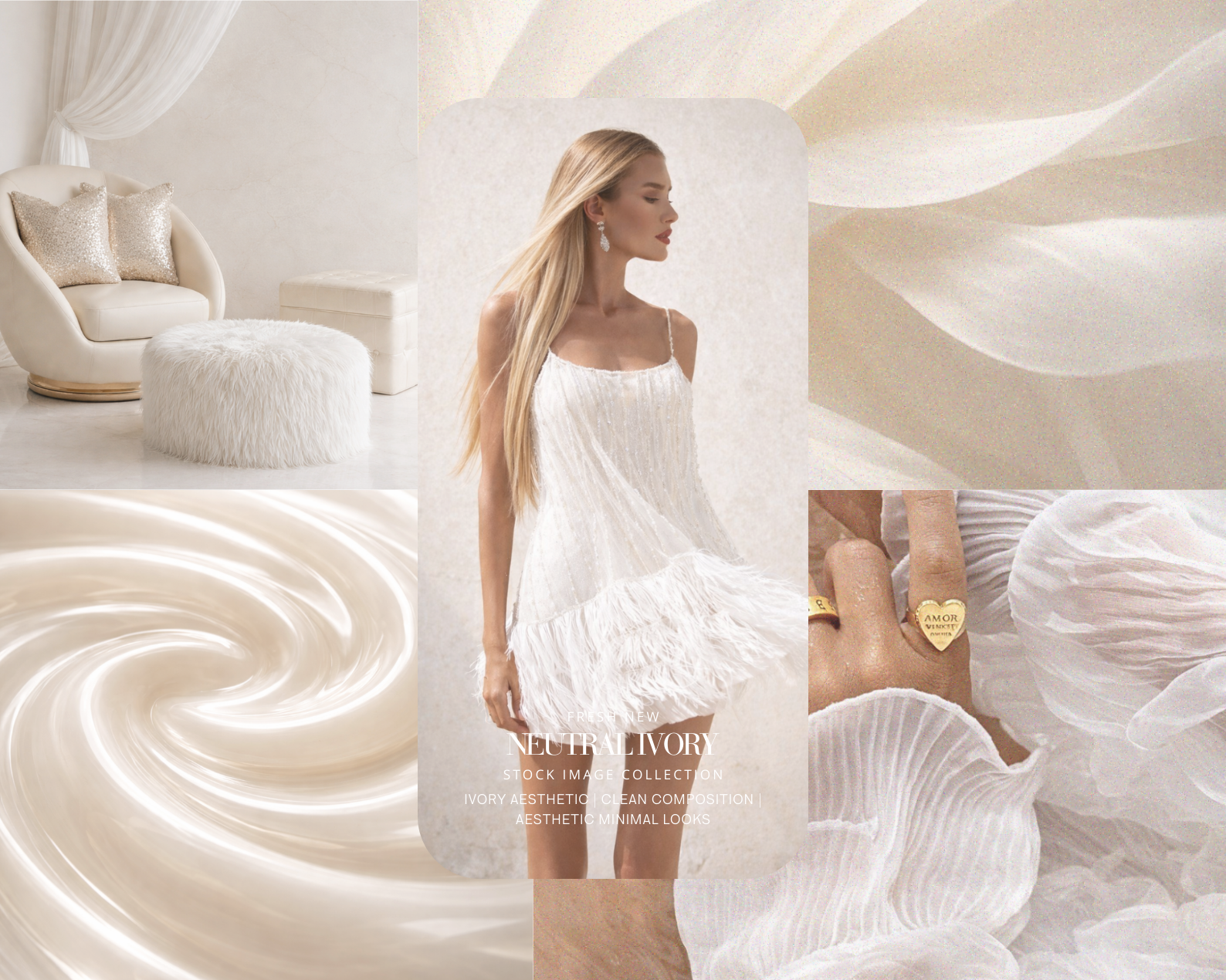
Feminine lifestyle portraits with cozy textures, faux fur, and delicate styling
Creamy food moments: lattes, granola, pastries, honey drizzles, soft breakfasts
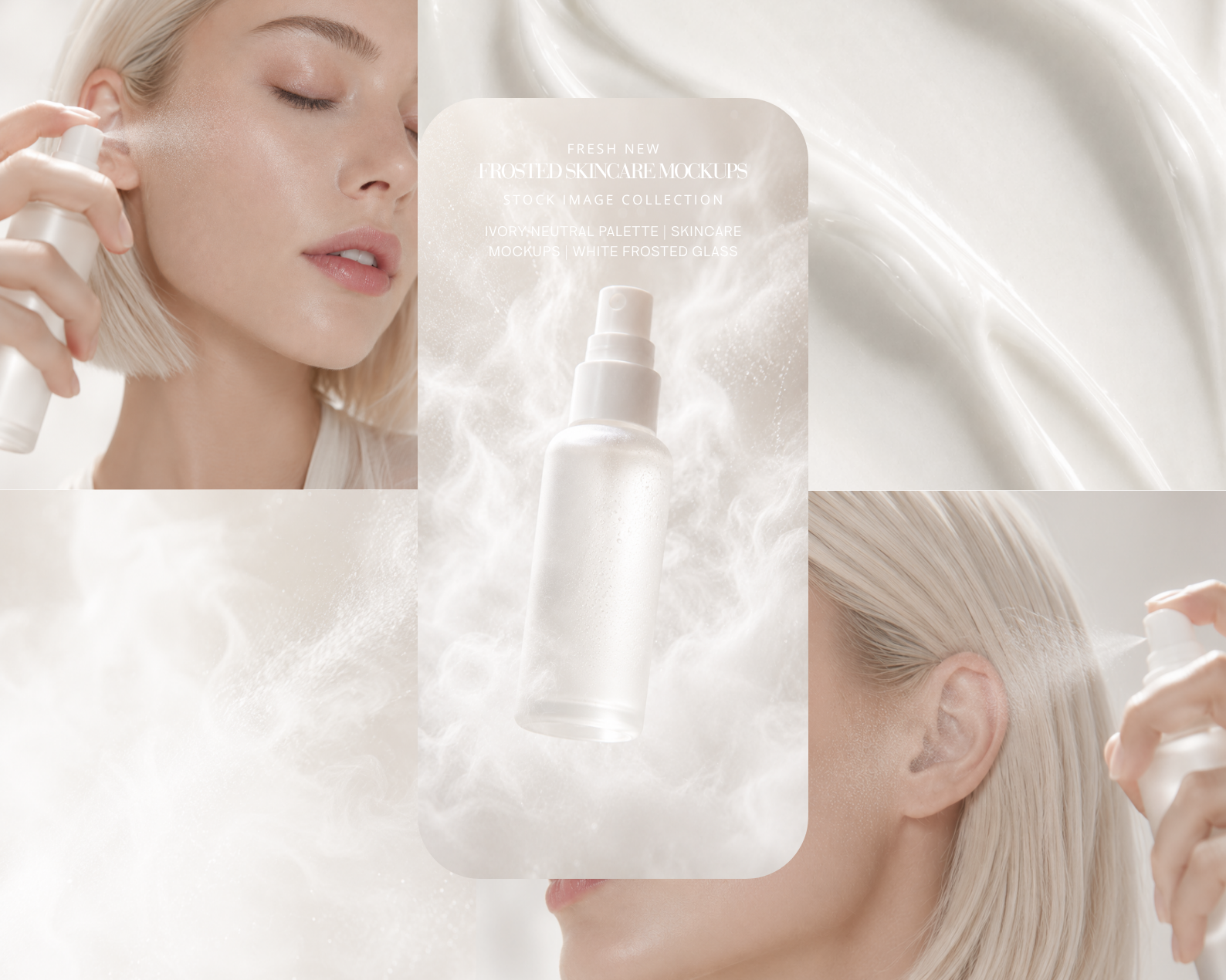
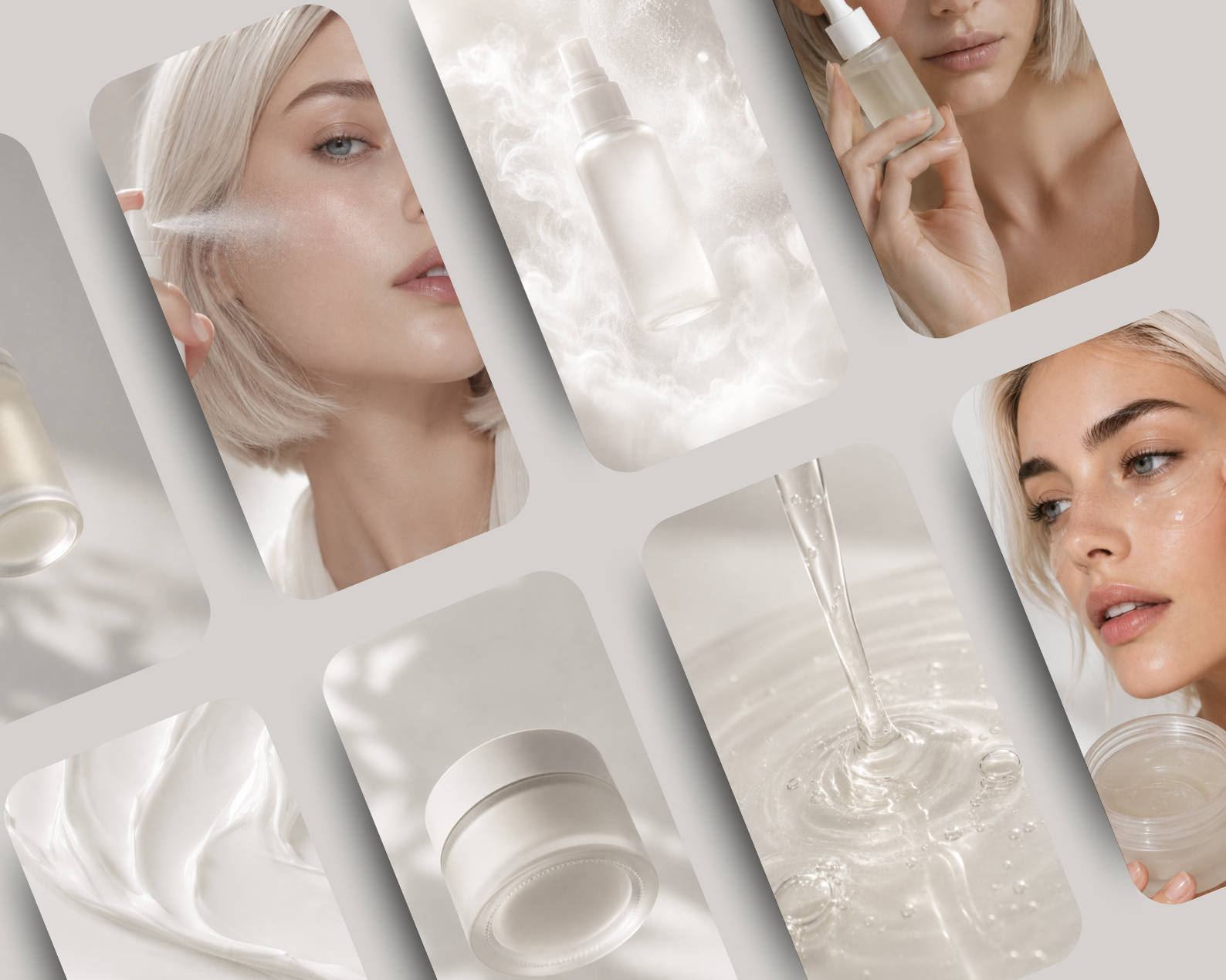
Beauty and skincare details: glowing skin, minimal makeup, soft highlights
Texture-driven visuals: foam, ice, creams, ceramics, marble surfaces
A cohesive neutral palette: ivory, beige, oat, cream, soft taupe, light stone
Ideal for:
Instagram · Pinterest · Lifestyle & Wellness Brands · Beauty · Skincare · Fashion · Cozy Living · Lookbooks · Editorials · Moodboards · Email Campaigns · Ebooks · Websites · Pinterest Ads
Format & Resolution:
Images: PNG files — 4000 × 6000 px
High-resolution, ready for social media, websites, Pinterest pins, and premium lifestyle storytelling.
How to Download the ZIP File from Google Drive
Click the Link
Once you click the link in this PDF, you'll be redirected to a Google Drive page.
Locate the Download Button
If you're using a computer: Look for the download icon (a downward arrow) at the top-right corner of the Google Drive page.
If you're on a mobile device: Tap the three-dot menu icon and select Download.
Download the File
Click the download icon to start downloading the ZIP file.
If prompted, choose where you'd like to save the file on your device.
Unzip the File
On a computer: Right-click the downloaded ZIP file and select Extract All or use a ZIP extraction program like WinRAR or 7-Zip.
On a mobile device: Use a file manager or an app like WinZip or RAR to unzip the file.
🤍 Where comfort becomes luxury.
Made by AI Aesthetic Studio
www.aiaestheticstudio.com
A refined exploration of warmth, softness, and modern femininity, this Soft Neutral Tones editorial collection is designed for brands that value comfort, elegance, and effortless beauty.
Featuring 36 high-end images, this collection captures cozy luxury through creamy textures, fluffy knits, luminous skin, minimal food moments, and intimate lifestyle scenes.
Ivory, beige, oat, and soft stone tones create visuals that feel inviting, elevated, and timeless. Soft living, curated with intention.
What You’ll Get:
36 high-quality AI-generated images in soft neutral and ivory tones
Feminine lifestyle portraits with cozy textures, faux fur, and delicate styling
Creamy food moments: lattes, granola, pastries, honey drizzles, soft breakfasts
Beauty and skincare details: glowing skin, minimal makeup, soft highlights
Texture-driven visuals: foam, ice, creams, ceramics, marble surfaces
A cohesive neutral palette: ivory, beige, oat, cream, soft taupe, light stone
Ideal for:
Instagram · Pinterest · Lifestyle & Wellness Brands · Beauty · Skincare · Fashion · Cozy Living · Lookbooks · Editorials · Moodboards · Email Campaigns · Ebooks · Websites · Pinterest Ads
Format & Resolution:
Images: PNG files — 4000 × 6000 px
High-resolution, ready for social media, websites, Pinterest pins, and premium lifestyle storytelling.
How to Download the ZIP File from Google Drive
Click the Link
Once you click the link in this PDF, you'll be redirected to a Google Drive page.
Locate the Download Button
If you're using a computer: Look for the download icon (a downward arrow) at the top-right corner of the Google Drive page.
If you're on a mobile device: Tap the three-dot menu icon and select Download.
Download the File
Click the download icon to start downloading the ZIP file.
If prompted, choose where you'd like to save the file on your device.
Unzip the File
On a computer: Right-click the downloaded ZIP file and select Extract All or use a ZIP extraction program like WinRAR or 7-Zip.
On a mobile device: Use a file manager or an app like WinZip or RAR to unzip the file.
🤍 Where comfort becomes luxury.
Made by AI Aesthetic Studio
www.aiaestheticstudio.com
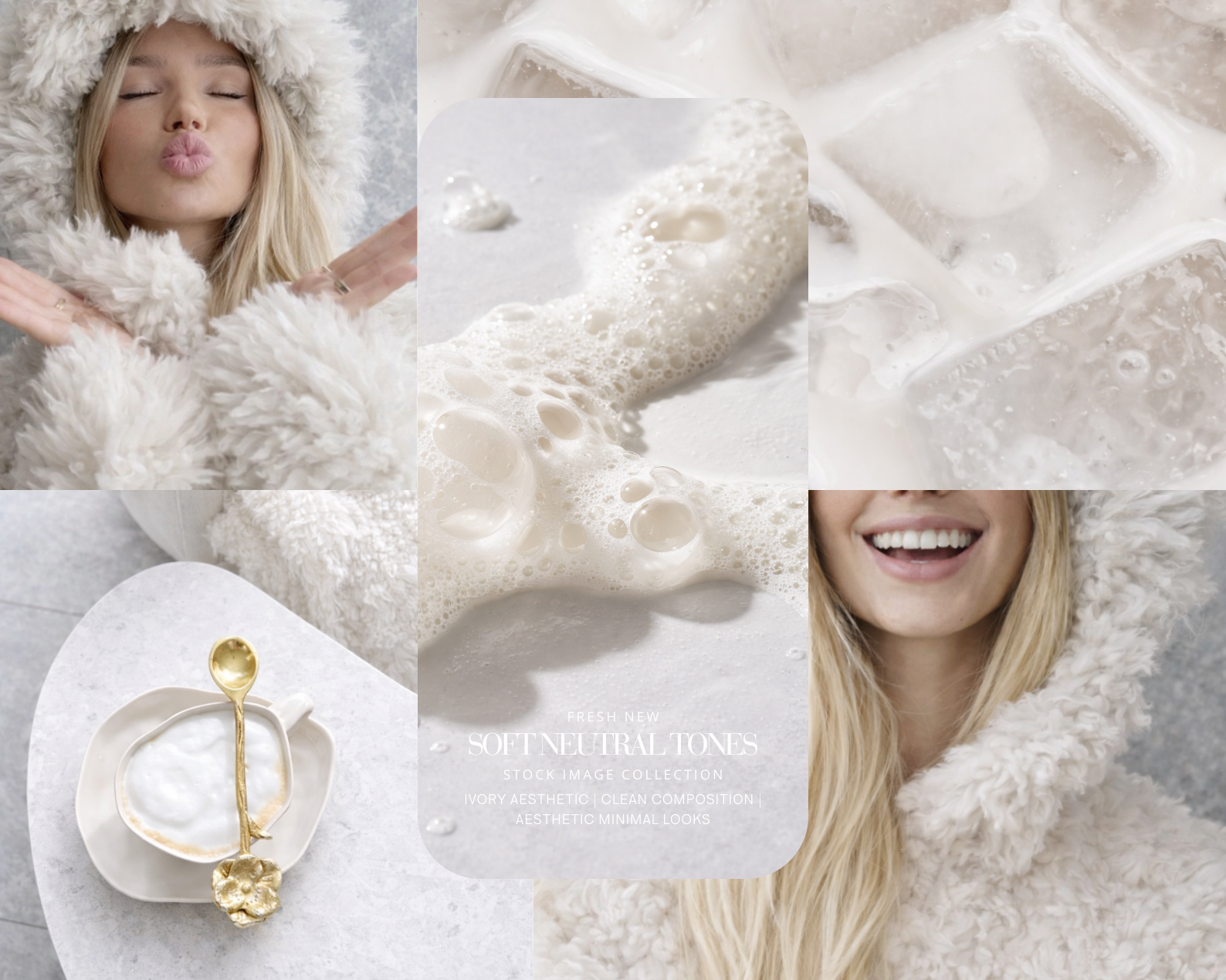 Image 1 of 6
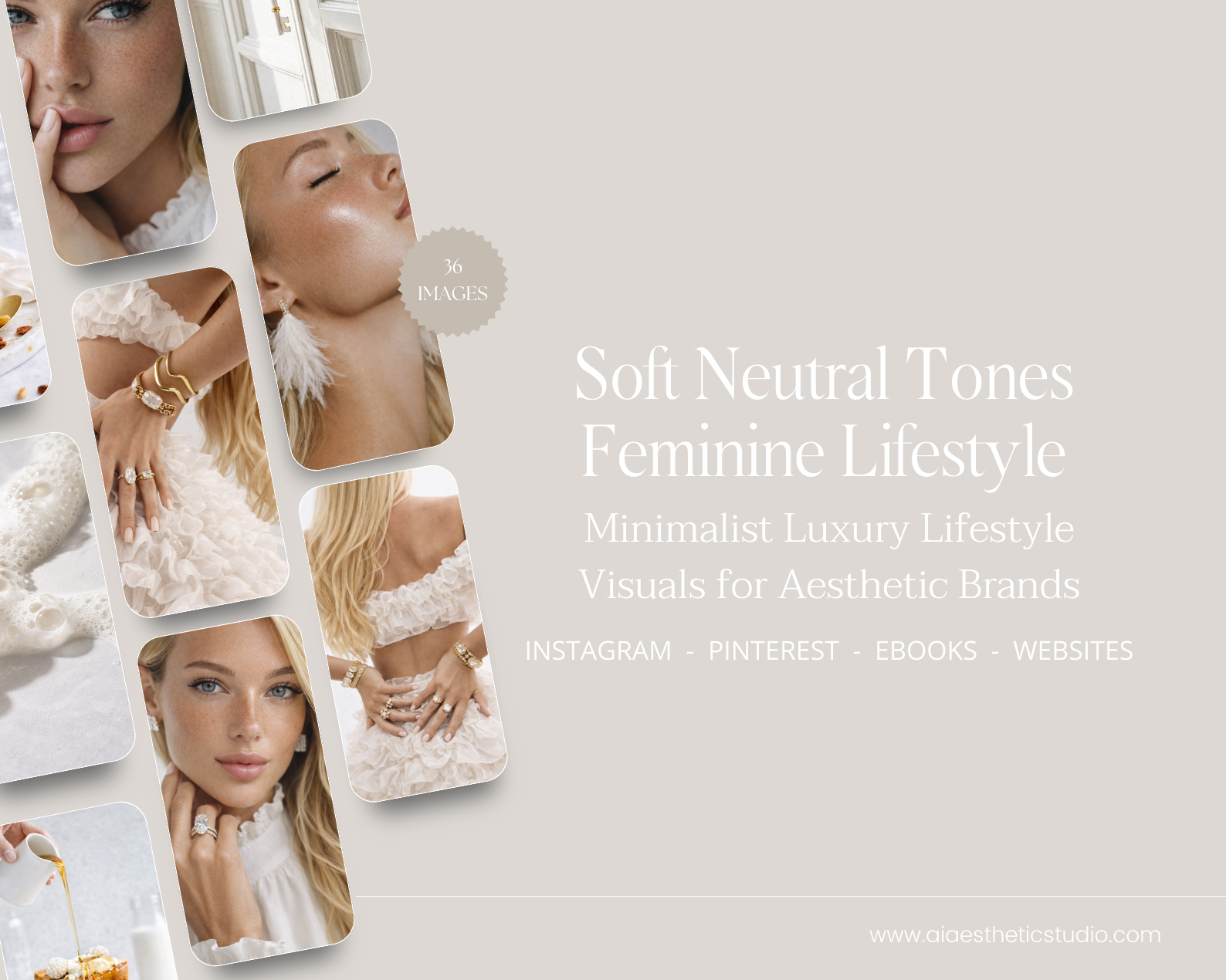 Image 2 of 6
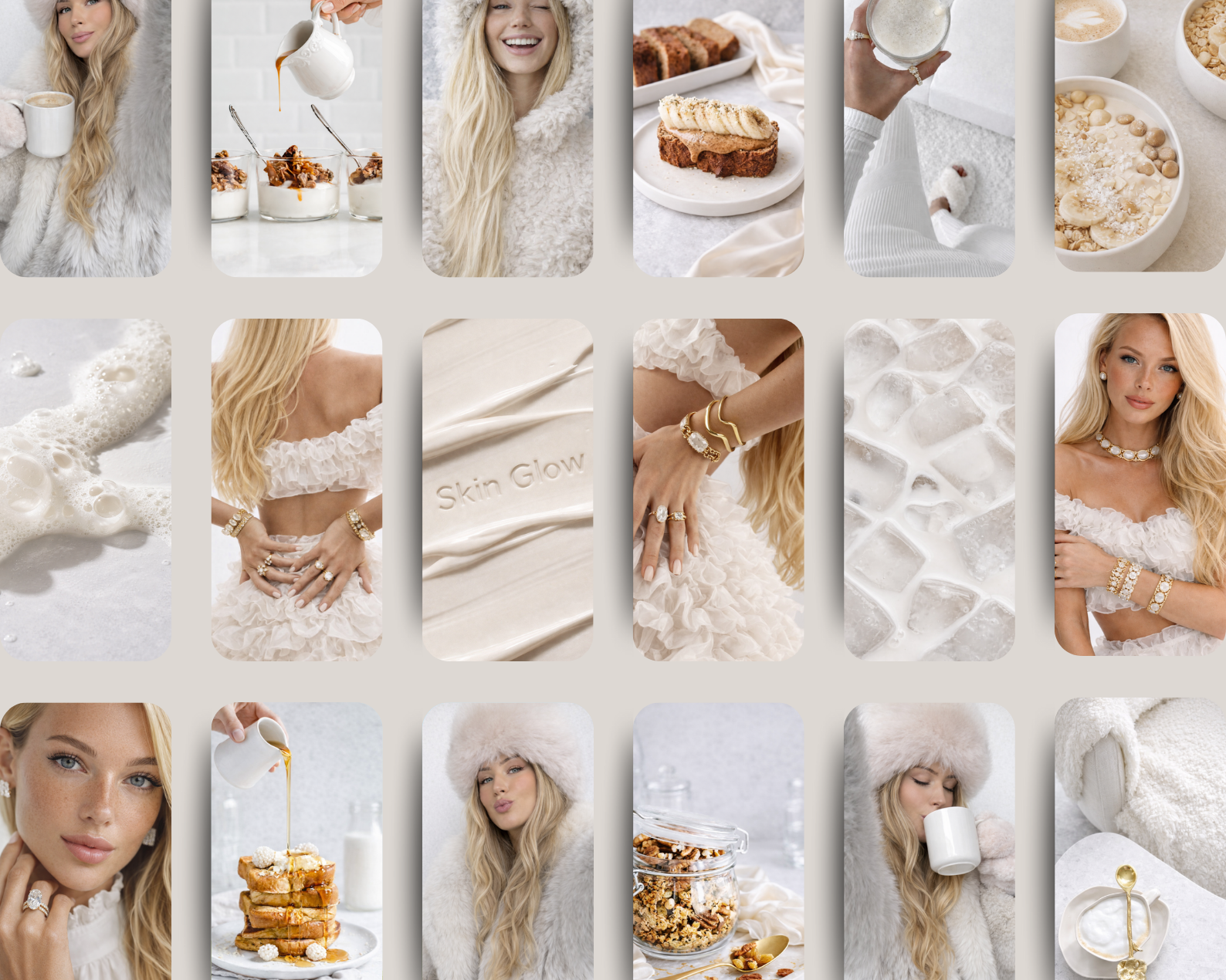 Image 3 of 6
 Image 4 of 6
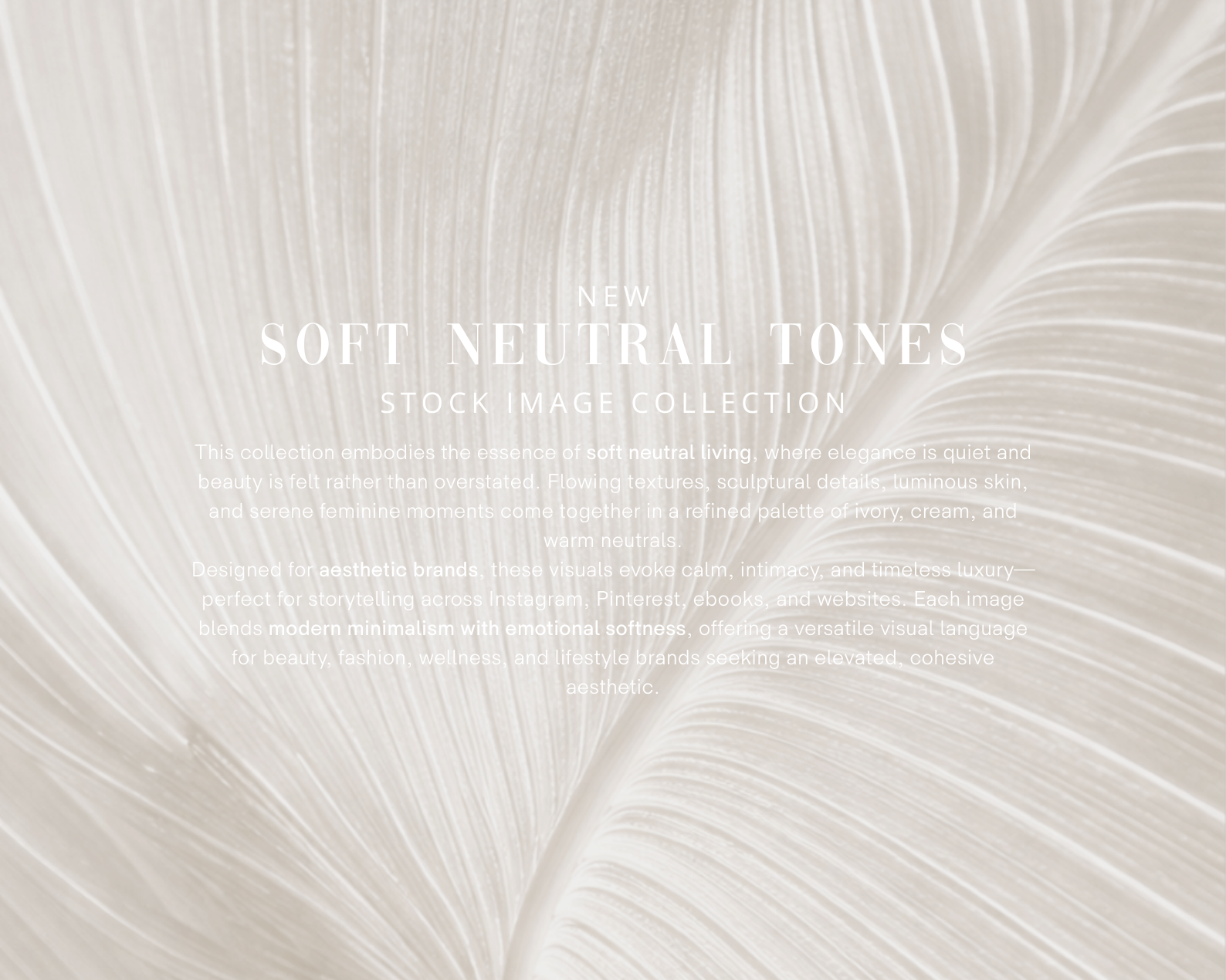 Image 5 of 6
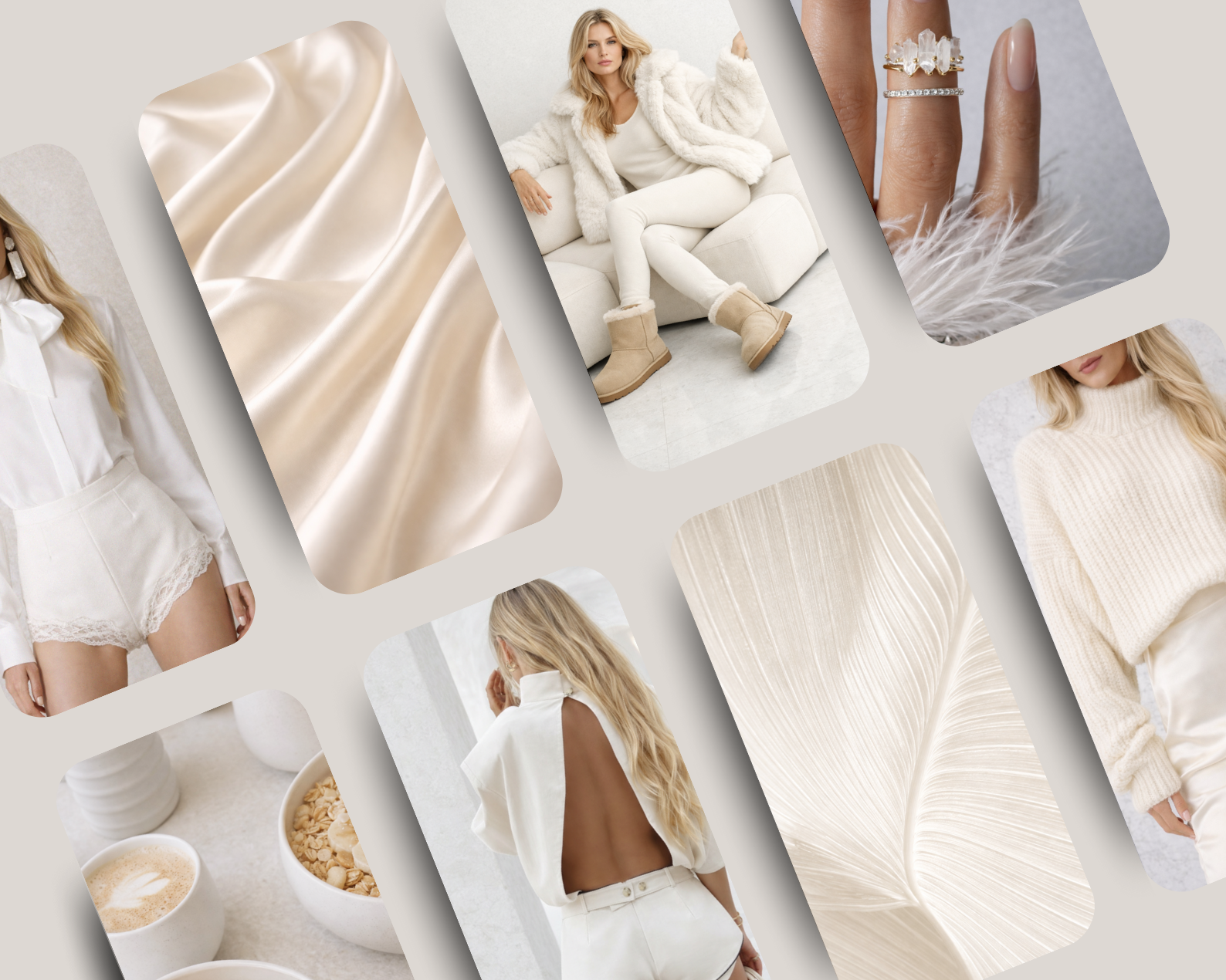 Image 6 of 6