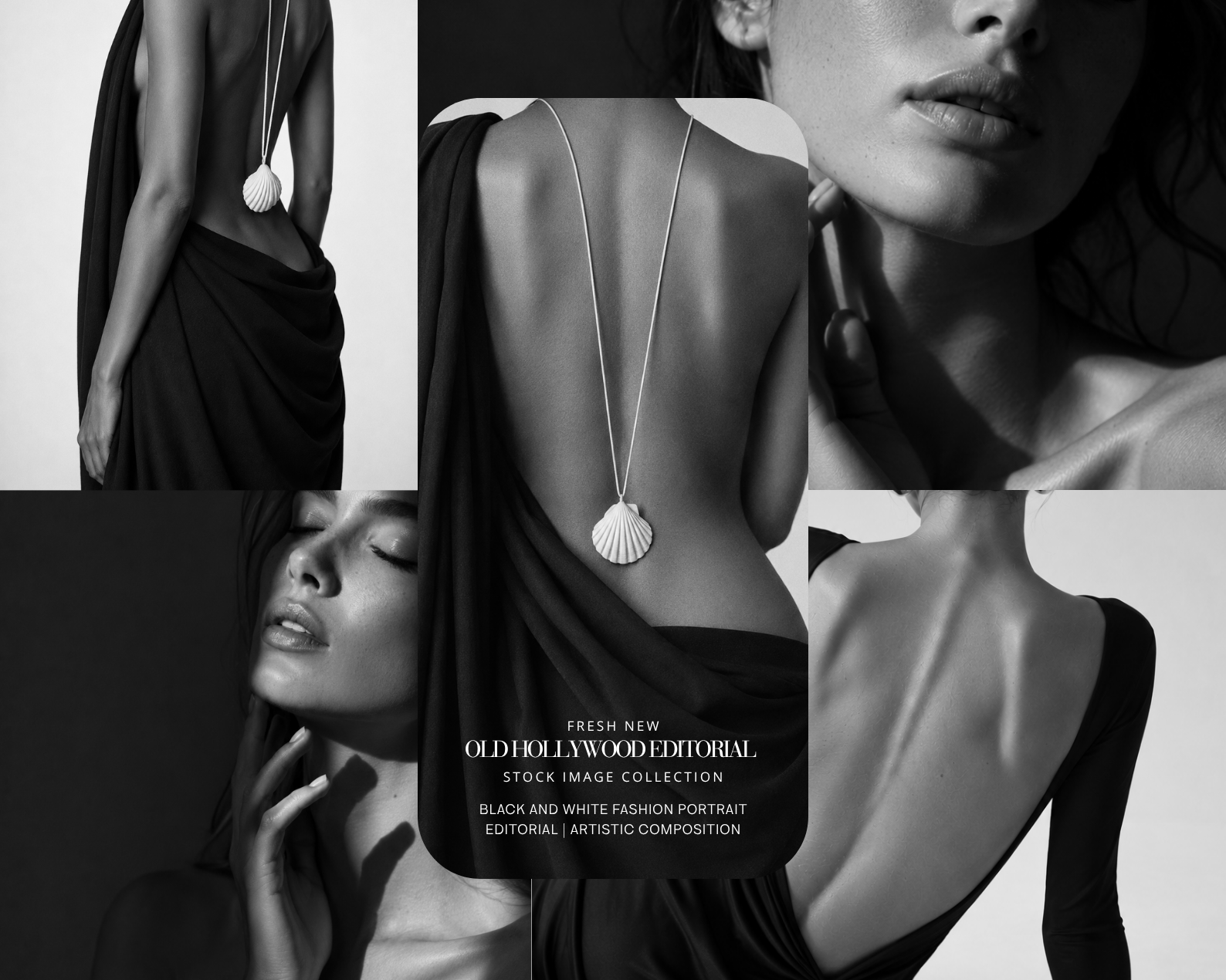
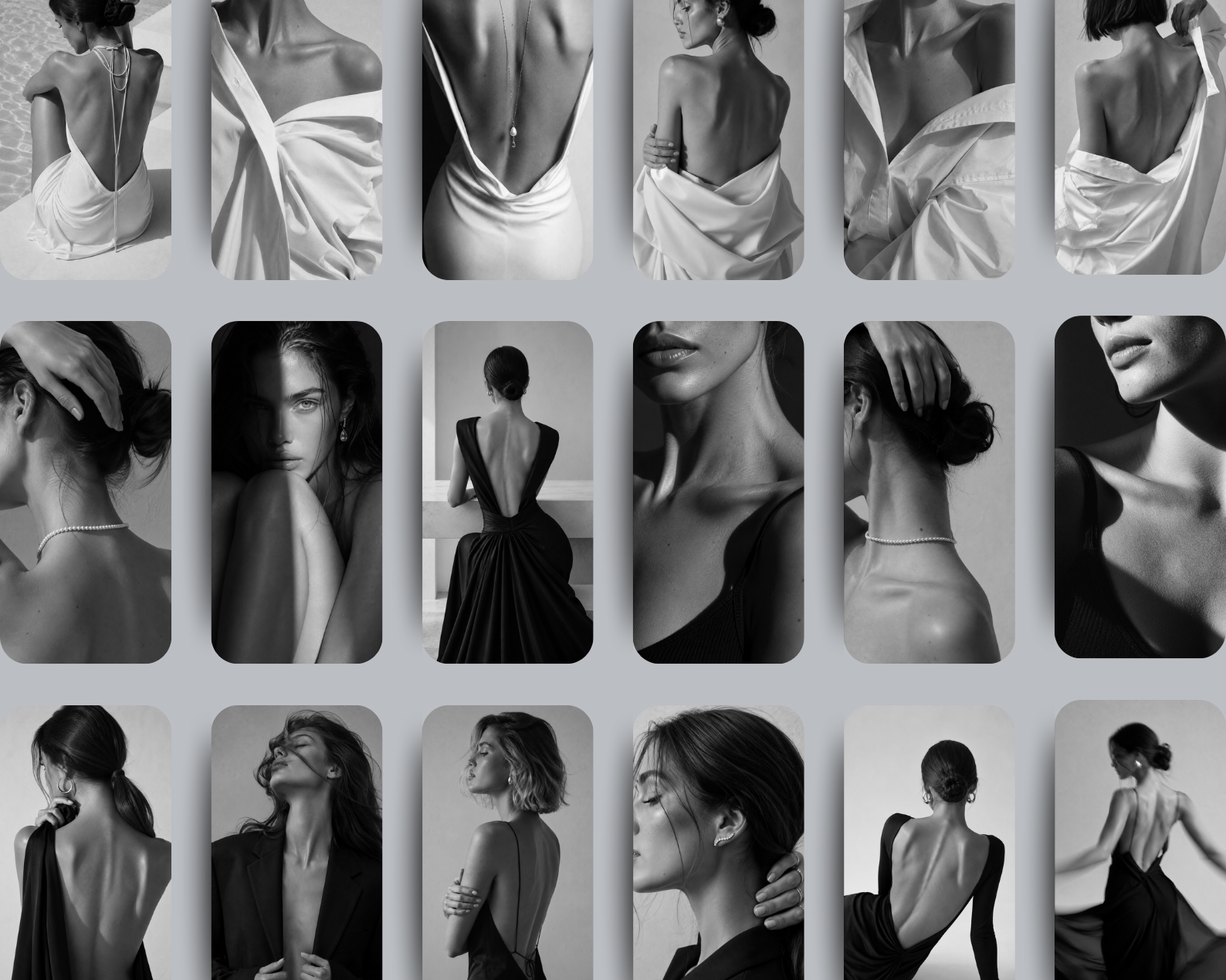
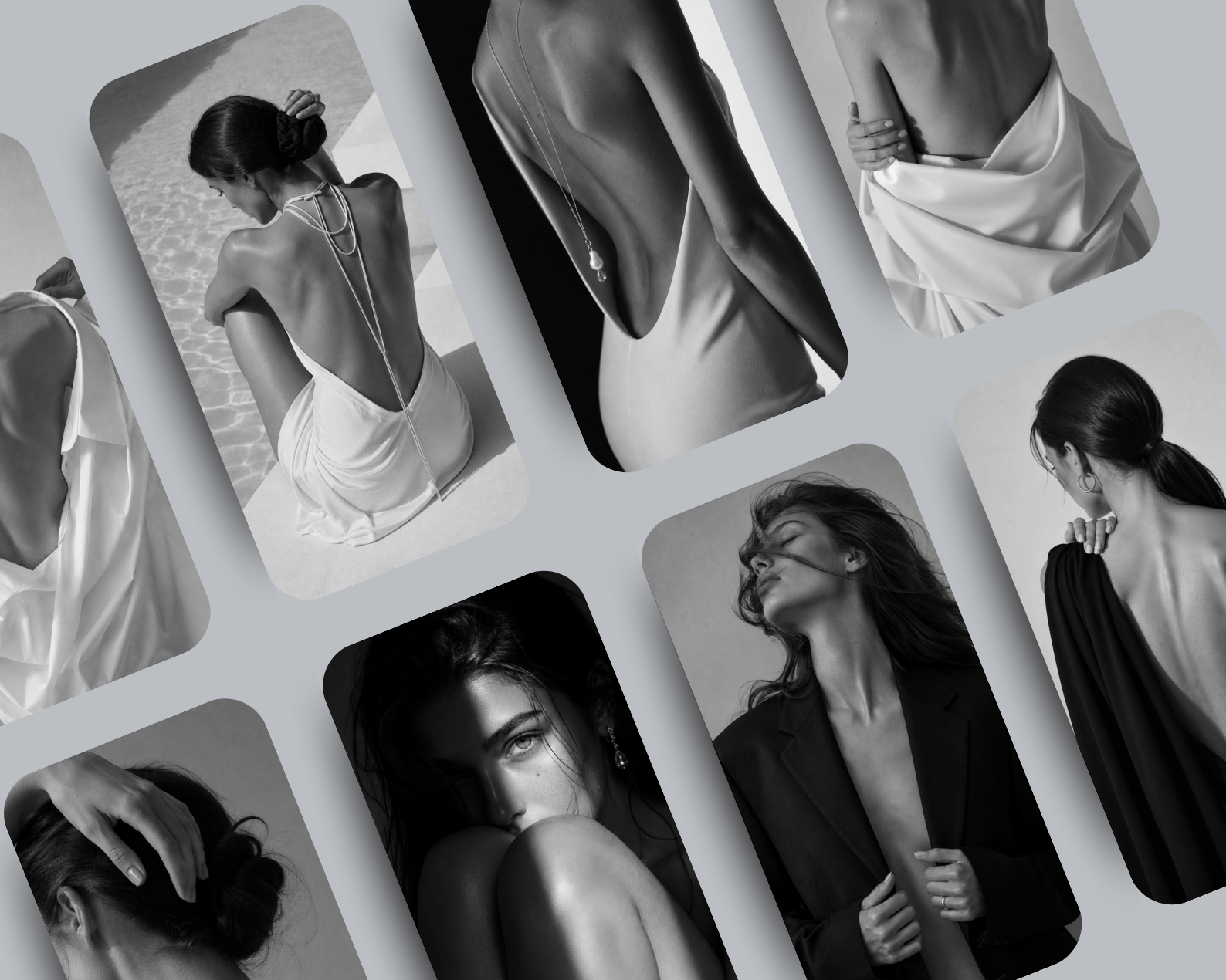
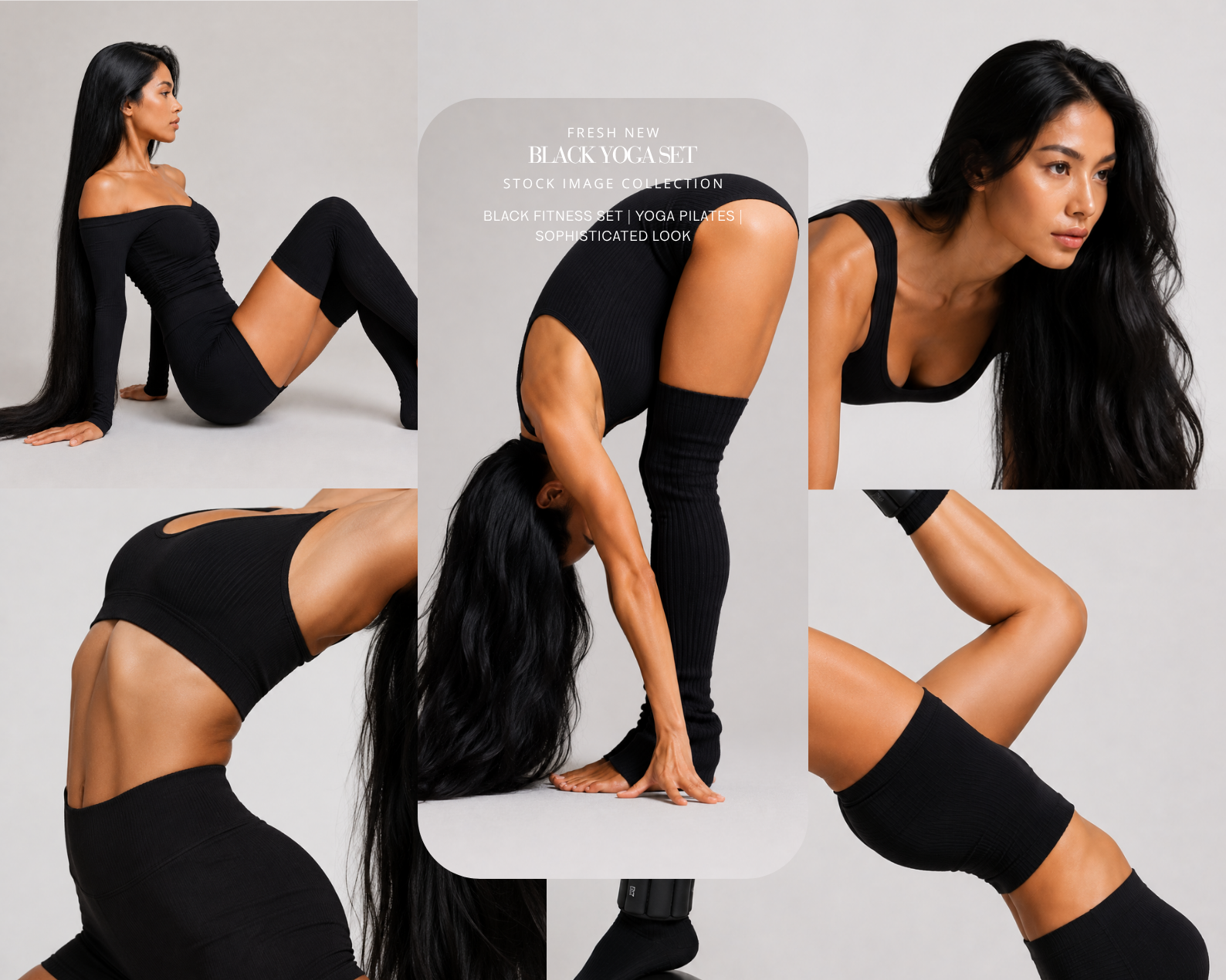
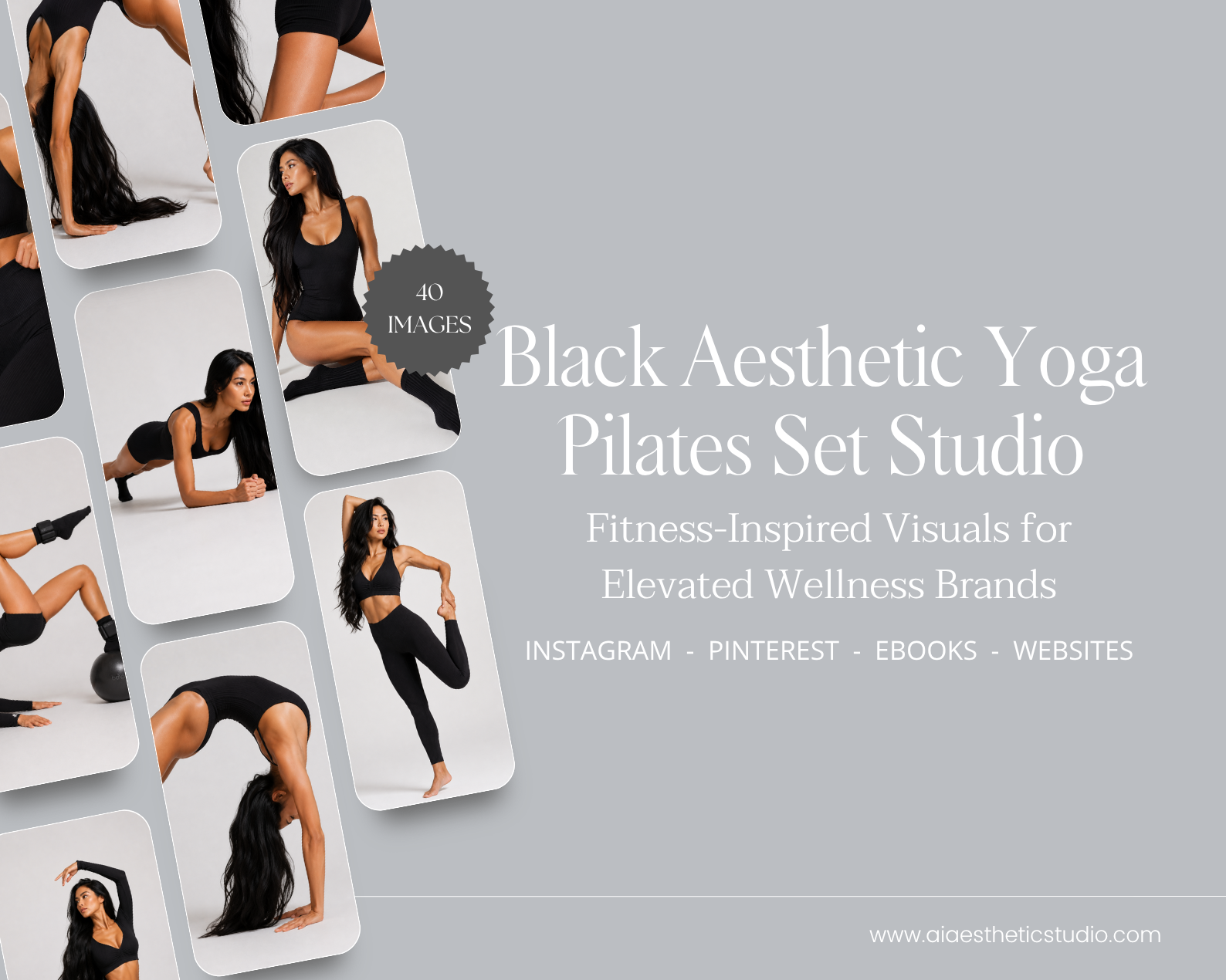
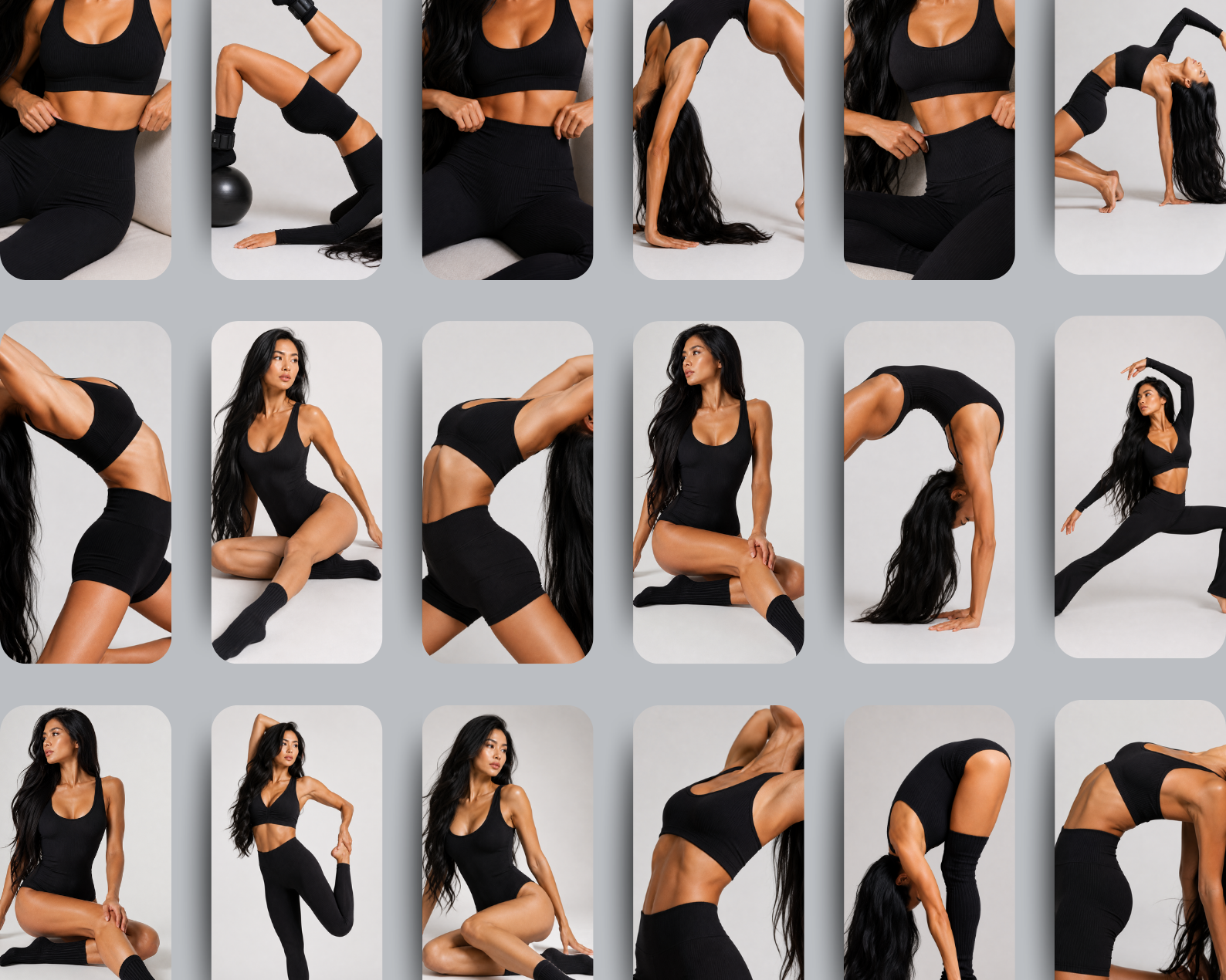
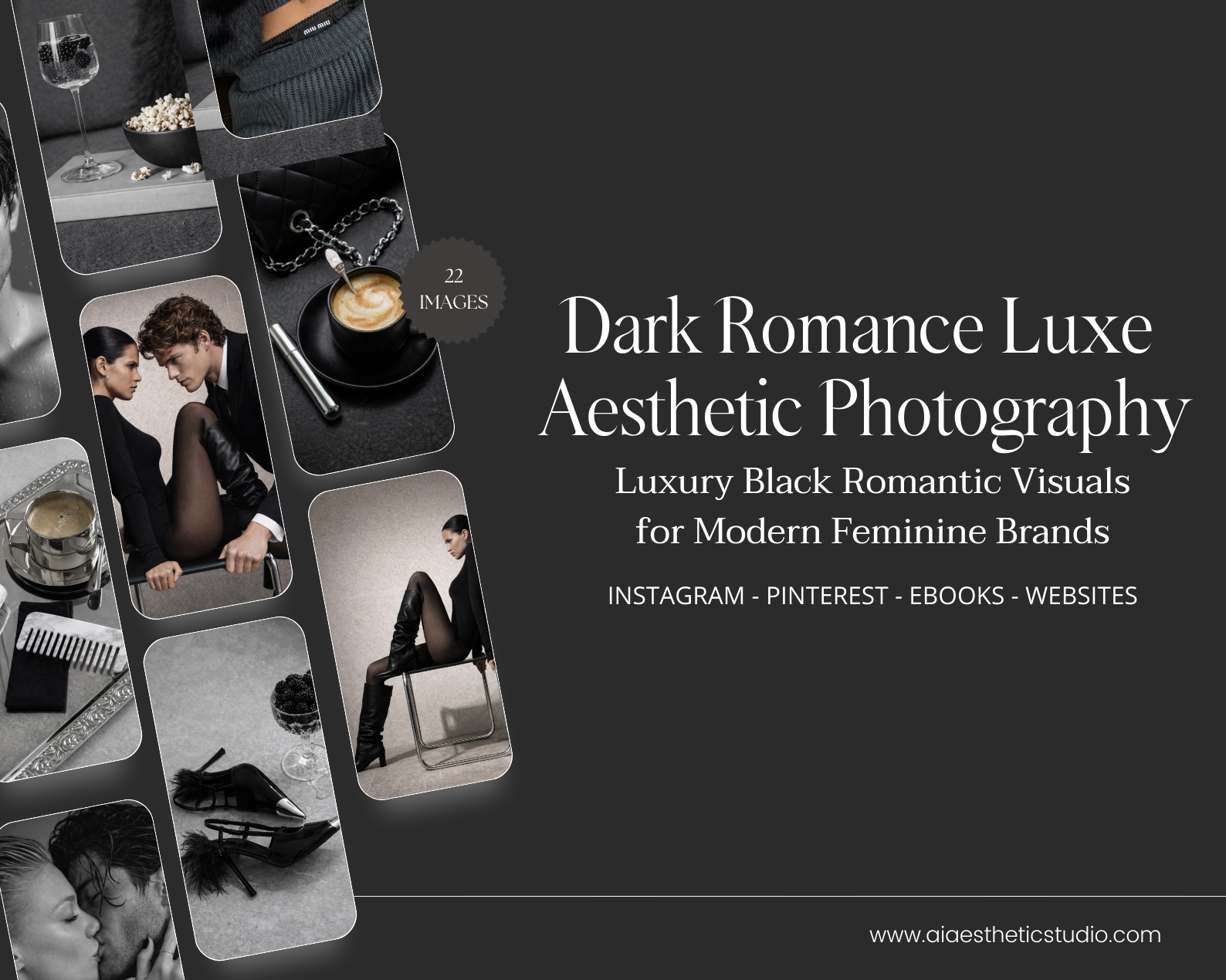
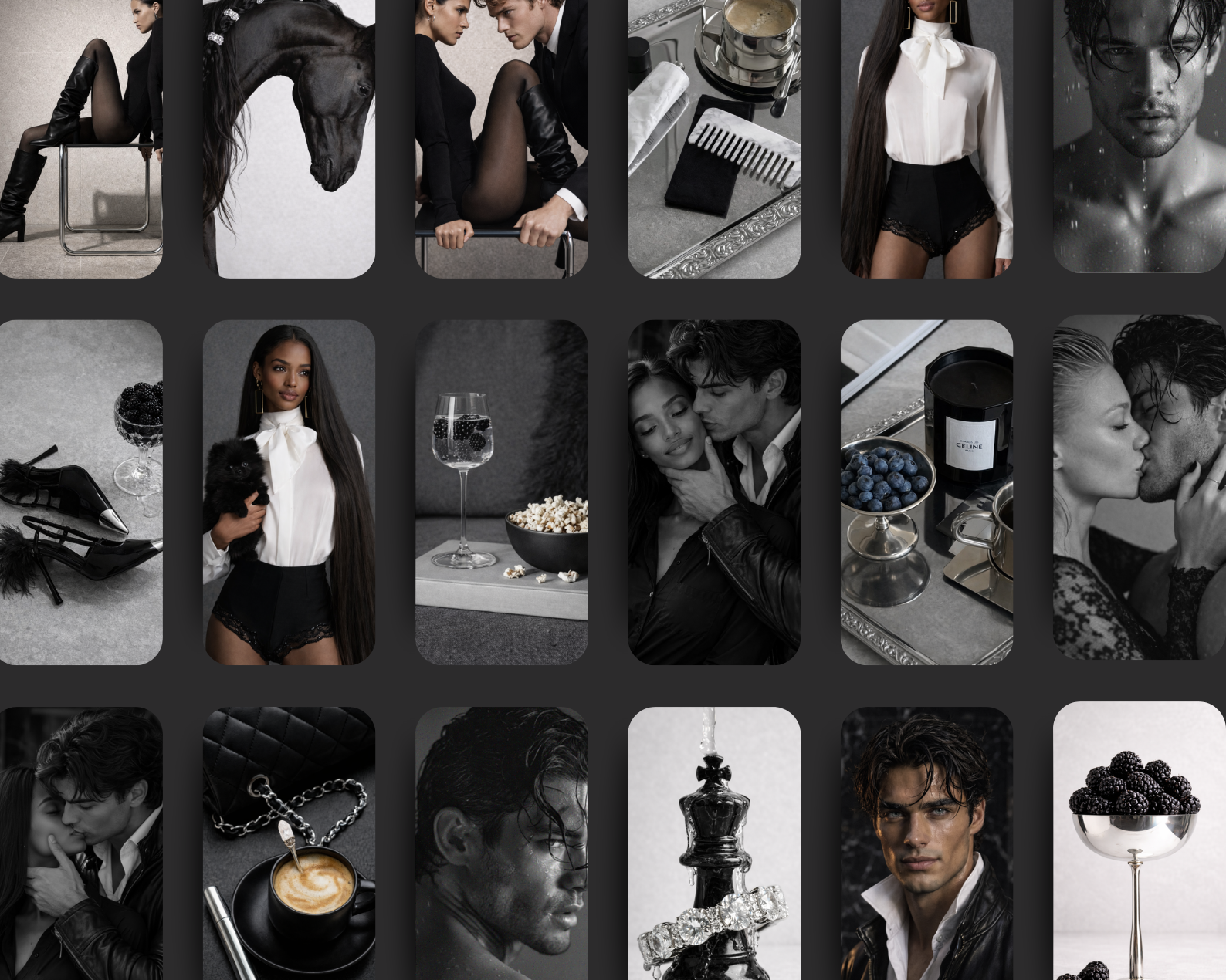
Dark, sculptural, and unapologetically refined — Dark Pale Gray Luxe Haute Couture is a statement collection designed for brands that embody power, elegance, and high-fashion artistry.
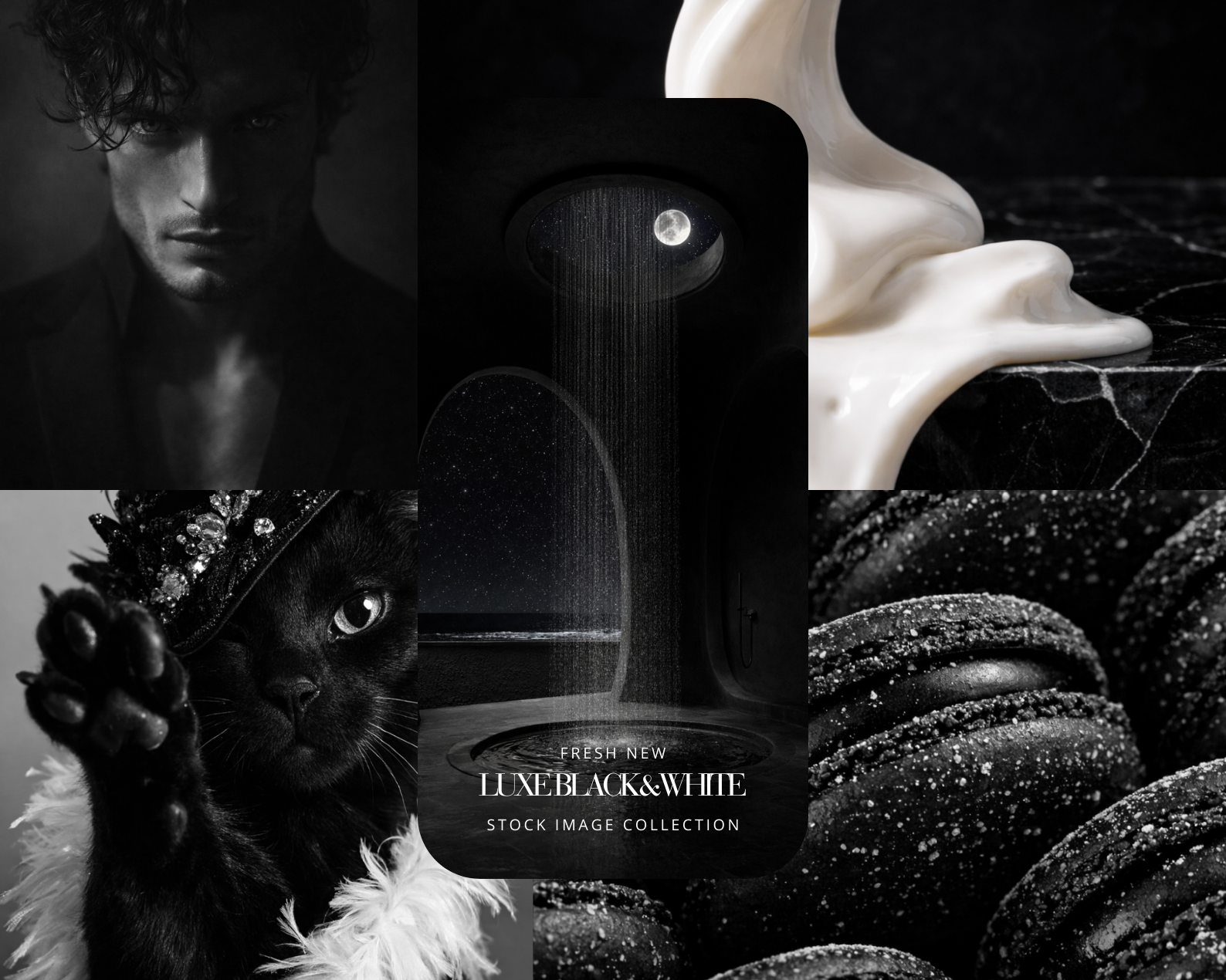
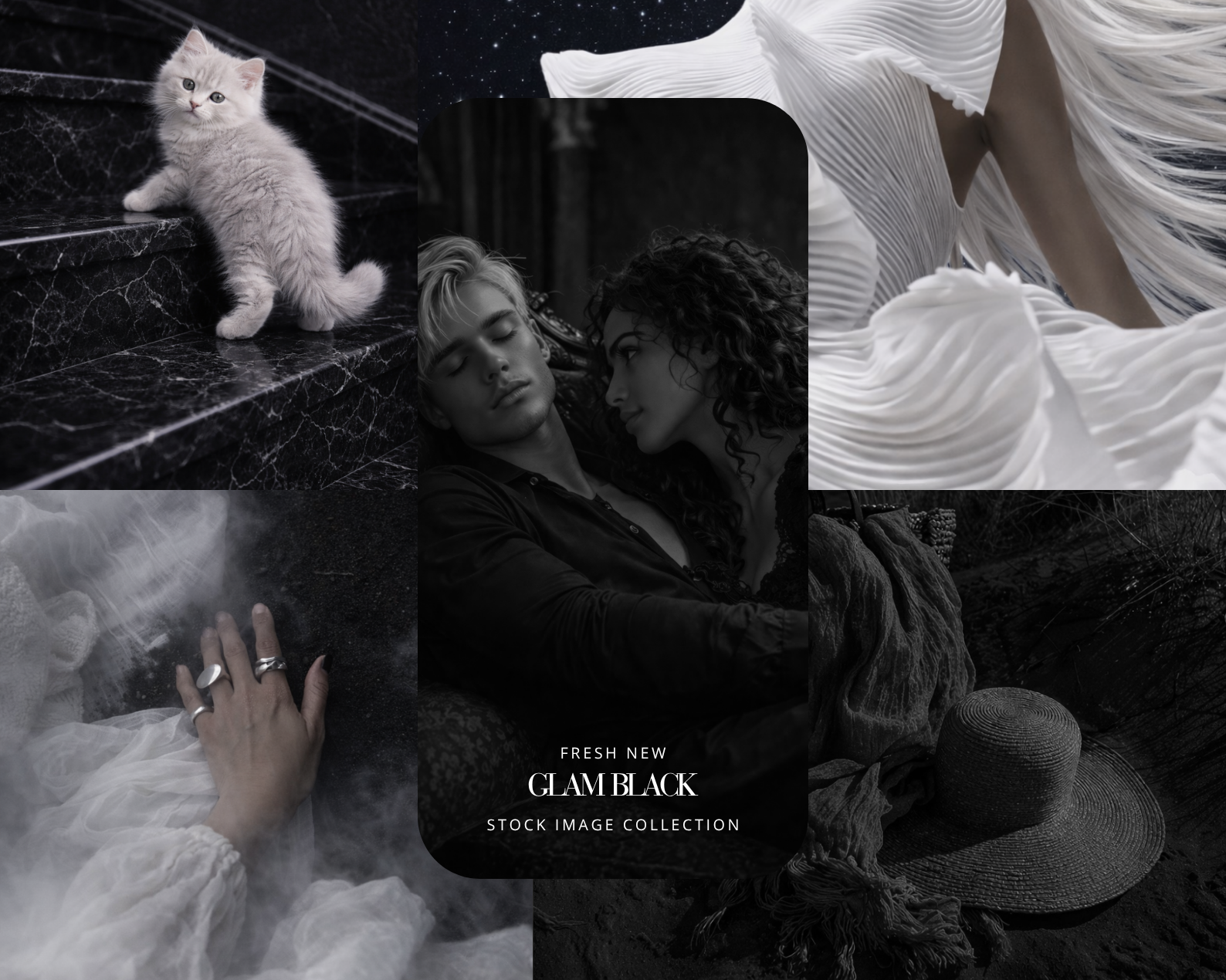
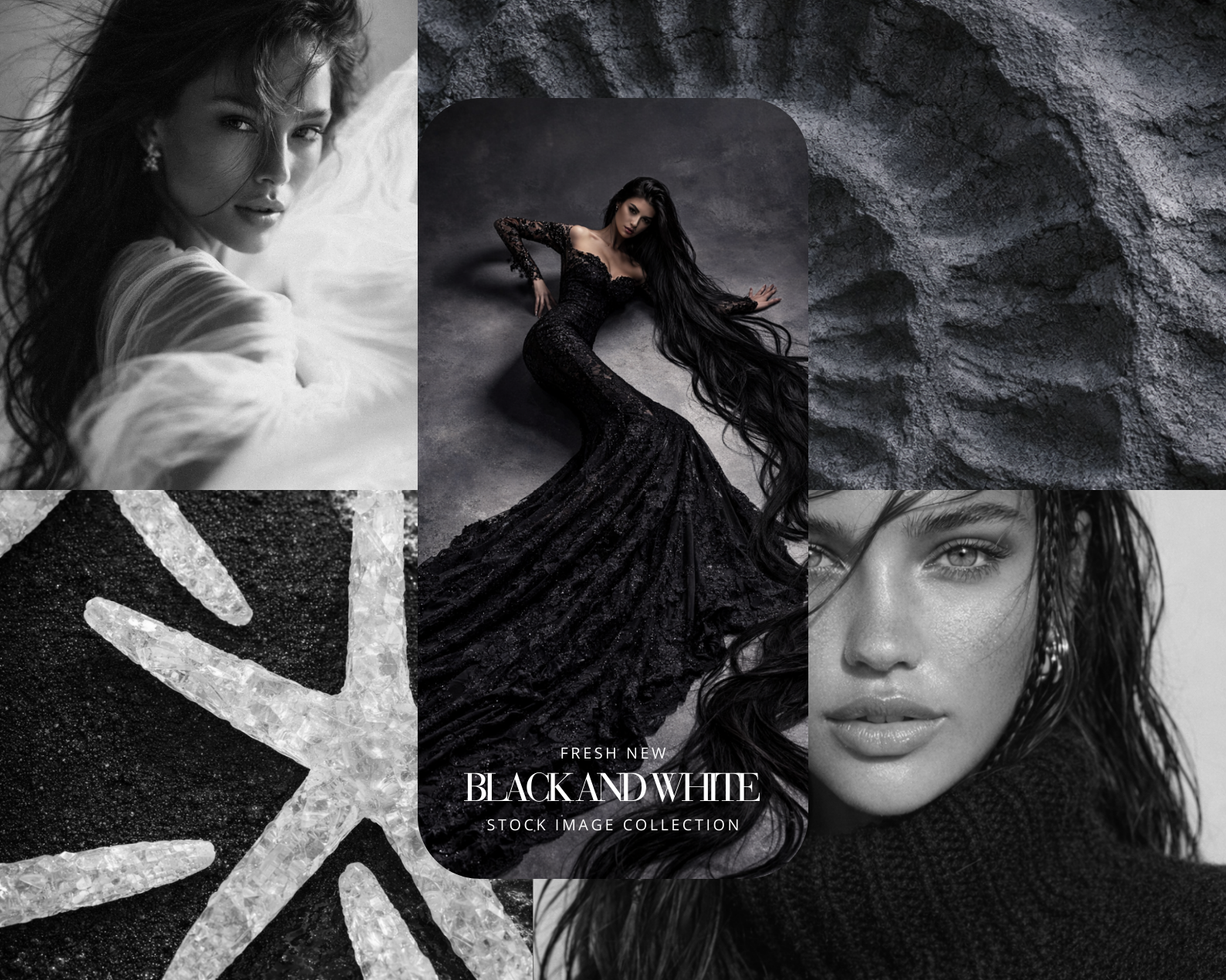
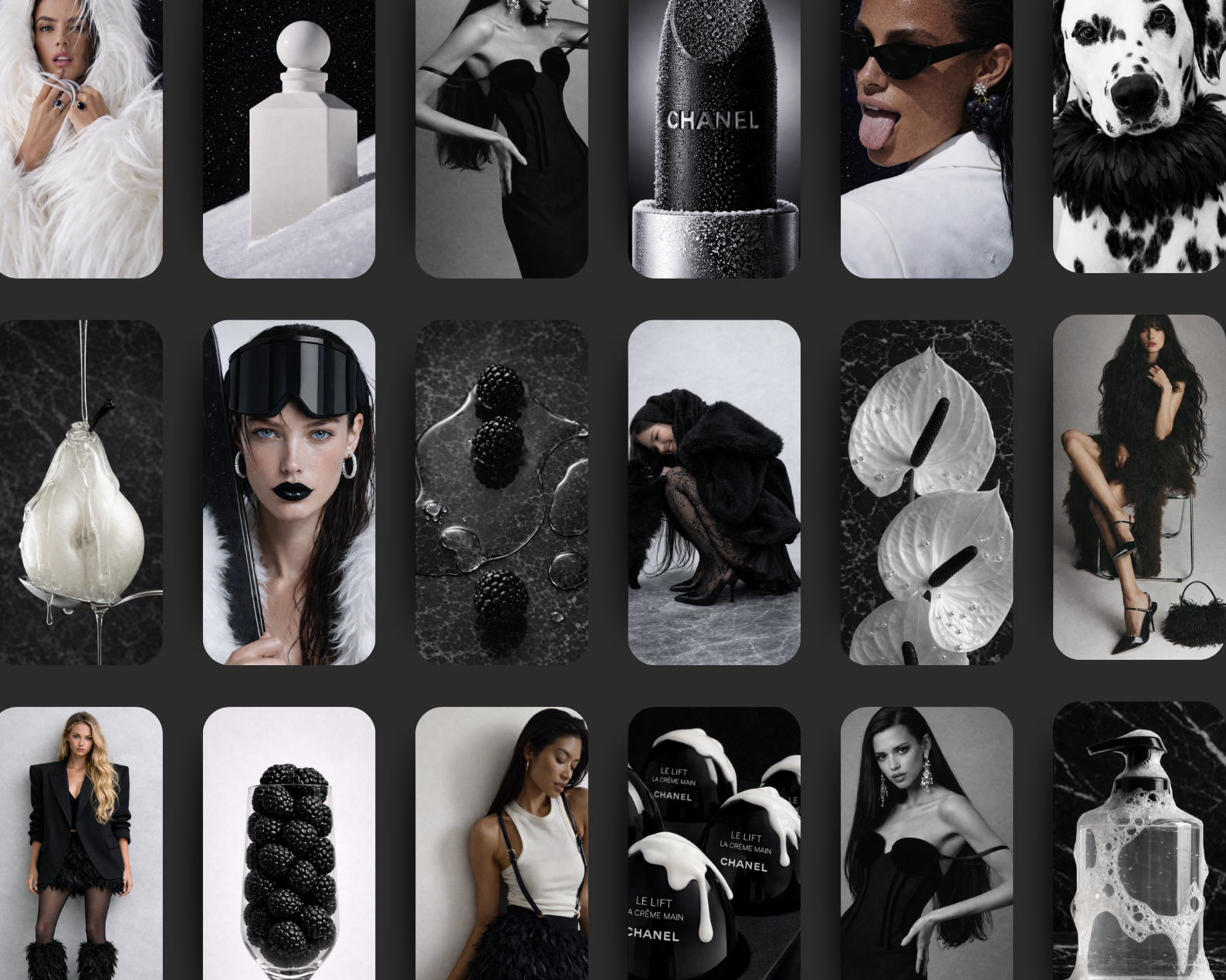
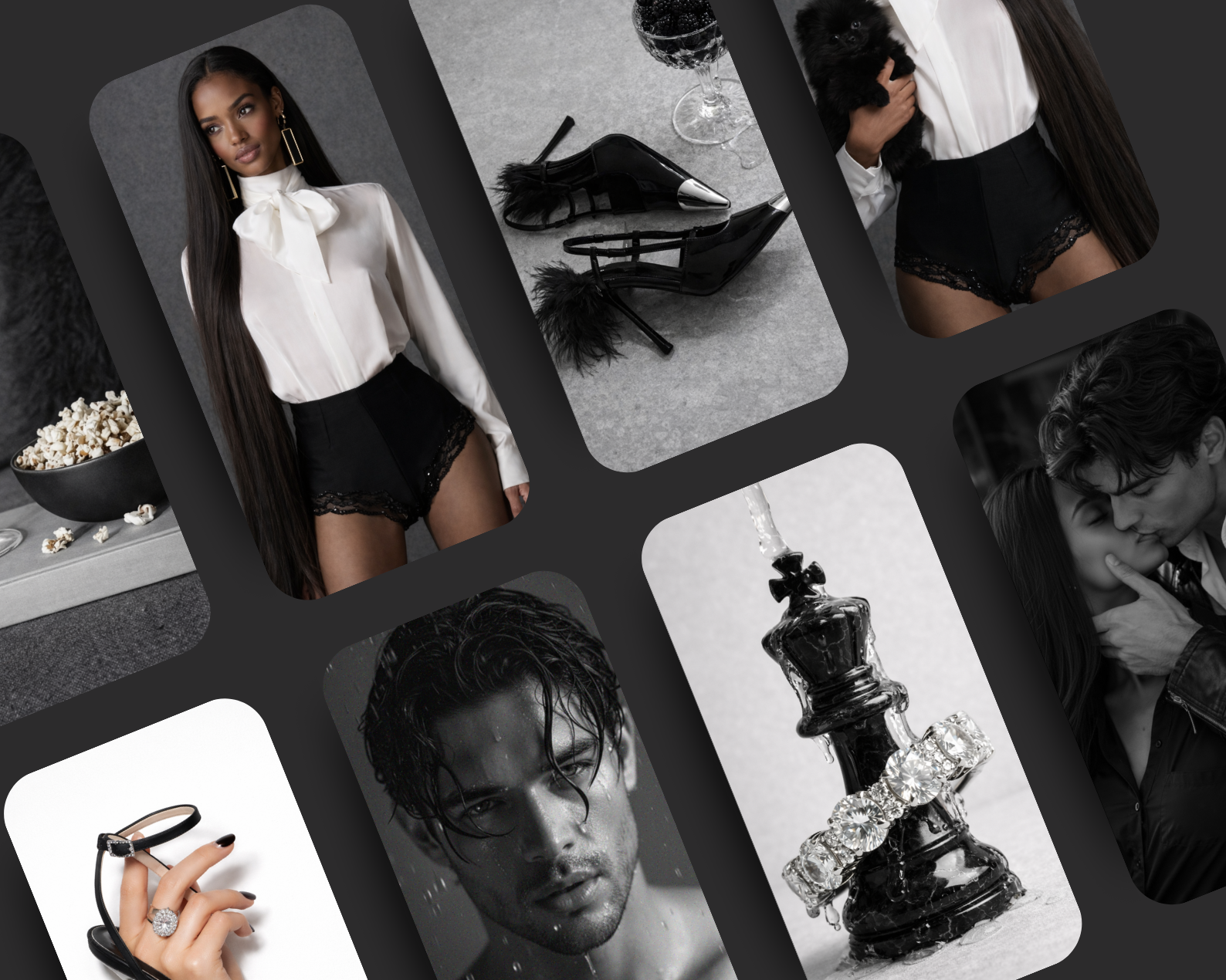
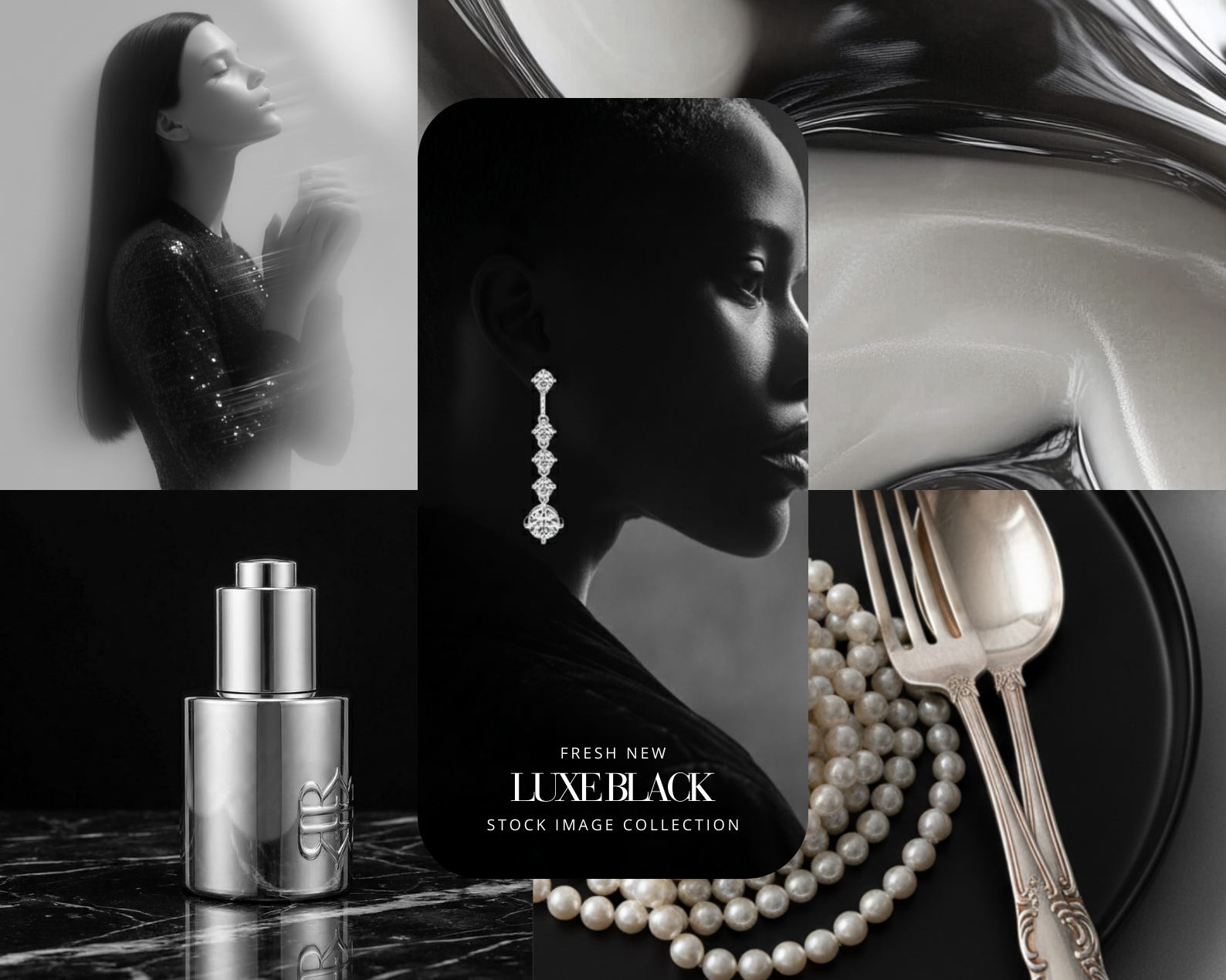
Featuring 26 high-quality images, this collection merges deep black tones with pale gray textures and luminous pearl details, creating a visual universe that feels editorial, dramatic, and couture-driven. From surreal animal-inspired compositions to haute couture silhouettes and jewel-like accessories, every image evokes a sense of mystery, strength, and elevated luxury.
This is not soft minimalism. This is presence.
What You’ll Get:
26 premium AI-generated images in black, pale gray, and pearl tones
Haute couture fashion editorials with dramatic silhouettes
Luxury accessories: statement rings, crystal clutches, embellished textures
Artistic compositions featuring animals styled with couture elements
Sculptural objects and high-fashion still life visuals
Strong, editorial lighting with a bold and refined mood
Signature elements: pearls, feathers, crystals, dark textures, sculptural forms, misty atmospheres
Ideal for:
Luxury Brands · High-Fashion Labels · Editorial Campaigns · Instagram · Pinterest · Websites · Ebooks · Fashion Magazines
Format & Resolution:
Images: PNG files — 4000 × 6000 px
High-resolution visuals crafted for bold, cinematic storytelling.
How to Download the ZIP File from Google Drive
Click the Link
Once you click the link in this PDF, you'll be redirected to a Google Drive page.
Locate the Download Button
If you're using a computer: Look for the download icon (a downward arrow) at the top-right corner of the Google Drive page.
If you're on a mobile device: Tap the three-dot menu icon and select Download.
Download the File
Click the download icon to start downloading the ZIP file.
If prompted, choose where you'd like to save the file on your device.
Unzip the File
On a computer: Right-click the downloaded ZIP file and select Extract All or use a ZIP extraction program like WinRAR or 7-Zip.
On a mobile device: Use a file manager or an app like WinZip or RAR to unzip the file.
A darker aesthetic. A stronger presence.
Made by AI Aesthetic Studio
www.aiaestheticstudio.com
Dark, sculptural, and unapologetically refined — Dark Pale Gray Luxe Haute Couture is a statement collection designed for brands that embody power, elegance, and high-fashion artistry.
Featuring 26 high-quality images, this collection merges deep black tones with pale gray textures and luminous pearl details, creating a visual universe that feels editorial, dramatic, and couture-driven. From surreal animal-inspired compositions to haute couture silhouettes and jewel-like accessories, every image evokes a sense of mystery, strength, and elevated luxury.
This is not soft minimalism. This is presence.
What You’ll Get:
26 premium AI-generated images in black, pale gray, and pearl tones
Haute couture fashion editorials with dramatic silhouettes
Luxury accessories: statement rings, crystal clutches, embellished textures
Artistic compositions featuring animals styled with couture elements
Sculptural objects and high-fashion still life visuals
Strong, editorial lighting with a bold and refined mood
Signature elements: pearls, feathers, crystals, dark textures, sculptural forms, misty atmospheres
Ideal for:
Luxury Brands · High-Fashion Labels · Editorial Campaigns · Instagram · Pinterest · Websites · Ebooks · Fashion Magazines
Format & Resolution:
Images: PNG files — 4000 × 6000 px
High-resolution visuals crafted for bold, cinematic storytelling.
How to Download the ZIP File from Google Drive
Click the Link
Once you click the link in this PDF, you'll be redirected to a Google Drive page.
Locate the Download Button
If you're using a computer: Look for the download icon (a downward arrow) at the top-right corner of the Google Drive page.
If you're on a mobile device: Tap the three-dot menu icon and select Download.
Download the File
Click the download icon to start downloading the ZIP file.
If prompted, choose where you'd like to save the file on your device.
Unzip the File
On a computer: Right-click the downloaded ZIP file and select Extract All or use a ZIP extraction program like WinRAR or 7-Zip.
On a mobile device: Use a file manager or an app like WinZip or RAR to unzip the file.
A darker aesthetic. A stronger presence.
Made by AI Aesthetic Studio
www.aiaestheticstudio.com
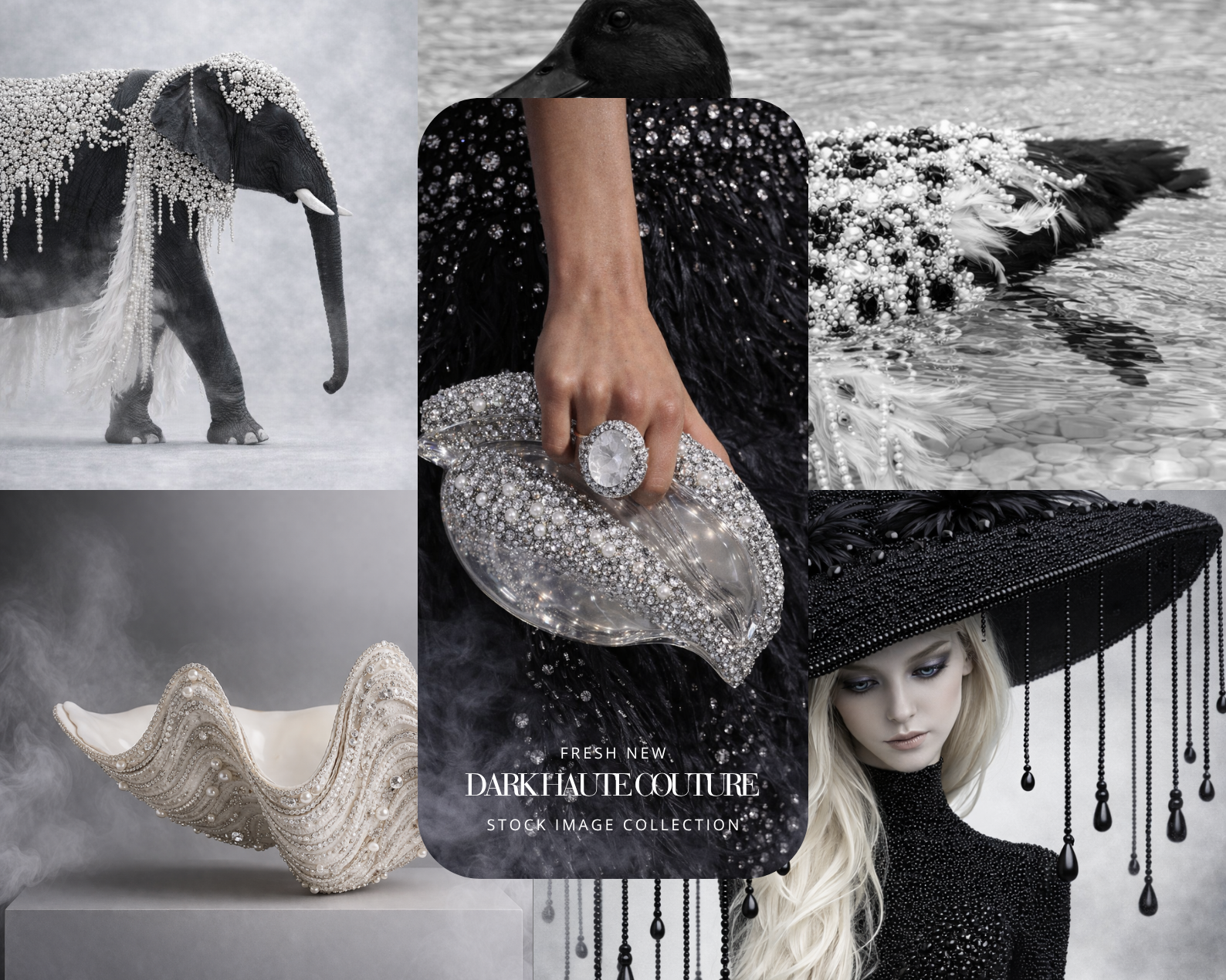 Image 1 of 6
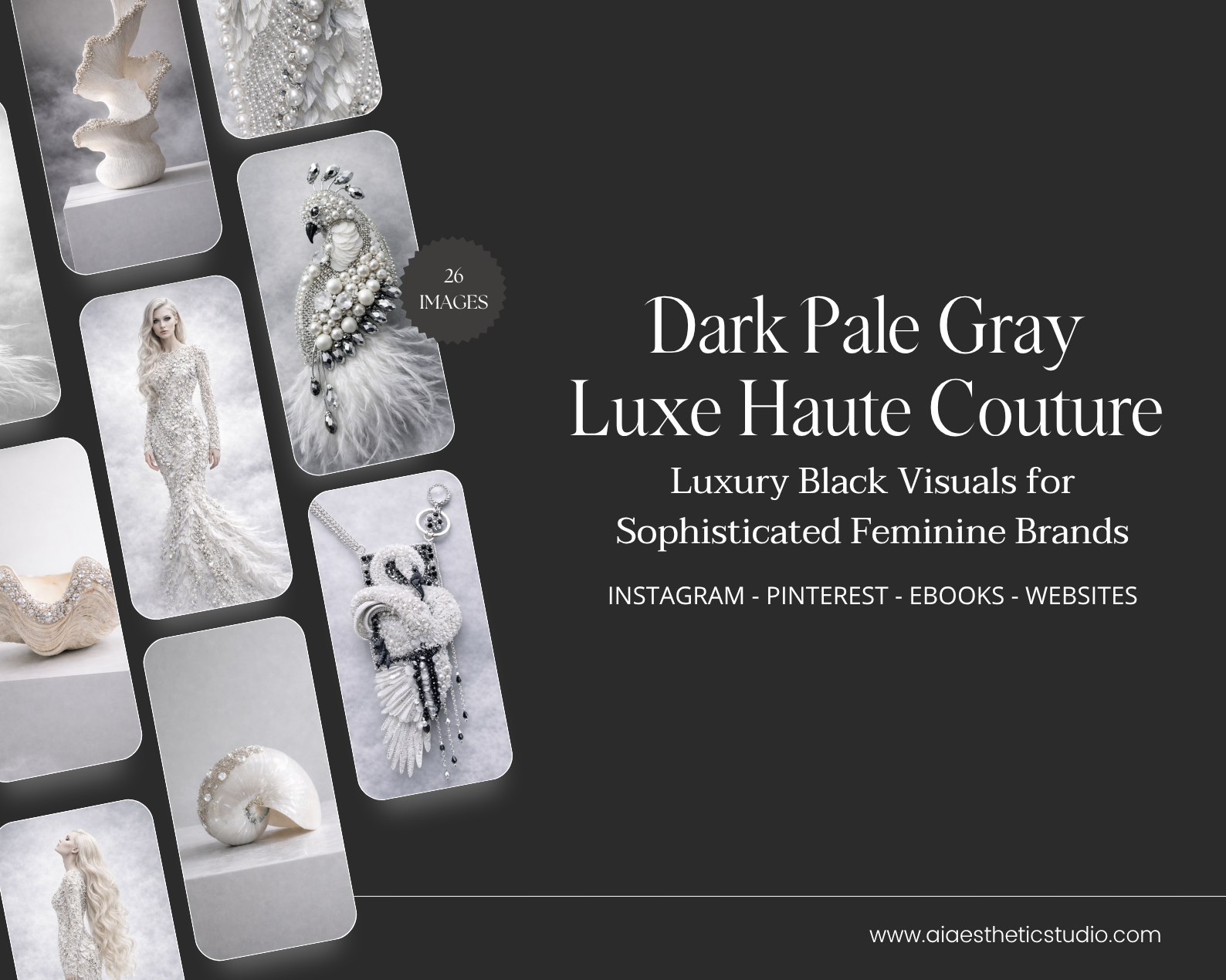 Image 2 of 6
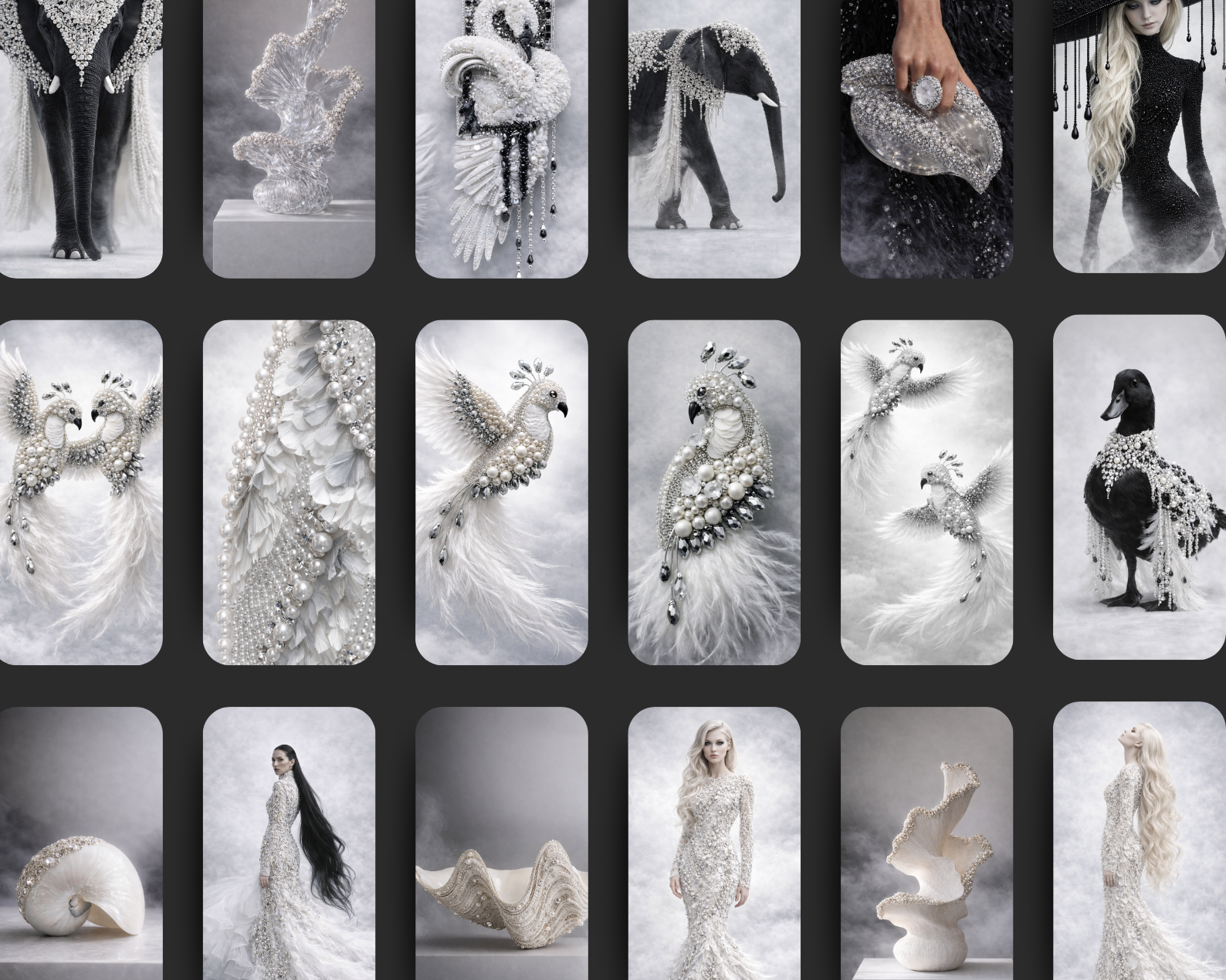 Image 3 of 6
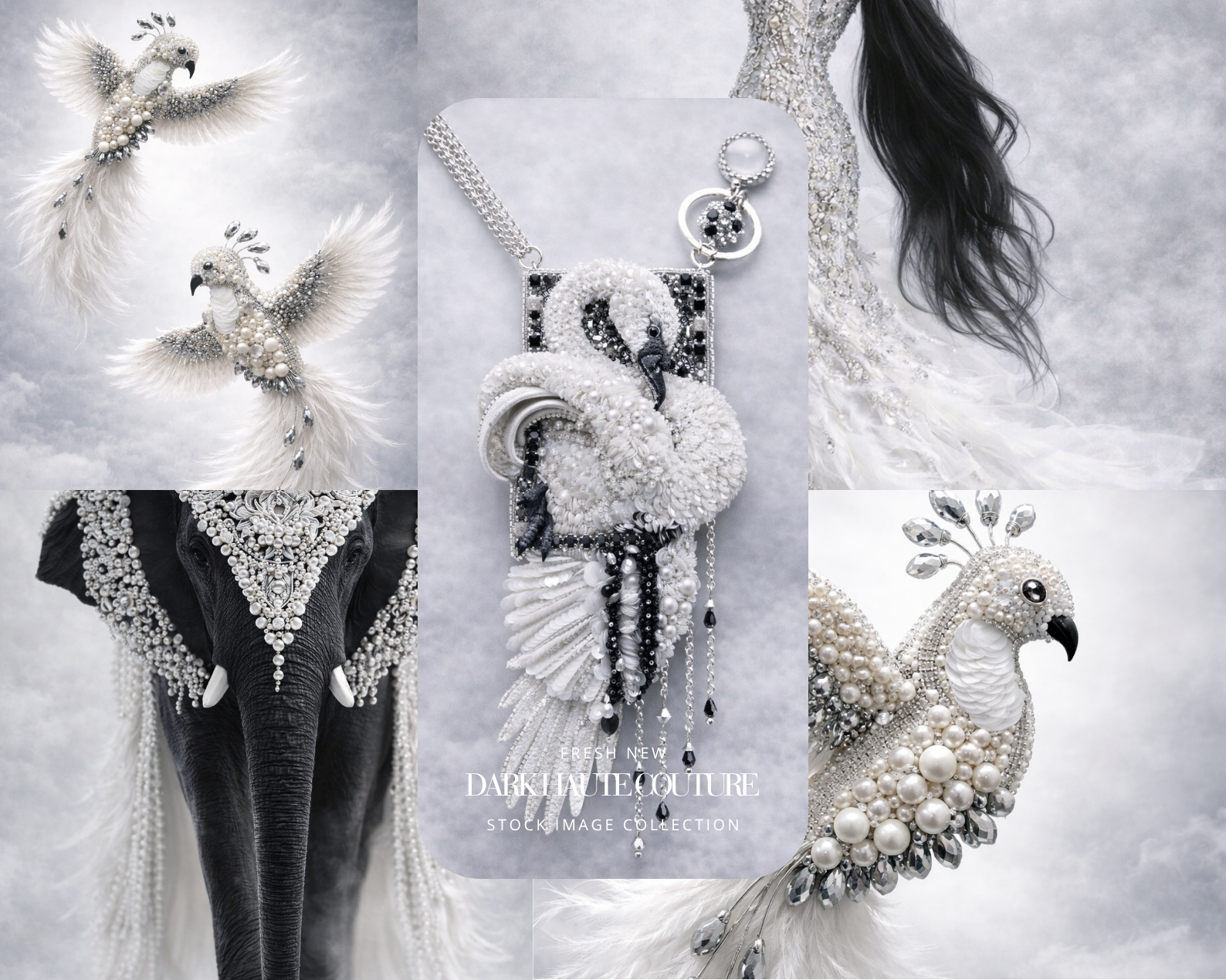 Image 4 of 6
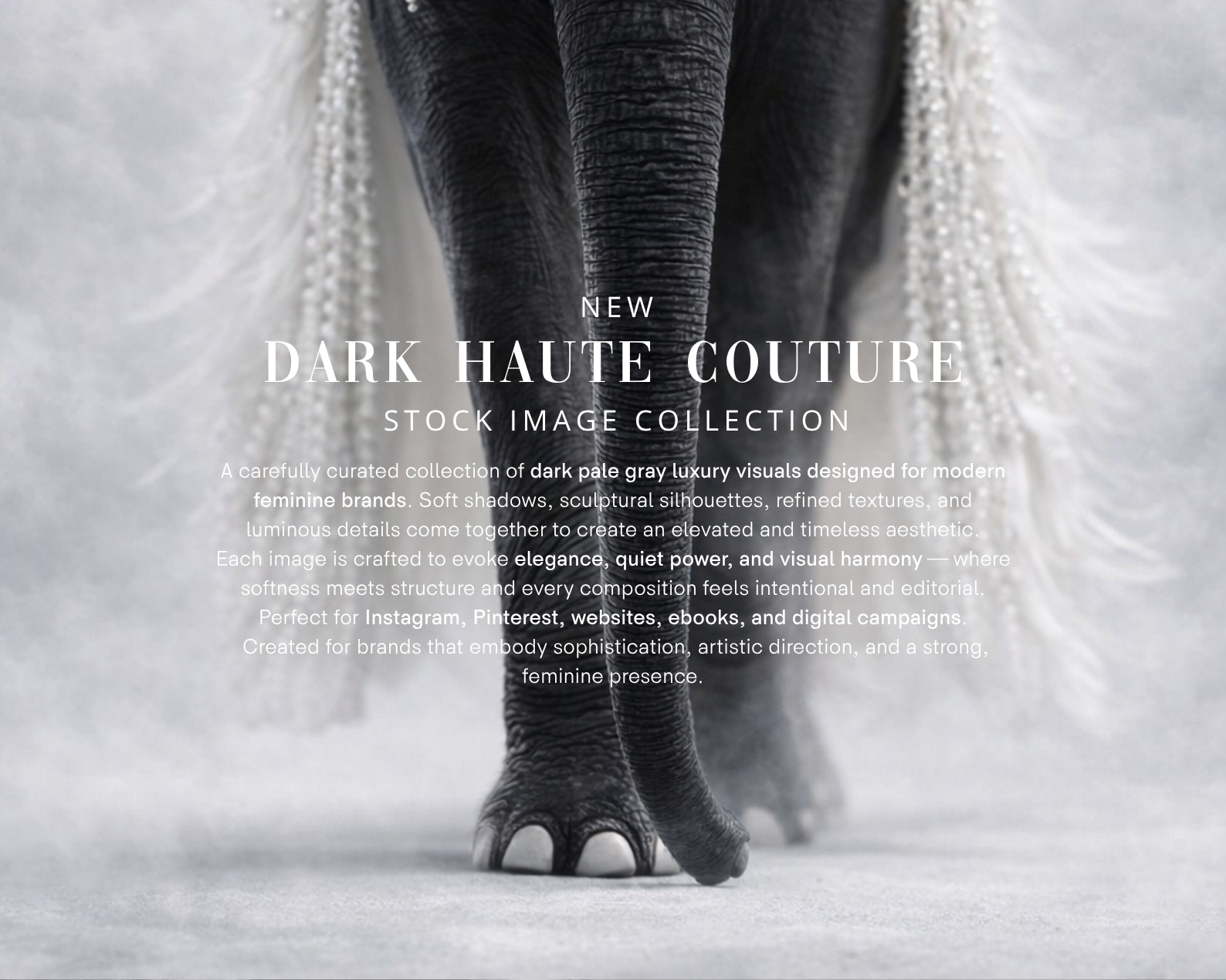 Image 5 of 6
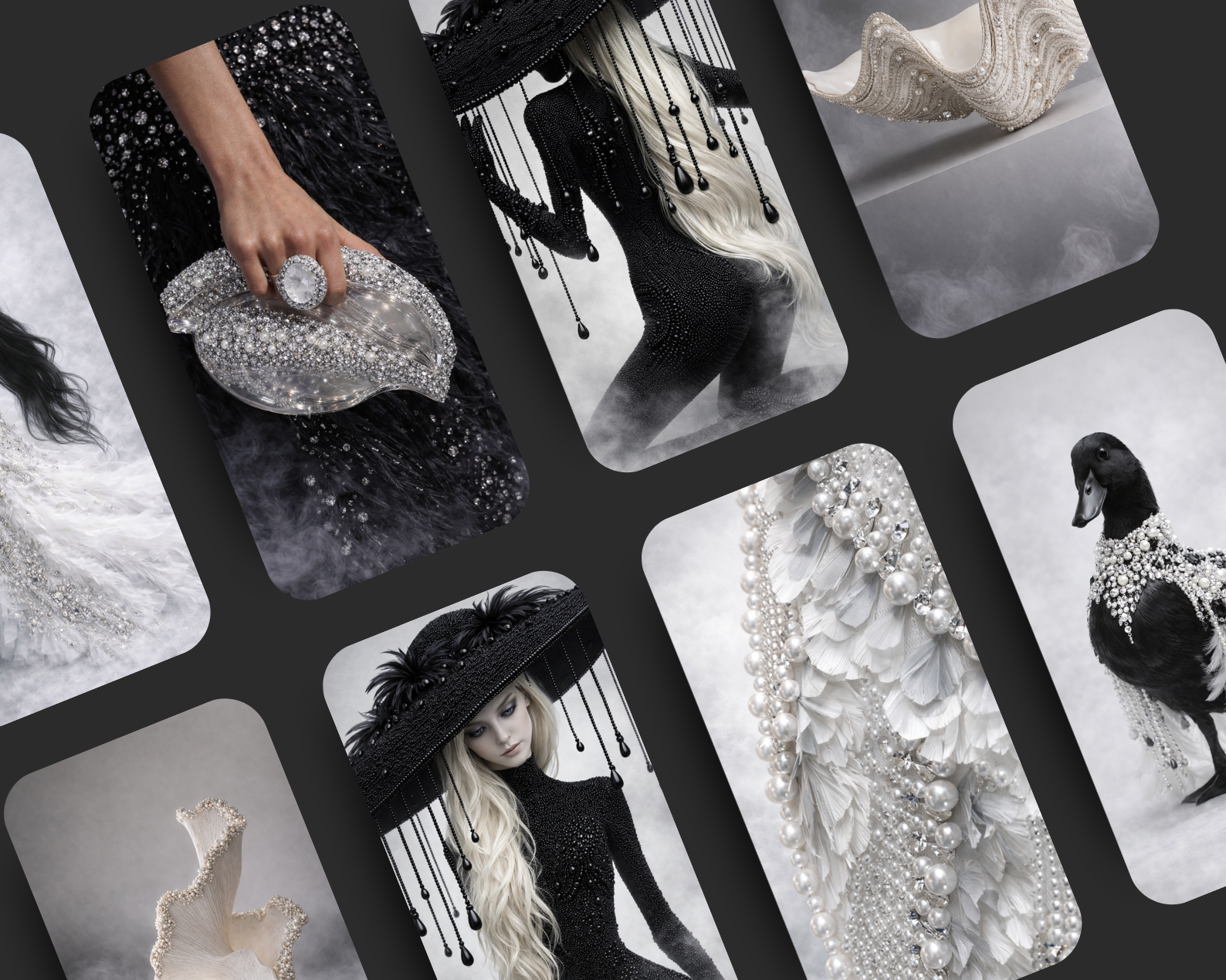 Image 6 of 6